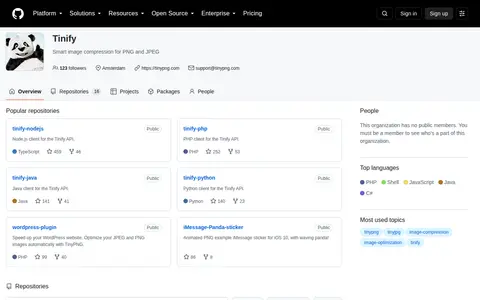

Tinify maintains repositories for smart image compression for PNG and JPEG. Its public repositories include API client libraries for Node.js, PHP, Java, Python, Ruby and .NET, plus a WordPress plugin that optimizes JPEG and PNG images with TinyPNG. The organization also shares a list of third-party integrations.
Directory
Image Utilities
Explore Image Utilities resources in Software & Online Tools.
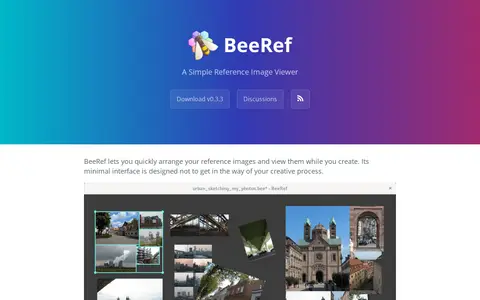
BeeRef is a simple reference image viewer that lets users arrange reference images and view them while creating. Images can be moved, scaled, rotated, cropped and flipped, mass-scaled to the same width, height or size, and mass-arranged vertically or horizontally. Text notes can be added. Images are embedded in the .bee file, a sqlite database.

BIRME is a free online bulk image resizer that runs in the browser. It resizes, crops, renames, watermarks, and converts JPG, PNG, WebP, and AVIF files without uploading them, and can export results as a ZIP.
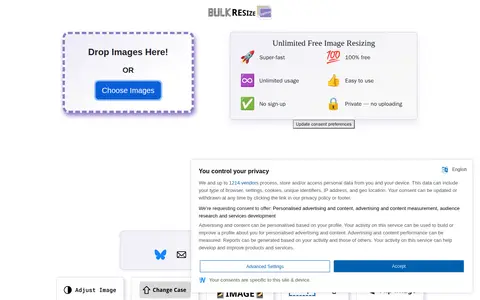
BulkResizePhotos is a free, unlimited online image resizer. It supports resizing individual images or batches of images, and does not require users to create an account to access the service.
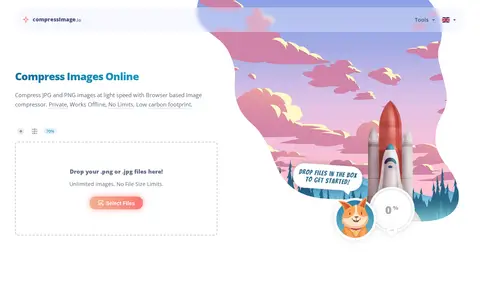
CompressImage is a browser-based tool for compressing JPEG, PNG, GIF and WebP images. The site states that compression runs offline in the browser and that images are not uploaded to a server. It offers settings for quality, maximum width or height, conversion to WebP, metadata stripping and IDs removal. Files can be downloaded individually or together as a ZIP.
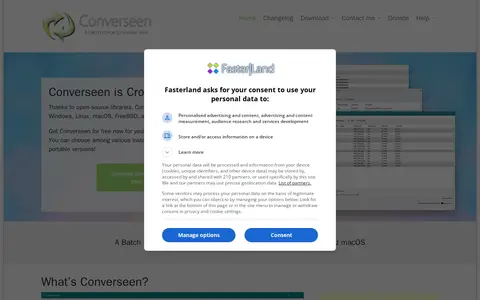
Converseen is a free cross-platform batch image processor available for Windows, Linux, macOS and FreeBSD. It converts, resizes, rotates and flips images, renames sets of images, and can convert PDF pages into image formats. It supports over 100 image formats through ImageMagick. The source code is released under the GNU GPL version 3 license.
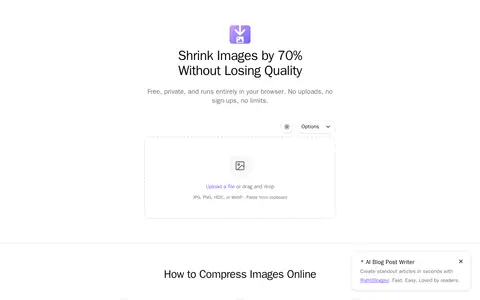
CrushImage is a browser-based image compression tool. It reduces JPG, PNG, WebP, and HEIC file sizes locally, without uploading files to a server. The site offers options for target file sizes, conversion to WebP or JPEG, resizing dimensions, and before/after quality comparison. HEIC files from iPhones are converted to JPG during compression.
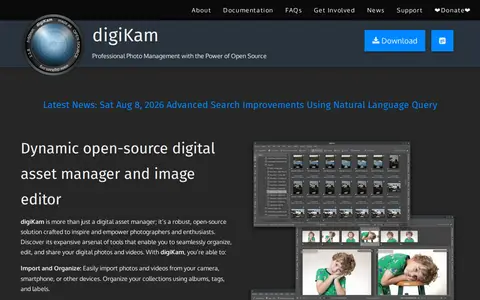
digiKam is an open-source digital asset manager and image editor for organizing, editing, and sharing photos and videos. It handles large collections, supports metadata viewing and editing, AI-based tagging and face recognition, advanced search, batch processing, and raw file processing. The project is free and open source.
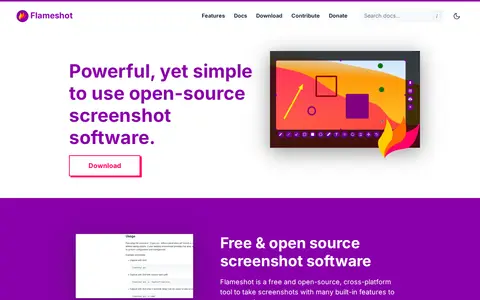
Flameshot is a free and open-source, cross-platform screenshot tool with built-in editing features. Users select an area to capture, then annotate it with arrows, text, blur, borders and counters before saving. It offers a configuration dialog, a command-line interface for scripting, and downloads for Windows, macOS and Linux.
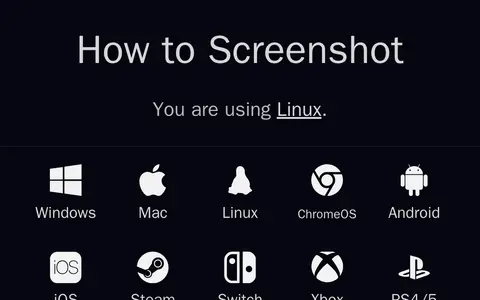
How to Screenshot is a guide resource that provides instructions for taking screenshots across a wide range of major platforms. Covered platforms include Windows, Mac, Linux, ChromeOS, Android, iOS, Steam, Switch, Xbox, and PS4/5. The resource was created by Stuart Thomson in 2024, and its source code is publicly available.
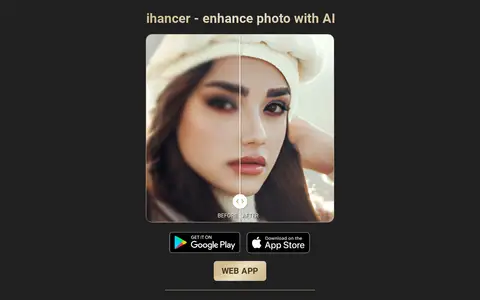
ihancer is an AI photo enhancer app that uses machine learning to enhance photo quality, upscale image resolution, restore old photos, and fix pixelated or blurry photos. Users import a photo from the gallery or camera, tap one button, and receive an improved image. The app can be downloaded for free on mobile devices.
ImageConvert helps edit, convert, generate, search, or organize images and visual assets.
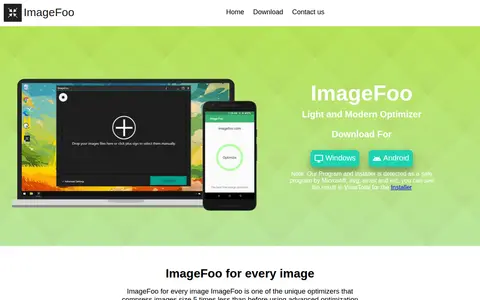
ImageFoo is an image optimizer that compresses images using advanced algorithms that detect and analyse images, then compresses them to a quality chosen by the user. Users drag or click to add images and hit optimize. It supports both Windows and Android devices and compresses multiple types of images.
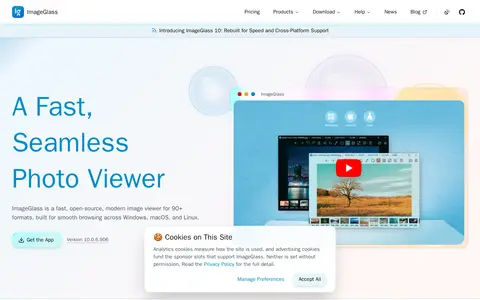
ImageGlass is a free, open-source image viewer for more than 90 formats, including WEBP, GIF, SVG, HEIC and RAW. Version 10 is rebuilt on .NET and Avalonia as a single codebase for Windows, macOS and Linux. The viewer includes a color picker, EXIF metadata viewing, crop and resize tools, frame navigation and HDR tone mapping.
ImageResizer is a free, browser-based online image resizing tool. It requires no software installation, works across all operating systems, and processes images quickly while preserving high output quality. The service uses 256-bit encrypted SSL for uploads, automatically deletes user images within 6 hours, and has offered free, watermark and registration-free resizing since 2012. It also provides an AI-assisted graphic design tool called ClipSnap.
ImageSmaller is a free online tool that compresses PNG, JPG, JPEG, GIF, TIFF, WEBP and SVG images in a browser, with a maximum upload size of 50 MB. It states that uploaded files are removed automatically after a few hours and processed images carry no watermark. No registration or installation is required.
imverter helps edit, convert, generate, search, or organize images and visual assets.
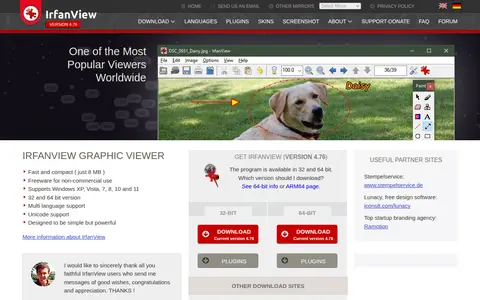
IrfanView is a graphic viewer listed at version 4.76. It is described as fast and compact, at just 8 MB, and as freeware for non-commercial use. It supports Windows XP through Windows 11, with 32-bit and 64-bit versions, multi-language and Unicode support.
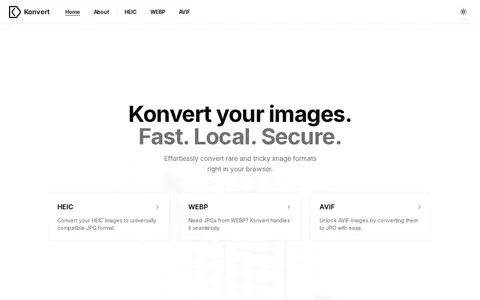
Konvert is a browser-based image format converter. It converts HEIC, WEBP and AVIF images to JPG. The site states that conversion happens client-side, so files do not leave the device, and that there are no restrictions or accounts.
Moocup helps edit, convert, generate, search, or organize images and visual assets.
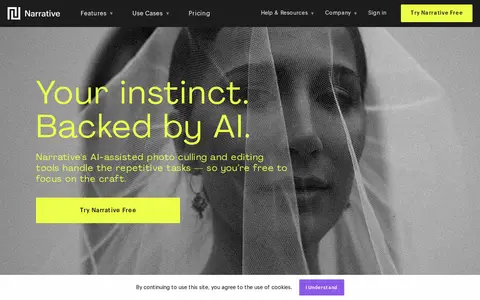
Narrative is AI-assisted photo culling and editing software for professional photographers. It imports thousands of RAWs in seconds and can work offline without cloud. AI sorts and ranks images, and selected images can be sent to Lightroom pre-edited in the user's style. It integrates with Lightroom and other editing programs.
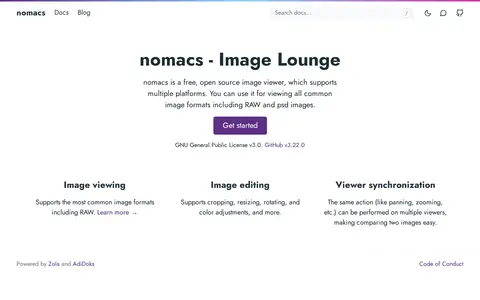
nomacs is a free, open source image viewer that supports multiple platforms and common image formats, including RAW and PSD. It also offers image editing such as cropping, resizing, rotating and color adjustments, and lets the same action be performed on multiple viewers for comparing images.
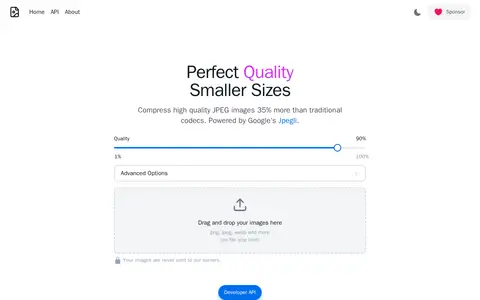
optimize.photos is a tool for compressing high quality JPEG images. According to the site, it compresses them 35% more than traditional codecs and is powered by Google's Jpegli. It accepts files by drag and drop and states that images are never sent to its servers.
paste.photos helps edit, convert, generate, search, or organize images and visual assets.
Compare listed projects
Details from each project's website. Open a listing for its full overview.
BeeRef
Features
- Move, scale, rotate, crop and flip images Source: beeref.org
- Add text notes Source: beeref.org
Birme
Features
- Bulk resize, crop, rename, watermark, and convert JPG, PNG, WebP, and AVIF files privately in your browser Source: www.birme.net
Limitations
- BIRME works best on a desktop computer Source: www.birme.net
CompressImage
Features
- 100% offline - your images never leave your browser Source: compressimage.io
Converseen
Features
- can run natively on Windows, Linux, macOS, FreeBSD Source: converseen.fasterland.net
- GNU GPL version 3 license Source: converseen.fasterland.net