



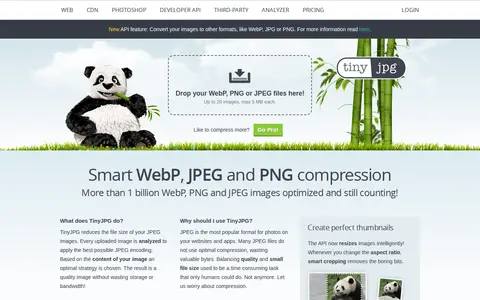

TinyJPG reduces the file size of JPEG images by analyzing each uploaded image and applying an optimal JPEG encoding strategy. Unnecessary metadata is stripped, and the API resizes images with smart cropping. The site states that images are compressed by 40 to 60 percent.
paste.photos
paste.photos helps edit, convert, generate, search, or organize images and visual assets.
Links
Tags
-
0TinyJPG reduces the file size of JPEG images by analyzing each uploaded image and applying an optimal JPEG encoding strategy. Unnecessary metadata is stripped, and the API resizes images with smart cropping. The site states that images are compressed by 40 to 60 percent.
-
0
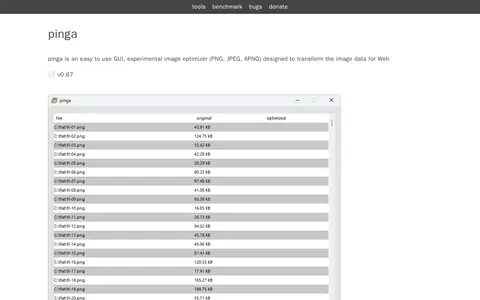
pinga is an easy to use GUI image optimizer for PNG, JPEG and APNG that transforms image data for the Web. Its license permits exclusive private use at the user's own risk. Repackaging, redistributing, downloading, reselling or reusing pinga through any other service is not permitted, even for non-commercial or non-profit purposes, and this applies to all versions.
-
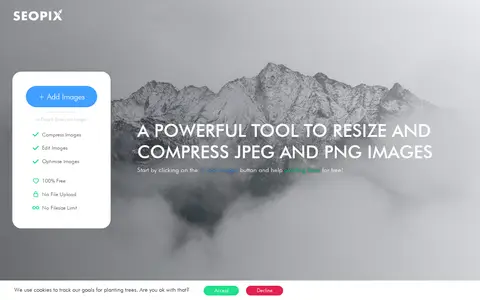
0SEOPIX is a browser-based tool for compressing, resizing and editing JPEG and PNG images for the web. The site states that images are processed on the client side and are not uploaded, with no filesize limit. The tool is described as free.
-
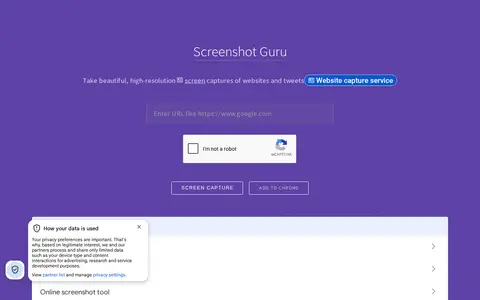
0Screenshot Guru is an online tool that captures full-length, high-resolution PNG screenshots of web pages and tweets without screen-capture software or browser extensions. It works on desktop and mobile devices. Pages requiring login, Flash embeds and AJAX-based sites cannot be captured.
-
0
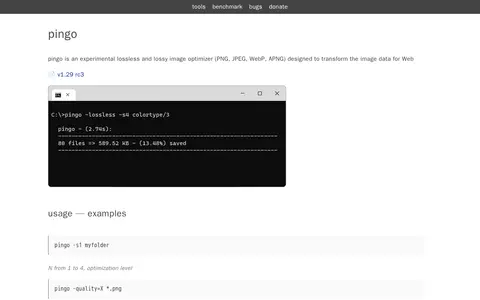
Pingo is an experimental lossless and lossy image optimizer for PNG, JPEG, WebP and APNG files, designed to transform image data for the Web. It runs from the command line with optimization levels and quality settings. Its license permits free use for exclusive private usage only, and does not permit repackaging, redistributing, downloading, reselling or reusing it through other services, even for non-commercial purposes.
-
0BIRME is a free online bulk image resizer that runs in the browser. It resizes, crops, renames, watermarks, and converts JPG, PNG, WebP, and AVIF files without uploading them, and can export results as a ZIP.
Community notes
Reviews and discussion
No reviews yet
Be the first to share how this project worked for you.
Join the discussion
Sign in with a verified account to leave a review or join the discussion.
Sign in to review