picresize.com
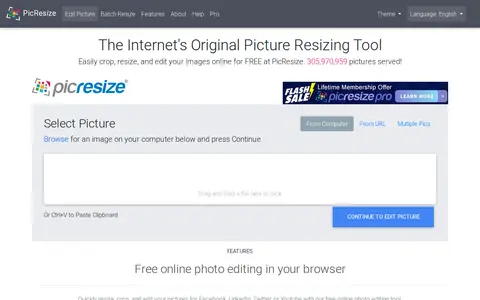
PicResize helps edit, convert, generate, search, or organize images and visual assets.
Directory
Explore Image Utilities resources in Software & Online Tools.
PicResize helps edit, convert, generate, search, or organize images and visual assets.

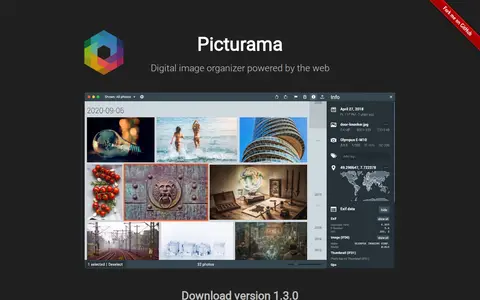
Picturama is a digital image organizer. It scans local files and browses photos by date, with detail views, EXIF information, tags, favorites, and rotate, tilt and crop tools. The original images are not modified. It supports JPG, PNG, TIF, WebP and HEIC/HEIF, and raw formats only on Mac and Linux. It is free and open source under the MIT license.

PicView is a picture viewer for Windows 10/11 and macOS that supports various image formats, including animated WEBP and GIF, SVG, AVIF, HEIC, PSD and comic book archives. It offers EXIF data display, image compression, batch resizing, image effects and galleries. Portable and installable versions are available.

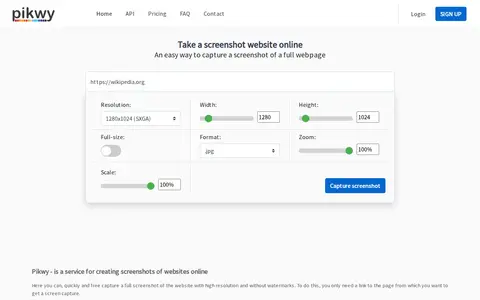
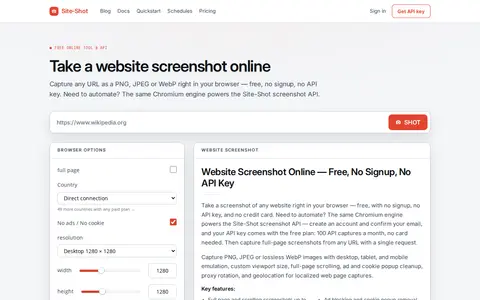
Pikwy is a free online website screenshot service that enables users to capture full-page screenshots of web pages via a single API call. It offers configurable options including resolution, width, height, image format, zoom and scale, and generates watermark-free screenshot outputs.

Pilko Studio is a local in-browser video screenshot extraction tool. It supports interval, manual and automatic frame capture with timestamps, and offers configuration options including JPEG and WEBP quality adjustment, video trimming, cropping, timecode or overlay addition, and framerate override for exported screenshot frames.

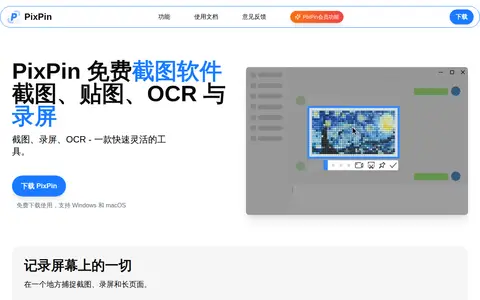
PixpinApp helps edit, convert, generate, search, or organize images and visual assets.

pngquant is a command-line utility and library for lossy compression of PNG images. The conversion reduces file sizes significantly and preserves full alpha transparency. Generated images are compatible with all web browsers and operating systems. It offers a fast mode for real-time processing and integrates with shell scripts, GUIs and server-side software.

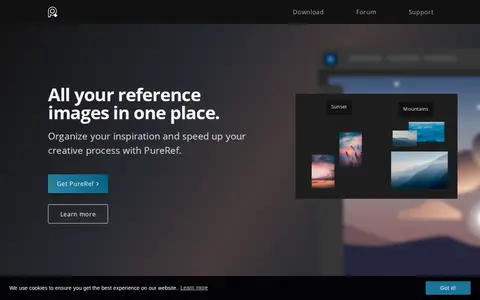
PureRef is a standalone reference image viewer program for Windows, Mac and Linux. It allows users to drag and drop images from any source, organize inspiration, create mood boards, and keep reference images for creative work such as painting or 3D modeling. The program can be set to always stay on top of the user's workspace, has a minimal interface, and is available across multiple platforms.

Raw.pics.io is an in-browser viewer and converter for RAW image formats including CR2, NEF, ARW, ORF, PEF, RAF and DNG. It converts and edits RAW, PDF and JPG files into JPEG, PNG and other formats, with resizing, compression and pixel size changes available. All processing happens in the browser, and the service is free for the first five conversions without registration.

Screenshot Guru is an online tool that captures full-length, high-resolution PNG screenshots of web pages and tweets without screen-capture software or browser extensions. It works on desktop and mobile devices. Pages requiring login, Flash embeds and AJAX-based sites cannot be captured.

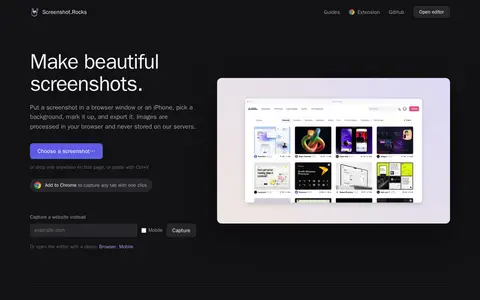
Screenshot.Rocks is a free browser-based tool for making screenshots. It places a screenshot in a browser window or iPhone frame, adds a background and markup, and exports the result. No sign-up is required, and images are processed in the browser rather than stored on servers.

Screenshot Studio is a free, open-source browser editor for screenshots, code images, X post images, and App Store screenshots. It offers background, frame, mockup, and animation options, plus image tools for compressing, converting, and resizing. Images are edited on the device, with no signup, no watermark, and no paid tier.

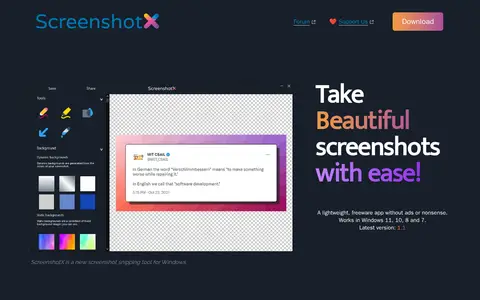
ScreenshotX is a free Windows screenshot and snipping tool for capturing area or window snips. It automatically centers content on detected solid backgrounds, adds backgrounds, blurs sensitive details, and offers one-click sharing that produces a public link without an account. Shared screenshots are removed automatically after 30 days. The 3.0 MB app supports Windows 11, 10, 8 and 7.

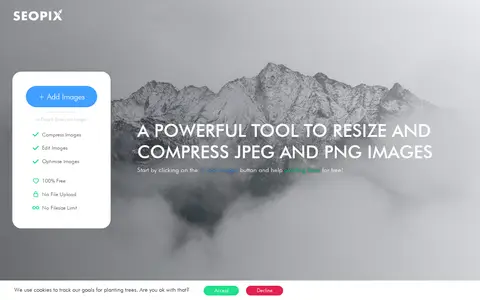
SEOPIX is a browser-based tool for compressing, resizing and editing JPEG and PNG images for the web. The site states that images are processed on the client side and are not uploaded, with no filesize limit. The tool is described as free.

Site-Shot helps edit, convert, generate, search, or organize images and visual assets.

Squoosh is a browser-based image optimizer for compressing and comparing images with different codecs. Images are processed locally and never leave the device. Users open an image, inspect differences, and save, with settings adjustable for smaller files.

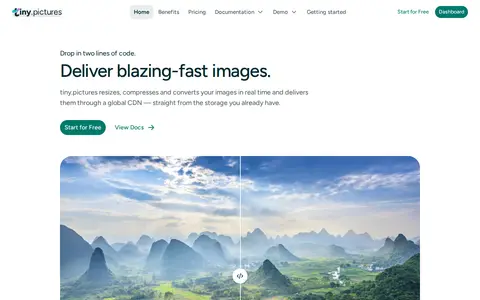
tiny.pictures is an image processing CDN that delivers optimized pictures across devices. It processes images dynamically with resizing, cropping, size optimization and other effects on the fly, and offers a JavaScript library for lazy-loading responsive images that works in browsers and Node.js.

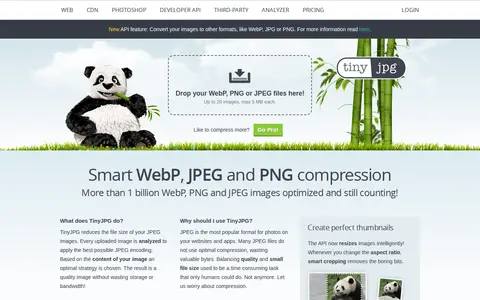
TinyJPG reduces the file size of JPEG images by analyzing each uploaded image and applying an optimal JPEG encoding strategy. Unnecessary metadata is stripped, and the API resizes images with smart cropping. The site states that images are compressed by 40 to 60 percent.

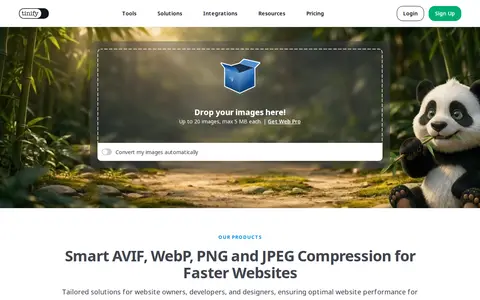
TinyPNG is a free online image optimizer that reduces the file size of AVIF, WEBP, JPEG and PNG images using lossy compression. The service includes a developer API, a CDN, and a WordPress plugin. The online tool accepts up to 20 images of up to 5 MB each.

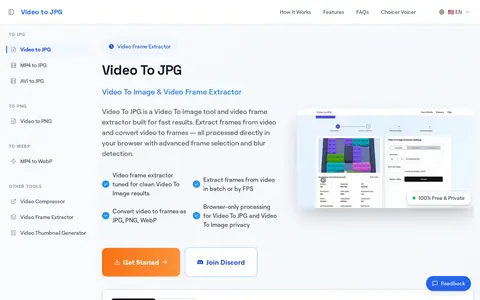
VideoToJPG is a browser-based video frame extraction tool built for fast results, converting video files to JPG, PNG, or WebP image files. It supports MP4, MOV, AVI, MKV, FLV, WebM and over 50 additional video formats, and processes all content locally in the user's browser with no upload required. The free service supports batch frame extraction, FPS-based selection, and blur detection for clean output.
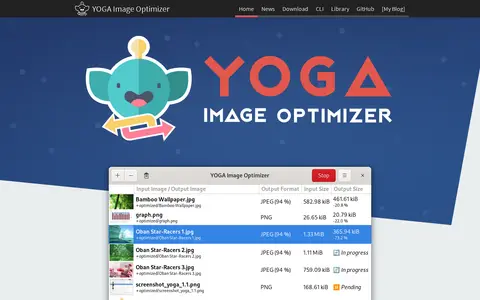
YOGA Image Optimizer is a free tool to convert and optimize JPEG, PNG and WebP image files. Users drag and drop images and click Optimize. The project states that optimization can be slow and may require a lot of RAM, especially for JPEGs.
Zipline is a next-generation file upload server compatible with ShareX and other common upload tools. It includes a user-friendly dashboard for viewing and managing all uploads, tracking upload metrics and statistics, managing shortened URLs, and organizing files with custom folders. The service offers extensive configuration options and can be set up in minutes.
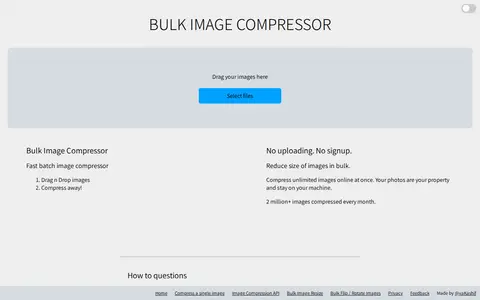
Bulk Image Compressor is an online tool for compressing multiple JPG, JPEG, PNG and WebP images at once. Files are processed without uploading, and no signup is required. The tool also offers options to set a target size in KBs and a maximum width and height in pixels.
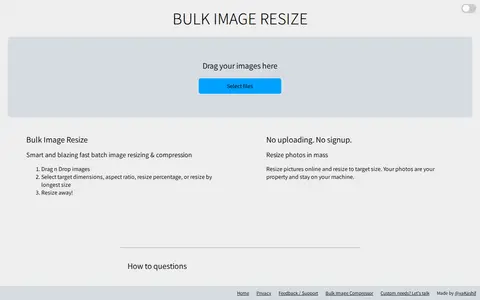
Bulk Image Resize is a browser-based tool for resizing multiple images at once. It supports batch resizing, cropping and compression, with no uploads or signup required. Users can set target dimensions, aspect ratio, resize percentage or longest size, and photos stay on the user's machine. It also offers content-aware resizing and preset social media sizes for several platforms.