
Directory

Search results

Published directory entries matching your search.

Search results

409 listings
jonasjohn.de

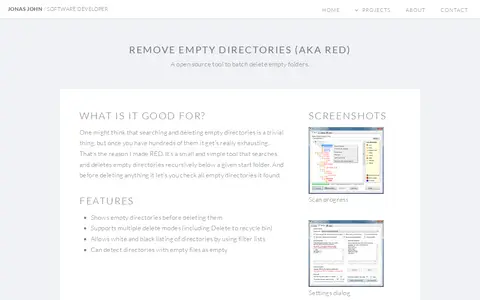
Remove Empty Directories (RED) is an open source tool that batch deletes empty folders. It recursively searches below a start folder and shows empty directories before deleting them. It supports multiple delete modes, including deleting to the recycle bin, filter lists for white and black listing, and can treat directories containing empty files as empty.

File Utilities 0
rescuezilla.com

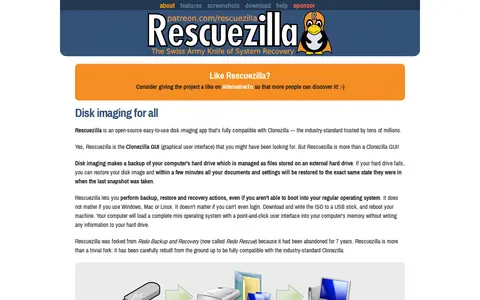
Rescuezilla is an open-source disk imaging application with a graphical interface that runs from a USB stick or CD-ROM. It is fully interoperable with Clonezilla and can back up, restore, and recover Windows, Mac, and Linux machines without installation.

Backup & Recovery 0
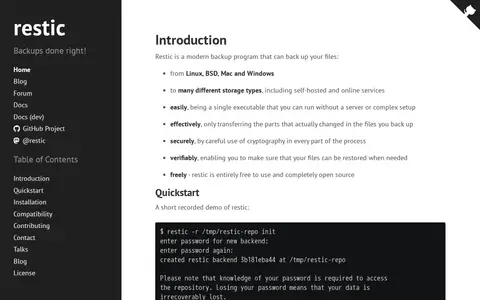
restic.net

restic is a backup program that backs up files from Linux, BSD, Mac and Windows to self-hosted and online storage. It is a single executable that runs without a server or complex setup, transfers only changed parts of files, uses cryptography throughout, and is free and open source.

Backup & Recovery 0
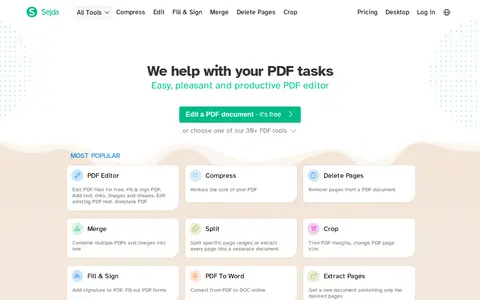
sejda.com

Sejda is an online PDF service offering an editor and over 30 PDF tools, including merging, splitting, compressing, cropping, filling and signing, and converting PDFs to images or Word. It works online or offline, in the cloud or as a desktop application, with no installation required. Developer documentation covers an HTML to PDF API and 'Save as PDF' links for websites.

PDF & Document Tools 0
nirsoft.net

ShadowCopyView is a simple tool for Windows 10/8/7/Vista that lists snapshots of a hard drive created by the Volume Shadow Copy service. Each snapshot contains older versions of files and folders from the snapshot date, which can be browsed and optionally copied to a folder on disk. It displays all shadow copies and runs with full admin rights.

Backup & Recovery 0
shadowexplorer.com

ShadowExplorer is a graphical front end for the Windows Volume Shadow Copy Service. It browses point-in-time copies created by Windows 11, 10, 8, 7 and Vista and retrieves versions of files and folders, intended primarily for Home edition users. The site states Shadow Copies are not a replacement for regular backups.

Backup & Recovery 0

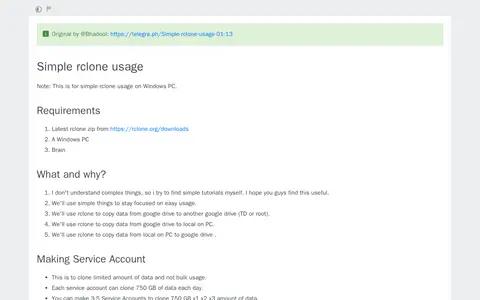
A tutorial for simple rclone usage on Windows PCs, credited to @Bhadool. It covers making service accounts, setting up rclone and its configuration, cloning one Team Drive to another, downloading data from a Team Drive to a PC, and uploading data from a PC to a Team Drive. It lists the rclone zip and a Windows PC as requirements.

File Hosting & Sharing 0
tools.stefankueng.com

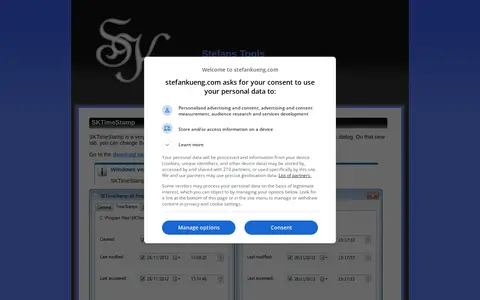
SKTimeStamp is a Windows shell extension that adds a tab to the Explorer properties dialog. The tab allows changing the date and time of files and folders. It requires Windows 10 22H2 or later.

File Utilities 0
fromsmash.com

Smash is a service for transferring large files and folders. Files are uploaded and hosted on Smash servers, and a download link is generated for sharing. The service offers link and email transfers, password protection, expiry dates and email notifications. A free tier provides 2 GB per transfer with transfers valid for 7 days; paid plans offer unlimited transfer size and transfers valid for 30 days.

File Hosting & Sharing 0
node-snapdrop.onrender.com

Snapdrop is a Node.js version based on the original Snapdrop for instantly sharing images, videos, PDFs, and links with people nearby. It uses peer-to-peer transfer and is open source, with no setup or signup required.

File Transfer 0
stirling.com

Stirling is a free, private, open-source PDF editor that can be deployed on user-managed infrastructure. It provides a PDF reader, a PDF editor with over 60 tools, and a PDF processor for batch handling of large volumes of documents. The tool is designed to keep user files on their own systems, with publicly available source code for audit.

PDF & Document Tools 0
tailwindpdf.com

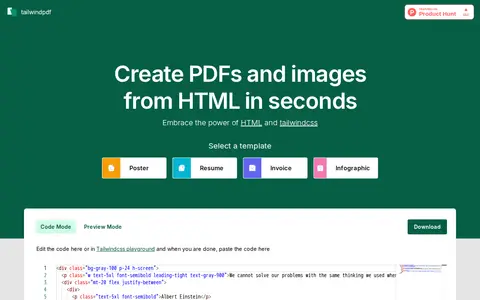
TailWindPDF is a tool for converting HTML files into PDFs or images, aimed at TailwindCSS users. It lets users select a template and edit code, including in a Tailwindcss playground, then paste the code in to start conversion.

PDF & Document Tools 0
tangoshare.com

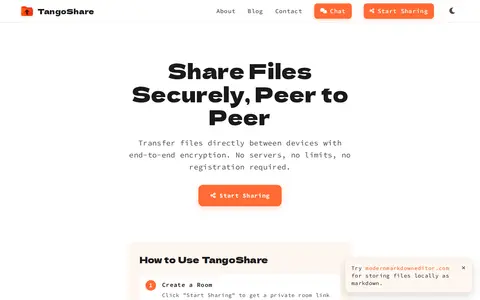
TangoShare is a browser-based tool for sharing files peer-to-peer with end-to-end encryption. Files are transferred directly between devices and do not touch servers, with no size limits and no registration required. Users create a room and share the link or QR code with up to 9 other people. An Android app offers Remote Mode over the internet and Local Mode on the same Wi-Fi network or hotspot.

File Utilities 0
codesector.com

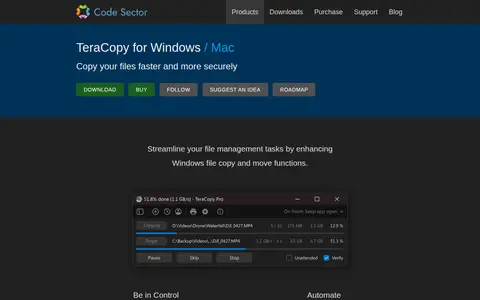
TeraCopy is a Windows utility that replaces Explorer's copy and move functions. It can verify copied files with checksum algorithms, skip problematic files instead of terminating a transfer, and wait for network or device reconnection. It supports task queuing, transfer history, and metadata configuration.

Backup & Recovery 0
cgsecurity.org

TestDisk is free and open source data recovery software designed to recover lost partitions and unerase deleted files. It can fix partition tables, rebuild FAT and NTFS boot sectors, and undelete files from FAT, exFAT, NTFS and ext2 filesystems. It runs on DOS, Windows, Linux, FreeBSD, NetBSD, OpenBSD, SunOS and MacOS X.

Backup & Recovery 0
master.ayra.ch

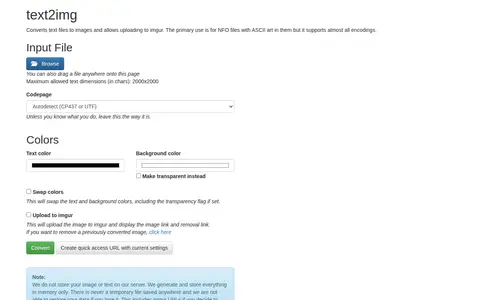
text2img converts text files to images and allows uploading to imgur. It supports almost all encodings, primarily for NFO files with ASCII art. Images and text are processed in memory only, with no temporary files stored.

File Utilities 0
tinymediamanager.org

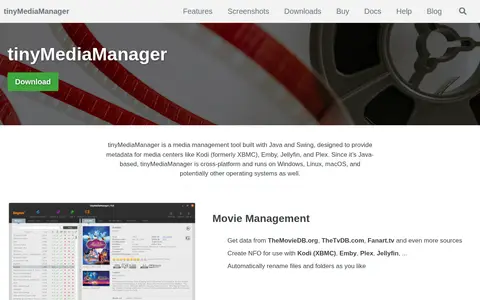
tinyMediaManager is a media management tool written in Java and Swing that provides metadata for media centers such as Kodi, Emby, Jellyfin and Plex. It searches for media on hard disks and builds an internal database, scrapes metadata and artwork from sources including TheMovieDB.org and Fanart.tv, and writes NFO files to disk. It runs on Windows, Linux and macOS and also supports command line and HTTP API use.

File Utilities 0
martchus.github.io

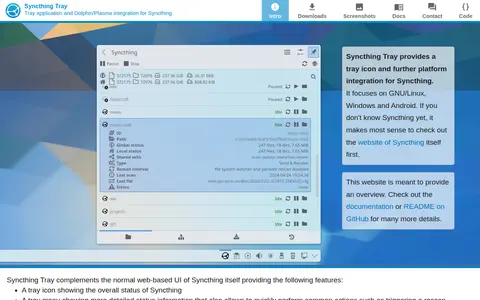
Syncthing Tray is a GUI integration that provides a tray icon and further platform integration for Syncthing, focusing on GNU/Linux, Windows and Android. It complements Syncthing's web-based UI with a tray icon showing overall status, a tray menu with detailed status and common actions such as triggering a rescan, and quick access to the normal web-based UI.

File Utilities 0
unrar.online

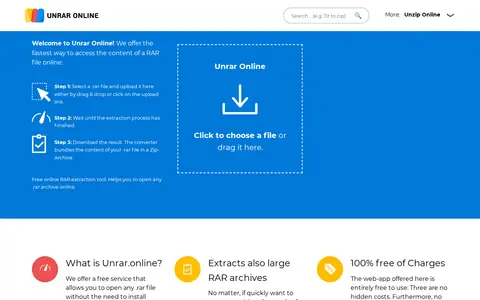
Unrar online is a browser-based service that extracts the contents of RAR archives without installing WinRAR or other software. It supports archives over 1 GB and password-protected RAR files, and the extracted content can be downloaded as a single ZIP or as individual files.

File Utilities 0
unzip-online.com

unzip-online is a web tool for extracting .zip and .rar files without installed software. Files are uploaded, uncompressed, and the extracted files downloaded. Uploaded files are deleted after 24 hours and files up to 200MB are supported.

File Utilities 0
bztsrc.gitlab.io

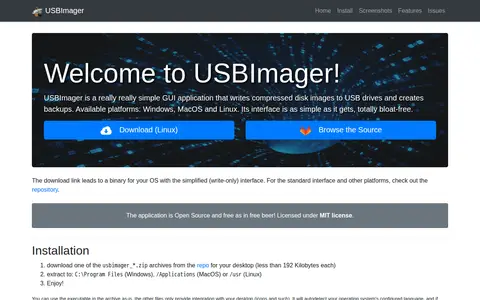
USBImager is a simple GUI application that writes compressed disk images to USB drives and creates backups. It is available for Windows, MacOS and Linux, and its interface is minimalist and multilingual. The application is Open Source under the MIT license.

Backup & Recovery 0
videoutils.com

VideoUtils offers online video, audio and image converters for everyday multimedia tasks, letting users compress, convert and edit multimedia files online for free. Listed converters include MP4 to MP3 conversion, audio removal, video resizing, PDF password removal and Word to PDF conversion.

File Utilities 0
0xacab.org

Web Version (mat2-web) is a web-based implementation of the mat2 tool, hosted at https://metadata.systemli.org/. It is part of the jvoisin/mat2-web GitLab repository, was created on November 11, 2018, and is released under the MIT license.

File Utilities 0
webtopdf.com

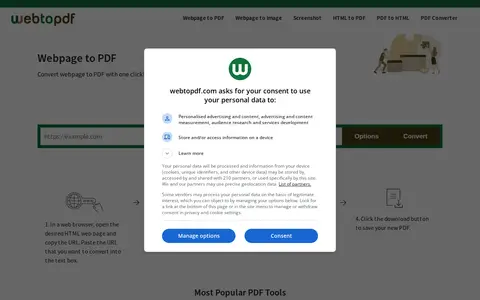
WebToPDF is a free online converter that transforms web pages or HTML into PDF files. Users can adjust settings such as page size, orientation, margins, headers, footers, watermarking, and conversion options like removing JavaScript or adding page numbers. The typical workflow involves copying a webpage URL, pasting it into the service, clicking Convert, and downloading the resulting PDF.

PDF & Document Tools 0