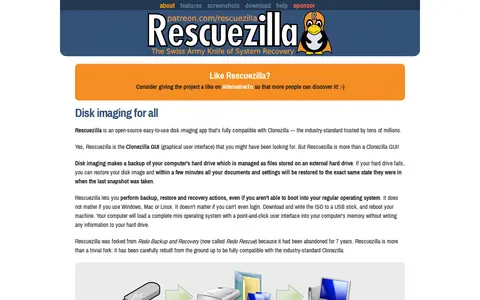

Rescuezilla is an open-source disk imaging application with a graphical interface that runs from a USB stick or CD-ROM. It is fully interoperable with Clonezilla and can back up, restore, and recover Windows, Mac, and Linux machines without installation.
TestDisk
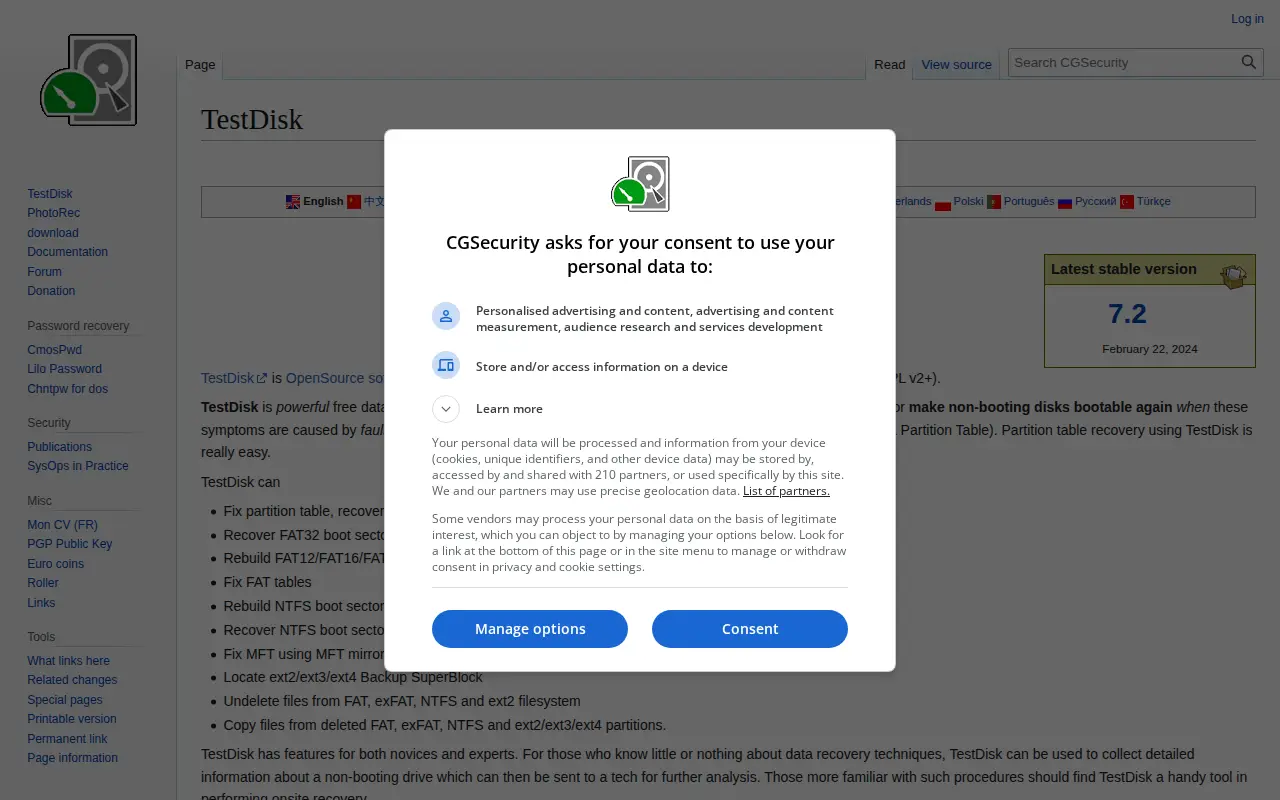
TestDisk is free and open source data recovery software designed to recover lost partitions and unerase deleted files. It can fix partition tables, rebuild FAT and NTFS boot sectors, and undelete files from FAT, exFAT, NTFS and ext2 filesystems. It runs on DOS, Windows, Linux, FreeBSD, NetBSD, OpenBSD, SunOS and MacOS X.
Features
- recover lost partition and unerase deleted files Source: www.cgsecurity.org
Links
Tags
-
0Rescuezilla is an open-source disk imaging application with a graphical interface that runs from a USB stick or CD-ROM. It is fully interoperable with Clonezilla and can back up, restore, and recover Windows, Mac, and Linux machines without installation.
-
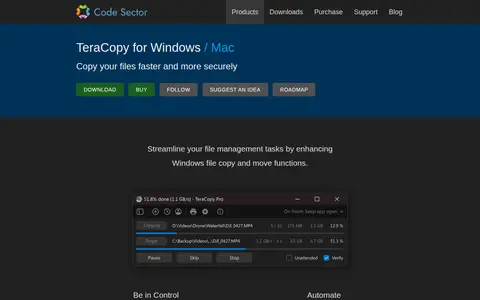
0TeraCopy is a Windows utility that replaces Explorer's copy and move functions. It can verify copied files with checksum algorithms, skip problematic files instead of terminating a transfer, and wait for network or device reconnection. It supports task queuing, transfer history, and metadata configuration.
-
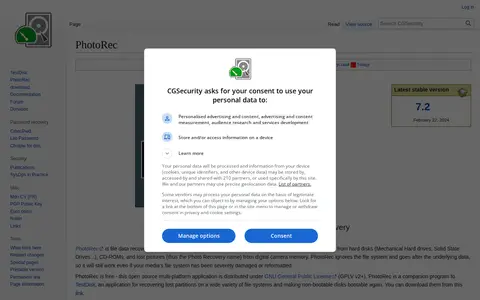
0PhotoRec is a free and open source file carver data recovery tool that recovers lost files from hard disks, CD-ROMs, and camera memory. It ignores the file system to reach underlying data, so it works even when media is severely damaged or reformatted. It uses read-only access and runs on multiple platforms under the GNU General Public License.
-
0Tree is a file utility for storage, cleanup, downloads, syncing, previews, or file management.
-
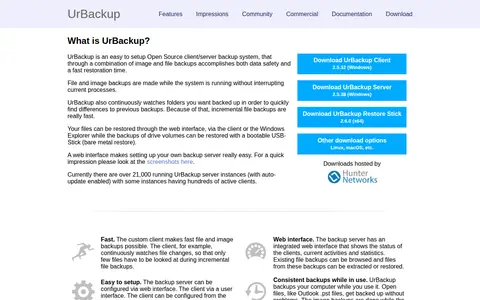
0UrBackup is an open source client/server backup system that combines image and file backups. File and image backups are made while the system is running, and the server has a web interface for status and configuration. Image backups only work with NTFS volumes and the Windows client or extX and XFS volumes with the Linux client.
-
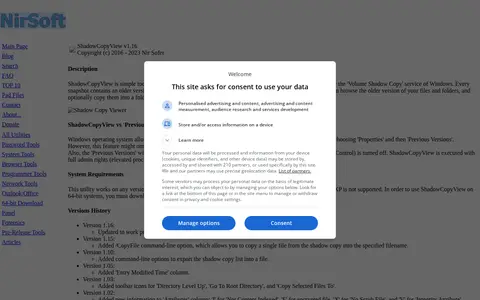
0ShadowCopyView is a simple tool for Windows 10/8/7/Vista that lists snapshots of a hard drive created by the Volume Shadow Copy service. Each snapshot contains older versions of files and folders from the snapshot date, which can be browsed and optionally copied to a folder on disk. It displays all shadow copies and runs with full admin rights.
Community notes
Reviews and discussion
No reviews yet
Be the first to share how this project worked for you.
Join the discussion
Sign in with a verified account to leave a review or join the discussion.
Sign in to review