


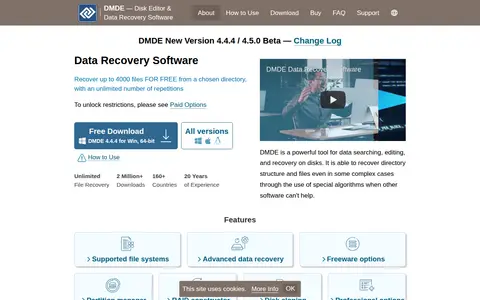
DMDE is a data recovery tool for disks that can recover directory structure and files in some complex cases. It recovers file types such as photos, videos and documents from HDDs, SSDs, USB drives and memory cards. The free edition recovers up to 4000 files from a chosen directory.
ShadowCopyView
ShadowCopyView is a simple tool for Windows 10/8/7/Vista that lists snapshots of a hard drive created by the Volume Shadow Copy service. Each snapshot contains older versions of files and folders from the snapshot date, which can be browsed and optionally copied to a folder on disk. It displays all shadow copies and runs with full admin rights.
Limitations
- Windows XP is not supported Source: www.nirsoft.net
Links
Tags
-
0DMDE is a data recovery tool for disks that can recover directory structure and files in some complex cases. It recovers file types such as photos, videos and documents from HDDs, SSDs, USB drives and memory cards. The free edition recovers up to 4000 files from a chosen directory.
-
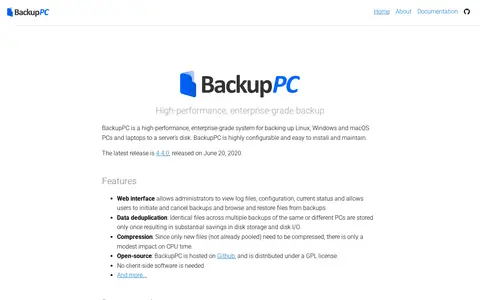
0BackupPC is an open-source, enterprise-grade system that backs up Linux, Windows and macOS PCs and laptops to a server's disk. It includes a web interface for viewing logs and status, initiating and cancelling backups, and browsing and restoring files, plus data deduplication and compression. No client-side software is required. The latest release is 4.4.0, from June 20, 2020.
-
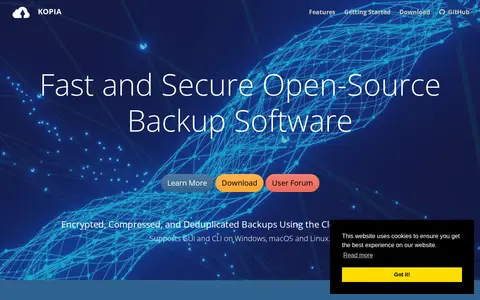
0Kopia is an open-source backup and restore tool. It creates encrypted snapshots of designated files and directories and saves them to cloud, network, or local storage. It offers command-line and graphical interfaces and supports compression, deduplication, and error correction.
-
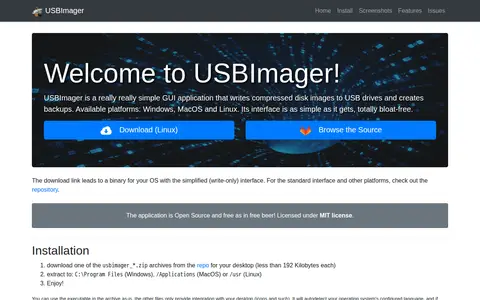
0USBImager is a simple GUI application that writes compressed disk images to USB drives and creates backups. It is available for Windows, MacOS and Linux, and its interface is minimalist and multilingual. The application is Open Source under the MIT license.
-
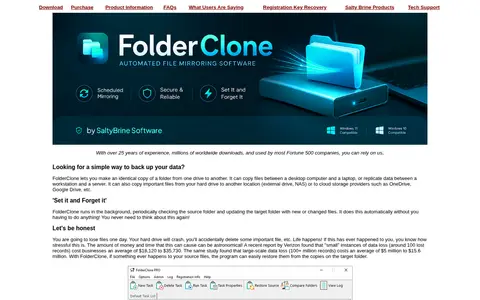
0FolderClone is a synchronization and backup tool for Windows that makes an identical copy of a folder from one drive to another. It runs in the background, periodically checking the source folder and updating the target with new or changed files. It can copy files between computers or replicate data to external drives, NAS or cloud storage such as OneDrive and Google Drive.
-
0ShadowExplorer is a graphical front end for the Windows Volume Shadow Copy Service. It browses point-in-time copies created by Windows 11, 10, 8, 7 and Vista and retrieves versions of files and folders, intended primarily for Home edition users. The site states Shadow Copies are not a replacement for regular backups.
Community notes
Reviews and discussion
No reviews yet
Be the first to share how this project worked for you.
Join the discussion
Sign in with a verified account to leave a review or join the discussion.
Sign in to review