


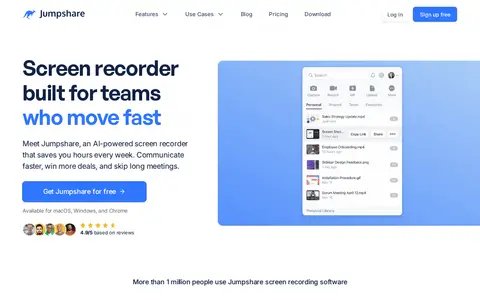

JumpShare is an AI-powered screen recording and sharing application for macOS and Windows. It supports screen, webcam, or combined recording with audio, includes video editing tools, and allows users to share recorded content. Additional features include screenshot and GIF capture, video analytics, and custom video player branding.
Simple Rclone Usage
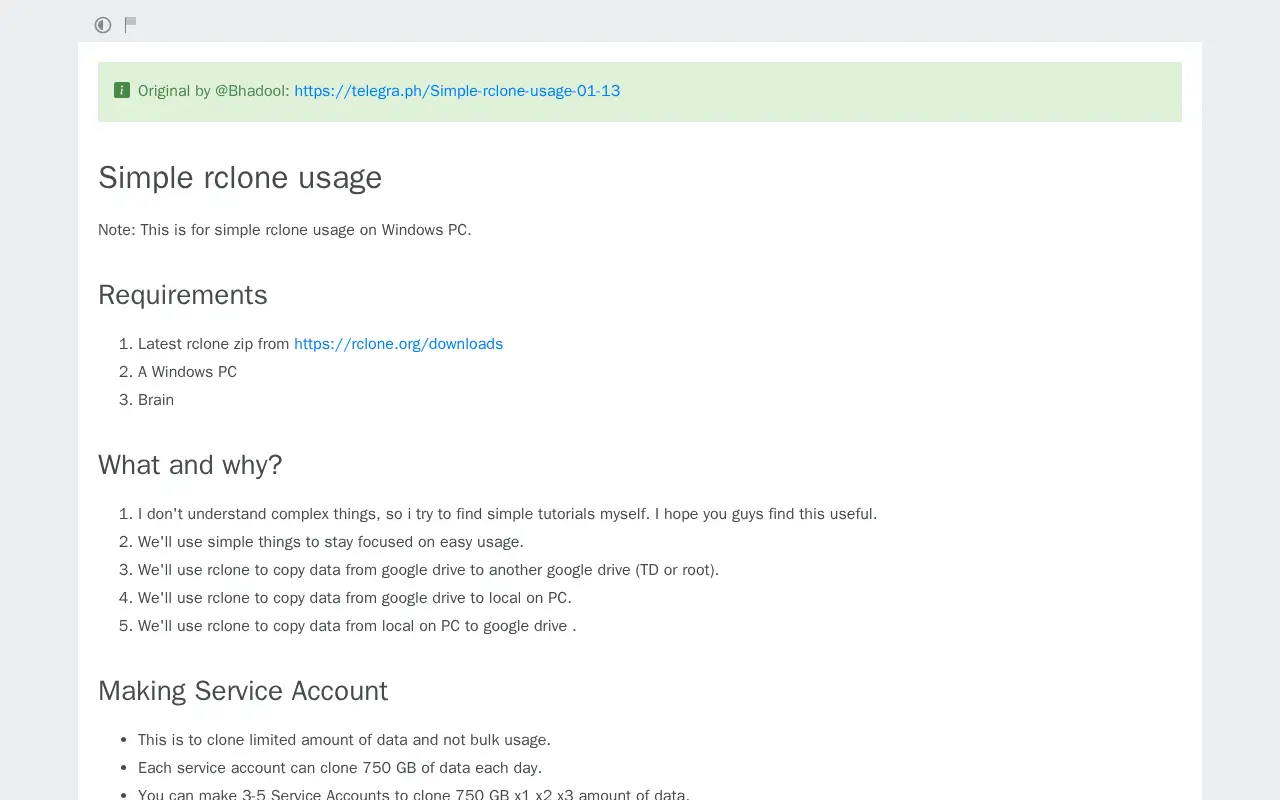
A tutorial for simple rclone usage on Windows PCs, credited to @Bhadool. It covers making service accounts, setting up rclone and its configuration, cloning one Team Drive to another, downloading data from a Team Drive to a PC, and uploading data from a PC to a Team Drive. It lists the rclone zip and a Windows PC as requirements.
Features
- Note: This is for simple rclone usage on Windows PC. Source: rentry.co
Uses
- Clone One Team Drive to Another Team Drive Source: rentry.co
Links
Tags
-
0JumpShare is an AI-powered screen recording and sharing application for macOS and Windows. It supports screen, webcam, or combined recording with audio, includes video editing tools, and allows users to share recorded content. Additional features include screenshot and GIF capture, video analytics, and custom video player branding.
-
0Rclone is a command-line program for managing files on cloud storage, described as an alternative to cloud vendors' web storage interfaces. It syncs directories between storage systems and supports over 70 cloud storage products, including S3 object stores and standard transfer protocols. It can mount local, cloud or virtual filesystems as a disk and is open-source software written in Go.
-
0Pearcrypt creates secure container files for organizing file download links from multiple hosts. Containers can consolidate mirrors into folders and be protected with an optional client-side password. The service also provides download usage metrics and host performance analytics. It is described as part of the Pear ecosystem.
-
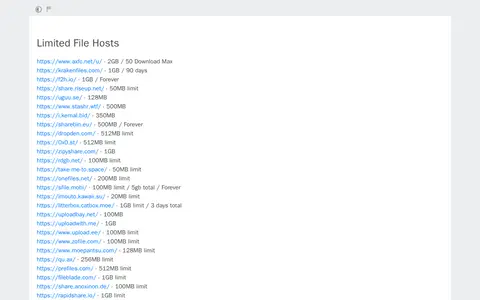
0Limited Upload Hosts is a file utility for storage, cleanup, downloads, syncing, previews, or file management.
-
0
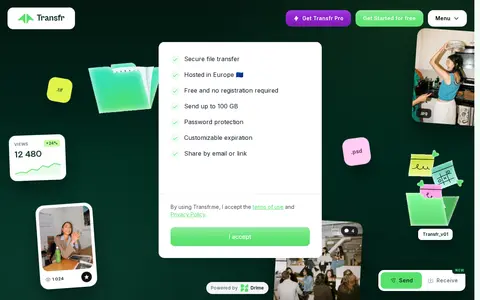
Transfr is a file-sharing service for sending large files, offering transfers of up to 100GB free with no registration required. Files can be shared by link or email with password protection, previewed online, and tracked in real time. A paid Pro plan is listed for regular senders.
-
0ZIP Extractor is a free online application for working with compressed archive files. It supports opening, creating and extracting ZIP, RAR, 7z, TAR.GZ and other archive formats directly within Google Drive and Gmail, allows previewing archive contents, saving files to Google Drive, and operates entirely in the user's browser without requiring sign-up.
Community notes
Reviews and discussion
No reviews yet
Be the first to share how this project worked for you.
Join the discussion
Sign in with a verified account to leave a review or join the discussion.
Sign in to review