3 Audacity Alternatives for Video Sound
Audacity alternatives for video sound: compare Shotcut, Blender, and VEED for narration, animation audio, and browser cleanup, with clear limits for each pick.
On this page
My pick among these Audacity alternatives is Shotcut when the sound belongs to a video. Blender is for audio attached to animation, and VEED is for a short browser-based cleanup and publishing job. For a standalone podcast or music session, keep looking at a dedicated audio editor or workstation.
Audacity alternatives replace different parts of the job
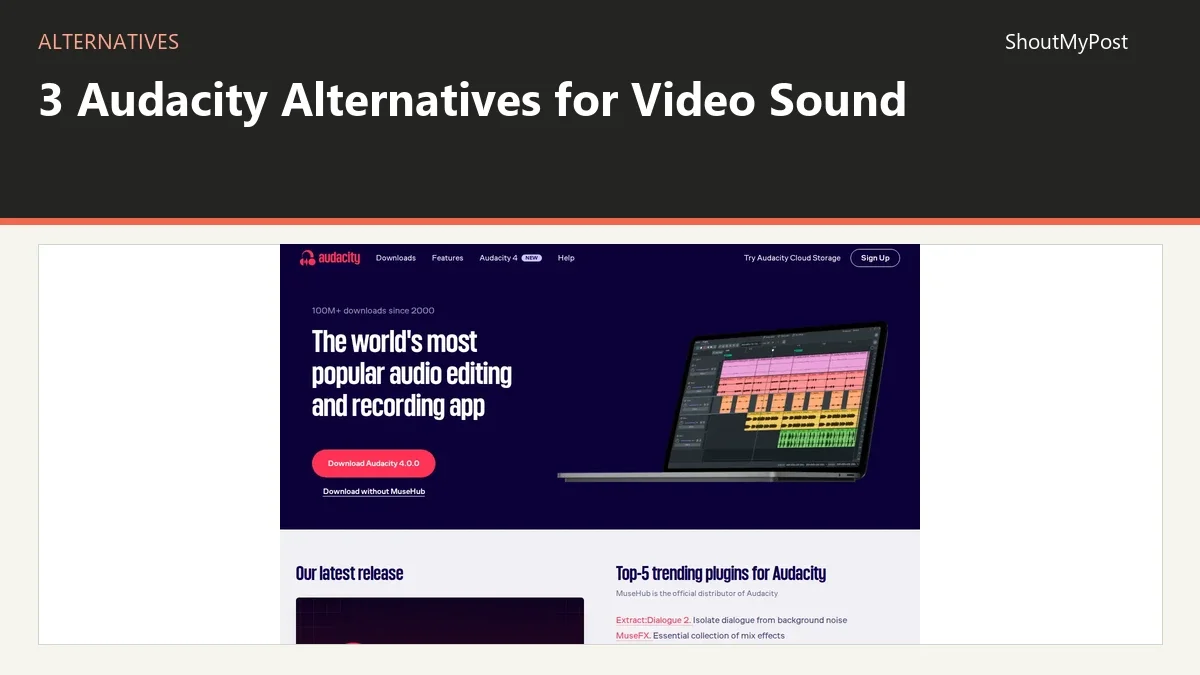
Audacity is a free desktop audio editor for recording and processing sound. The Audacity project page has its directory details. People leave it for several different reasons: they want sound tied to the picture, an online editor, or a larger music-production session.
This list covers the first two needs. The three choices don't each replace every Audacity function. A video editor can be a better home for narration and music in a tutorial while still being a weaker place to repair a tiny click in an isolated voice file.
The surprising limit is in VEED: its Clean Audio help page gives a free account one use of that feature. That is a trial for a particular cleanup tool, separate from the fact that you can begin editing with a free account.
Quick picks
- Best for video narration: Shotcut. Keep voice and picture on one local timeline.
- Best for animation sound: Blender. Add and time sound alongside the animation edit.
- Best for browser cleanup: VEED. Process a clip online when a hosted workflow is acceptable.
Compare the scope and cost
| Tool | Best for | Platforms | Free version | Paid price | Open source | Better than Audacity for |
|---|---|---|---|---|---|---|
| Shotcut | Narration and music for video | Windows, macOS, Linux | Free desktop program | No paid desktop tier needed | Yes | Keeping sound attached to picture edits |
| Blender | Sound for animation | Windows, macOS, Linux | Free desktop program | No paid desktop tier needed | Yes | Creating visuals and timing their soundtrack together |
| VEED | Browser editing and clip cleanup | Web browser | Free tier; Clean Audio once per account | Paid plans start above the free tier | No | Hosted editing without a desktop setup |
Official features, platforms, and billing information checked October 9, 2026. Exact VEED dollar amounts aren't given because the public pricing view checked for this page didn't show an unambiguous US billing amount.
Shotcut: keep the voiceover with the moving picture
Shotcut's strongest reason to replace Audacity is the timeline around the sound. You can revise the picture and its voiceover in the same project. For a tutorial that keeps changing, that can matter more than adding another audio effect.
The Shotcut project page has the directory link. Its official features include audio scopes, waveforms, gain and other audio filters, and recording directly to the timeline. RNNoise is an additional speech-focused suppression option documented by the project.
Use this replacement for the audio-finishing part of a video: music levels, speech clips, fades, and sound placed against visual events. It is a narrower recommendation than moving every sound recording into Shotcut. A multitrack music session with instrument routing has a different set of needs.
In an April–May 2026 audio-editing discussion, a user was drawn to Shotcut's keyframes and non-destructive filters. Another described doing routine gain and limiting in Shotcut but missing a more flexible EQ. They also warned that flattening the entire video soundtrack into one external audio edit makes later picture changes awkward.
That is the tradeoff I would use to decide. If you mainly need small level changes that follow the video, leaving those decisions inside the picture project makes sense. If the source is badly damaged, repair that source before using it as a clip.
The RNNoise filter is aimed at speech, not music or environmental recordings. A clip of birds, a rehearsal, or a machine sound you want to preserve deserves different processing choices. Don't assume that a voice-oriented model treats every quiet sound as wanted content.
Shotcut is free and open source, with no paid desktop export tier. Your computer's storage still sets the practical size of local media. A project with several camera files also needs those originals available when you reopen it.
Switch if… most of your Audacity work is preparing sound for a video that still needs revisions.
Stay with Audacity if… the final product is an audio recording and close waveform work is the main task.
Blender: arrange sound around the animation you create
Blender makes sense when you already need its visual tools. Its video editor can mix and synchronize audio and display waveforms. You can keep an animation's picture sequences and soundtrack together without buying a second desktop editor.
The Blender project page introduces the software, while the official video-editing page lists its editing and audio capabilities. This recommendation is specifically for arranging sound around animated footage. It doesn't turn Blender into an audio-only recording studio.
Think about a short animated explainer. You may have separate spoken lines, sound effects at certain moments, and a rendered image sequence. The visual timing controls make sense because the soundtrack serves things you can see. Audacity can produce the sound files, but the finished alignment still needs a place to live.
A July 2026 open-source editing discussion contains praise for Blender's editing capabilities alongside replies that recommend a more focused editor for ordinary video work. That split matches my recommendation: use Blender when its wider visual scope is part of the job.
The weakness is how much interface you inherit for a simple sound task. Someone cleaning one interview doesn't gain much from learning a 3D application just to place a WAV on a timeline. A person producing animated diagrams may already be working there every day.
Blender is free and open source. There is no paid desktop tier to remove an export watermark. You still choose the output settings and keep the project's linked media available. A local .blend file is an editable project, not a guarantee that all referenced source files traveled with it.
My pick is Blender for animation makers who need the audio timing near the visual work. For a conventional talking-head tutorial, Shotcut asks you to learn less unrelated material. For microphone repair, Audacity remains the more focused first stop.
Switch if… your soundtrack is part of an animation or visual sequence you already produce in Blender.
Stay with Audacity if… you're editing a voice file with no animation or picture timeline to manage.
VEED: finish a short spoken clip in the browser
VEED's Clean Audio feature works on a selected video clip or standalone audio. The official Clean Audio help page says free accounts get one use and paid Creator, Pro, Studio, and Enterprise plans get full access. That specific limit is the first thing to check for a repeated cleanup job.
The VEED project page has the directory details. VEED is a hosted browser editor, so it can be convenient when you don't want to install a desktop application. It also moves the recording into a service instead of keeping the entire edit on your computer.
The job it replaces here is simple speech cleanup followed by a video or audio handoff. You select a clip and apply the tool; it isn't the same level of manual control as a waveform editor with a chosen noise profile. For a short announcement with background fan noise, that simpler route may be exactly what you want.
A 2026 monthly-billing thread began with a user who couldn't find the monthly choice after editing and adding captions. A reply explained that the annual display can obscure the other billing option. Read the selected billing period before committing to a plan for one small project.
Free video exports have a watermark under VEED's separate watermark documentation. A paid subscription removes that export restriction, but subscribing doesn't erase a mark already rendered into a downloaded file. Keep the editable project when you need to export a clean version later.
The pricing page is the right place to compare the paid tiers. I wouldn't choose a plan from the cleanup button alone. Your finished file may also need a particular resolution, duration, or subtitle option, and those terms belong to the plan you actually select.
VEED's weakness is dependence on the service and its plan limits. A small browser job can be convenient, but a large library of private source recordings may be a better local-editor task. Use the hosted route when its upload and export workflow is acceptable for the material.
Switch if… you want a short browser editing job with automated speech cleanup and can use a hosted service.
Stay with Audacity if… you need local recording, detailed manual repair, or repeated cleanup without a paid service plan.
Other common picks
Ocenaudio is a desktop audio editor for a more focused file-editing job. REAPER is a digital audio workstation for recording, editing, and larger production sessions. Ardour is an open-source workstation for multitrack recording and mixing. GarageBand is Apple's music-making route for people working on a Mac.
These are better starting points if the reason you're leaving Audacity is music production rather than sound for video. Read the recording and plugin support for the workstation you choose before moving a session with several instruments.
Migrating from Audacity
Export ordinary audio files for another editor, and keep the Audacity project as the editable original. Audacity 4's File menu offers a full-project mix, selected audio, and loop-region export. A rendered mix transfers the sound while leaving separate clip decisions and effects behind in the source project.
If you have separate speakers or several layers, decide which ones the next editor needs independently. A single stereo mix is convenient to play but harder to rebalance. Preserve the individual recordings when future video changes could affect just one voice or sound effect.
Give the exports names that identify the scene or person, then place them against a visible timing cue. A clap, a spoken count, or a clearly recorded action can help you compare the handoff with the picture. Don't erase the earlier project just because the first imported file sounds correct.
For a video with already finished picture, you may only need to replace its narration. For a project still being cut, send the editor separate pieces with clear start points. That choice avoids turning a late sentence change into a reconstruction of the whole soundtrack.
FAQ
Is there a free Audacity alternative for video sound?
Yes. Shotcut is free and lets you arrange sound with picture on a desktop timeline. Blender is also free and can handle audio in its video editor, especially for animation. Choose by the visual work around the sound: an ordinary tutorial points toward Shotcut, while a Blender animation gives its editor a clearer reason to be there.
Which choice handles a full music-production session?
A dedicated workstation such as REAPER, Ardour, or GarageBand is the stronger direction for music production. The featured picks here target video finishing, animation sound, and browser cleanup. Before switching a session, compare instrument handling, plugin formats, and routing; those jobs ask more of the software than trimming one spoken clip for a video.
Can I open an Audacity project directly in these tools?
Use an audio export for the handoff instead of assuming the editable project will transfer. Audacity 4 saves .aup4 files for its own editing workflow. Exporting WAV or another accepted audio format gives the next tool playable sound, while the original project retains the decisions you may need to revise later.
Which pick keeps source files on my computer?
Shotcut and Blender provide local desktop editing with media stored where you keep it. Their ordinary projects don't require uploading the recording to VEED's hosted editor. If you later add cloud storage or another online processor, that separate service changes the route of the files; the desktop editor doesn't choose that for you.
Sources
Audacity File manual and changelog; Shotcut features and RNNoise documentation; Blender video-editing documentation; VEED Clean Audio, watermark, and pricing pages; official Ocenaudio, REAPER, Ardour, and GarageBand pages. Official facts checked October 9, 2026. Browse Creative & Design and video editing for related tools.
Related articles
Directory listings
Other options
Open a listing to review its directory details and current site link.
-
Alternative
Shotcut
Shotcut is a free, open source, cross-platform video editor for Windows, Mac and Linux. It supports many audio and video formats through FFmpeg, allows native timeline editing without import, and handles resolutions up to 8K.
-
Alternative
Blender
Blender is a free and open source 3D creation suite supporting the 3D pipeline, including modeling, rigging, animation, simulation, rendering, compositing, motion tracking, video editing and game asset creation. It is cross-platform and runs on Linux, Windows, and Macintosh computers.
-
Alternative
Veed.io
Veed.io is an AI video creation platform that offers an end-to-end idea-to-video workflow. It provides tools for generating talking heads, AI-powered video editing, dubbing, subtitle addition, AI voice and image generation, and pre-built ad and video templates, targeted at marketers and solopreneurs.