




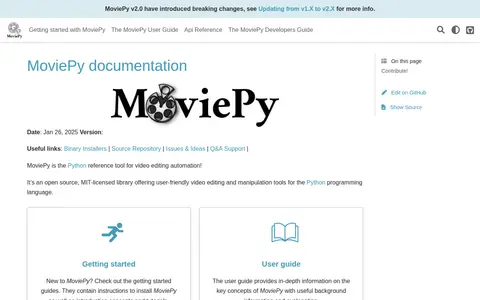
MoviePy is an open source, MIT-licensed Python library offering video editing and manipulation tools. The documentation describes it as a reference tool for video editing automation and states that it works on Windows, Mac, and Linux.
Shotcut
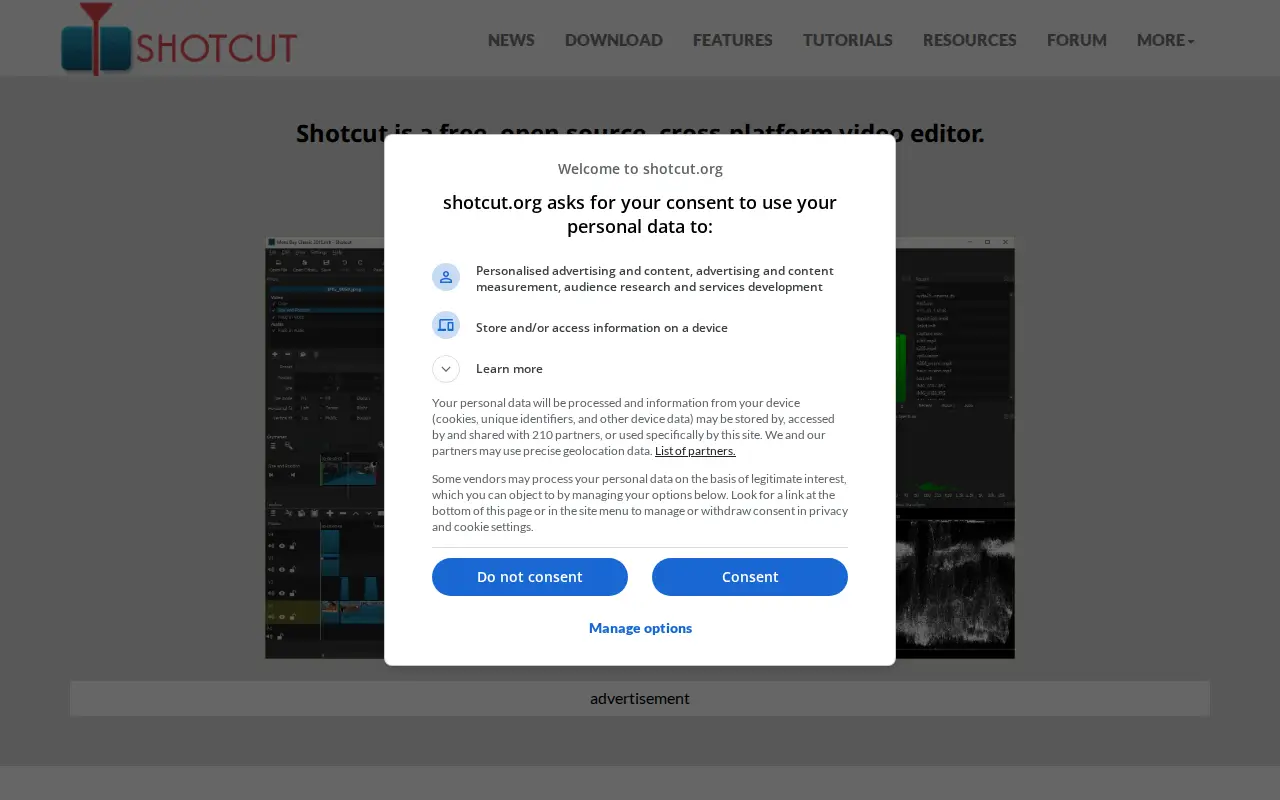
Shotcut is a free, open source, cross-platform video editor for Windows, Mac and Linux. It supports many audio and video formats through FFmpeg, allows native timeline editing without import, and handles resolutions up to 8K.
Features
- free, open source, cross-platform video editor Source: shotcut.org
- Support for 4K & 8K resolutions Source: shotcut.org
Links
Tags
Articles about Shotcut
Comparisons
Alternatives
-
0
MoviePy is an open source, MIT-licensed Python library offering video editing and manipulation tools. The documentation describes it as a reference tool for video editing automation and states that it works on Windows, Mac, and Linux.
-
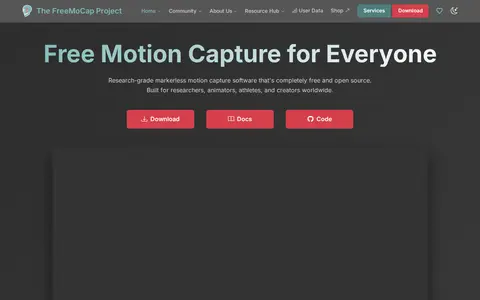
0FreeMoCap is research-grade markerless motion capture software that is completely free and open source. It uses two or more standard cameras, a printed ChArUco board for calibration, and local processing to convert video into 3D data, with results in CSV, FBX and .blend formats.
-
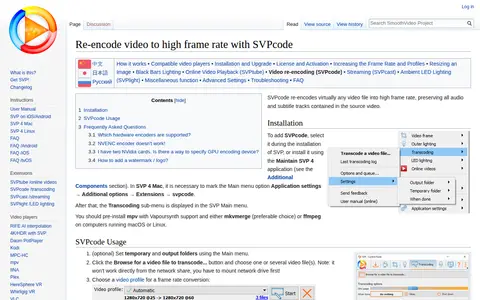
0SVPcode is a component of the SmoothVideo Project that re-encodes video files into high frame rate, preserving all audio and subtitle tracks from the source video. It is added during SVP installation or through the Maintain SVP 4 application. Basic settings offer H.264 or H.265 codecs and software or hardware encoders.
-
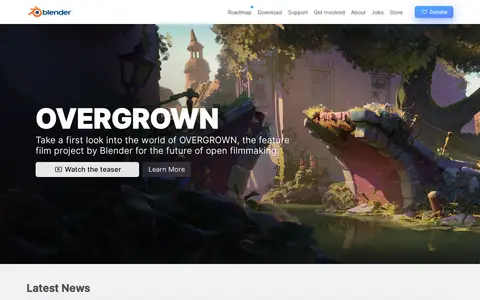
0Blender is a free and open source 3D creation suite supporting the 3D pipeline, including modeling, rigging, animation, simulation, rendering, compositing, motion tracking, video editing and game asset creation. It is cross-platform and runs on Linux, Windows, and Macintosh computers.
-
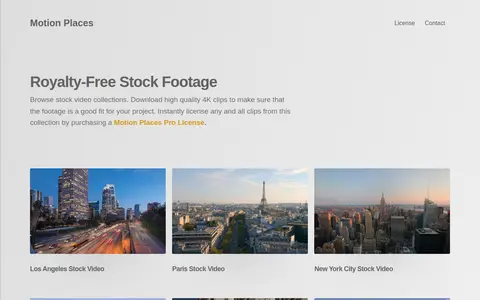
0MotionPlaces offers royalty-free stock video footage for personal and commercial projects. Its collection includes high quality 4K clips, and clips can be licensed by purchasing a Motion Places Pro License.
-
0A free browser-based tool for cropping video files, using HTML5 and JavaScript so files are processed locally without upload. Users set the cropping area with the mouse or by entering values and can set start and end times. Output format can be configured, and supported formats include MP4, WEBM, MOV, FLV, MKV and AVI.
Community notes
Reviews and discussion
No reviews yet
Be the first to share how this project worked for you.
Join the discussion
Sign in with a verified account to leave a review or join the discussion.
Sign in to review