
colab.research.google.com
Google Colab notebook for colorizing old video using DeOldify-style AI processing.
Directory
Explore Video Editing & Production resources in Creative & Design.
Google Colab notebook for colorizing old video using DeOldify-style AI processing.

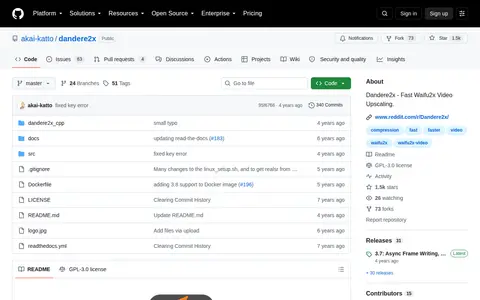
Dandere2x is a video tool for encoding, conversion, repair, playback, editing, or processing workflows.

r/VideoEditing is a Reddit community or thread with discussion, guides, updates, or shared resources.
After Effects template and video asset resource for editors and motion designers.
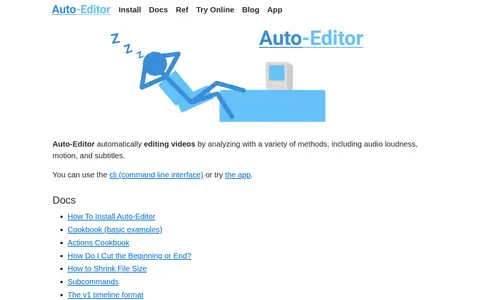
Command-line video editing tool that automatically cuts silence and speeds up footage.

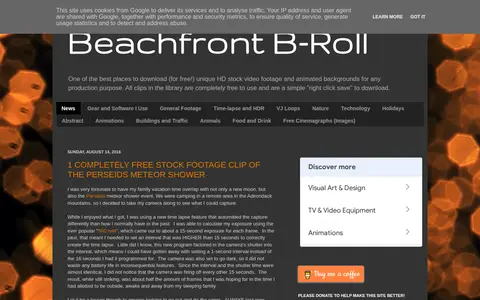
BeachFrontBroll is a video tool for editing, effects, stock footage, animation, 3D, or creator workflows.

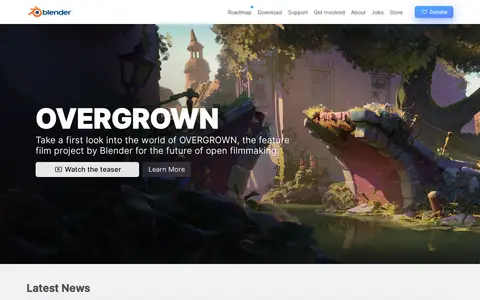
Blender is a free and open source 3D creation suite supporting the 3D pipeline, including modeling, rigging, animation, simulation, rendering, compositing, motion tracking, video editing and game asset creation. It is cross-platform and runs on Linux, Windows, and Macintosh computers.

Online converter for turning media files into video formats and web-ready clips.

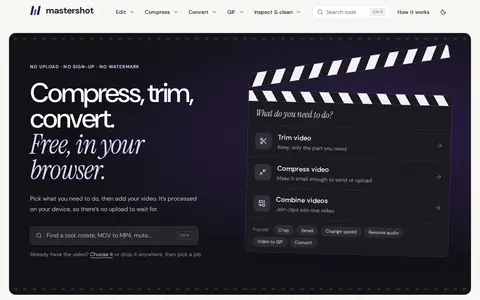
A free browser-based tool for cropping video files, using HTML5 and JavaScript so files are processed locally without upload. Users set the cropping area with the mouse or by entering values and can set start and end times. Output format can be configured, and supported formats include MP4, WEBM, MOV, FLV, MKV and AVI.

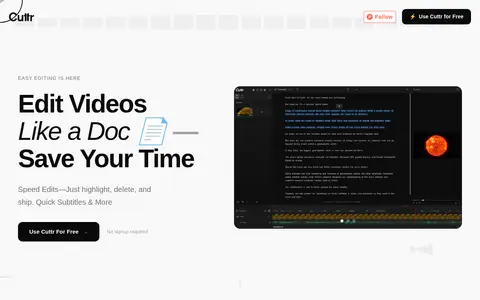
A browser-based video editor built around AI transcription, allowing edits by highlighting and deleting transcript text instead of working on a timeline. It offers Docu and Preview modes and one-click subtitle generation with automatic syncing. Available for free without signup, and videos are not uploaded.

Online video editor for cutting, trimming, and preparing simple video clips.

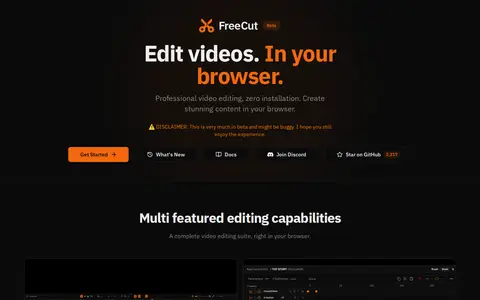
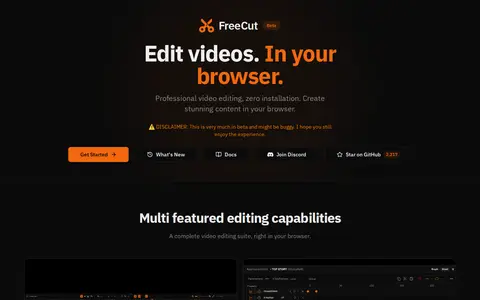
FreeCut mirror or web app page for trimming and editing video clips in the browser.

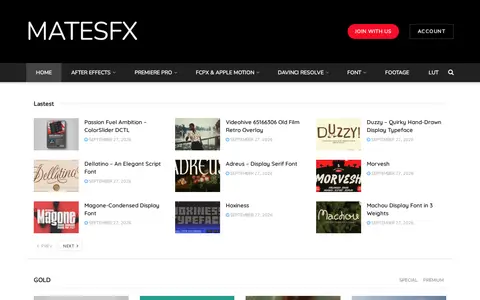
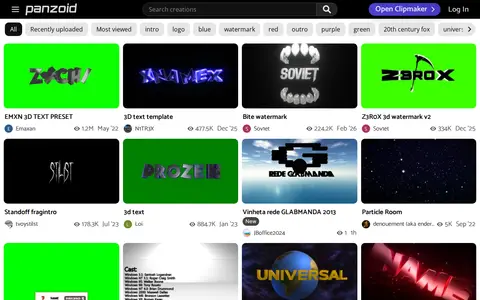
FreeVideoEffect provides, distributes and shares premium resources for video editing on software such as Adobe Premiere Pro, Adobe After Effect and Final Cut Pro. The materials are stated to be provided solely for educational purposes.

INTRO HD is a site offering free After Effects templates, Premiere Pro templates and video templates, alongside other downloads such as plugins, motion graphics, sound effects and Final Cut Pro and DaVinci Resolve items.
Open source video editor for cutting, arranging, and exporting simple video projects.

Monzoom is a video tool for editing, effects, stock footage, animation, 3D, or creator workflows.
Open source video editor focused on quick clipping, trimming, and browser-based media edits.

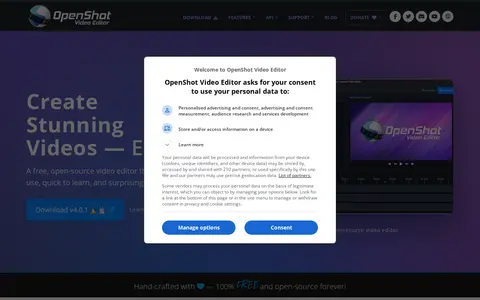
OpenShot is a free, open-source video editor for Linux, Mac, and Windows. It provides color grading and scopes, video effects, keyframe animation, timeline editing, transitions and wipes, interactive video masks, audio visualizations, and 2D and 3D titles. The project is written with Python and PyQt5, uses a C++ backend built on FFmpeg, and is distributed under the GNU General Public License.

Online editor for creating intros, outros, clips, motion graphics, and visual templates.
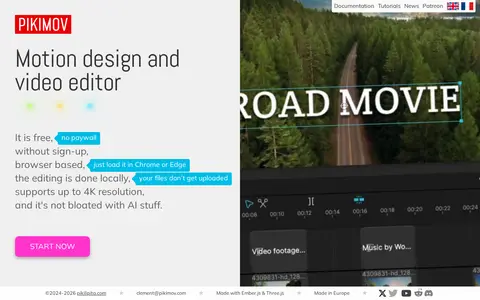
Pikimov is a free web-based motion design and video editor that combines a classic editor with 2D and 3D compositing editors. Editing happens locally in the browser, so files are not uploaded to a server. It supports up to 4K resolution and does not require sign-up.

Shotcut is a free, open source, cross-platform video editor for Windows, Mac and Linux. It supports many audio and video formats through FFmpeg, allows native timeline editing without import, and handles resolutions up to 8K.

Web video editor for trimming, cutting, and exporting clips from the browser.

VFX resource site with motion graphics, templates, plugins, and video editing materials.

Online video conversion and editing site for compressing, cutting, rotating, and changing formats.
Details from each project's website. Open a listing for its full overview.