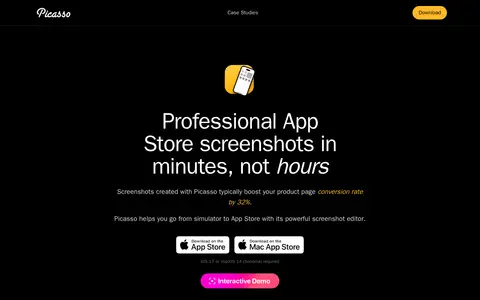

Picasso is a tool that turns simulator screenshots into App Store screenshots. It adds device frames, supports localization via a strings file, and can upload screenshots to App Store Connect. The editor requires no design experience, and the app supports over 40 device frames and every Apple platform. It requires iOS 17 or macOS 14 (Sonoma).
Directory
Search results
Published directory entries matching your search.

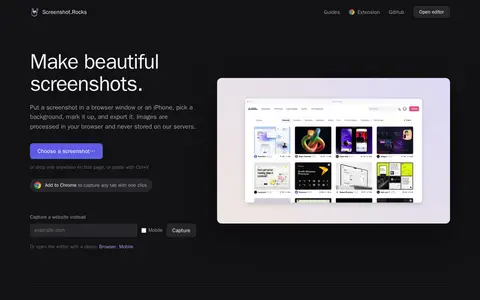
Screenshot.Rocks is a free browser-based tool for making screenshots. It places a screenshot in a browser window or iPhone frame, adds a background and markup, and exports the result. No sign-up is required, and images are processed in the browser rather than stored on servers.
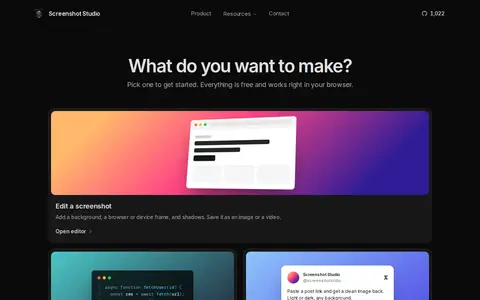
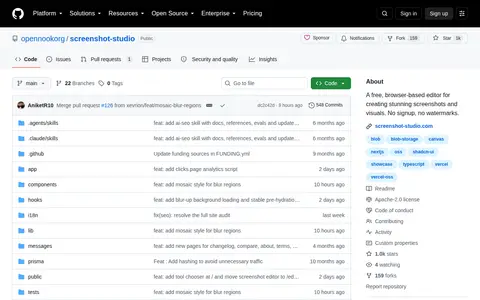
Screenshot Studio is a free, open-source browser editor for screenshots, code images, X post images, and App Store screenshots. It offers background, frame, mockup, and animation options, plus image tools for compressing, converting, and resizing. Images are edited on the device, with no signup, no watermark, and no paid tier.
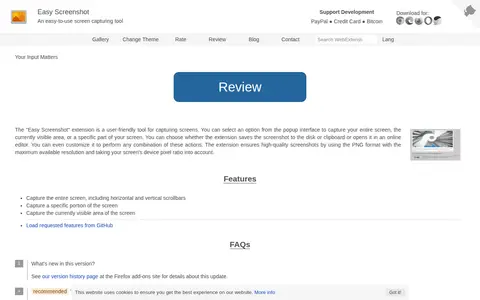
Easy Screenshot is a browser extension that captures screens. From its popup, users can capture the entire screen, the currently visible area, or a specific portion. Screenshots can be saved to disk or the clipboard, opened in an online editor, or handled in a chosen combination of these actions. It uses PNG format at maximum resolution and accounts for the screen's device pixel ratio.
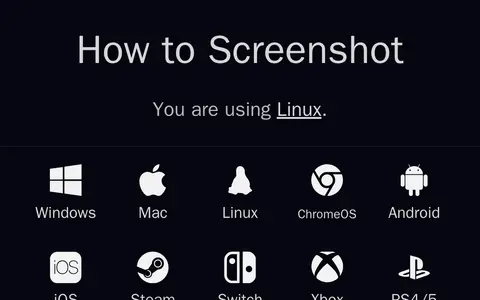
How to Screenshot is a guide resource that provides instructions for taking screenshots across a wide range of major platforms. Covered platforms include Windows, Mac, Linux, ChromeOS, Android, iOS, Steam, Switch, Xbox, and PS4/5. The resource was created by Stuart Thomson in 2024, and its source code is publicly available.
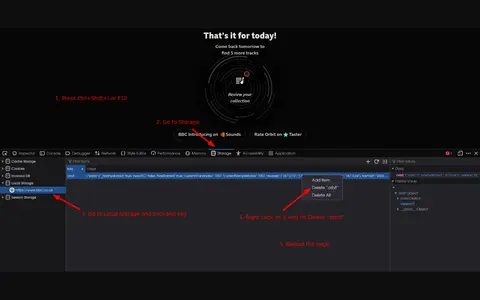
Screenshot is an image or screenshot reference used for visual evidence, examples, or warnings.
Screenshot is a screenshot or image reference showing changes, evidence, examples, or notes.
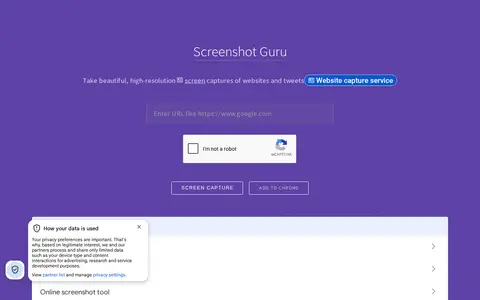
Screenshot Guru is an online tool that captures full-length, high-resolution PNG screenshots of web pages and tweets without screen-capture software or browser extensions. It works on desktop and mobile devices. Pages requiring login, Flash embeds and AJAX-based sites cannot be captured.
Screenshot Studio is a code repository or project page with source code, releases, documentation, or setup notes.
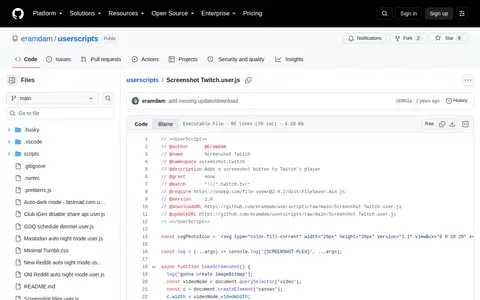
Screenshot Twitch is a code project with source, releases, documentation, or setup notes.
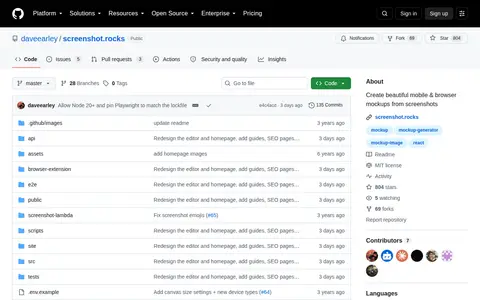
Screenshot.rocks is a code repository or project page with source code, releases, documentation, or setup notes.
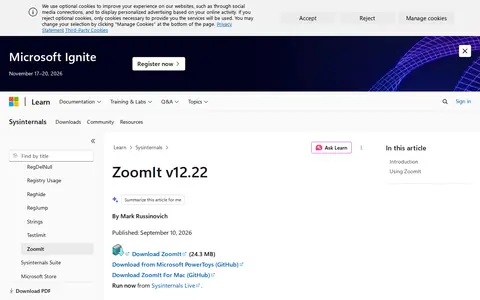
ZoomIt is a Sysinternals presentation utility for zooming and drawing on the screen. It runs in the system tray and activates with customizable hotkeys to zoom in on an area of the screen, move around while zoomed, and draw on the zoomed image. It also supports snip screenshots, recording, and a break timer.
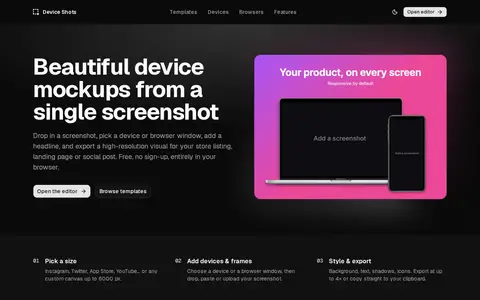
Browser tool for creating device-framed screenshots and app preview images.
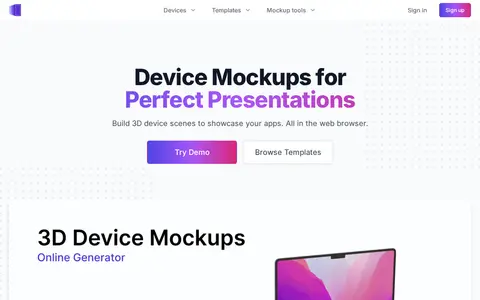
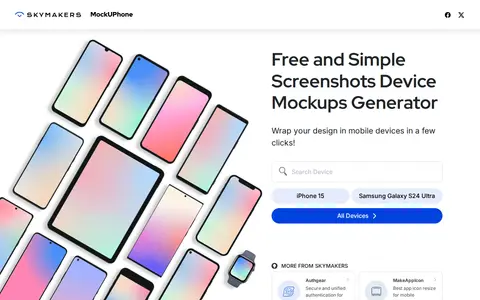
Device mockup tool for placing screenshots into phone, tablet, laptop, and desktop frames.
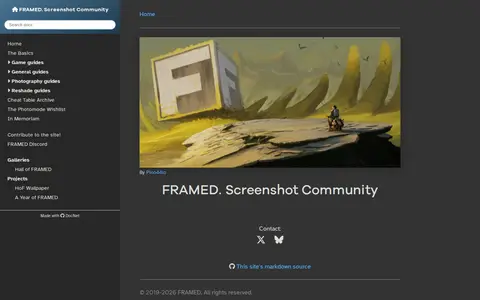
FRAMED is a screenshot community website that hosts game guides, general and photography guides, Reshade guides, a cheat table archive, a photomode wishlist, user-submitted screenshot galleries, a Hall of FRAMED, and wallpaper collections.
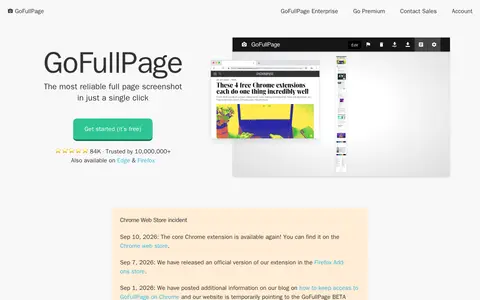
GoFullPage is a Chrome extension for full page screen capture. It lets users take a screenshot of an entire webpage in one click, with options to crop, edit and annotate the result. Captured screenshots can be exported as an image, PDF or copied to the clipboard.
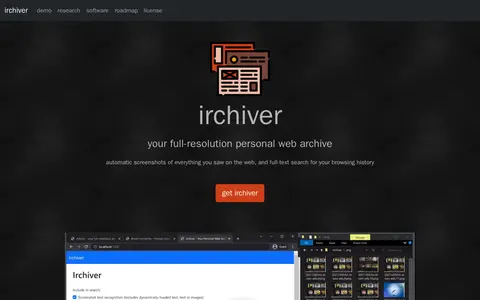
Irchiver is a research project and software that automatically takes screenshots of web content and provides full-text search of browsing history. It runs on Windows and Mac with several browsers and stores screenshots as WebP plus text files in a local folder without network connectivity.
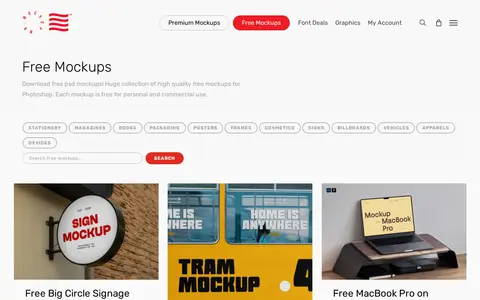
Mockup generator for creating device screenshots, product visuals, and presentation-ready images.
Device mockup generator for creating screenshots inside phone, tablet, and desktop frames.
Screenshot reference showing a web tool, update, or feature change for review.
mrmockup helps create mockups, device frames, screenshots, and product presentation images.
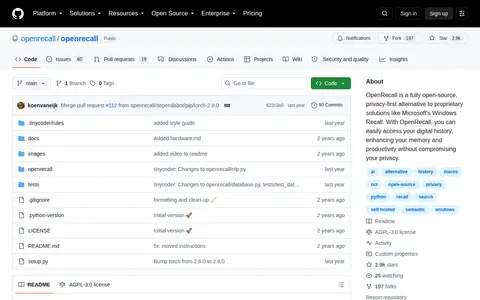
An open-source tool that captures digital history through regularly taken screenshots. Text and images in the screenshots are analyzed and made searchable, and users can scroll back through past activities. It is described as cross-platform.
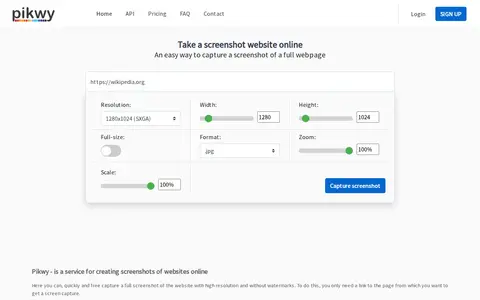
Pikwy is a free online website screenshot service that enables users to capture full-page screenshots of web pages via a single API call. It offers configurable options including resolution, width, height, image format, zoom and scale, and generates watermark-free screenshot outputs.
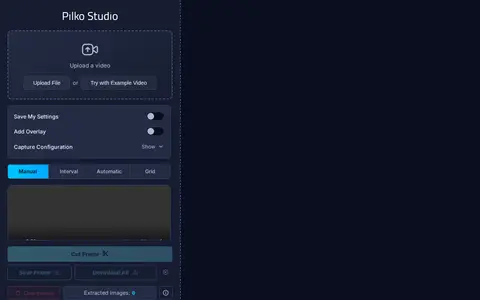
Pilko Studio is a local in-browser video screenshot extraction tool. It supports interval, manual and automatic frame capture with timestamps, and offers configuration options including JPEG and WEBP quality adjustment, video trimming, cropping, timecode or overlay addition, and framerate override for exported screenshot frames.