



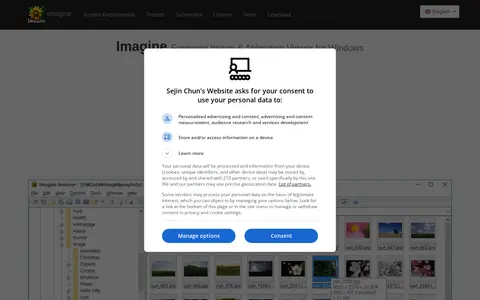
Imagine is a freeware image and animation viewer for Windows. It views and saves numerous image and animation file formats, including digital camera RAW formats, archive formats, and high dynamic range formats.
Screenshot Rocks
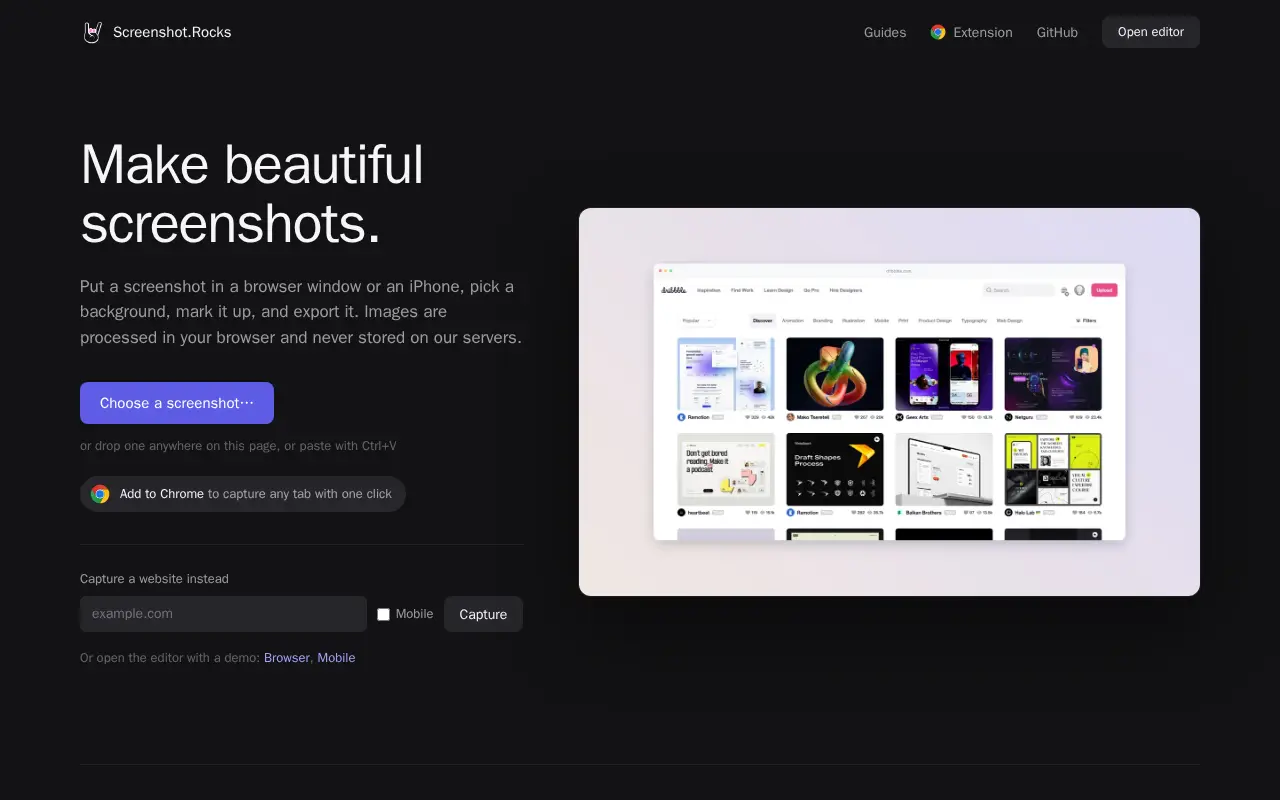
Screenshot.Rocks is a free browser-based tool for making screenshots. It places a screenshot in a browser window or iPhone frame, adds a background and markup, and exports the result. No sign-up is required, and images are processed in the browser rather than stored on servers.
Features
- Put a screenshot in a browser window or iPhone frame Source: screenshot.rocks
Links
Tags
-
0Imagine is a freeware image and animation viewer for Windows. It views and saves numerous image and animation file formats, including digital camera RAW formats, archive formats, and high dynamic range formats.
-
0Raw.pics.io is an in-browser viewer and converter for RAW image formats including CR2, NEF, ARW, ORF, PEF, RAF and DNG. It converts and edits RAW, PDF and JPG files into JPEG, PNG and other formats, with resizing, compression and pixel size changes available. All processing happens in the browser, and the service is free for the first five conversions without registration.
-
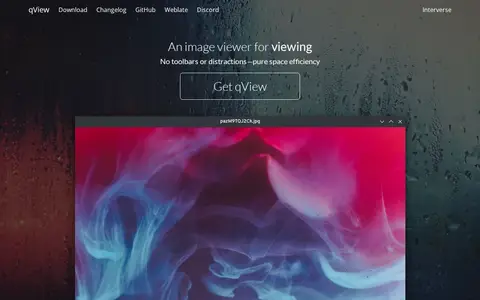
0qView is a free and open-source image viewer for Windows, macOS and Linux designed for minimalism and practicality. It supports common image formats including bmp, gif, jpg, png, tiff and webp, and offers animated GIF controls, file history, rotation and mirroring, and multithreaded preloading. It is based on Qt5 and released under the GPLv3 license.
-
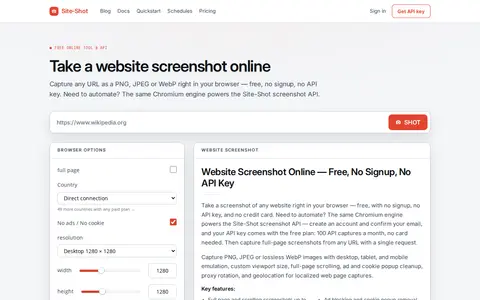
0Site-Shot helps edit, convert, generate, search, or organize images and visual assets.
-
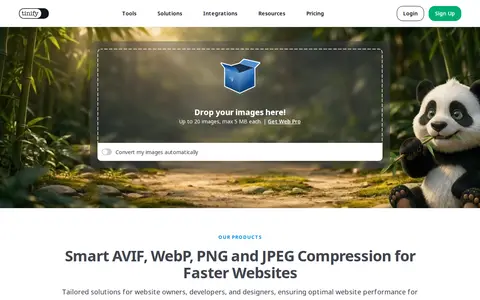
0TinyPNG is a free online image optimizer that reduces the file size of AVIF, WEBP, JPEG and PNG images using lossy compression. The service includes a developer API, a CDN, and a WordPress plugin. The online tool accepts up to 20 images of up to 5 MB each.
-
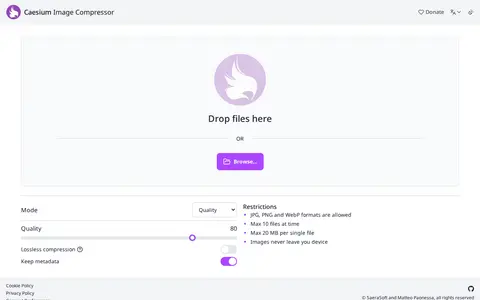
0Caesium is a free, open source online compression tool for photos and images. It supports JPG, PNG and WebP formats, with batch processing and preview. Files are limited to 10 at a time and 20 MB per file. The tool offers quality settings and optional lossless compression that preserves image quality, with an option to keep metadata.
Community notes
Reviews and discussion
No reviews yet
Be the first to share how this project worked for you.
Join the discussion
Sign in with a verified account to leave a review or join the discussion.
Sign in to review