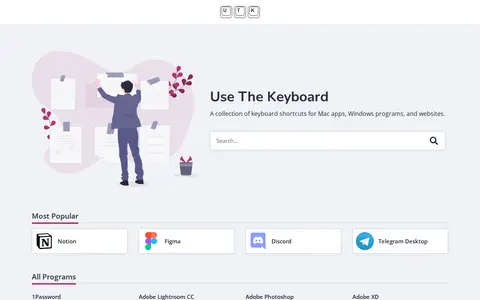

Use The Keyboard is a collection of keyboard shortcuts for Mac applications, Windows programs and a wide range of websites. The platform allows users to search for shortcuts, and includes entries for popular tools and services including Notion, Figma, Discord, Zoom, Microsoft Office applications, Adobe creative software, development tools, social media platforms, and many other programs.
Directory
Search results
Published directory entries matching your search.
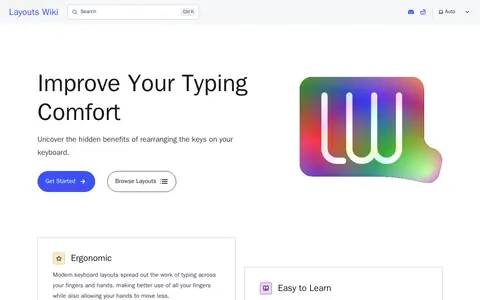
Layouts Wiki is a site about alternative keyboard layouts, presenting them as spreading typing work across fingers and hands while allowing hands to move less. It states users can reach productive typing speed in about a month and can switch layouts on an existing keyboard using freely available software and configuration files. It also hosts an Alt Keyboard Layouts Discord community.
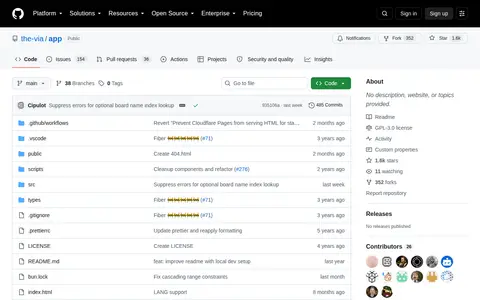
The VIA Web Application is a tool for keyboard customization and configuration. It allows users to get VIA support for their keyboards, set up local development, and use useful commands. The project is hosted on GitHub and aims to be a companion for keyboard enthusiasts.
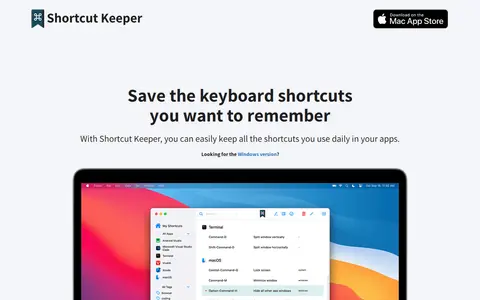
Shortcut Keeper is a macOS app for saving and reviewing keyboard shortcuts used in everyday apps. Users store shortcuts per app, check them via a menu bar icon, and can bring the app forward with a keyboard shortcut. It is lightweight with a dark theme, filtering and layout options, and is bought once without subscriptions.
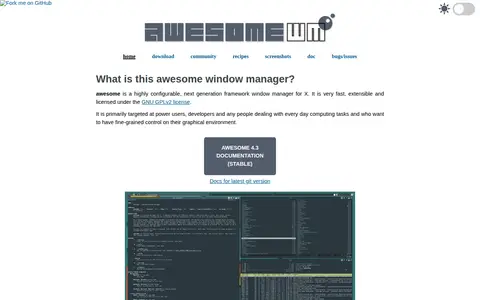
awesome is a framework window manager for X, licensed under the GNU GPLv2 and targeted at power users and developers who want fine-grained control over their graphical environment. It is extensible using the Lua programming language and provides a documented API for configuring behavior. Features include keyboard-only operation and multihead support with per-screen tags.
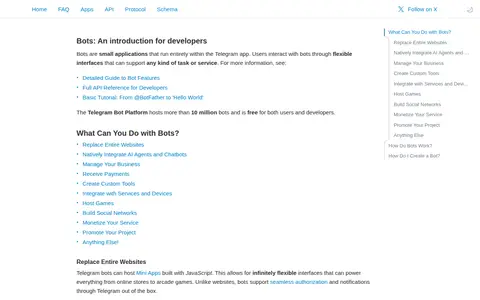
Telegram Bot API is an HTTP-based interface created for developers to build bots for Telegram. Bots are small applications that run entirely within the Telegram app, and users interact with them through flexible interfaces supporting various tasks and services. The platform is free for both users and developers, and bots can use commands, keyboards, inline buttons and Mini Apps built with JavaScript.
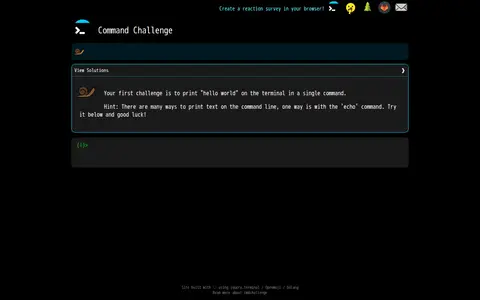
A site offering one-line shell challenges intended to help users improve their command-line skill. The interface accepts commands with keyboard shortcuts for history, completion and clearing the line. The site lists solutions and was built using JavaScript, Openmoji and Golang.
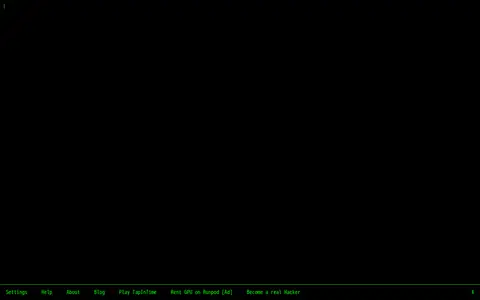
HackTyper is a web-based tool launched in 2011 that generates pseudo hacker code in real time as users type on their keyboard. It is designed to mimic the hacker typing scenes commonly seen in movies and pop culture. The tool offers customizable settings for font, text color, and typing speed, and supports fullscreen mode for enhanced user experience. The developer explicitly states the tool does not provide actual hacking services, and permits use of the tool in personal projects, videos, and images.
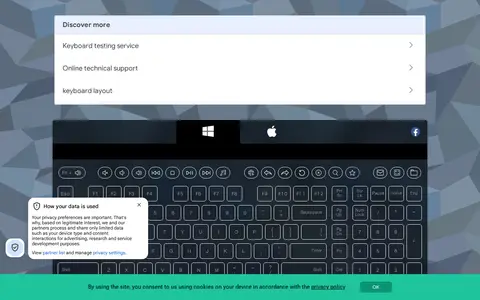
Key Test is an online tool for checking keyboard button functionality directly in a web browser. Users can test individual keys by pressing them, with specific guidance for testing Fn keys in combination with other common inputs. The service notes that all testing is performed at the user's own risk, and recommends contacting a service center if users are uncertain whether a key issue is hardware or software related.
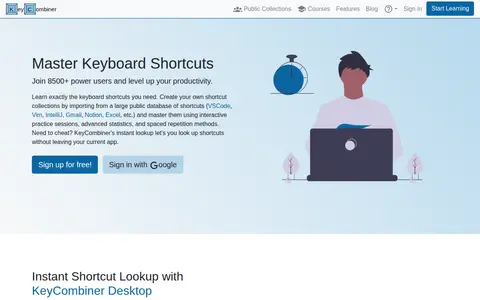
KeyCombiner is a web service for organizing, learning, and practicing keyboard shortcuts. Users can import shortcuts from a public database into personal collections, practice them with spaced repetition, and take curated courses and lessons. A desktop application offers instant shortcut lookup on Windows and Linux.
Linked is a journaling app for recording thoughts and notes in a distraction-free editor. It offers full-text search, local storage for offline use, keyboard shortcuts, dark and light themes, and an interface translated into 11 languages. The design is minimal and the project invites community input on future features.
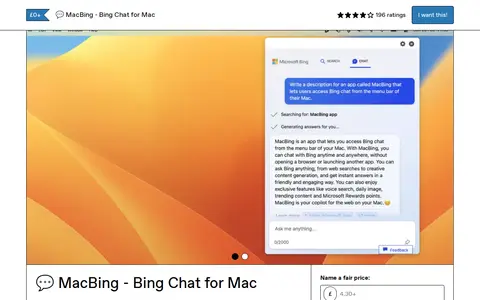
MacBing is a simple native macOS application that provides quick access to Bing Chat via the system menu bar. It requires macOS Ventura or newer to run. The app loads the Bing Chat interface in a web browser, requires users to log in with their Bing credentials, and allows assigning a keyboard shortcut for activation via a gear icon. MacBing is available for free with an optional paid tier, and is developed by the creator of other macOS utilities including Vivid, MacGPT, MacPoe and MacWhisper.
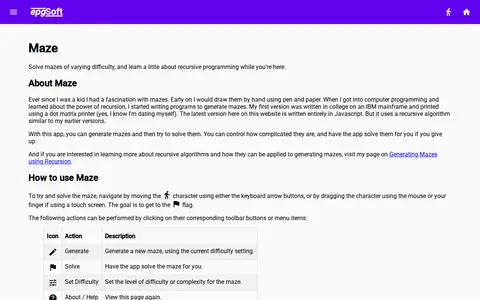
Maze is a JavaScript web app that generates mazes of varying difficulty and lets users solve them by navigating a character to a flag. Controls include keyboard arrows, mouse dragging or touch. A solve option completes the maze automatically, and the app is presented as an illustration of recursive programming.
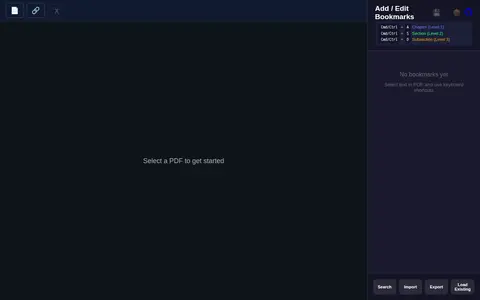
A web tool for editing PDF bookmarks. Users select a PDF, add or edit chapter, section and subsection bookmarks, and import bookmarks via keyboard shortcuts. It also includes a merge feature where files are dragged to reorder them before merging.
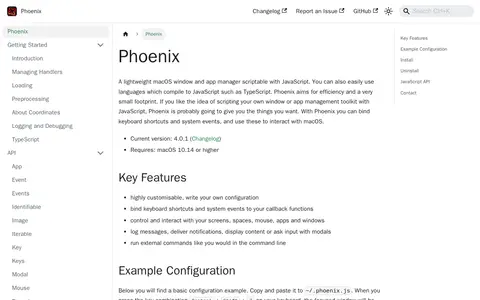
Phoenix is a lightweight macOS window and app manager scriptable with JavaScript, and with languages that compile to JavaScript such as TypeScript. It aims for efficiency and a small footprint. Users can write their own configuration, bind keyboard shortcuts and system events to callback functions, and control screens, spaces, the mouse, apps and windows. It requires macOS 10.14 or higher.
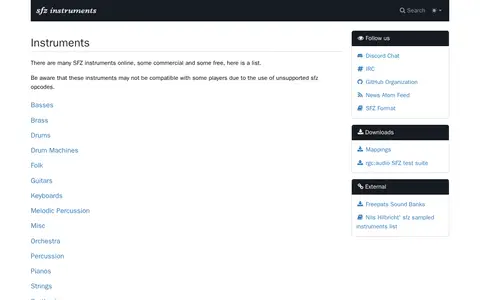
Sfzinstruments maintains a list of SFZ instruments available online, some commercial and some free. The list covers categories including basses, brass, drums, guitars, keyboards, percussion, pianos, strings, synthesizers, vocals and woodwinds. The page notes that some instruments may not work with certain players because they use unsupported sfz opcodes.
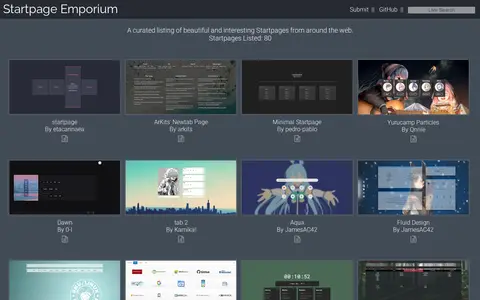
Startpage Emporium is a curated showcase of browser startpages created by 0XE4, listing over 70 beautiful startpages from across the web as of the snapshot, with a total of 80 startpages listed. The showcase includes startpages with a range of features including minimal design, search functionality, keyboard controls, to-do lists, weather updates, speed dials and themed designs, and accepts user submissions of startpages for inclusion.
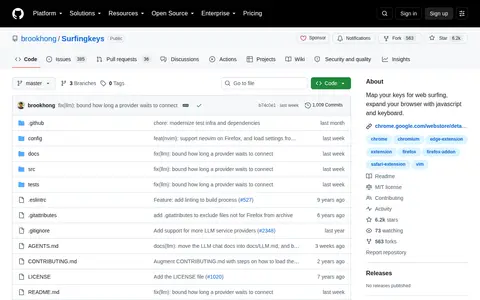
Surfingkeys is a browser extension for Chrome, Chromium-based browsers, Firefox and Safari that provides keyboard-based navigation and control of the web in the spirit of the VIM editor. It is intended for users who need more shortcuts for their own functions, and its settings are described in JavaScript, allowing keystrokes to be mapped to user-defined JavaScript functions.
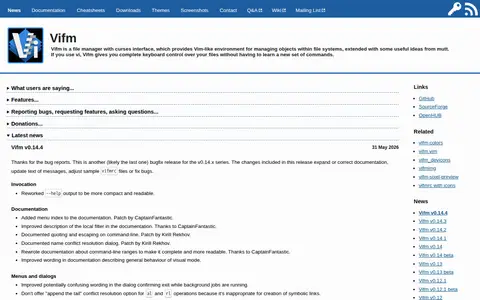
Vifm is a file manager with a curses interface that provides a Vim-like environment for managing files in file systems, with some ideas taken from mutt. Users of vi get complete keyboard control over their files without learning a new set of commands.
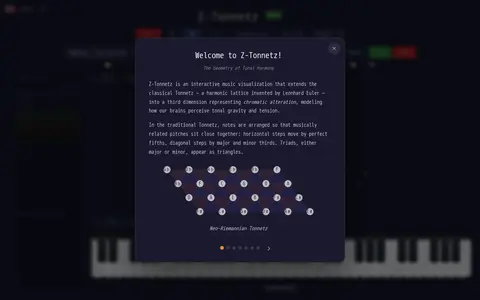
Z-Tonnetz is a free browser-based beta visualization of a neo-Riemannian Tonnetz in 3D. It plays any MIDI file or a user's keyboard and shows chords, voice leading and key relationships in real time. The page notes that these are highly experimental features and some may not work as intended.