



SoundSwitch is a free, open-source Windows app that switches audio playback and recording devices with global hotkeys. It supports per-app rules, profiles and notifications, runs in the system tray, and lets users cycle devices with default hotkeys such as Ctrl + Alt + F11 for playback.
Use The Keyboard
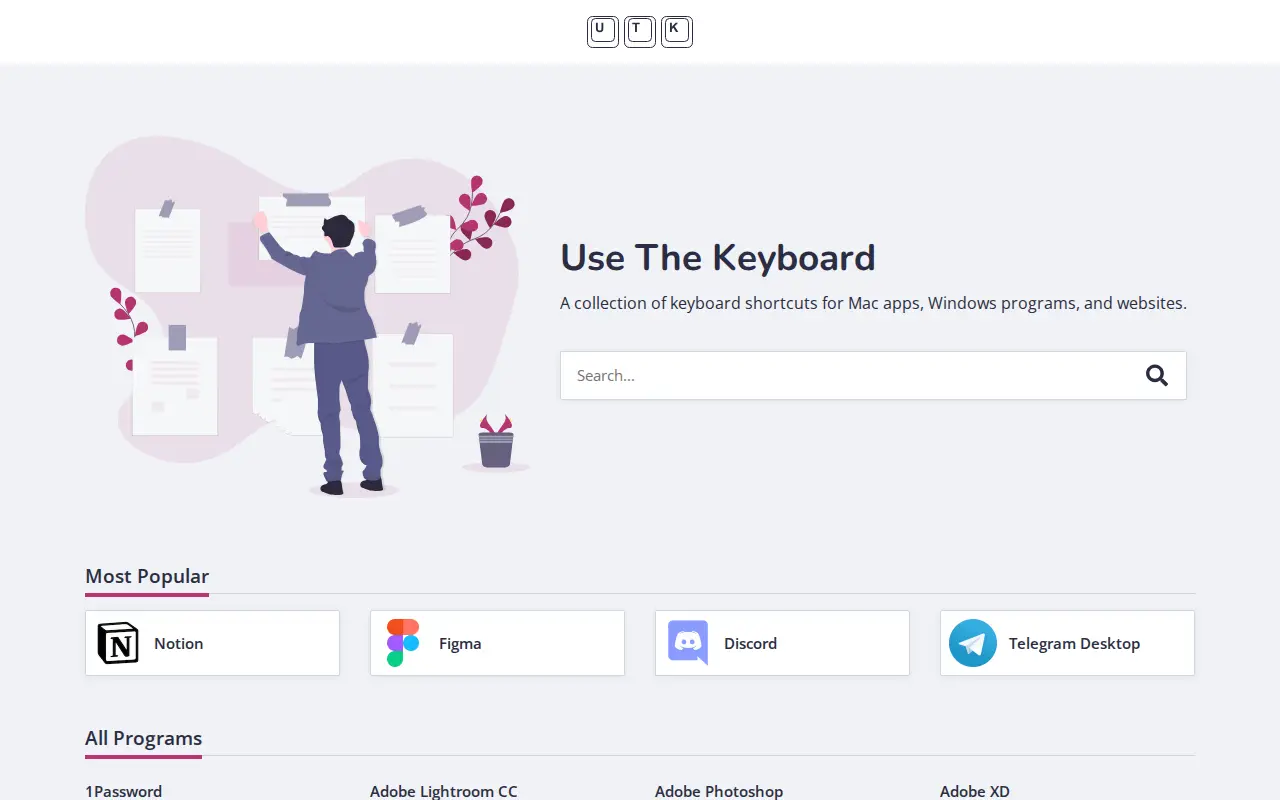
Use The Keyboard is a collection of keyboard shortcuts for Mac applications, Windows programs and a wide range of websites. The platform allows users to search for shortcuts, and includes entries for popular tools and services including Notion, Figma, Discord, Zoom, Microsoft Office applications, Adobe creative software, development tools, social media platforms, and many other programs.
Links
Tags
-
0SoundSwitch is a free, open-source Windows app that switches audio playback and recording devices with global hotkeys. It supports per-app rules, profiles and notifications, runs in the system tray, and lets users cycle devices with default hotkeys such as Ctrl + Alt + F11 for playback.
-
0
Fan Control is a free Windows program for controlling CPU, GPU and case fans by temperature. It offers several fan curve types, mixing of curves, calibration, control parameters, plugin support with .NET, and a backend based mainly on LibreHardwareMonitor.
-
0NVCleanstall is a utility for customizing the NVIDIA GeForce Driver package by removing components that are not needed. The download is a 3.8 MB executable for Windows 11, 10, 8 and 7 in 32-bit and 64-bit versions, with version 1.19.0 listed as the latest.
-
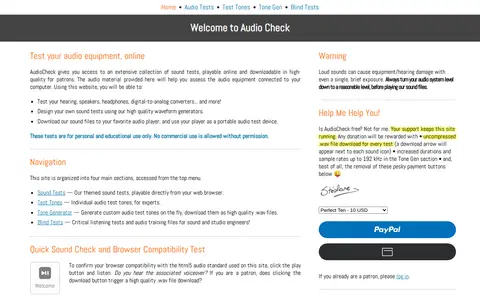
0Audiocheck provides online audio tests, test tones and tone generators. The site offers sound tests playable in a browser, individual test tones, custom tone generation, and high-resolution sound files available for download. These are intended for personal and educational use only.
-
0Display Driver Uninstaller is a freeware driver removal utility for Windows that removes AMD, NVIDIA and Intel graphics drivers and packages, including registry keys, folders, files and driver store. Version 18.1.6.1 adds Qualcomm cleanup options and more selective handling of driver extensions. Safe Mode is recommended for stability.
-
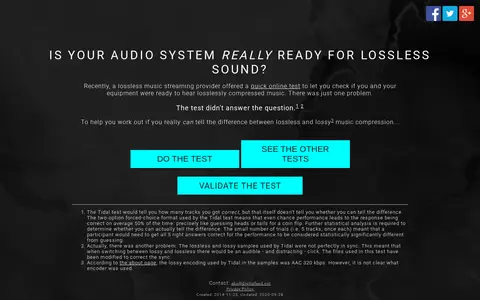
0DigitalFeed hosts a browser-based ABX test that compares lossless and lossy music samples, modeled on a test by the streaming service Tidal. It asks whether users can tell the difference between lossless and lossy audio on their audio system. The test requires browser support for the Web Audio APIs, which Internet Explorer lacks.
Community notes
Reviews and discussion
No reviews yet
Be the first to share how this project worked for you.
Join the discussion
Sign in with a verified account to leave a review or join the discussion.
Sign in to review