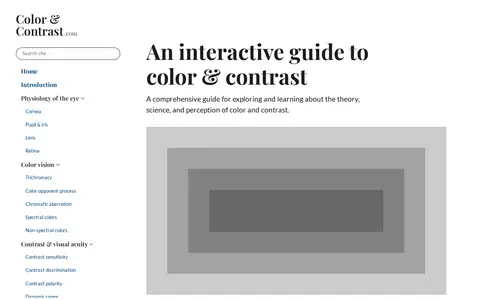

colorandcontrast.com
Color & Contrast is a developer resource for coding, documentation, communities, security research, or software tools.
Directory
Published directory entries matching your search.
Color & Contrast is a developer resource for coding, documentation, communities, security research, or software tools.
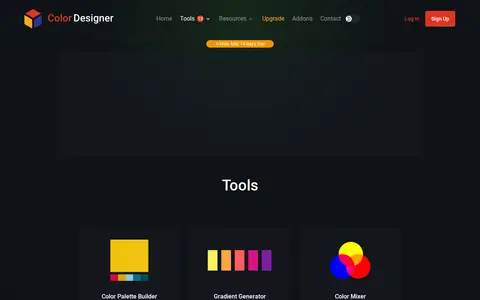
Color Designer is a web tool collection for visual color work. The tools list includes a Palette Generator, Gradient Generator, and Color Name Finder, along with a Color Palette Builder, Color Mixer, Color Wheel, Color Converter, Image Color Picker, Random Color Generator, and Color Contrast Checker.

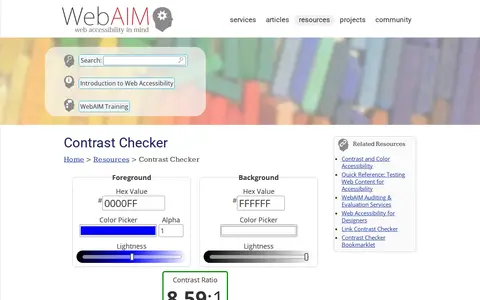
A WebAIM tool for checking foreground and background color contrast in RGB hexadecimal format or with a color picker. It reports a contrast ratio and WCAG AA and AAA pass/fail states for normal text, large text, graphical objects and user interface components. It also functions as a basic API when &api is appended to a permalink.
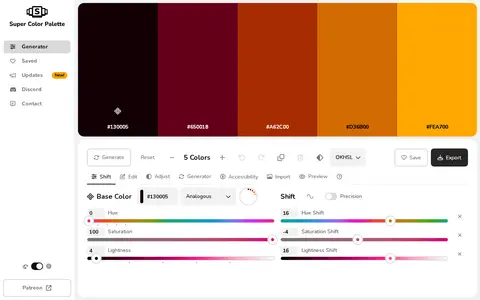
Super Color Palette is a free color palette generator that creates palettes by shifting hue, saturation, lightness and other color properties. It supports color harmonies, editing individual colors, image import to extract colors, and contrast checking against WCAG 2.0 guidelines. Palettes can be saved, organized, shared and exported.
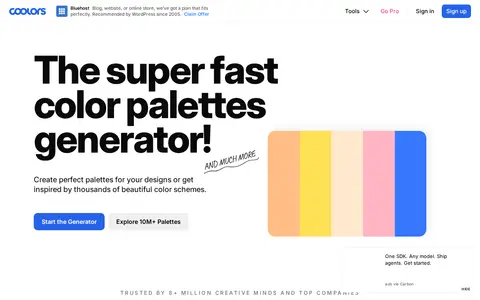
Coolors is a color palette generator for creating and browsing color schemes. It provides tools including an image picker, contrast checker, palette visualizer, color picker, and Tailwind color preview. Palettes can be organized into projects and exported, with access across web, apps, and plugins.
Color tool for exploring palettes, gradients, contrast, and visual design color choices.
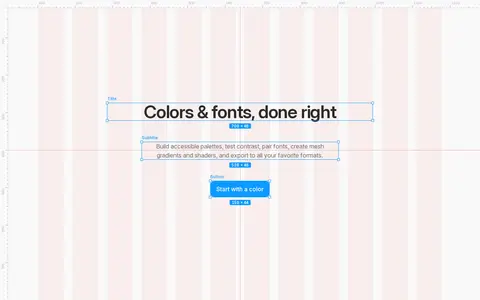
Colors & Fonts offers free color tools for designers and developers, including curated color palettes, copy-paste CSS gradients, a palette builder with contrast checking, a monochromatic shade generator, mesh gradients and animated shaders. Themes can be exported for shadcn and Tailwind.

Pika offers self-contained AI creative tools for video, image and sound work. Tools include Video Studio for generating clips up to a 30-second multi-shot video, Color Grade for adjusting color and contrast, Extend Video for lengthening clips with extra frames, and Pika Soundtrack for scoring clips. Character Studio, Image Studio and Product Shot support image creation and editing. Support is available for the web, the iOS app and the API.

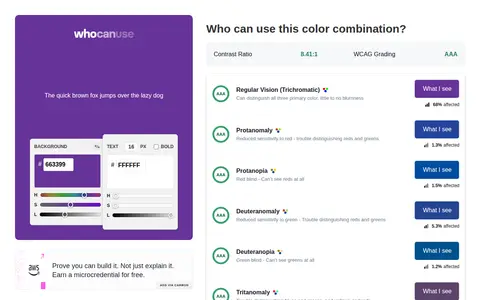
WhoCanUse is a tool that illustrates how color contrast affects people with different visual impairments. It grades color combinations against WCAG and shows how various vision conditions and situational events perceive the colors. Percentages for individual impairments are sourced from colour-blindness.com and Vision Australia.

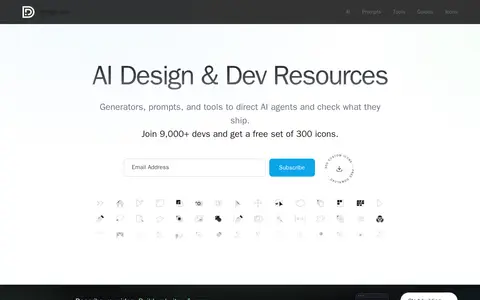
Design.dev offers free generators for AI coding agent configuration files, copy-paste UI templates, and front-end tools for directing AI agents and verifying their output. It includes browser feature detection, a color contrast checker, an image optimizer, and email newsletters.

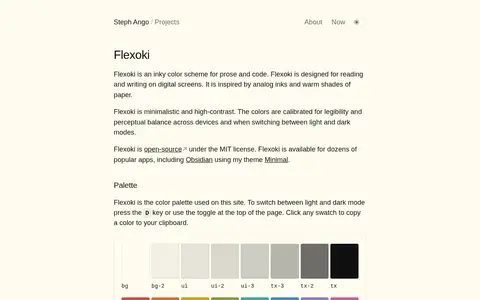
Flexoki is an open-source color scheme for prose and code, designed for reading and writing on digital screens. Inspired by analog inks and paper, it is minimalistic and high-contrast, with colors calibrated for legibility across devices and light and dark modes. It is available for dozens of apps.

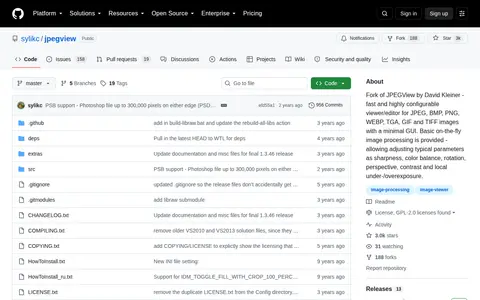
JPEGView is a fork of the original JPEGView by David Kleiner. It is a fast, highly configurable viewer and editor for JPEG, BMP, PNG, WEBP, TGA, GIF and TIFF images with a minimal graphical user interface, and provides basic on-the-fly image processing to adjust sharpness, color balance, rotation, perspective, contrast and local under-/overexposure.

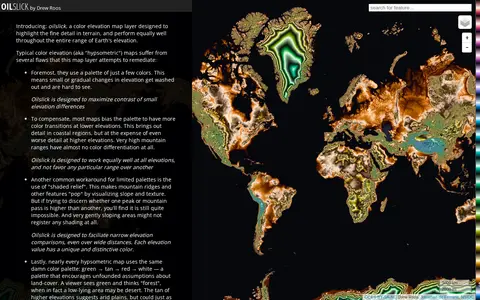
Oilslick is a color elevation map layer by Drew Roos designed to highlight fine terrain detail and work across the full range of Earth's elevation. It aims to maximize lightness contrast for small elevation differences and avoid favoring lower elevations, using a zig-zagging lightness pattern with each cycle covering 500m and hue completing one cycle over 9,275m of land elevation.
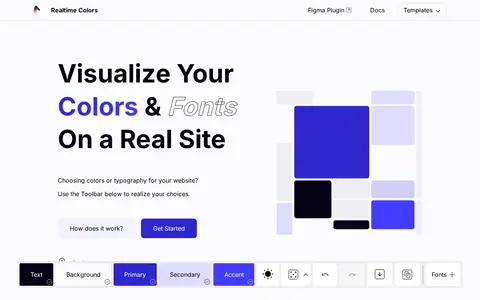
Realtime Colors is a web tool for visualizing color palettes and fonts on a real website. It stores the selected colors, includes a contrast checker, and allows exporting in formats such as .zip, .png, CSS and SCSS. The source also lists a Figma plugin and VS Code.

An interactive tutorial covering the basics of web design in four minutes. It walks through content, centering, font family, spacing, color and contrast, and balance, presenting each step as CSS rules. It is aimed at people who want to make their own website look attractive and professional before publishing it.