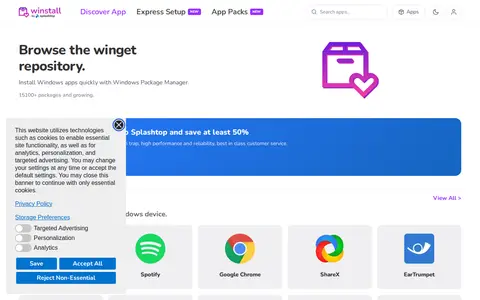

winstall is a browser-based interface for Microsoft's Windows Package Manager (winget). It lets users browse the winget repository, select multiple apps, and generate an install script that can be pasted into a terminal. The site also lists curated packs of apps that can be installed as a set.
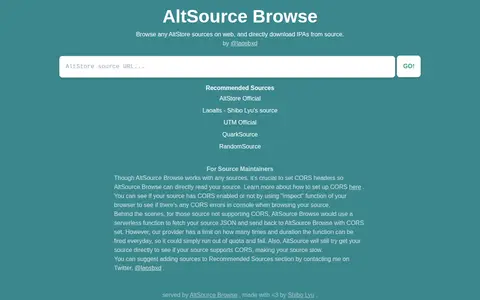
Directory
Search results
Published directory entries matching your search.
Browse is a mobile app resource for Android or iOS listings, app pages, updates, or community links.
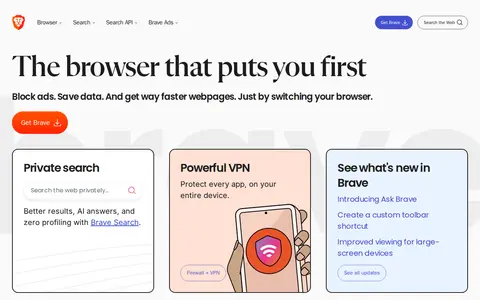
Brave Browser is a free, fast, private and secure web browser available for PC, Mac and mobile devices. It blocks ads, tracking software and other intrusive content to improve browsing speed, save data and extend battery life. The browser includes features such as an adblocking Shields tool, VPN, privacy protections, premium services, AI-powered private search and Brave Origin Browser AI.
Browser Tamer helps compare, test, package, or manage web browsers and browser-based apps.
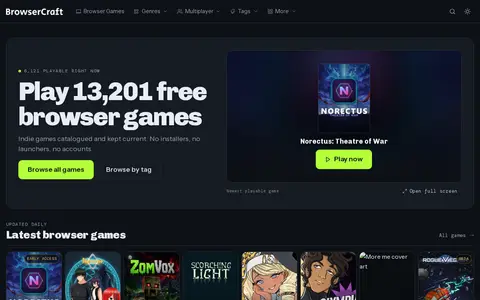
Browser Craft is a directory of free web browser games. It lists thousands of indie browser games, organizes them by genre and tag, and marks which ones are playable. The catalogue is updated regularly and requires no installers, launchers or accounts.
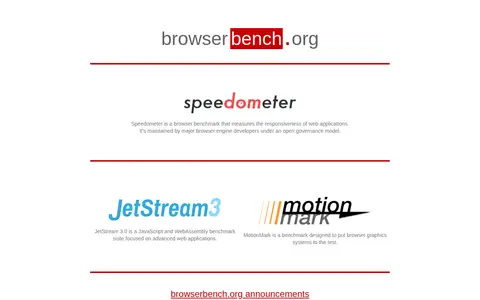
BrowserBench.org hosts browser benchmarks. Speedometer measures the responsiveness of web applications and is maintained by major browser engine developers under an open governance model. JetStream 3.0 is a JavaScript and WebAssembly benchmark suite focused on advanced web applications. MotionMark tests browser graphics systems.
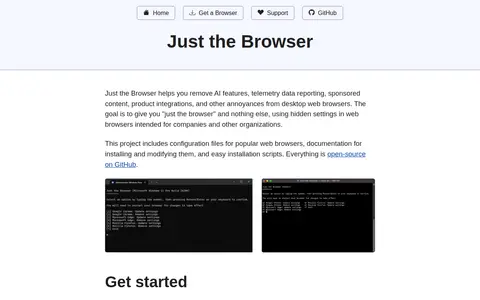
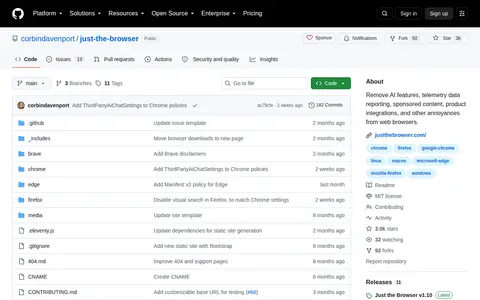
Just the Browser provides configuration files, documentation and installation scripts that remove AI features, telemetry data reporting, sponsored content and product integrations from desktop web browsers, using hidden settings intended for organizations. It includes manual guides for Google Chrome, Microsoft Edge, Firefox and Brave, and the project is open-source on GitHub.
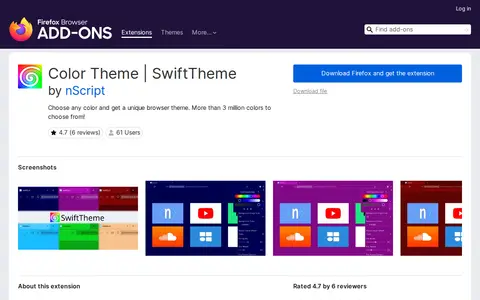
SwiftTheme is a Firefox browser extension that allows users to apply custom color themes to their browser interface. It offers more than 3 million color options, an intuitive color picker, automatic adaptation to selected colors, multiple theme variants, compatibility with older Firefox designs, and no conflicts with other browser themes. User settings are stored locally on the device and no user data is collected by the extension. A related SwiftDial homepage extension is also available from the developer.
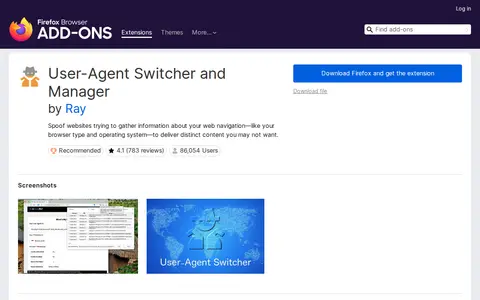
User-Agent String Switcher is a Firefox browser extension that spoofs the browser's user-agent string to prevent websites from collecting information about the user's browser type, operating system, and browsing configuration, allowing users to receive preferred site content. It allows custom user-agent strings to be set via the toolbar popup, uses a two-factor technique to replicate the default user-agent string for reliability, and consumes no resources when not actively spoofing. A common use case is setting a mobile user-agent string to load faster-loading mobile versions of websites.

A blog post listing OSINT utilities for the Google Chrome browser. It states that browser extensions can aid investigators, recommends a clean browser installation for sensitive investigations, and includes items such as Exif Viewer Pro, Hunter Email Finder, and Instant Data Scraper.
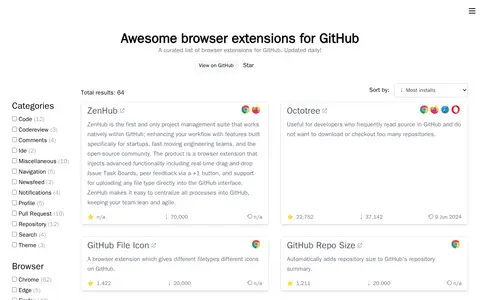
A curated list of browser extensions for GitHub, organized by categories such as code, pull requests, notifications and themes, and browsable by browser. It includes entries such as Octotree for reading source without downloading repositories and Refined GitHub for simplifying the interface.
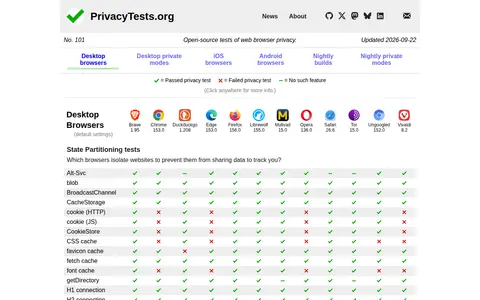
PrivacyTests.org is an open-source privacy audit that subjects major web browsers to automated tests. It covers desktop browsers, private modes, iOS and Android browsers, and nightly builds, and reports results across privacy test categories.
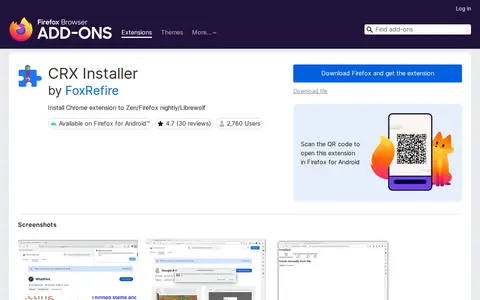
CRXInstaller is a Firefox browser extension developed by FoxRefire. It enables users to install Chrome browser extensions on Zen, Firefox Nightly, Firefox Developer Edition, Librewolf, and Firefox for Android. Use with standard Firefox requires additional configuration steps. The developer warns that installing untrusted extensions poses serious security risks and disclaims liability for any resulting damage, with the extension's source code available on GitHub.
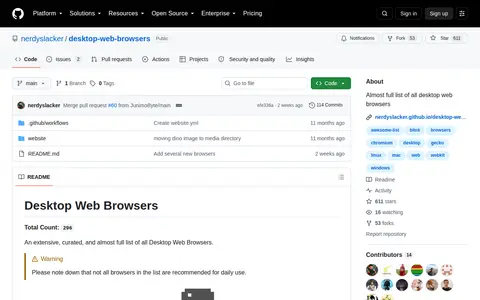
Desktop Browser List is an open source project with code, documentation, and setup resources for browser tools.
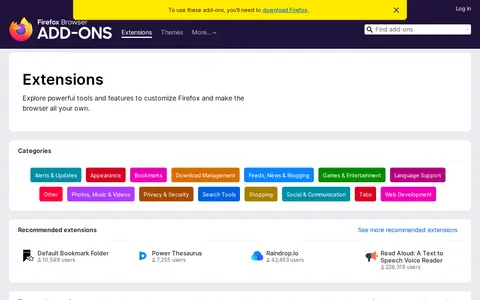
Browser extension for Firefox Addons, adding useful tools or workflow improvements inside the browser.
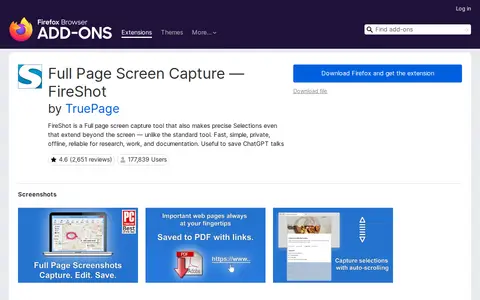
Browser extension for FireShot, adding useful tools or workflow improvements inside the browser.
Just The Browser is an open source project with code, documentation, and setup resources for browser tools.
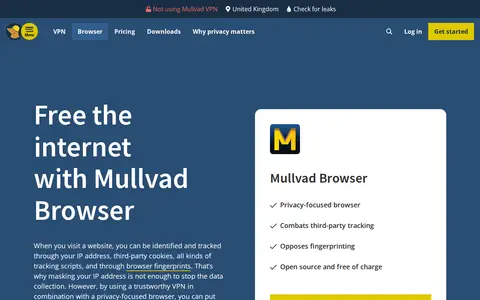
Mullvad Browser is an open-source, free-of-charge web browser developed by Mullvad VPN and the Tor Project to minimize tracking and fingerprinting. It blocks third-party trackers using uBlock Origin, enables private mode by default, saves no cookies between sessions, and collects no telemetry. It can be used with or without a VPN.
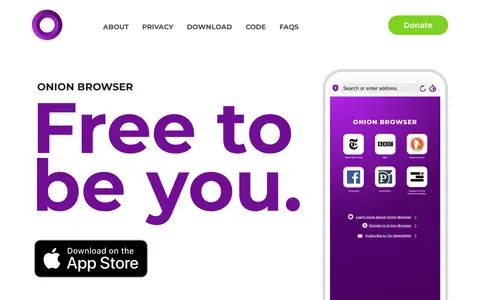
Onion Browser is a free, open-source web browser for iOS that connects to the Tor network. It encrypts traffic through Tor, which the project describes as providing a high standard of privacy and security. Tabs close when done, and security settings can be adjusted per website. No personal data is saved or used for targeted ads.
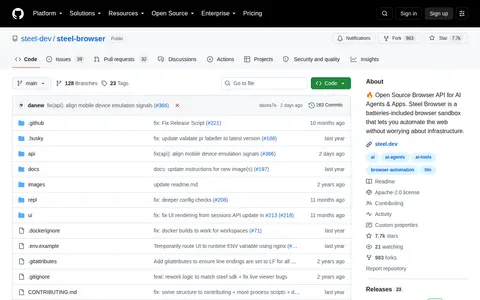
Steel Browser is an open source browser API built for AI agents and applications. It functions as a batteries-included browser sandbox that enables web automation without requiring users to manage underlying infrastructure. The project is hosted on GitHub under the steel-dev organization.
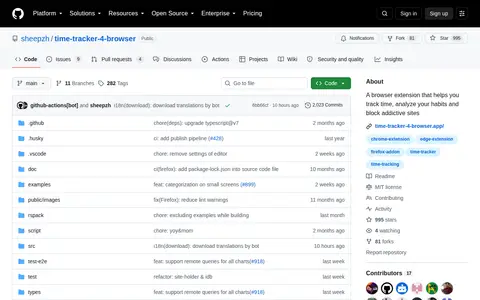
Time Tracker 4 Browser is a browser extension project hosted on the GitHub repository created by sheepzh. It is designed to help users track the time they spend online, analyze their browsing habits, and block access to addictive websites to support better productivity and habit building.
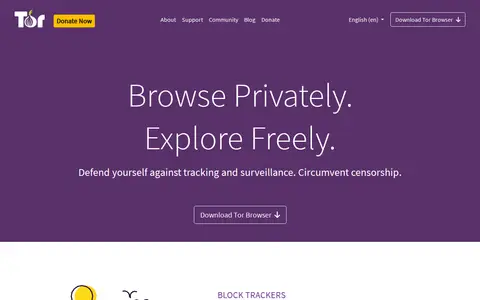
Tor Browser is a privacy-focused web browser developed by the Tor Project. It is designed to defend users against tracking and surveillance, circumvent censorship, block third-party trackers and ads by isolating visited sites, automatically clear cookies and browsing history, and prevent connection observers from identifying visited websites.
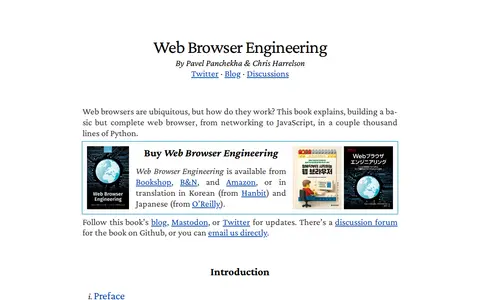
Web Browser Engineering is a book by Pavel Panchekha and Chris Harrelson that explains how web browsers work by building a basic but complete browser, from networking to JavaScript, in a couple thousand lines of Python. It is available from Bookshop, B&N and Amazon, and in Korean and Japanese translations.
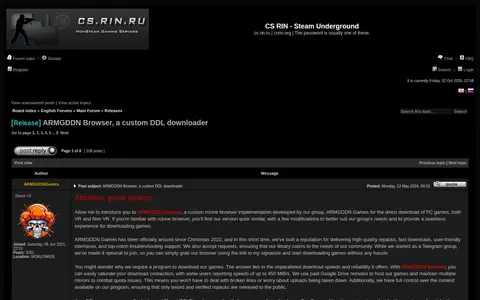
ARMGDDN Browser is a gaming community or discussion resource for updates, help, guides, or shared links.