



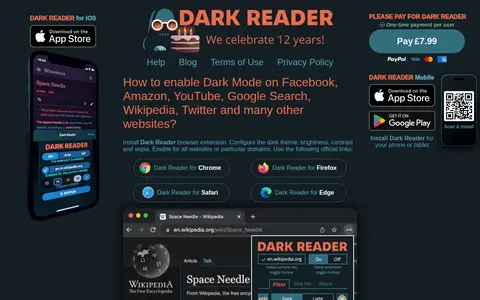

Dark Reader is an open-source browser extension that enables a dark theme on websites for night and daily browsing. It is available for Chrome, Firefox, Edge and Safari, and its brightness, contrast and sepia settings can be adjusted and enabled for all sites or particular domains.
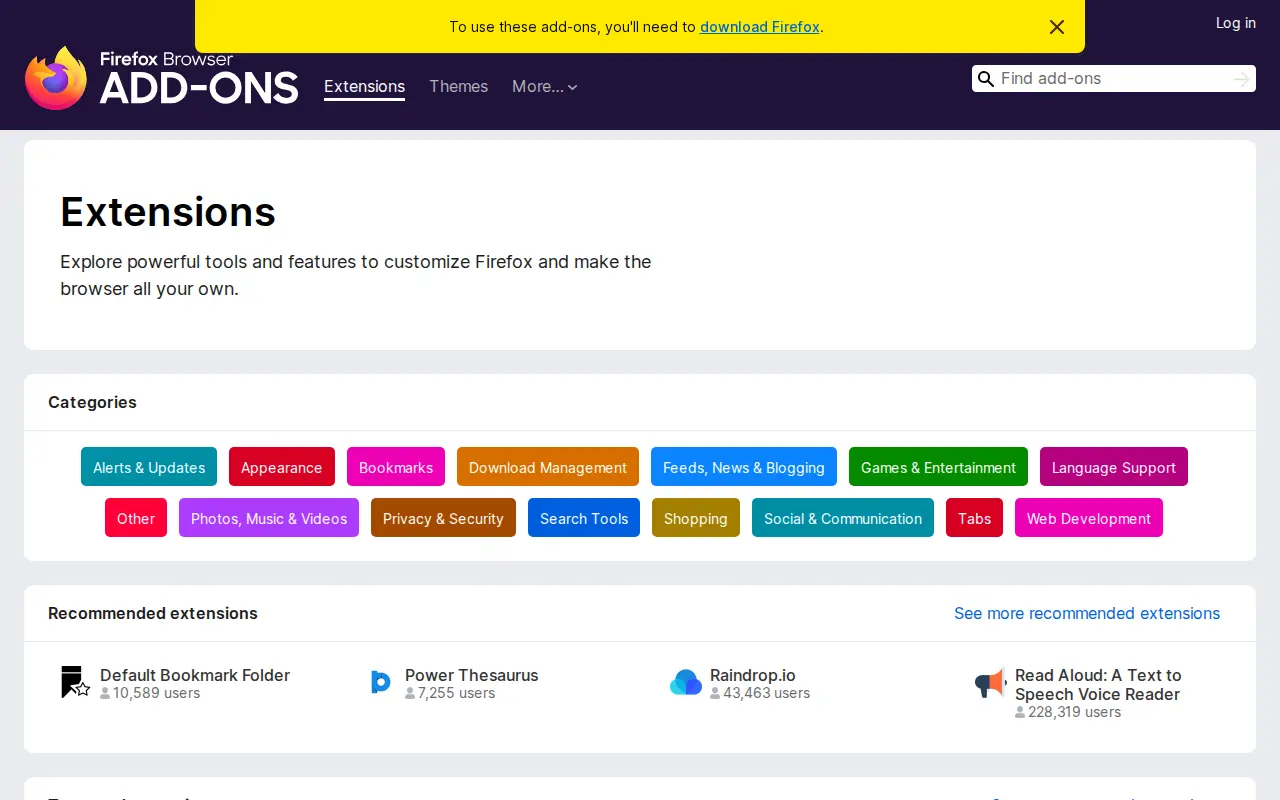
Firefox Addons
Browser extension for Firefox Addons, adding useful tools or workflow improvements inside the browser.
Links
Tags
-
0Dark Reader is an open-source browser extension that enables a dark theme on websites for night and daily browsing. It is available for Chrome, Firefox, Edge and Safari, and its brightness, contrast and sepia settings can be adjusted and enabled for all sites or particular domains.
-
0Stylus is a browser extension for restyling websites, derived from the Stylish extension's version 1.5.2 source code. It allows users to install themes and styles, write custom CSS, and import databases from Stylish. Analytics and data collection were removed. It is available for Chrome, Firefox and Opera, and supports automatic updates of installed styles.
-
0
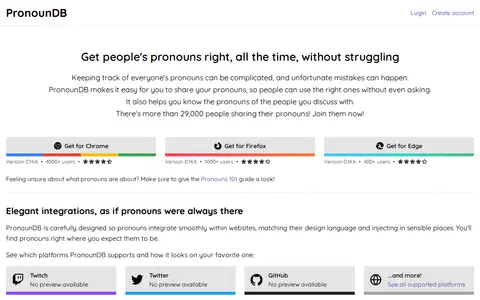
PronounDB is a browser extension that lets people share their pronouns and see the pronouns of others on supported sites. It offers integrations for platforms including Discord, GitHub, Twitch and Twitter, and provides an API for third-party developers. Extensions are available for Chrome, Firefox and Edge.
-
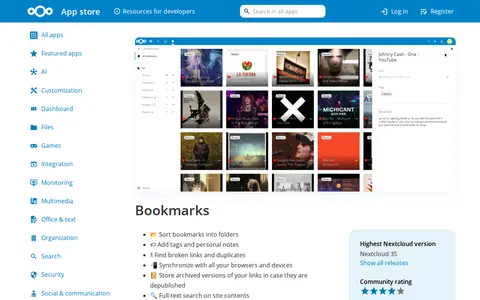
0A Nextcloud app for bookmarks, available through the Nextcloud App Store. The listing lists releases for Nextcloud versions 9 through 35, with the highest supported version being Nextcloud 35 and version 17.0.0 - 35 as stable release. The app is categorized under Organization.
-
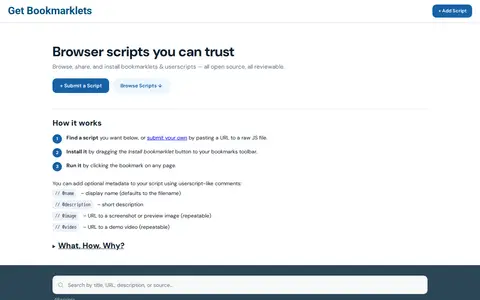
0Get Bookmarklets is a collection of bookmarklets and userscripts that can be installed with a single drag. Users can browse, share and submit their own scripts, and the site includes an explanation of bookmarklets, installation and purposes.
-
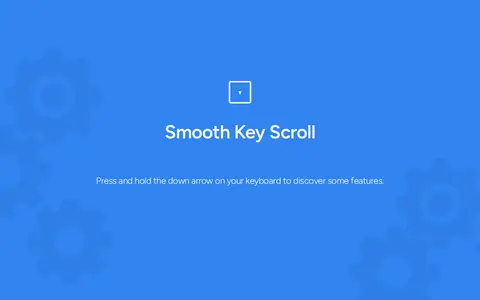
0Smooth Key Scroll is a browser extension for keyboard-based page scrolling. It offers adjustable speed, with Alt to speed up and Ctrl to slow down during scrolling, and custom directional key layouts including Gamer, Vim and Ergonomic options. An option disables mouse hover effects while scrolling. It is available in the Chrome Web Store.
Community notes
Reviews and discussion
No reviews yet
Be the first to share how this project worked for you.
Join the discussion
Sign in with a verified account to leave a review or join the discussion.
Sign in to review