
github.com
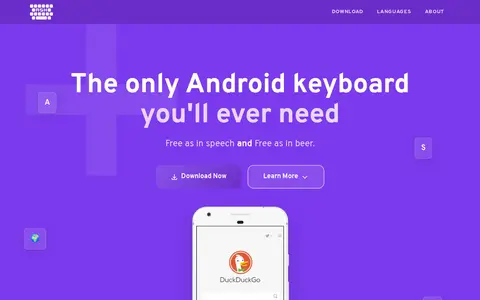
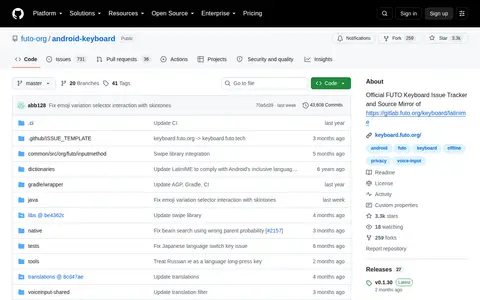
Android Keyboard is a code project with source, releases, documentation, or setup notes.
Directory
Published directory entries matching your search.
Android Keyboard is a code project with source, releases, documentation, or setup notes.

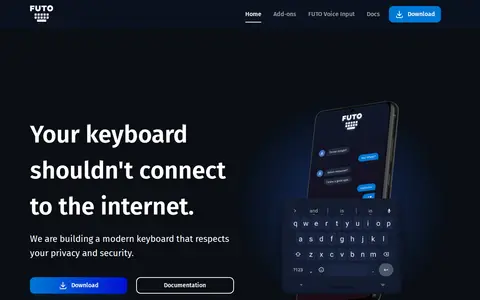
FUTO Keyboard is a mobile app resource for Android or iOS listings, app pages, updates, or community links.

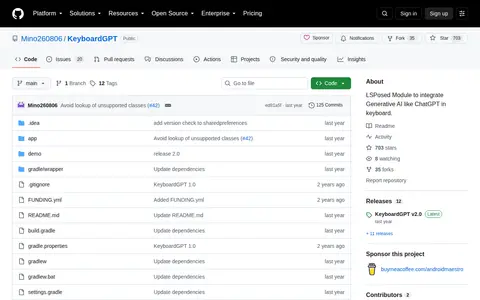
KeyboardGPT is a code project with source, releases, documentation, or setup notes.

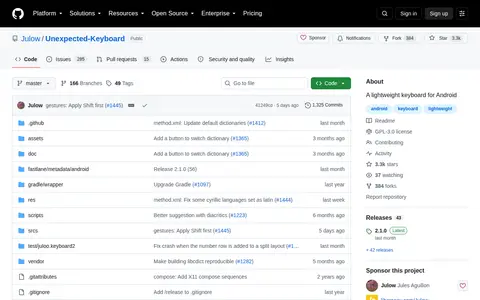
Unexpected Keyboard is a code project with source, releases, documentation, or setup notes.

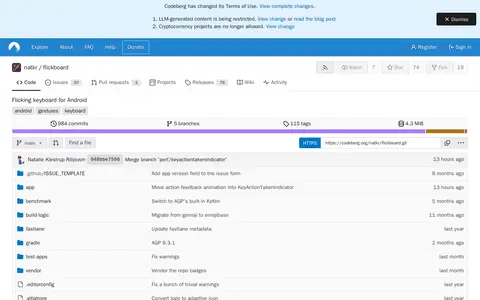
FlickBoard is an Android keyboard that uses swipes to reduce the number of buttons compared with a traditional QWERTY keyboard. Letters in the center of a key are typed by tapping, and corner letters by swiping in that direction. The project states that it does not correct, predict, or use AI, and it is inspired by MessagEase and Thumb-Key.
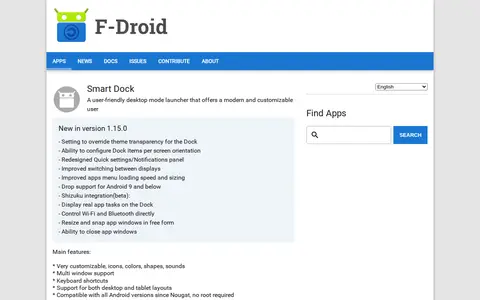
Smart Dock is a desktop mode launcher for Android described as user-friendly and customizable. It lists customizable icons, colors, shapes and sounds, multi window support, keyboard shortcuts, and support for desktop and tablet layouts. The listing states compatibility with Android versions since Nougat and no root required, while version 1.15.0 requires Android 11 or newer.

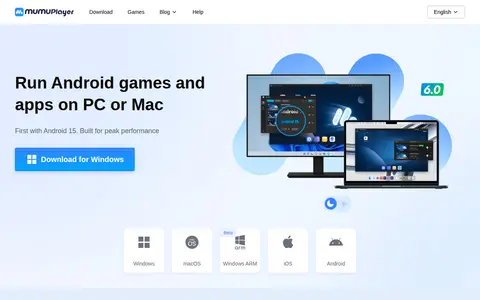
MuMuPlayer is an Android emulator for running Android games and apps on PC or Mac. It supports Android 15 and Android 12, multiple simultaneous instances, and Macs with Apple Silicon. It offers keyboard and mouse control and support for mainstream joysticks. A help center covers installation, performance settings, multi-instance use, and membership questions.

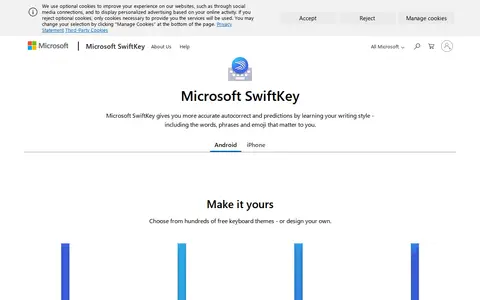
Microsoft SwiftKey is a keyboard app for Android and iPhone that adapts to the user's typing style. It offers autocorrect and next-word predictions, swipe typing, voice typing, a cloud clipboard, and support for typing in up to five languages without switching settings.

AnySoftKeyboard is a free and open source keyboard for Android. It supports over 50 languages through external packages with dictionaries and keyboards, and offers themes, incognito mode, smart predictions and gesture typing.
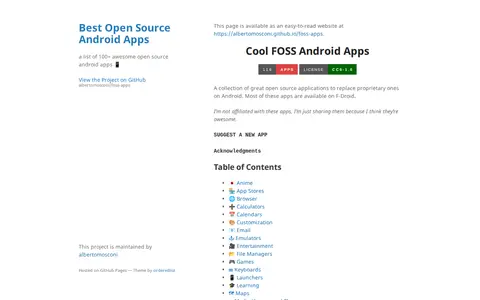
Cool FOSS is a curated collection of open source Android applications intended to replace proprietary ones. The page organizes apps by category, including app stores, browsers, calendars, email, file managers, keyboards, launchers, maps, media players, password managers and security tools. Most listed apps are available on F-Droid. Suggestions are submitted through an issue template or a pull request.

Use an open-source keyboard on Android.

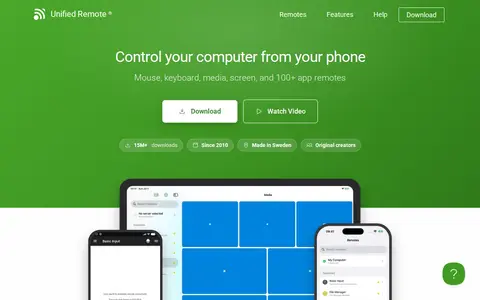
Unified Remote is an app that controls a computer from a phone, offering mouse, keyboard, media, power and screen features. It provides 18 free remotes and 40+ premium remotes. The app is free to download, with a one-time purchase per platform for the full version. It is available for Android, iPhone and iPad and supports Windows, Mac and Linux.

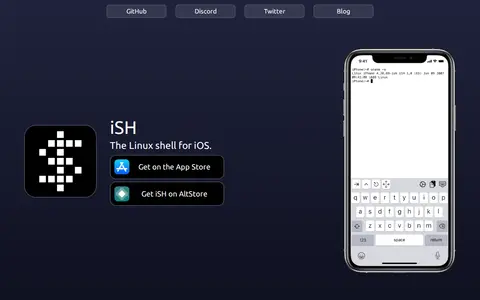
iSH is a project to run a Linux shell environment locally on iOS devices using a usermode x86 emulator. It also runs on iPad and includes BusyBox and a keyboard addition for navigation. The app is available on the App Store, via TestFlight, and on AltStore.

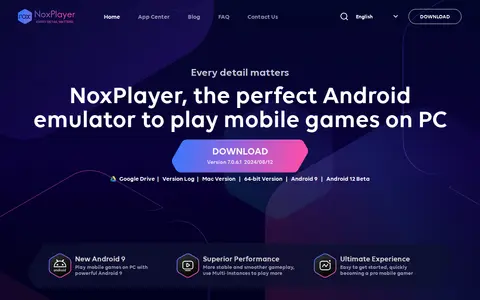
NoxPlayer is an Android emulator for Windows and Mac that supports Android 9. It is intended for playing mobile games and running apps on a computer, and supports keyboard, gamepad, script recording and multiple instances.

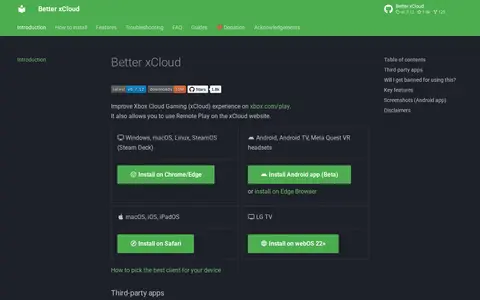
Better xCloud is an open-source tool that improves the Xbox Cloud Gaming experience on xbox.com/play. It also allows Remote Play on the xCloud website, with 1080p resolution and a high-quality codec profile on supported devices. Other features include clarity boost, screenshot capture, local co-op support, and mouse and keyboard support. It is installed through browsers and an Android app.

Clone Hero is a cross-platform rhythm game based on classic instrument controllers. It is playable with 5 or 6 fret guitar controllers, midi drum kits, game controllers and keyboards. It supports local play, online multiplayer and global leaderboards. It is available for Windows, Mac, Linux, Android and iOS.

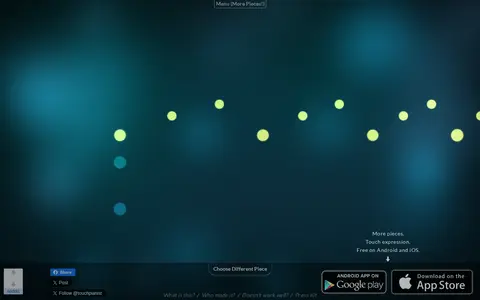
Touch Pianist is a musical toy and instrument that allows users to perform difficult classical piano pieces by tapping the rhythm of the piece's sound events on a computer keyboard or touch screen. It includes works from composers including Beethoven, Mozart, Bach, Satie and Debussy, is free on Android and iOS, and works best on the Chrome browser.