

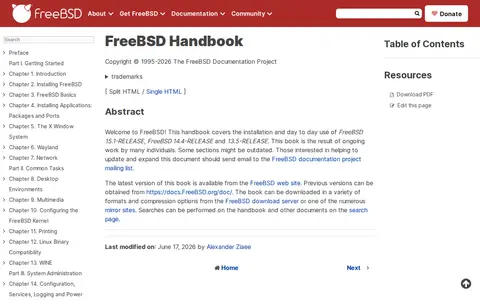
The FreeBSD Handbook is a documentation resource for FreeBSD users, published on the FreeBSD Documentation Portal. It includes chapters on ZFS, described as an advanced file system, and on advanced networking topics such as gateways and routes.
NoxPlayer
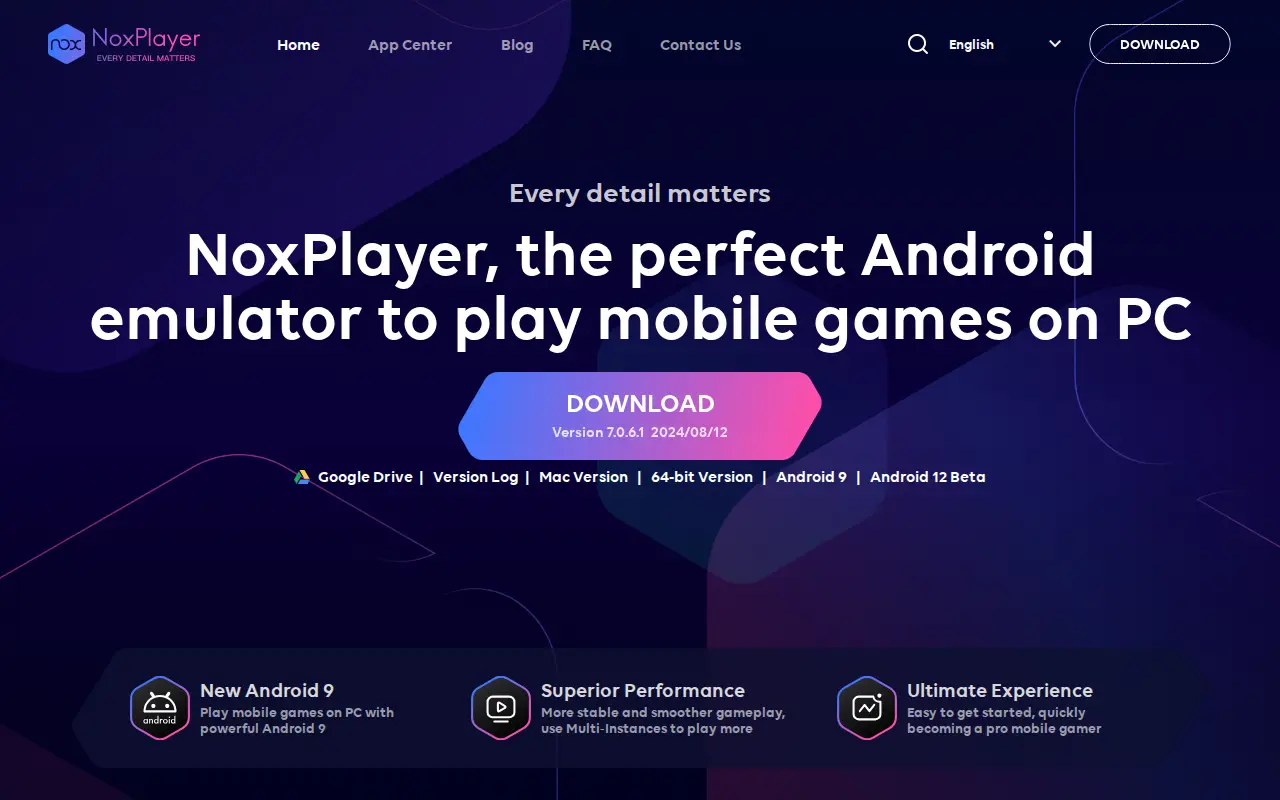
NoxPlayer is an Android emulator for Windows and Mac that supports Android 9. It is intended for playing mobile games and running apps on a computer, and supports keyboard, gamepad, script recording and multiple instances.
Uses
- Play mobile games and run apps on PC Source: www.bignox.com
Links
Tags
-
0The FreeBSD Handbook is a documentation resource for FreeBSD users, published on the FreeBSD Documentation Portal. It includes chapters on ZFS, described as an advanced file system, and on advanced networking topics such as gateways and routes.
-
0
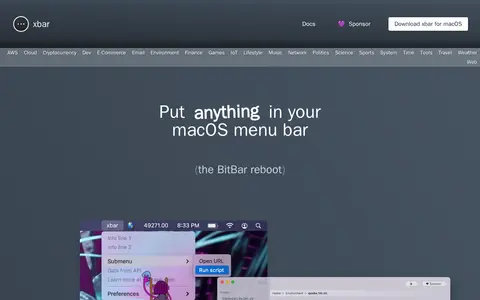
xbar is a macOS application that places the output of any executable script or program in the menu bar. It offers hundreds of pre-built plugins across categories such as AWS Cloud, Cryptocurrency, Email, Finance, Network, Weather and Web, and users can write their own plugins in any language. It is described as the BitBar reboot.
-
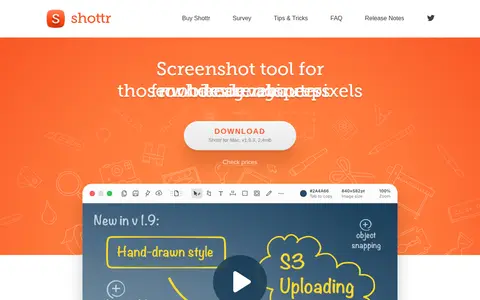
0Shottr is a free macOS screenshot app with annotations, scrolling screenshots, OCR and measurement tools. It is a native app optimized for Apple silicon and also offers background effects, pixelation, color picking and S3 upload.
-
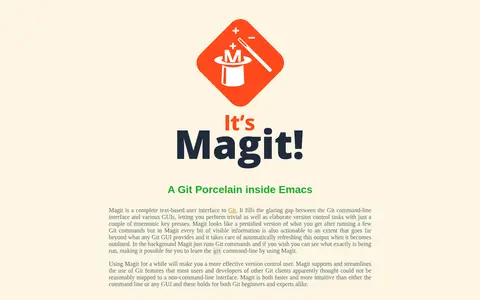
0Magit is a text-based user interface to Git that runs inside Emacs. It runs Git commands in the background and makes visible output actionable, and users can see which commands are run.
-
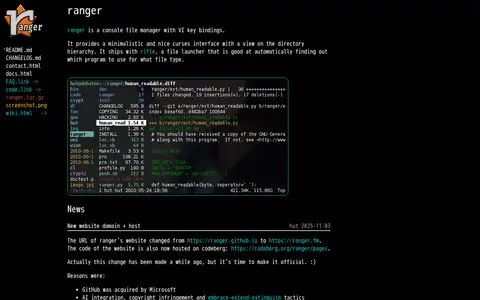
0ranger is a console file manager with VI key bindings. It provides a minimalistic curses interface with a view on the directory hierarchy and ships with rifle, a file launcher that automatically finds the program to use for a file type. It requires Python and a pager like less to run.
-
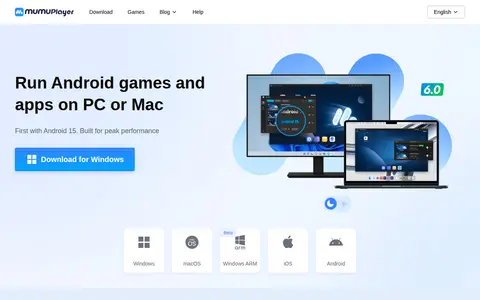
0MuMuPlayer is an Android emulator for running Android games and apps on PC or Mac. It supports Android 15 and Android 12, multiple simultaneous instances, and Macs with Apple Silicon. It offers keyboard and mouse control and support for mainstream joysticks. A help center covers installation, performance settings, multi-instance use, and membership questions.
Community notes
Reviews and discussion
No reviews yet
Be the first to share how this project worked for you.
Join the discussion
Sign in with a verified account to leave a review or join the discussion.
Sign in to review