



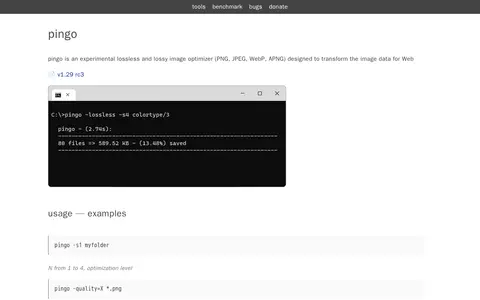
Pingo is an experimental lossless and lossy image optimizer for PNG, JPEG, WebP and APNG files, designed to transform image data for the Web. It runs from the command line with optimization levels and quality settings. Its license permits free use for exclusive private usage only, and does not permit repackaging, redistributing, downloading, reselling or reusing it through other services, even for non-commercial purposes.
Crunch
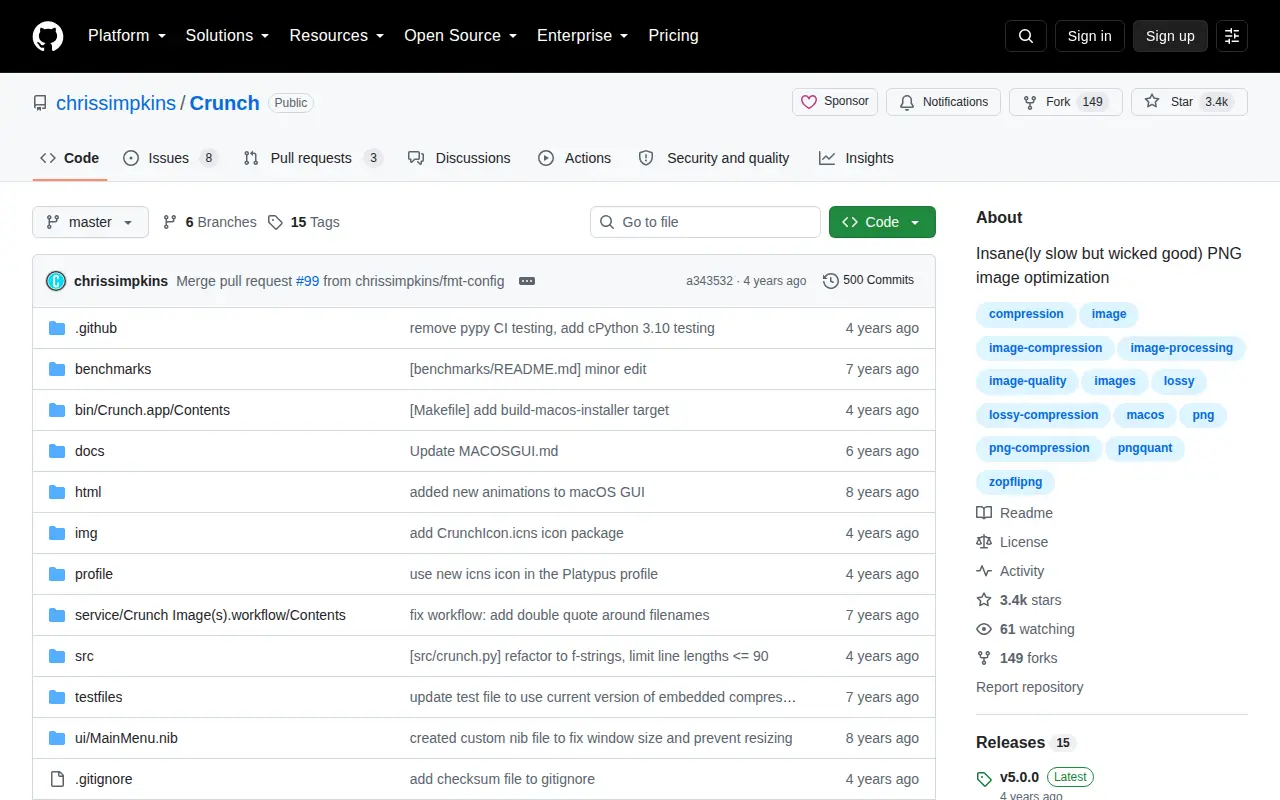
Crunch is a tool for lossy PNG image file optimization that combines selective bit depth, color type and color palette reduction with zopfli DEFLATE encoding using the pngquant and zopflipng tools. It is distributed as a command line executable for macOS, Linux and Windows environments, a native macOS drag-and-drop GUI, and a macOS right-click menu service.
Features
- tool for lossy PNG image file optimization Source: github.com
Platforms
- native macOS drag and drop GUI tool Source: github.com
Links
Tags
-
0
Pingo is an experimental lossless and lossy image optimizer for PNG, JPEG, WebP and APNG files, designed to transform image data for the Web. It runs from the command line with optimization levels and quality settings. Its license permits free use for exclusive private usage only, and does not permit repackaging, redistributing, downloading, reselling or reusing it through other services, even for non-commercial purposes.

-
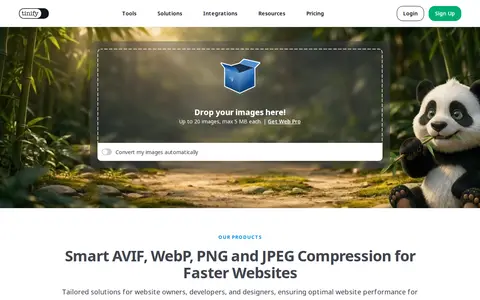
0TinyPNG is a free online image optimizer that reduces the file size of AVIF, WEBP, JPEG and PNG images using lossy compression. The service includes a developer API, a CDN, and a WordPress plugin. The online tool accepts up to 20 images of up to 5 MB each.
-
0qView is a free and open-source image viewer for Windows, macOS and Linux designed for minimalism and practicality. It supports common image formats including bmp, gif, jpg, png, tiff and webp, and offers animated GIF controls, file history, rotation and mirroring, and multithreaded preloading. It is based on Qt5 and released under the GPLv3 license.
-
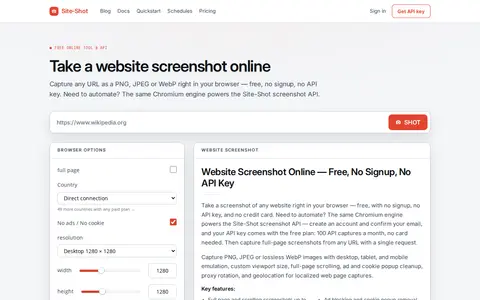
0Site-Shot helps edit, convert, generate, search, or organize images and visual assets.
-
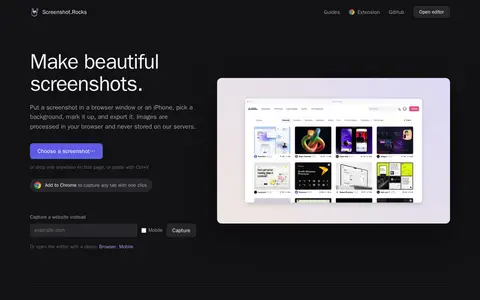
0Screenshot.Rocks is a free browser-based tool for making screenshots. It places a screenshot in a browser window or iPhone frame, adds a background and markup, and exports the result. No sign-up is required, and images are processed in the browser rather than stored on servers.
-
0Imagine is a freeware image and animation viewer for Windows. It views and saves numerous image and animation file formats, including digital camera RAW formats, archive formats, and high dynamic range formats.
Community notes
Reviews and discussion
No reviews yet
Be the first to share how this project worked for you.
Join the discussion
Sign in with a verified account to leave a review or join the discussion.
Sign in to review