
google.com
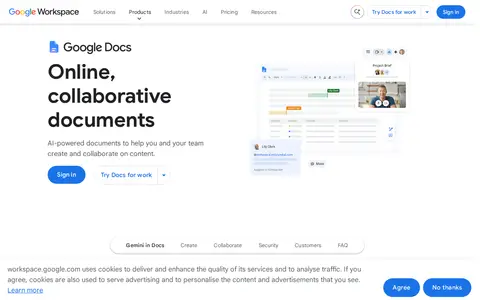
Google Docs helps scan, OCR, organize, compare, sign, or manage documents and PDFs.
Directory
Text editors and formatting tools cover software for writing, editing, and cleaning up plain text and documents. Listings include code editors used for prose, collaborative documents, Markdown tools, and converters between file formats. The formats they read and write matter, along with whether they work offline and how they handle a long document with links, tables, and footnotes. Check where a service stores your files and whether you can export them cleanly before you move a project into it. Some tools handle one task, such as tidying Markdown or converting a document, without the setup of a general editor.
Google Docs helps scan, OCR, organize, compare, sign, or manage documents and PDFs.

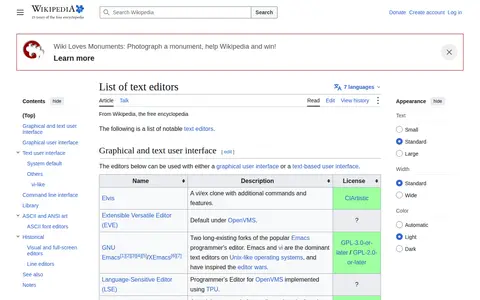
List of Text Editors helps clean, compare, sort, transform, count, or format text in the browser.

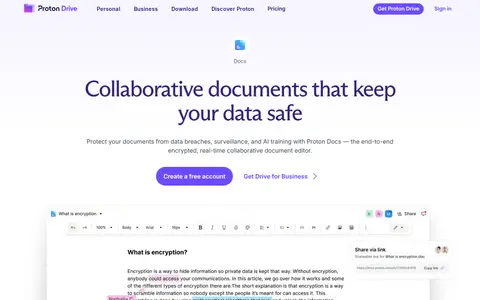
Proton Docs is a secure online document collaboration tool offered by Proton. It supports real-time co-authoring, safe document sharing, cross-device access, and end-to-end encryption. The tool also includes features for tracking changes and suggestions, gathering feedback and comments, and user-controlled sharing.

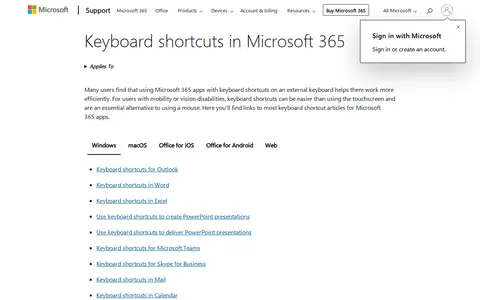
Hotkeys helps clean, compare, sort, transform, count, or format text in the browser.

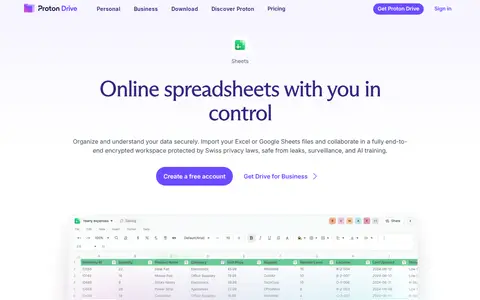
Proton Sheets is an end-to-end encrypted online spreadsheet application from Proton. It enables users to protect and analyze sensitive data, collaborate with clients, and keep teams aligned. The software supports importing Excel or Google Sheets files, real-time collaboration, calculations, budgeting, project management, and progress tracking. It is part of Proton Drive's suite of productivity tools.

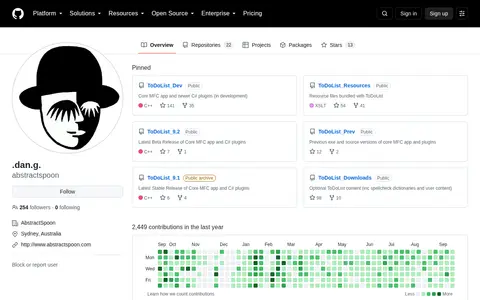
Abstractspoon is a GitHub user with 22 public repositories. The profile page includes standard GitHub navigation and options to follow the user's code, view pinned repositories, and access platform features.
TextEditors helps clean, compare, sort, transform, count, or format text in the browser.

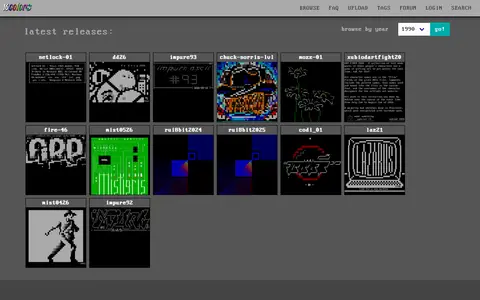
Sixteen Colors is an online archive of ANSI and ASCII artpacks released through the BBS artscene since the early 1990s. It also offers tagging, search, uploads, shared drawing servers and a SAUCE editor.

AnyTextEditor is a free online text editor that provides extensive functionality for editing and manipulating text. Users can work with various fonts, encodings, and code formats. The tool includes utilities such as find and replace, case conversion, URL decoding and encoding, HTML and CSS editing, word and character counting, grammar checking, text comparison, and text-to-speech. It also offers generators for passwords, QR codes, barcodes, random data, and more, as well as converters for documents like PDF, Word, and Excel.

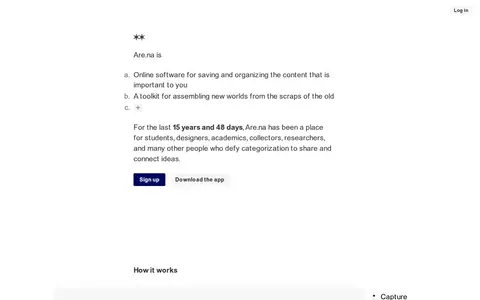
Are.na is a platform for connecting ideas and building knowledge. It allows users to capture photos, notes, files, webpages, and other content, organizing them into searchable and editable channels. The service emphasizes a non-algorithmic experience, with no ads or personalized recommendations. Users can arrange content, search across their network, and discover new ideas through intentional connections. Are.na serves students, designers, academics, researchers, and others seeking to assemble and share knowledge.
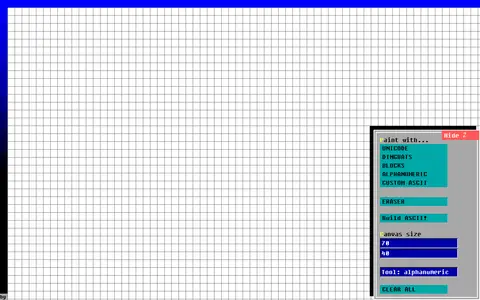
ASCII Paint helps clean, compare, sort, transform, count, or format text in the browser.
ASCII Today helps clean, compare, sort, transform, count, or format text in the browser.

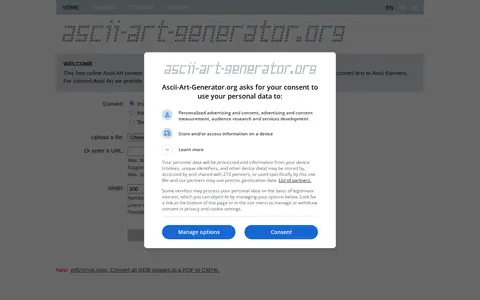
ascii-art-generator is a free online tool for generating ASCII art. It converts images to color or monochrome ASCII art and transforms text into ASCII banners. The tool supports multiple output formats, including SVG, HTML, IRC codes, and ANSI. Users can upload files or enter URLs, adjust dimensions, select fonts, and control line width. The service is available in several languages.

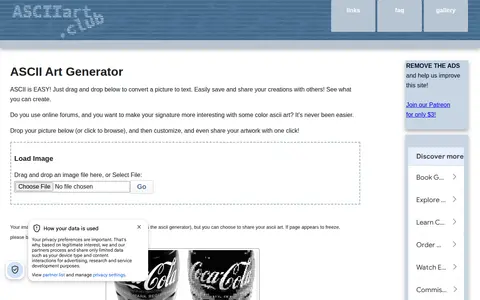
An online generator that converts images to color ASCII art in the browser. It offers settings for shading, sharpness, monochrome or colorized output, and various character sets, plus saving and sharing options including image, BBCode, Markdown, and HTML. Images are processed locally rather than uploaded to a server.

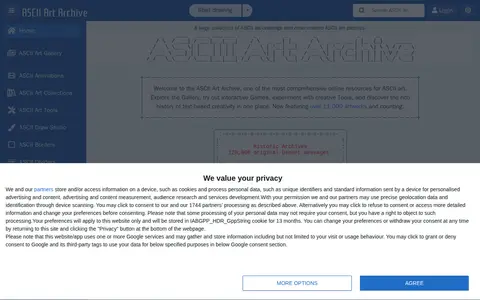
An archive of ASCII art offering a gallery of drawings, patterns, borders, dividers, and one-line works, alongside historic Usenet messages. It also links to tools including an online ASCII Draw Studio for creating and editing text-based artwork in the browser.
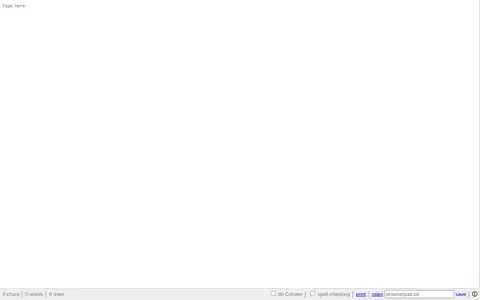
Browserpad is a plain text notepad that runs in a web browser. It is built entirely with HTML, CSS, and JavaScript. The editor provides features such as character and word counting, line display, 80‑column mode, spell‑checking, printing, and open/save capabilities. Its source code is available on GitHub.

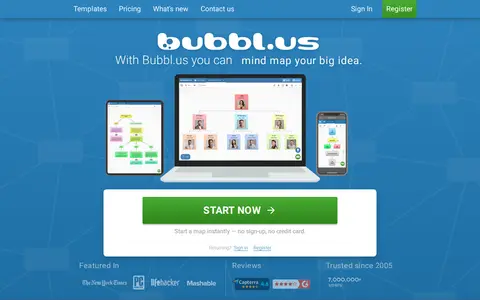
bubbl helps clean, compare, sort, transform, count, or format text in the browser.

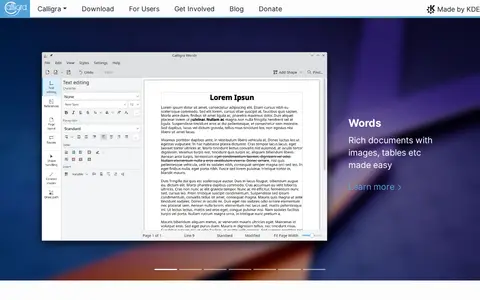
Calligra Suite is an office and graphic art suite developed by KDE. It includes applications for word processing (Calligra Words), presentations (Calligra Stage), spreadsheets (Calligra Sheets), vector graphics (Calligra Karbon), database editing (Calligra KEXI), and project planning (Calligra Plan). The suite handles text documents, spreadsheets, presentations, and graphic design tasks.

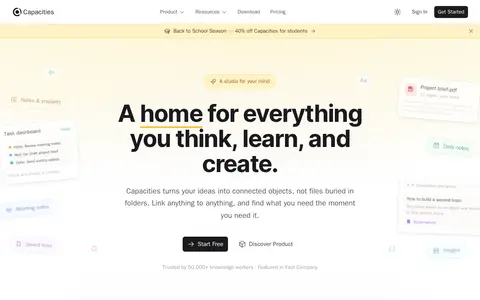
Capacities is a note-taking and knowledge management application that organizes ideas as connected objects rather than traditional files and folders. It is available for free on macOS, Windows, Linux, iOS, and Android. The app aims to provide a studio-like environment for the mind, helping users keep notes, snippets, meeting notes, daily notes, saved links, and images in a connected format.

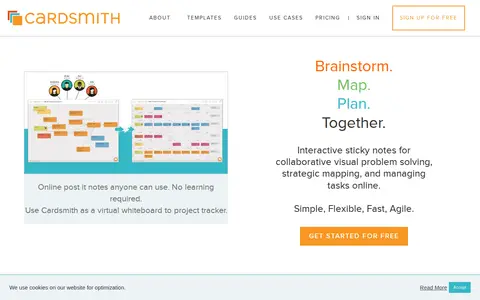
CardSmith is an online platform that provides interactive sticky notes on a virtual whiteboard for visual problem solving and project tracking. It supports real-time collaboration, allowing teams to brainstorm, map ideas, plan, and manage tasks together. The service is designed to be simple, flexible, fast, and agile, suitable for remote meetings, agile teams, coaching, and virtual workshops.
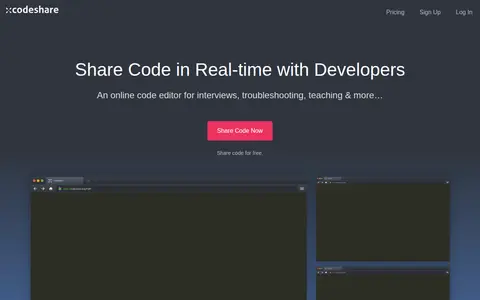
Codeshare helps clean, compare, sort, transform, count, or format text in the browser.

Coggle is a collaborative mind-mapping tool that helps users make sense of complex things. It allows creating unlimited mind maps and sharing them with friends and colleagues, with real-time collaboration.

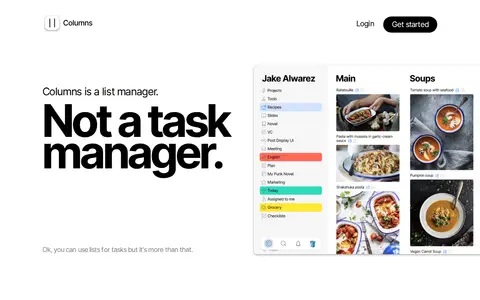
Columns is a list manager for organizing thoughts, notes, tasks, projects, watchlists and plans. The site describes lists as useful for planning, tracking, noting and managing, with a linear, column-based structure similar to mind maps. It presents example uses such as roadmaps, recipes, teamwork, novels, podcast schedules and checklists. The site states it is not a task manager.

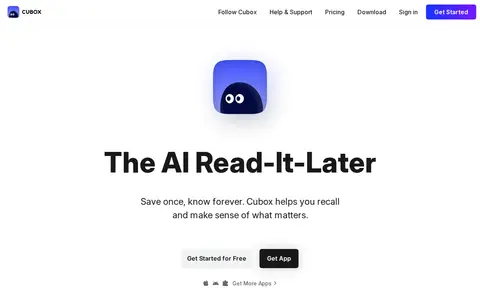
Cubox is a tool for saving articles and web pages to a library, reading them without distraction, and annotating highlights. It offers folders and tags, search, and a CLI that connects the library to AI assistants. Cubox is free to use, with Pro and Pro+AI plans; Pro+AI includes a 14-day trial.
Details from each project's website. Open a listing for its full overview.