TickTick vs Asana
TickTick vs Asana: compare $49.99 yearly Premium with Asana's per-user plans, free limits, calendar planning and team features before moving your tasks.
On this page
TickTick wins TickTick vs Asana for most people planning their own day. Choose Asana when tasks need team ownership, project reporting and organized requests. The price difference starts with billing: TickTick Premium is $49.99 per year for its personal planner; Asana Starter is priced per user, per month.
TickTick vs Asana: check today's free limits
Asana's current pricing, checked October 9, 2026, says two users can collaborate on Personal. Older descriptions of a ten-person free team aren't the current offer. It includes unlimited tasks and projects plus list, board and calendar views.
TickTick's Upgrade page lists nine free lists and 99 tasks per list. Premium raises those to 299 lists and 999 tasks per list and adds multiple calendar views and task duration. Its free plan can still handle ordinary task lists without the complete calendar planner.
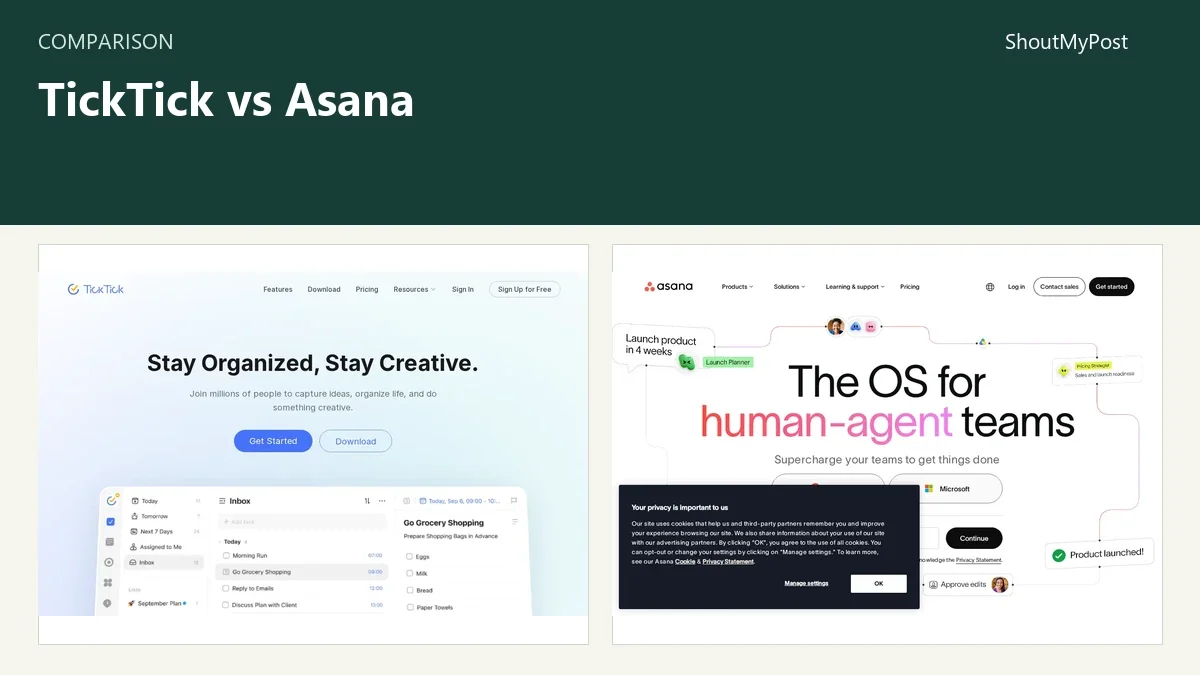
The TickTick listing and Asana listing link to the products. The right choice depends on whether the task list describes your day or a project several people need to deliver together.
At a glance
Official pricing, product and privacy information checked October 9, 2026. Release information below names the current pages reviewed; it doesn't pretend that web and mobile apps share one version.
| Factor | TickTick | Asana | Source and date checked |
|---|---|---|---|
| Free plan | Nine lists; 99 tasks per list | Personal: two users, unlimited tasks/projects | Both pricing pages; Oct. 9, 2026 |
| Entry paid plan | Premium: $49.99/year | Starter: $10.99/user/month billed annually; $13.49 monthly | Both pricing pages; Oct. 9, 2026 |
| Higher plan | No separate business tier used in this comparison | Advanced: $24.99/user/month annually; $30.49 monthly | Asana pricing; Oct. 9, 2026 |
| Views | Free list/Kanban and basic calendar; Premium multiple calendars | Free list/board/calendar; paid Gantt and timeline | Both pricing pages; Oct. 9, 2026 |
| Paid capacity | 299 lists; 999 tasks per list | Starter has no user-seat ceiling stated in its plan summary | Both pricing pages; Oct. 9, 2026 |
| Platforms | Web and desktop/mobile downloads | Web and desktop/mobile apps | Official Download pages; Oct. 9, 2026 |
| Main task | Personal scheduling, reminders, habits and focus | Shared projects, assignees, requests and reporting | TickTick feature guide; Asana product/pricing; Oct. 9, 2026 |
| Integrations | Calendar connections; published API/integration resources | App integrations and developer API; paid forms/rules | Official help and developer pages; Oct. 9, 2026 |
| Open source | No | No | Official product distribution; Oct. 9, 2026 |
| Update information | Current help; privacy revised July 9, 2026 | Current pricing and feature-release page | Official pages; Oct. 9, 2026 |
| Privacy | Account/device data; optional location and AI interactions | Hosted task data governed by privacy policy and plan controls | TickTick Privacy; Asana Privacy/Trust; Oct. 9, 2026 |
| Data location | No single country promised by the reviewed privacy page | Data-residency options depend on service/plan setup | TickTick Privacy; Asana data-residency help; Oct. 9, 2026 |
Calendar planning: TickTick is closer to your day
TickTick puts calendar views, reminders, habits and focus tools in the same personal planning product. Premium's task duration makes a concrete difference if you want to reserve time for work instead of giving everything the same due date.
That is my reason for recommending it to a solo reader. A list of tasks answers what needs doing. A calendar plan adds when you expect to do it, while reminders help bring a dated task back to your attention. Habit and focus features are optional parts of that routine.
Asana's free calendar view still has a role for a personal project. You can see a project's dated tasks without buying a paid timeline. Its paid plans add project-management features, but that doesn't make them the cheapest route to a daily planner.
The weakness in TickTick is sharing that personal setup with a team. A shared list doesn't automatically become a project-management system with structured intake, cross-project reporting and the same controls as Asana. It is possible to collaborate without those tools; the question is whether your team needs them.
For a solo creator, I would pick the product whose calendar you will use each morning. For a manager distributing work, the view is only one part of the choice; the person responsible for each task matters just as much as its date.
Calendar winner: TickTick for personal time planning.
Team delivery: Asana makes ownership part of the project
Asana is the stronger recommendation when work arrives from several people and must reach someone else. Its Starter plan includes forms, custom fields, automations and reporting dashboards, alongside timeline and Gantt views.
Those features answer questions a personal list may leave in messages: what kind of request is this, who owns it, what stage is it at, and what information should the requester supply? A form can turn a request into a task; a custom field can carry a category or priority consistently.
The benefit depends on having a shared way to use them. If everyone puts every request into a different project and invents a different status label, paying for dashboards won't create tidy information by itself. My advice is to choose a small set of fields that matches the work you're actually tracking.
TickTick is a better fit when the collaboration stays small and the list remains readable without a reporting layer. A household errand list doesn't need the same setup as a team coordinating a launch across departments.
Asana's weakness is the cost and setup around a relatively small problem. A solo user who wants a timed work block may pay for features aimed at coordination. Its free Personal plan is worth considering before a paid plan if two people and the included views are enough.
Team winner: Asana for assigned work and structured project delivery.
Cost: personal billing and seat billing behave differently
TickTick Premium's $49.99 annual price is easy to connect to one person's planner. It raises the list/task capacity and adds the full calendar features. The value is in the planning routine, not in how many coworkers can be placed in a billing table.
Asana Starter is $10.99 per user per month billed annually, or $13.49 on monthly billing. Advanced is $24.99 per user per month billed annually, or $30.49 monthly. A per-user headline price isn't a whole-workspace bill.
The Asana community discussion about solo subscriptions describes the frustration of needing paid features while using the tool alone. For a solo buyer, inspect the actual checkout's seat quantity and total, not just the per-seat price.
Free tiers offer different tradeoffs too. Asana Personal has unlimited tasks/projects for two users. TickTick's free tier has smaller list/task limits but includes reminders and its cross-platform personal task workflow. A free plan is best judged by the limit you'll hit, not the largest number in the table.
My price pick is TickTick for a single person's planner. Asana becomes easier to justify when its forms, reporting and coordination replace work your team would otherwise manage through disconnected messages or spreadsheets.
Cost winner: TickTick for solo planning; Asana only earns the larger bill through team features.
Moving tasks: choose the destination's structure first
Asana documents a CSV importer that adds new tasks to a project. That is a clear route from a spreadsheet, but it isn't an update mechanism for existing tasks. Its advanced import help also explains mapping columns, subtasks and dependencies.
TickTick's help contains its own import and integration routes. An Asana project with custom fields and dependencies shouldn't be treated as a flat personal list that will preserve every relationship automatically.
Before a move, separate task names and dates from comments, attachments, repeating rules and project structure. Export formats and accepted imports tell you what can move; the fact that both products contain tasks doesn't prove that every field has a matching destination.
For a team, agree on the new project layout before importing thousands of rows. For one person, move the list you use today first. The new app should have recognizable task names and dates before you spend time reproducing old labels.
Migration winner: Asana for its documented spreadsheet-to-project import.
What users say
A May 14, 2026 TickTick discussion praises the month calendar, task completion and habit tools. A September 11 Google Calendar connection discussion includes both a reader reporting a working integration and others reporting date or repeating-event problems. Calendar subscriptions and full integrations deserve separate checks during setup.
Asana's linked solo-subscription discussion praises the value of using Personal when it is enough, while explaining the paid-seat frustration. That reinforces my recommendation: don't buy a team plan to solve a small personal-calendar problem.
Choose TickTick if…
- You're organizing one person's day and reminders.
- Timed calendar work, habits or focus tools drive the choice.
- You can work within its list/task limits and sharing model.
Choose Asana if…
- Several people need clear task ownership.
- Forms, custom fields or project reports solve an actual team problem.
- Two users can use Personal, or a paid seat bill fits the team.
Other options
Linear is more focused on product and software issues. Airtable is for work that needs structured records, while Miro supports visual planning. Nextcloud is a route for teams choosing their own server and task apps. Each asks a different question about how work should be stored.
FAQ
Is TickTick cheaper than Asana?
For one person's paid planner, TickTick Premium's $49.99 yearly price is lower than Asana's published paid per-user rates. Asana Starter is $10.99 per user per month with annual billing or $13.49 monthly. Asana's free Personal plan may still cost $0 when two users and its included features cover your needs.
How many users are free in Asana?
Asana's current Personal plan allows two users to collaborate for free, checked October 9, 2026. It includes unlimited tasks and projects plus list, board and calendar views. Paid Starter adds features such as forms, custom fields and project reporting; the free-user limit isn't the only difference between those plans.
Does TickTick have a free calendar?
Yes, TickTick labels the free calendar Basic. Premium adds multiple calendar views and task duration at $49.99 per year. Free users also get list and Kanban views, nine lists and 99 tasks per list. Compare the calendar feature you want with the current plan table before buying an upgrade.
Can I import a spreadsheet into Asana?
Yes. Asana documents CSV import for creating tasks in a project. Headers and field mapping control how spreadsheet columns become task information. The importer adds tasks; it doesn't update existing ones. Keep a small trial file separate from your full spreadsheet so you can inspect dates and assignments before the main import.
Sources
TickTick pricing, feature, calendar and privacy pages; Asana pricing, CSV-import, privacy and data-residency help, checked October 9, 2026. The linked TickTick discussions and Asana forum supplied the user feedback.
Related articles
Current evidence
Verified facts
Each value shows its source and when it was checked.
No shared facts have current source and check-date evidence yet. Facts without that evidence are left out.