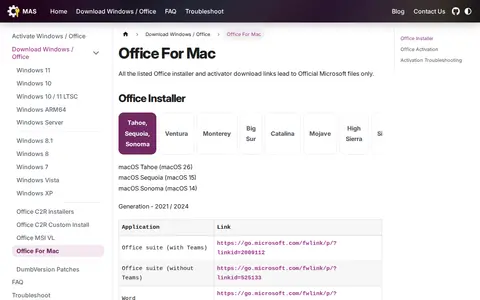
A page providing Office for Mac installers and activation packages for multiple macOS versions. It states that the listed installer and activator download links lead to official Microsoft files. The activator pkg files are described as extracted from the official iso files and only available to paid subscribers, though anyone can activate Office using it.
Directory
Search results
Published directory entries matching your search.
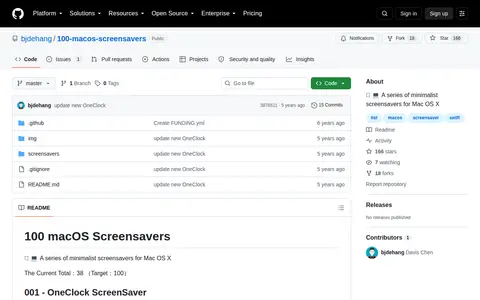
100 macOS Screensavers is a GitHub repository of minimalist screensavers for Mac OS X. The README lists 38 entries toward a target of 100, each with a download link and, for many entries, source code. Topics include list, macos, screensavers and swift.

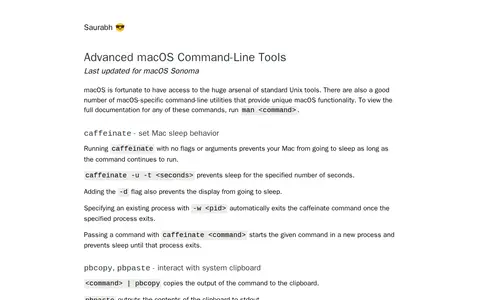
A reference page covering macOS-specific command-line utilities for Unix-like macOS systems. It documents commands such as caffeinate for sleep behavior, pbcopy and pbpaste for clipboard access, networkQuality for Internet speed tests, sips for image manipulation, open for launching files and applications, textutil for document conversion, and mdfind and mdls for Spotlight searches.
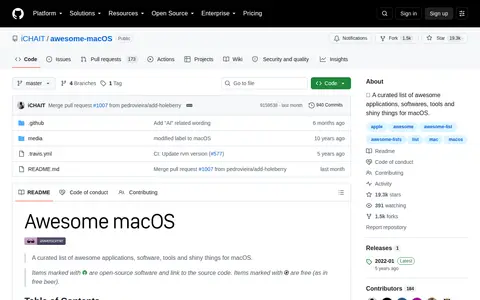
Awesome macOS is an open source Linux, macOS, or Unix resource with code, tools, or setup notes.
How To Filter Ads And Block Popups On Iphone And Macos is a Linux, macOS, BSD, or Unix resource for tools, documentation, communities, or system.
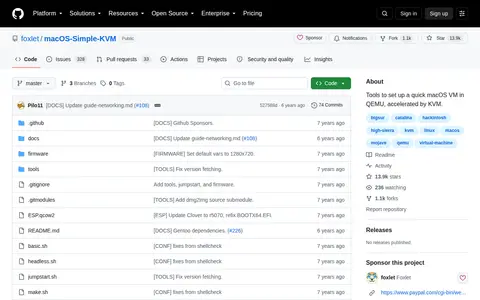
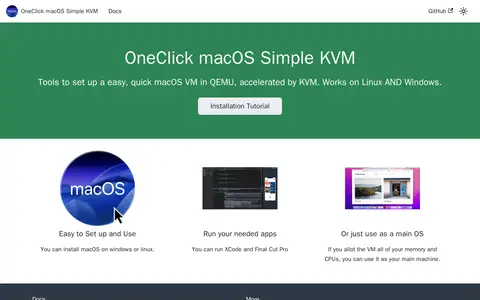
macOS-Simple-KVM provides tools to set up a quick macOS virtual machine in QEMU, accelerated by KVM. It requires a Linux system with qemu 3.1 or later, python3, pip and the KVM modules enabled; a Mac is not required. Installation media is downloaded by running jumpstart.sh, with Catalina as the default version and options for High Sierra, Mojave or Catalina, and basic.sh starts the machine.
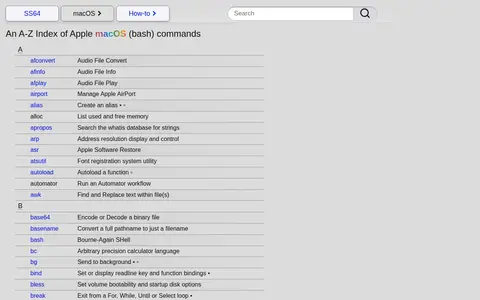
SS64 macOS is an A-Z index of Apple macOS bash commands. Each entry gives a short description of a command, such as afconvert for audio file conversion or cat for displaying file content.
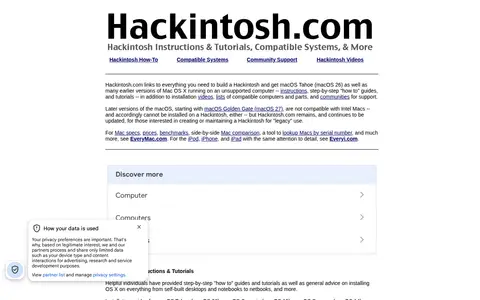
Hackintosh.com is a directory of instructions, tutorials, and video guides for installing macOS Tahoe (macOS 26) and earlier versions of Mac OS X on unsupported computers. It also lists compatible computers and parts and points to communities for support. Later macOS versions, starting with macOS Golden Gate (macOS 27), are noted as not compatible with Intel Macs.
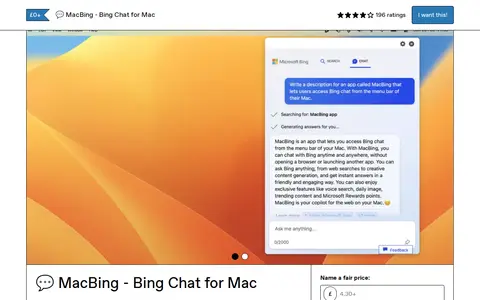
MacBing is a simple native macOS application that provides quick access to Bing Chat via the system menu bar. It requires macOS Ventura or newer to run. The app loads the Bing Chat interface in a web browser, requires users to log in with their Bing credentials, and allows assigning a keyboard shortcut for activation via a gear icon. MacBing is available for free with an optional paid tier, and is developed by the creator of other macOS utilities including Vivid, MacGPT, MacPoe and MacWhisper.
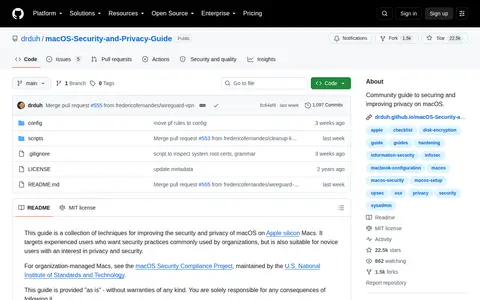
macOS Privacy Guide is a Linux or Unix documentation project with guides, references, or manuals.
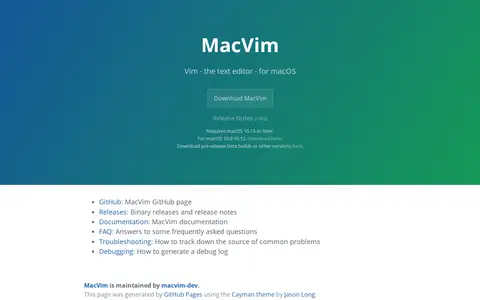
MacVim is a port of the Vim text editor that integrates with macOS as a native app. It requires macOS 10.13 or later, with a separate download offered for macOS 10.9-10.12. It includes a graphical user interface with menus, a toolbar and Touch Bar support, and its 'encoding' option defaults to utf-8.
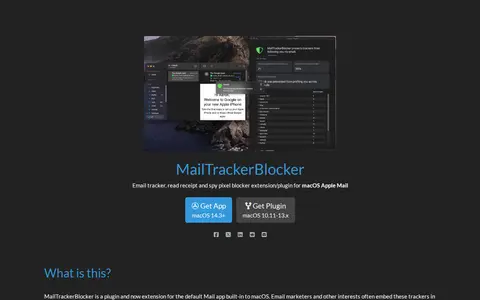
MailTrackerBlocker is an extension and plugin for Apple Mail on macOS that blocks email trackers, read receipts and spy pixels. It labels who is tracking you and strips spy pixels from HTML before display, so disabling remote content loading is unnecessary and images can be shown. Supported on macOS 14.3+ as an extension and macOS 10.11-13.x as a plugin.
OneClick-macOS-Simple-KVM helps learn, search, or use command-line tools, shell commands, and terminal workflows.
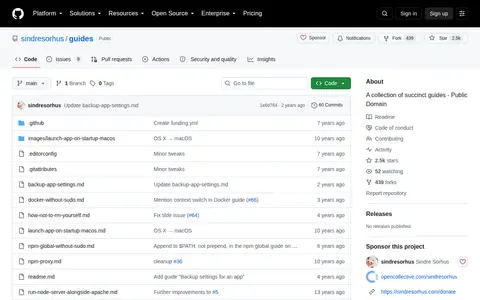
Guides is a GitHub repository holding a collection of succinct guides. Topics include setting environment variables, avoiding accidental file deletion, installing npm packages globally without sudo on macOS and Linux, running a Node.js server alongside Apache on Linux, launching an app at startup on macOS, using npm through a corporate proxy, running Docker commands without sudo on Linux, and backing up app settings on macOS. The work is published under a public domain dedication.
Actions is a utility that adds additional actions to the Shortcuts app. The source states it adds 180+ free actions on macOS, iOS, and visionOS and that they do what the built-in actions cannot. It is described as free and available on macOS, iOS, and visionOS.
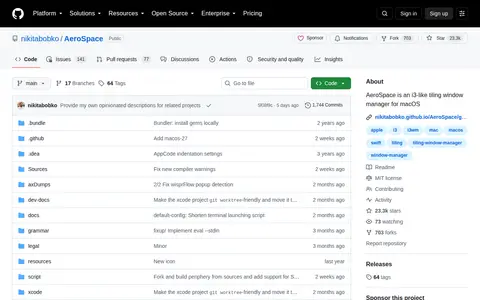
AeroSpace is an i3-like tiling window manager for macOS, currently in public beta. It uses a tree paradigm and emulates its own virtual workspaces rather than relying on native macOS Spaces. It offers fast workspace switching without animations and does not require disabling System Integrity Protection. It uses plain text configuration and is CLI first, with multi-monitor support.
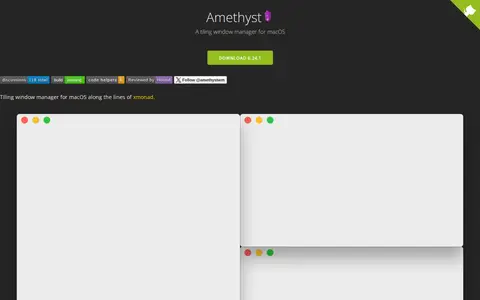
Amethyst is a tiling window manager for macOS, described as being along the lines of xmonad. It is available by direct download or via homebrew cask, and requires macOS 10.15 or later. Users configure keyboard shortcuts and layouts, with commands largely mapping to xmonad key combinations.
Aptonic develops apps for macOS, including Dropzone, a tool for moving and copying files, launching applications and uploading to services. Dropzone 5 offers multiple grids, grid customization, terminal commands and a Drop Bar for temporarily holding files. It requires macOS 13 and later, and is available via Setapp or the Mac App Store.
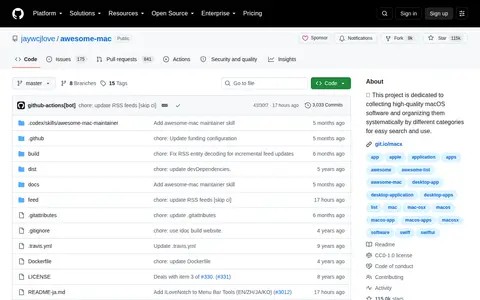
Awesome Mac is an open-source project dedicated to collecting and systematically categorizing high-quality software for macOS. The curated list is organized by different software categories to help users easily search for and find relevant applications for their macOS devices.
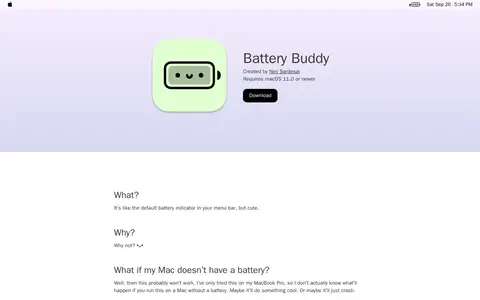
BatteryBuddy is a macOS menu bar battery indicator created by Neil Sardesai, described as like the default battery indicator but cute. It requires macOS 11.0 or newer and does not collect user data, connecting to the internet only for app updates. The developer notes it has only been tried on a MacBook Pro and may not work on Macs without a battery.
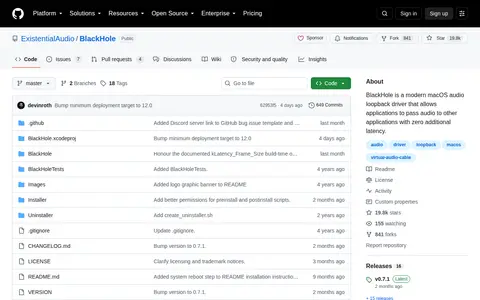
BlackHole is a macOS virtual audio loopback driver that lets applications pass audio to other applications with zero additional latency. It offers builds with 2, 16, 64, 128, and 256 audio channels, customizable channel count and latency, and support for sample rates from 8kHz to 768kHz. It is compatible with macOS 10.10 Yosemite and newer and needs no kernel extensions.
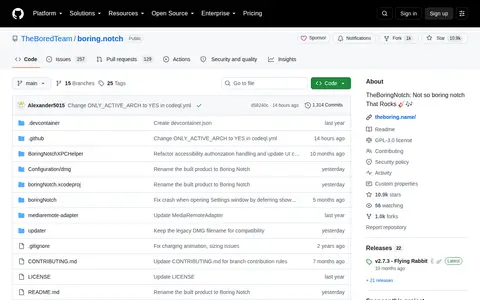
Boring Notch is a macOS application that turns the MacBook notch into a music control center with a visualizer and music controls. It also provides calendar integration, a file shelf with AirDrop support and a HUD replacement. It requires macOS 14 Sonoma or later and can be installed manually or via Homebrew.
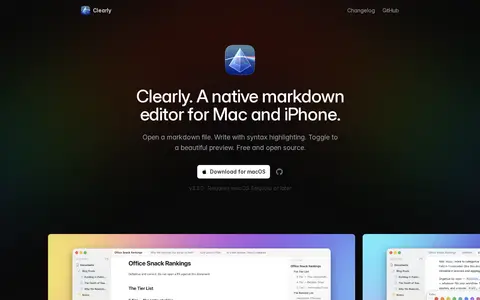
Clearly is a native markdown editor for Mac and iPhone. It opens .md files and provides syntax highlighting while writing, with a toggle to a rendered preview. The software is free and open source, and the macOS download requires macOS Sequoia or later.
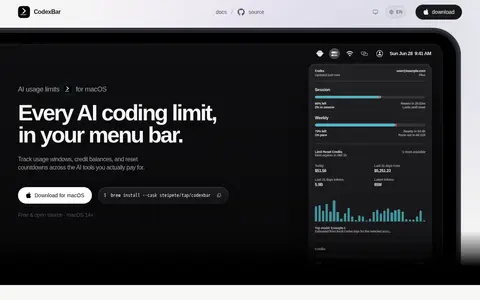
Codabar is a macOS menu bar app that tracks AI coding-provider usage windows, credits, costs and resets across 106 named providers. It shows per-provider session, weekly and monthly limits with reset countdowns, credit balances and monthly spend where exposed, plus provider status incident badges. It is free and open source for macOS 14 and later.