
Keras is a deep learning API that focuses on debugging speed, code conciseness and maintainability. It uses a multi-backend approach that allows work with JAX, TensorFlow and PyTorch, and the KerasHub library provides Keras 3 implementations of popular model architectures with pretrained checkpoints.
Directory
Search results
Published directory entries matching your search.
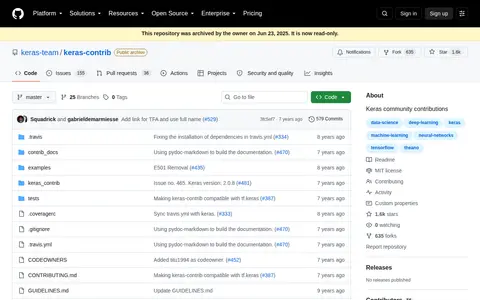
Keras-contrib is the official extension repository for the Keras deep learning library, with additional layers, activations, loss functions and optimizers not yet in Keras. It is deprecated and archived; the project migrated to TensorFlow Addons. The repository is read-only.
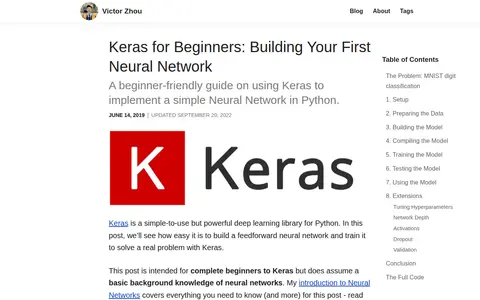
A beginner-friendly guide on using Keras to implement a simple neural network in Python. It walks through MNIST handwritten digit classification, covering setup, data preparation, building the model, compiling, training, testing and using the model. It is intended for complete beginners to Keras who have a basic background knowledge of neural networks.
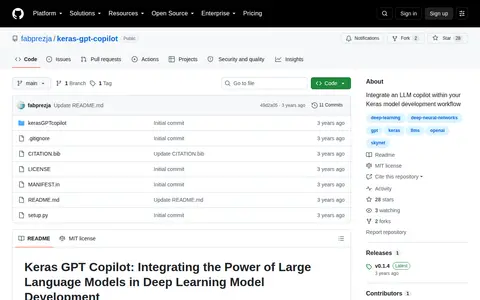
Keras GPT Copilot is a Python package that integrates an LLM copilot within the Keras model development workflow, generating feedback from model configuration, optimizer details and experiment results. It interacts with OpenAI's GPT models and offers a prompt-only mode for compatibility with other large language models.
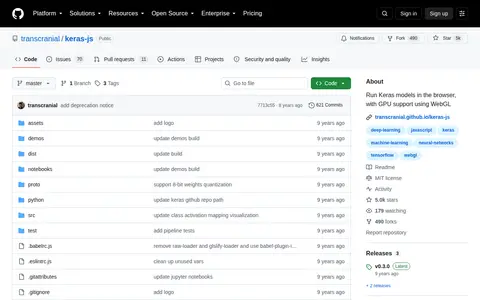
Keras.js runs Keras models in the browser with GPU support using WebGL 2, and models can also run in Node.js in CPU mode. Models can be trained in any backend, including TensorFlow and CNTK. The project is no longer active and no longer updated, though the demos still work.
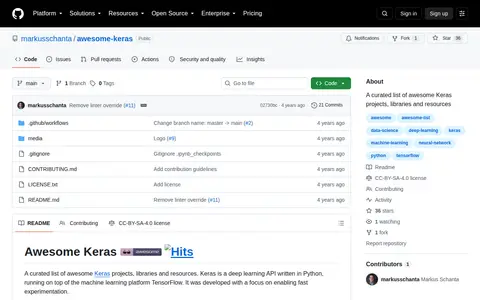
A curated list of awesome Keras projects, libraries and resources.
Helps find, analyze or synthesize information for research and knowledge discovery.
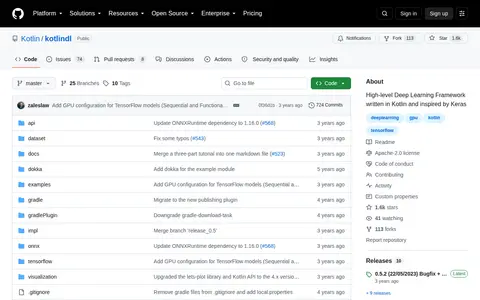
KotlinDL is a high-level deep learning API written in Kotlin and inspired by Keras. It uses TensorFlow Java API and ONNX Runtime API for Java, and offers APIs for training models from scratch, importing Keras and ONNX models for inference, and transfer learning.
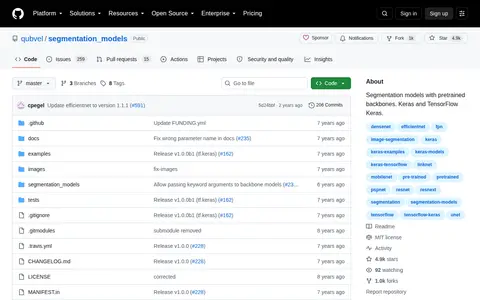
segmentation models is a software library that provides image segmentation models with pretrained backbones, designed for use with Keras and TensorFlow Keras frameworks. It is available as a public open source repository on GitHub.
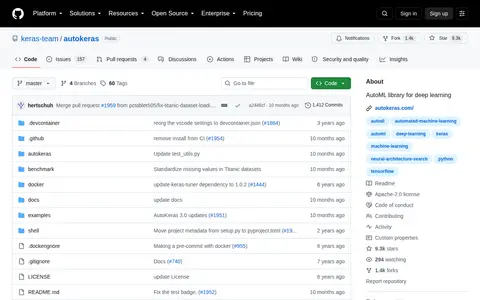
AutoKeras is an AutoML library for deep learning built on Keras, developed by DATA Lab at Texas A&M University. The project describes its goal as making machine learning accessible to everyone. It can be installed with pip, and the documentation states it is currently only compatible with Python 3.7 or later and TensorFlow 2.8.0 or later.
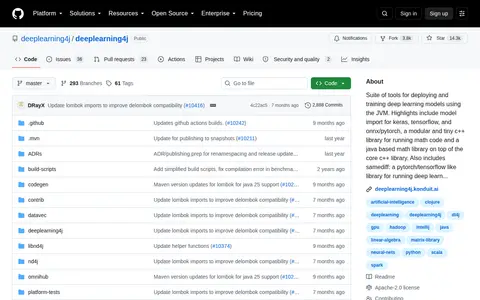
Deeplearning4j is an open-source suite of tools for deploying and training deep learning models using the Java Virtual Machine (JVM). It supports model import from Keras, TensorFlow, and ONNX/PyTorch, includes a modular C++ math library with a corresponding Java library built on top, and offers SameDiff, a library for deep learning operations similar to PyTorch and TensorFlow.
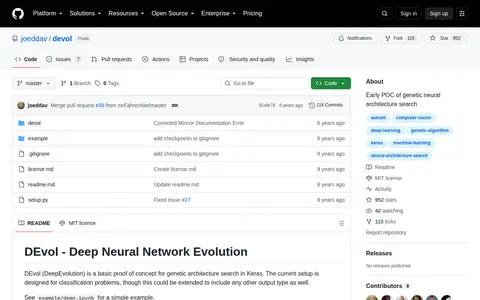
Basic proof of concept for genetic architecture search in Keras.
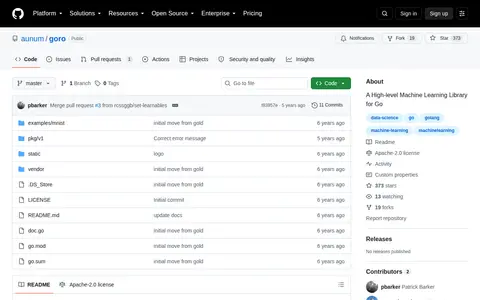
A high-level machine learning library in the vein of Keras.
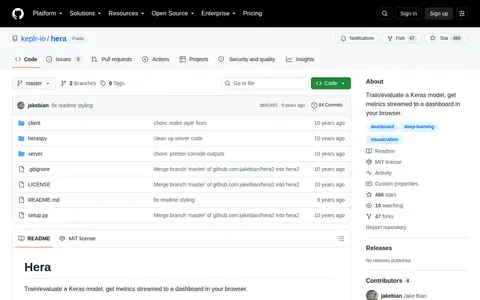
Hera is a GitHub repository that enables training and evaluation of Keras models, with model metrics streamed to a browser-based dashboard. It includes setup steps for installing the spy component, starting the server, and launching the dashboard.
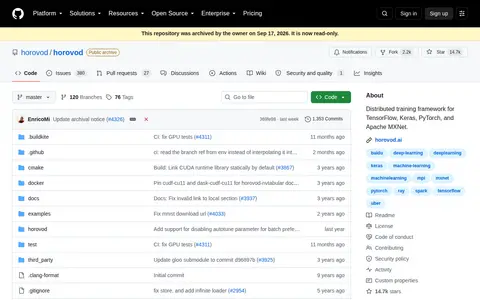
Distributed deep learning training framework for TensorFlow, Keras, PyTorch, and Apache MXNet.
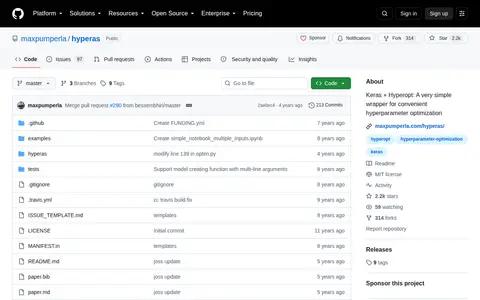
Hyperas is a wrapper that combines Keras model definition with Hyperopt hyperparameter optimization. Users define models as usual and wrap parameters in double curly brackets with a chosen distribution. It is installed via pip and runs optimization using algorithms such as TPE with a set number of evaluation runs.
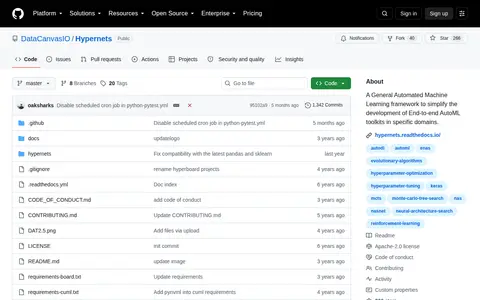
Hypernets is a general AutoML framework for building automatic optimization tools for machine learning frameworks and libraries, including tensorflow, keras, pytorch, sklearn, lightgbm and xgboost. It offers an abstract search space representation covering hyperparameter optimization and neural architecture search, with optimization algorithms such as evolution algorithm and Monte Carlo tree search.
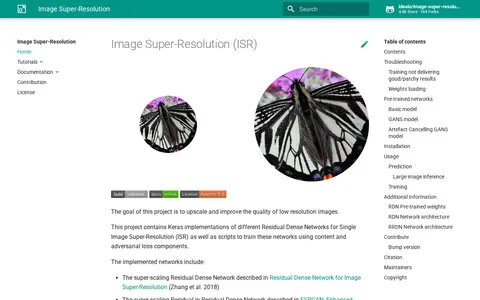
Image Super-Resolution (ISR) is a project that aims to upscale and improve the quality of low resolution images. It contains Keras implementations of Residual Dense Networks for Single Image Super-Resolution, along with scripts to train these networks using content and adversarial loss components. Pre-trained models include RDN and RRDN variants.

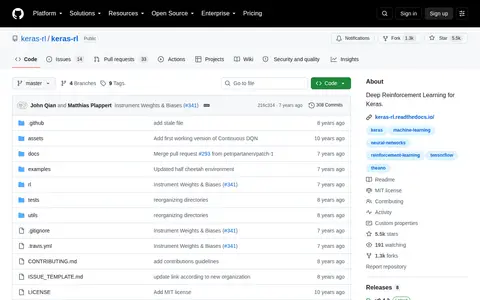
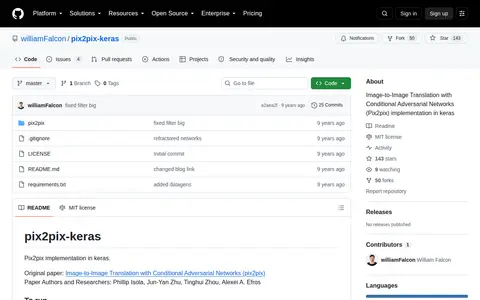
Pix2pix implementation in keras. The repository provides code to download the facades dataset, install requirements, and start training, and it references the original Image-to-Image Translation with Conditional Adversarial Networks paper.

Open-source project that provides machine-learning models, research, training resources, or evaluation tools.
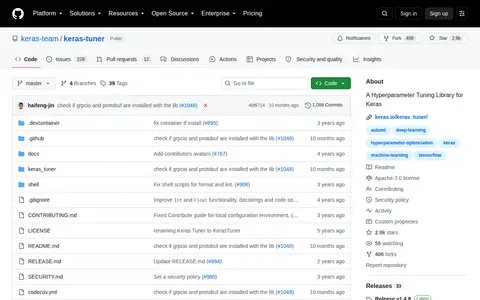
KerasTuner is a hyperparameter optimization framework for Keras. It provides a define-by-run syntax for configuring search spaces and includes Bayesian Optimization, Hyperband and Random Search algorithms. It requires Python 3.8+ and TensorFlow 2.0+.
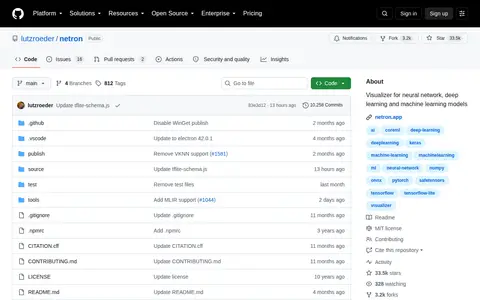
Netron is a viewer for neural network, deep learning and machine learning models. It supports formats including ONNX, TensorFlow Lite, PyTorch, TensorFlow, Core ML, OpenVINO, Keras, Caffe, Darknet, Safetensors and NumPy. It is available as a browser version and installers for macOS, Linux and Windows, plus a Python package. Experimental support exists for MLIR, JAX, GGUF and other formats.
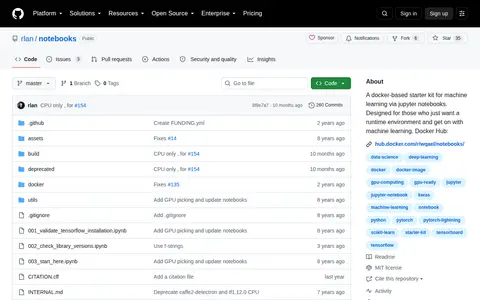
Notebooks is a Docker-based starter kit for machine learning through Jupyter notebooks, intended for users who want a ready runtime environment. Its images cover combinations of Keras, TensorFlow and PyTorch with CUDA v8 through v11, and include JupyterLab, scikit-learn, pandas and visualization, vision and NLP libraries. Python 3 only, as Python 2 is end-of-life.
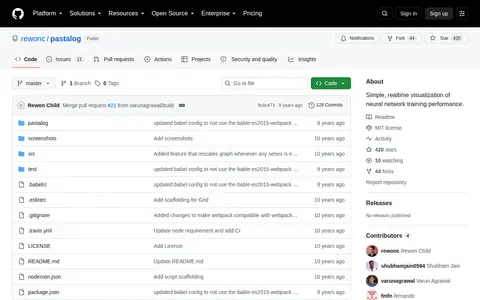
Pastalog is a realtime visualization server for neural network training performance. It works with Lasagne, Keras, Tensorflow, Torch, Theano and other frameworks. Data can be logged through a Python API, a Torch wrapper, or POST requests, and logged metrics update in real time at localhost.