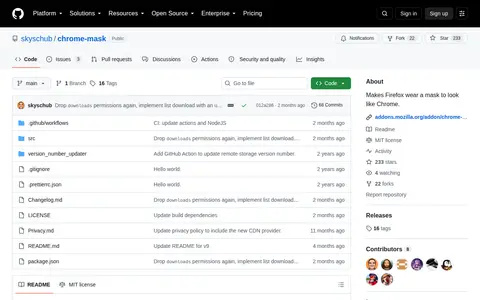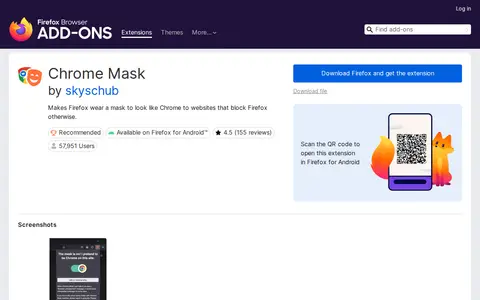

Chrome Mask is a Firefox browser extension that lets users toggle a setting to make Firefox appear as Google Chrome to websites that block Firefox access. Unlike generic user agent spoofing extensions, it only applies the Chrome user agent to user-selected specific sites rather than all sites, and automatically updates the Chrome version it pretends to be.
Directory
Search results
Published directory entries matching your search.
A blog post listing OSINT utilities for the Google Chrome browser. It states that browser extensions can aid investigators, recommends a clean browser installation for sensitive investigations, and includes items such as Exif Viewer Pro, Hunter Email Finder, and Instant Data Scraper.
Browser extension for Disable All Extensions, adding useful tools or workflow improvements inside the browser.
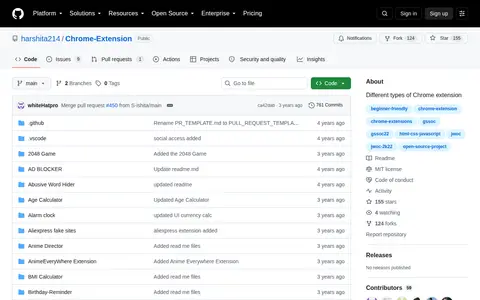
Chrome-Extension is a repository collecting different types of Chrome extensions, described as beginner-friendly and open source. Its folders include extensions such as a 2048 game, ad blocker, age calculator, alarm clock, BMI calculator, currency converter, dark mode extension, dictionary, password generator and many others.

Browser extension for Chrome Web Store, adding useful tools or workflow improvements inside the browser.
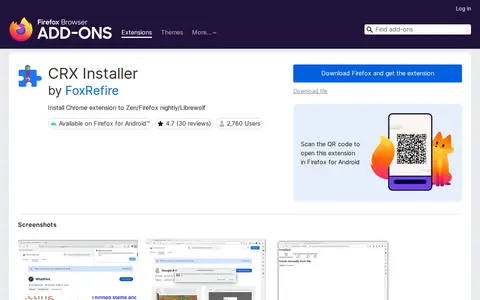
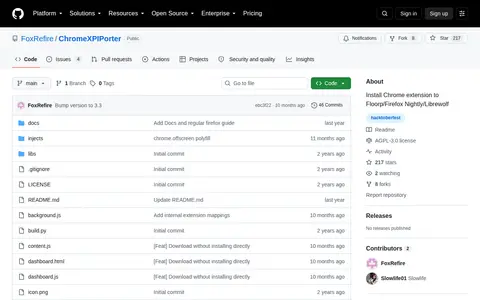
CRXInstaller is a Firefox browser extension developed by FoxRefire. It enables users to install Chrome browser extensions on Zen, Firefox Nightly, Firefox Developer Edition, Librewolf, and Firefox for Android. Use with standard Firefox requires additional configuration steps. The developer warns that installing untrusted extensions poses serious security risks and disclaims liability for any resulting damage, with the extension's source code available on GitHub.
Chrome Mask is an open source project with code, documentation, and setup resources for browser extensions.
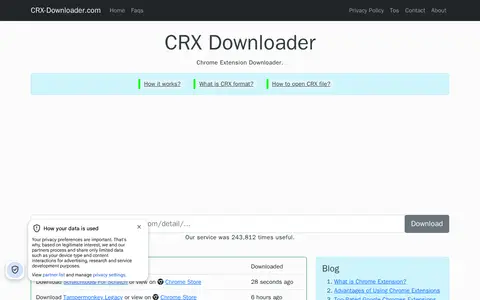
CRX Downloader is a Chrome extension downloader that downloads Chrome extensions as zip or crx files. The site says these files can be used with testing tools like selenium or to view the extensions' content.
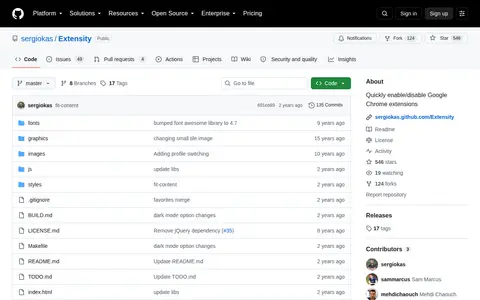
Extensity is a GitHub-hosted browser extension project created by sergiokas for Google Chrome. Its core function is to allow users to quickly enable or disable installed Chrome extensions. The project is categorized under browser tools and extensions.
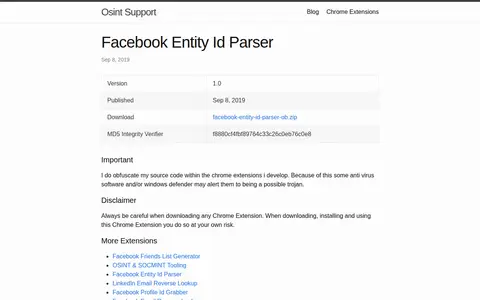
Facebook Entity Id Parser is a Chrome extension, version 1.0, published September 8, 2019. The page states that the developer obfuscates source code in the Chrome extensions they develop, and that some antivirus software or Windows Defender may alert them as a possible trojan. It is listed alongside other extensions including OSINT and SOCMINT tooling.
Chrome Xpiporter is an open source project with code, documentation, and setup resources for browser extensions.
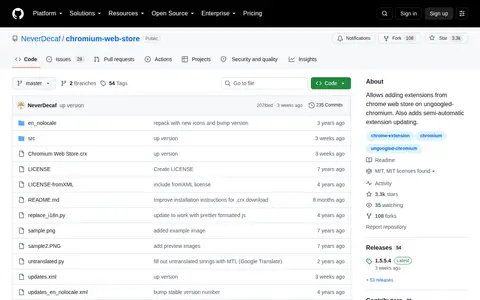
chromium-web-store is a GitHub-hosted browser tool project by NeverDecaf designed for use with ungoogled-chromium. It enables users to add extensions sourced from the official Chrome Web Store to the ungoogled-chromium browser, and also provides semi-automatic functionality for updating installed extensions.
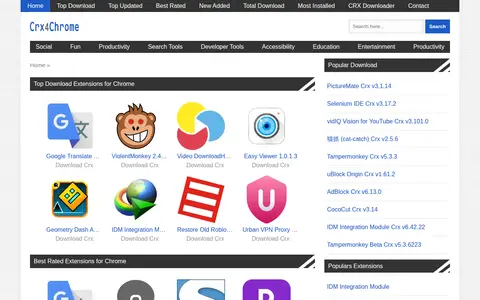
Crx4Chrome is a directory for downloading Chrome apps and extensions in CRX format. It offers lists of top downloaded, best rated, updated, and newly added extensions, apps, themes, and games, and also provides a contact page and a DMCA policy.
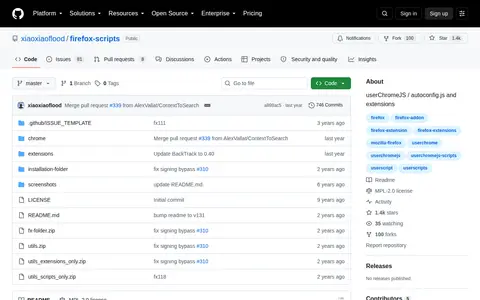
Firefox Scripts is a GitHub repository holding userChromeJS scripts, autoconfig.js and extensions for Firefox. The instructions say the zip content goes into the Firefox installation folder and scripts are saved into a chrome folder in the profile. The page states the scripts were tested on Firefox Developer Edition 131.0b4.
Manifest V3 is Google Chrome's set of changes to the web browser extensions system. The EFF describes it as harmful to privacy efforts because it restricts the capabilities of extensions that monitor or modify the browser's communication with websites, including some privacy-protective tracker blockers.
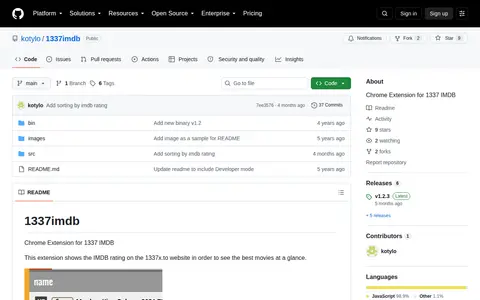
Chrome extension that shows the IMDB rating on the 1337x.to website, intended to help users see the best movies at a glance. The README states the opacity is calculated when a movie receives fewer than 1000 votes. Installation requires opening chrome://extensions, enabling Developer mode, and loading the src folder as an unpacked extension.
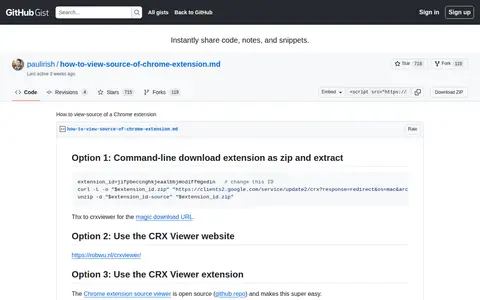
A GitHub Gist by paulirish titled How to view-source of a Chrome extension. It lists several options for viewing extension source, including a command-line method to download the extension as a zip and extract it, using the CRX Viewer website, and using the CRX Viewer extension. It also describes viewing the source of a locally installed extension.
Browser extension for Bookmark Dupes, adding useful tools or workflow improvements inside the browser.
Browser extension for Bookmarks Cleanup, adding useful tools or workflow improvements inside the browser.
Browser extension for Check My Links, adding useful tools or workflow improvements inside the browser.
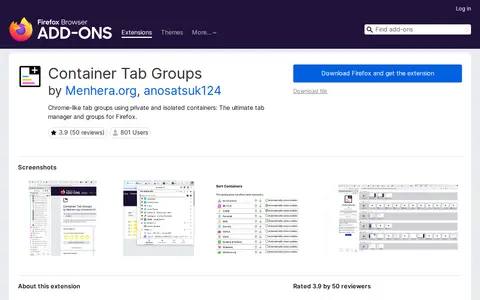
Container Tab Groups is a Firefox browser extension that creates Chrome-style tab groups using Firefox's native private container tabs. It requires no additional configuration or other add-ons, and supports per-container overrides for preferred languages, user agent strings, and proxy settings. Users can create isolated container tab groups for separate tasks, and delete groups when finished to clear associated cookies and clutter.
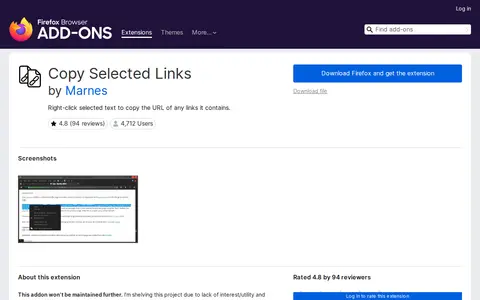
Copy Selected Links is a browser extension developed by Marnes. It enables users to right-click selected text containing links to copy the URLs of all included links, copy their associated text, or open the links in new tabs. The extension is available for Firefox and Chrome, with its source code hosted on GitLab. Updated versions of related tools from the developer are available on their Greasyfork account.
Browser extension for Extension Manager, adding useful tools or workflow improvements inside the browser.
Browser extension for Extensity, adding useful tools or workflow improvements inside the browser.