A step-by-step guide for streaming and saving YouTube videos in the MPC-HC player using yt-dlp as a helper. It explains placing yt-dlp.exe and ffmpeg.exe in the MPC-HC folder, opening links and saving copies, plus quality selection and notes on which builds are available.
Directory
Search results
Published directory entries matching your search.
Filters
free-codecs.com
pypi.org
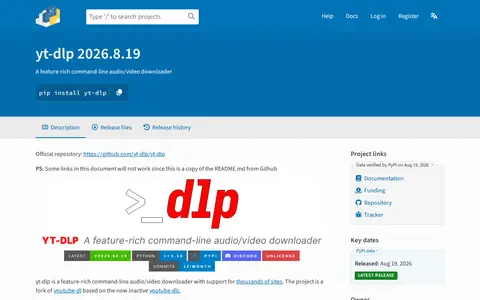
yt-dlp is a feature-rich command-line audio and video downloader with support for thousands of sites. It is a fork of youtube-dl based on the now inactive youtube-dlc, and can be installed using binaries, pip or a third-party package manager.
github.com
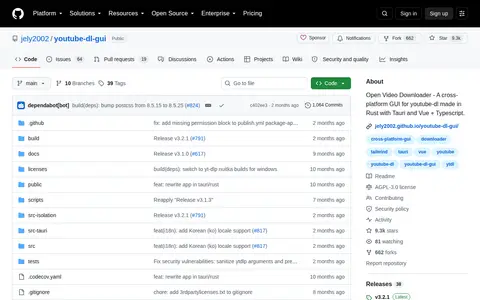
Open Video Downloader is a cross-platform desktop application that provides an interface around yt-dlp for downloading videos, audio, subtitles and metadata from hundreds of supported websites. It runs on Windows, macOS and Linux, with quality control, playlist downloads and a smart queueing system.