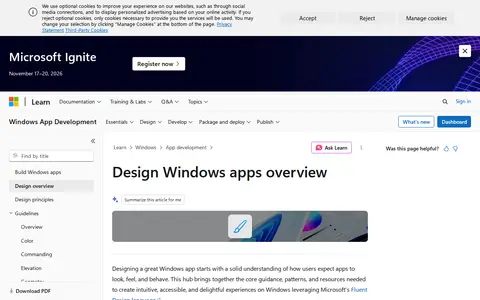

A Microsoft Learn design section that explains how to design Windows app experiences using Fluent Design principles, accessibility guidance, layout patterns, motion and visual styles. It provides guidance on color, materials, typography, icons, navigation and usability.
Directory
Search results
Published directory entries matching your search.
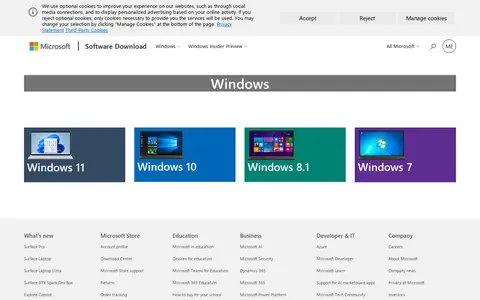
Microsoft SD is the official Microsoft Software Download page. It provides access to download current and preview versions of Windows operating systems including Windows 11, Windows 10, Windows 8.1, Windows 7, as well as Windows Server, the Windows SDK, ADK, WDK, and Microsoft 365 related software.
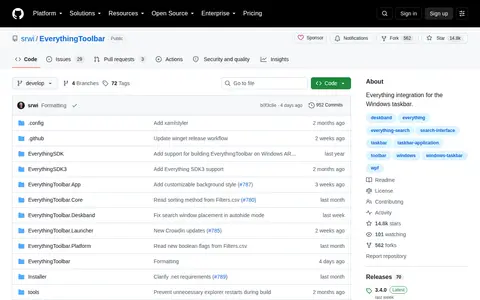
EverythingToolbar integrates the Everything file search tool into the Windows taskbar. On Windows 11 it can appear as a search box or a compact icon; on Windows 10 it can be a native deskband. It includes light and dark theme support, search filters, and keyboard shortcuts for navigating results and opening files. Windows 10 or Windows 11 and .NET Desktop Runtime 8.0 or later are required.
Grub2Win is a Windows application for safely multibooting Windows and Linux. It configures Grub boot screens and options from Windows, supports EFI and BIOS firmware in 64 and 32 bit, and supports Windows XP through Windows 11. It is free and open source, installs to a 30 MB directory and includes GNU Grub 2.16 modules.
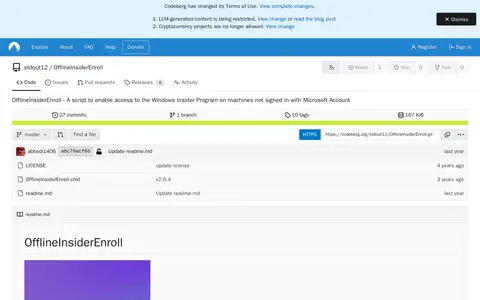
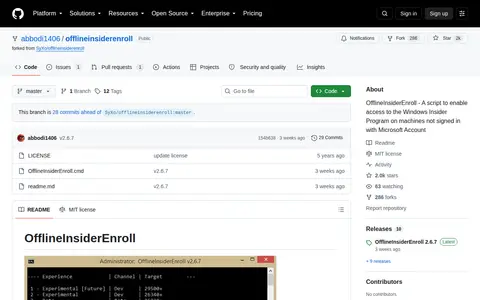
OfflineInsiderEnroll is a Windows Command Prompt script that enables access to the Windows Insider Program on machines not signed in with a Microsoft Account. It works on Windows 11 and Windows 10 version 1809 or later, requires administrative privileges, and lets users select Insider channels; it can also restore Windows Insider Program defaults.
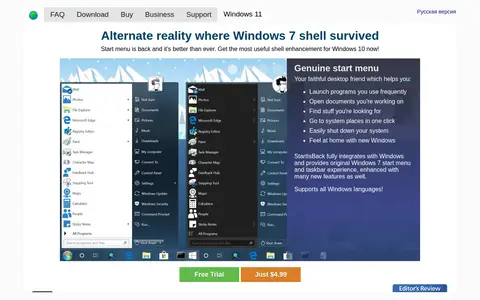
StartIsBack is a shell enhancement that returns a start menu and start button to Windows 8 and Windows 10, behaving as in Windows 7. It also offers taskbar skinning, jump list replacement, centered taskbar icons and Start menu customization. Versions exist for Windows 8, 8.1 and 10, with StartAllBack for Windows 11. A trial is available and a license key costs $4.99.
Taskbar Hide is a Windows utility for hiding running application windows, either from a list or with a hotkey, and for showing, hiding or closing them. It can hide system tray icons, reorder taskbar windows, keep windows on top, minimize to tray, and hide the taskbar, start button, task window, system tray and time clock. It also displays window properties and can maximize all windows.
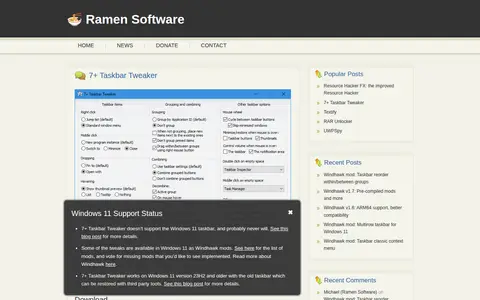
7+ Taskbar Tweaker is a program that allows configuring various aspects of the Windows taskbar. Most options it provides cannot be tweaked using taskbar properties or the registry. It is designed for Windows 7, Windows 8, and Windows 10. It does not support the Windows 11 taskbar and probably never will.

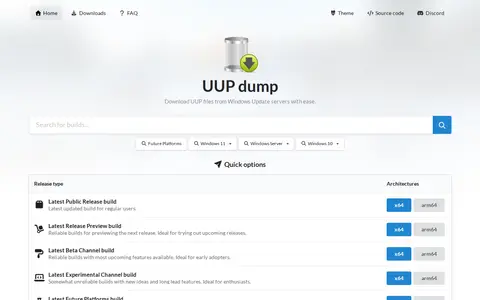
UUP dump lets users download Unified Update Platform files, such as Windows Insider updates, directly from Windows Update servers. The site lists builds for Windows 11, Windows 10 and Windows Server, offers quick options by release type and architecture, and notes it is not affiliated with Microsoft.
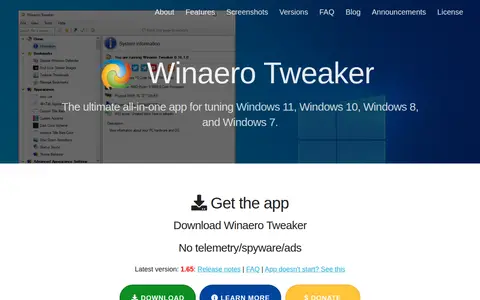
Winaero Tweaker is a freeware app for tuning Windows 11, Windows 10, Windows 8, and Windows 7. It offers options for adjusting Windows settings and features, including shortcut tools, appearance, context menus, and networking options.
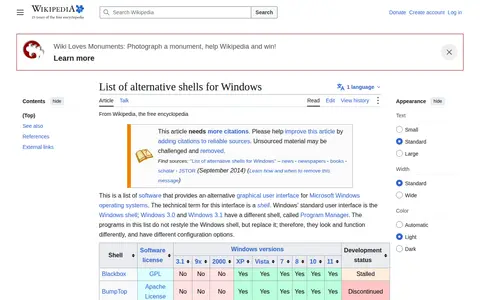
Alternative Windows Shells Wiki is a Windows system utility for cleanup, diagnostics, tweaks, processes, or administration.
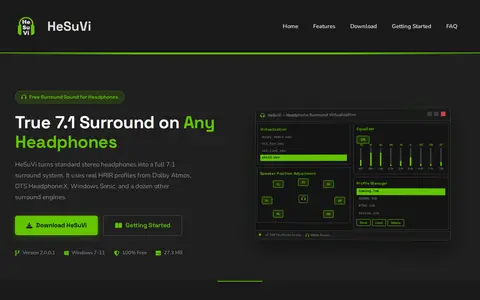
HeSuVi is a free Windows tool for headphone surround virtualization that works with Equalizer APO. It converts 7.1-channel audio into binaural stereo using HRIR profiles from Dolby Atmos, DTS Headphone:X, Windows Sonic and other engines. It includes over 1,000 headphone EQ presets and runs on Windows 7 through Windows 11.
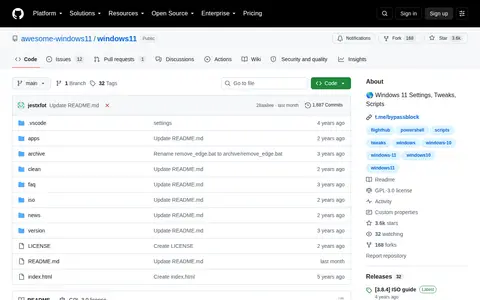
A repository about Windows 11 settings, tweaks and scripts, aiming to show that Windows can be configured without third-party programs by learning a few simple tweaks. Its scripts are written in the standard PS1 language. It also links to apps, an FAQ and ISO images.
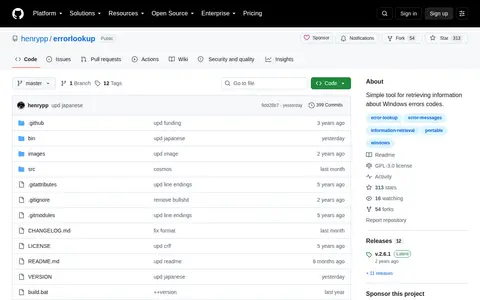
Error Lookup is a portable open source tool that translates Windows error codes into more meaningful text descriptions. Users type a code into a box and the details appear in another. It supports regular Windows API errors, Native API errors, DirectX, Windows Internet errors and STOP codes, and modules can be configured in settings. It is compatible with Windows 7 and higher.
MajorGeeks Windows Tweaks is a Windows system utility for cleanup, diagnostics, tweaks, processes, or administration.
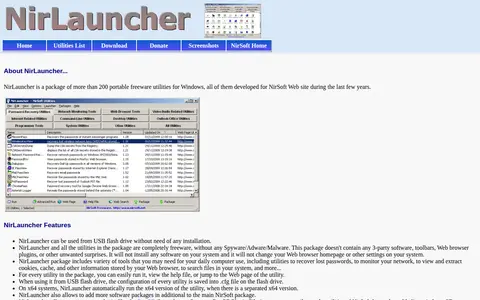
NirLauncher is a package of more than 200 portable freeware utilities for Windows developed for the NirSoft website. It can run from a USB flash drive without installation and includes tools for password recovery, network monitoring, and browsing stored browser information. It works on Windows versions from Windows 2000 through Windows 10, including x64 systems.
NVDA is a screen reader that can be downloaded free of charge. Version 2026.2 requires PCs running Microsoft Windows 10 and later; older versions are offered for Windows 8.1, Windows 7, and Windows XP or Vista. NV Access states that donations and grants support continued development and compatibility work.
OfflineInsiderEnroll is a Windows Command Prompt script that enables access to the Windows Insider Program on machines not signed in with a Microsoft Account. It requires administrative privileges and is compatible only with Windows 11 or Windows 10 version 1809 and later. The script offers a selection of Insider Program channels.
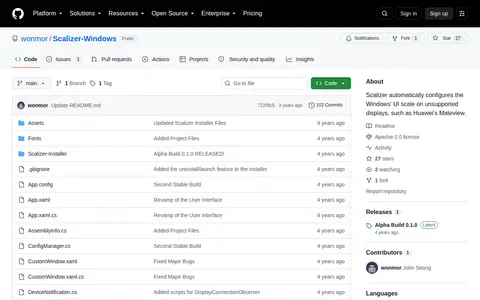
Scalizer is a Windows application that automatically configures the Windows UI scale on unsupported displays, such as Huawei's MateView, and replaces the default Windows DPI scaling software. It is written in C# and .NET with a WPF interface, distributed as open source under the Apache 2.0 License. The source notes that a custom scaling factor must be enabled in Windows Display settings before running the app.
Spencer is a utility that restores a Windows XP style Start Menu on Windows 11 and Windows 10. It provides one-click access to Start Menu entries, the Control Panel, an administrator command line and the Run dialog. It does not interfere with the Windows 11 Start Button and can be pinned to the taskbar. A free ZIP download is offered.
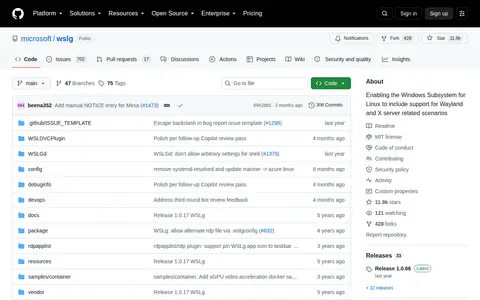
WSLg stands for Windows Subsystem for Linux GUI and enables running Linux GUI applications (X11 and Wayland) on Windows in an integrated desktop experience. It is intended for developers, scientists or enthusiasts who need to run tools or applications that work best, or exclusively, in a Linux environment. It is supported on Windows 11 and Windows 10.
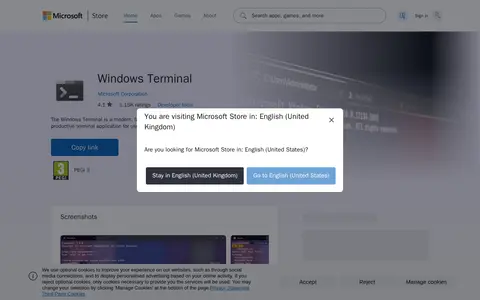
Windows Terminal is a Windows system utility for cleanup, diagnostics, tweaks, processes, or administration.
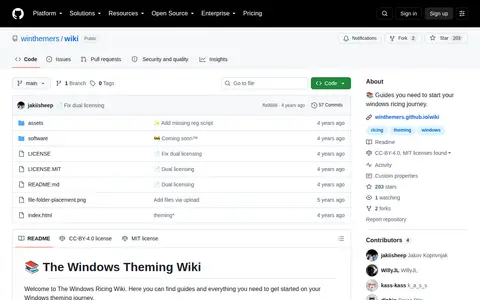
Windows-Ricing is a Windows system utility for cleanup, diagnostics, tweaks, processes, or administration.
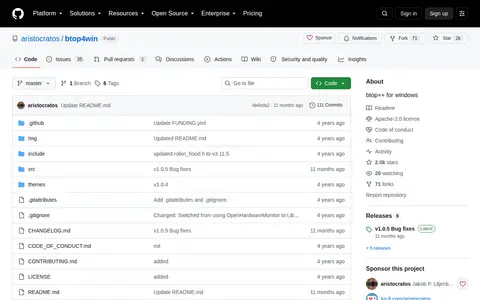
btop4win is a Windows version of btop++, described as a resource monitor showing usage and stats for processor, memory, disks, network, processes and services. It needs Windows 10 version 1607 for ANSI escape sequences in the standard terminal and will run on Windows 7 or later with custom terminal software supporting ANSI escape sequences.