Directory

Search results

Published directory entries matching your search.

Search results

10 listings
martchus.github.io

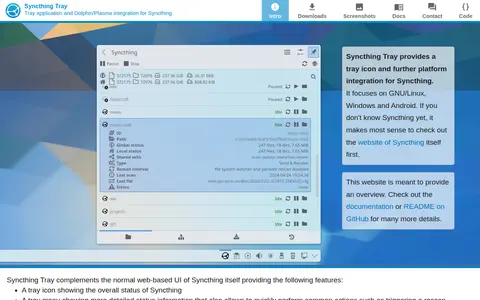
Syncthing Tray is a GUI integration that provides a tray icon and further platform integration for Syncthing, focusing on GNU/Linux, Windows and Android. It complements Syncthing's web-based UI with a tray icon showing overall status, a tray menu with detailed status and common actions such as triggering a rescan, and quick access to the normal web-based UI.

File Utilities 0
learn.microsoft.com

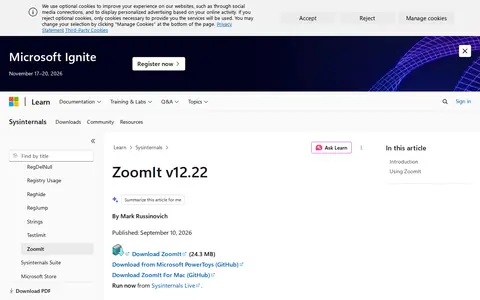
ZoomIt is a Sysinternals presentation utility for zooming and drawing on the screen. It runs in the system tray and activates with customizable hotkeys to zoom in on an area of the screen, move around while zoomed, and draw on the zoomed image. It also supports snip screenshots, recording, and a break timer.

Presentation Tools 0
Preview unavailable
customrp.xyz

CustomRP is a simple custom Rich Presence manager for Discord that sets a playing status. It supports Windows 7 and above, offers tray minimization and running on startup, and is translated into multiple languages. The site notes it uses under 15MB of disk space and RAM.

Discord 0
apps.kde.org

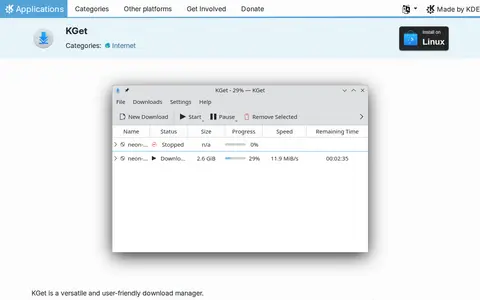
KGet is a download manager for KDE. It downloads files from FTP and HTTP(S) sources, can pause and resume downloads, and integrates with the Konqueror web browser and the system tray. It also supports Metalink files containing multiple download URLs, checksums and other information.

Linux & macOS Tools 0
polychromatic.app

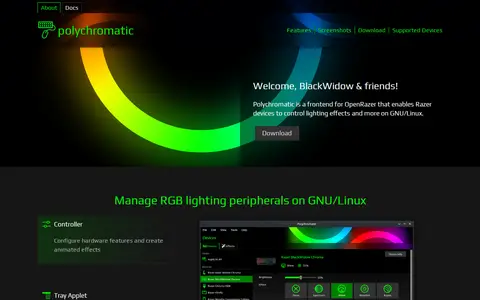
Polychromatic is an RGB lighting management front-end application for GNU/Linux. It is a frontend for OpenRazer that lets Razer devices control lighting effects and more, supporting over 210 devices including keyboards, mice, mouse mats and headsets. It runs locally without clouds or login, is licensed under the GPLv3, and includes firmware configuration, custom effects and a tray applet on compatible desktop environments.

Linux & macOS Customization 0
github.com

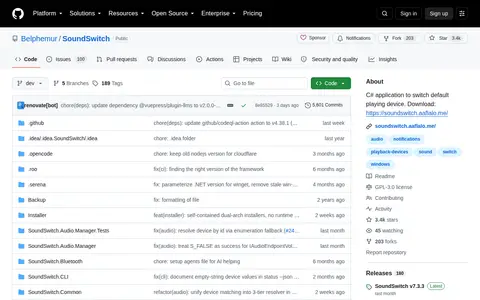
C# application for Windows 10 or newer that switches default playback and recording devices using configurable hotkeys. Users select devices once, then cycle through them with default combinations such as Ctrl + Alt + F11 and Ctrl + Alt + F7. It also supports muting the default microphone, audio profiles, a command line interface and system tray actions.

Hardware & Diagnostics 0
soundswitch.aaflalo.me

SoundSwitch is a free, open-source Windows app that switches audio playback and recording devices with global hotkeys. It supports per-app rules, profiles and notifications, runs in the system tray, and lets users cycle devices with default hotkeys such as Ctrl + Alt + F11 for playback.

Hardware & Diagnostics 0
vibrancegui.com

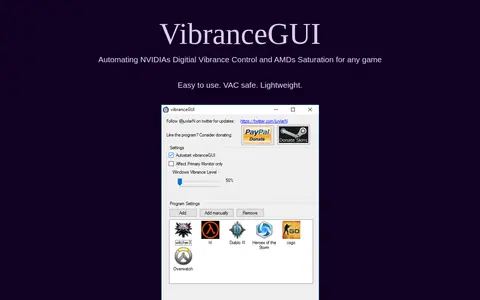
VibranceGUI is an application that automates NVIDIA Digital Vibrance Control through the NVIDIA Driver API, with added AMD support for automating Saturation. It changes the vibrance level to the in-game level while a game runs and returns to the default level when tabbing out or when the game is closed. It can minimize to tray and autostart.

Game Tools & Utilities 0
github.com

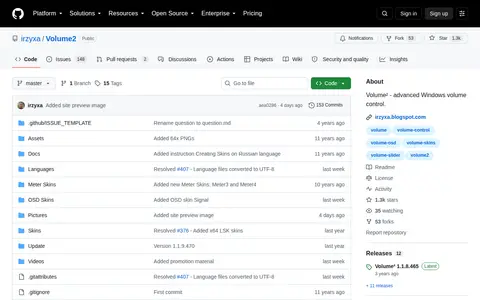
Volume² is an advanced Windows volume control program. The GitHub repository contains only part of the program that is open source, namely languages and OSD, tray and meter skins. It is listed as supporting Windows XP through Windows 11 and can be installed from the Microsoft Store, Steam, Chocolatey or manually.

System Utilities 0
binisoft.org

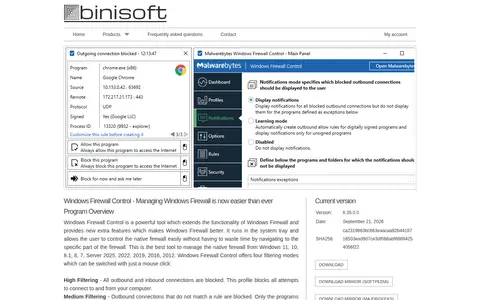
Windows Firewall Control is a tool that extends Windows Firewall with outbound notifications and additional features. It runs in the system tray and lets users manage the native firewall without navigating to its settings area. It offers four filtering modes selectable by mouse click and supports standard user accounts, requiring elevated privileges only at installation.

Privacy Guides & Resources 0