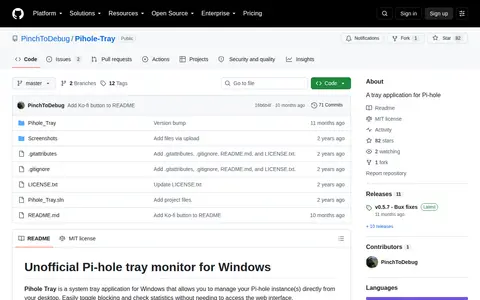

github.com
Tray App is a code project with source, releases, documentation, or setup notes.
Directory
Published directory entries matching your search.
Tray App is a code project with source, releases, documentation, or setup notes.

Taskbar Hide is a Windows utility for hiding running application windows, either from a list or with a hotkey, and for showing, hiding or closing them. It can hide system tray icons, reorder taskbar windows, keep windows on top, minimize to tray, and hide the taskbar, start button, task window, system tray and time clock. It also displays window properties and can maximize all windows.

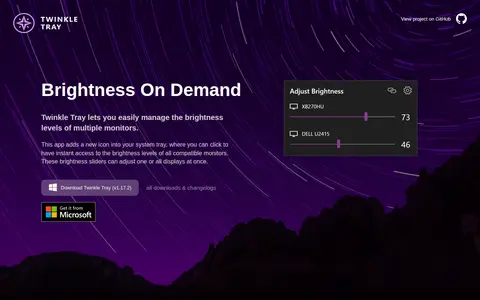
A Windows application that adds a brightness slider to the system tray for managing brightness levels of multiple monitors. It works with most laptops and DDC/CI-enabled monitors and is offered free of charge.

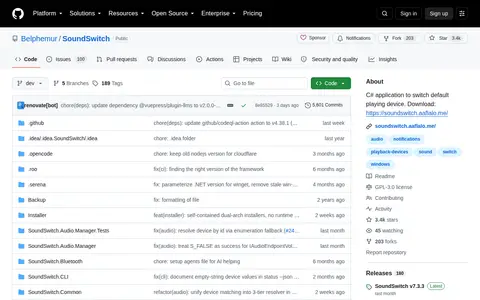
SoundSwitch is a free, open-source Windows app that switches audio playback and recording devices with global hotkeys. It supports per-app rules, profiles and notifications, runs in the system tray, and lets users cycle devices with default hotkeys such as Ctrl + Alt + F11 for playback.

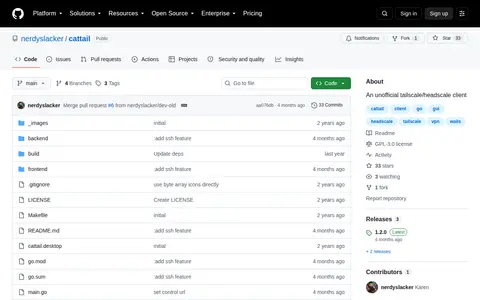
Cattail is an unofficial tailscale/headscale client for Linux and Windows, developed using the Wails project and the Naive UI library. Its features include account switching, detailed peer information and a tray menu for quick access. The application is an independent project not affiliated with the official Tailscale project.

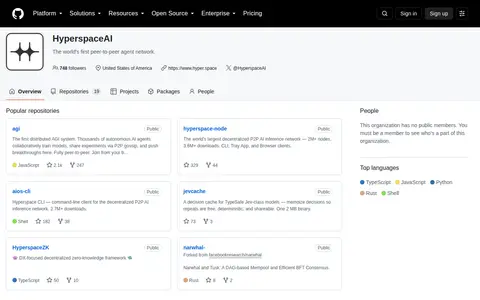
HyperspaceAI describes itself as a peer-to-peer agent network with 19 public repositories on GitHub. Among the repositories is the AGI project, which describes thousands of autonomous AI agents that train models in collaboration and share experiments via P2P gossip. Another repository, hyperspace-node, is described as a decentralized P2P AI inference network with CLI, Tray App and Browser clients.
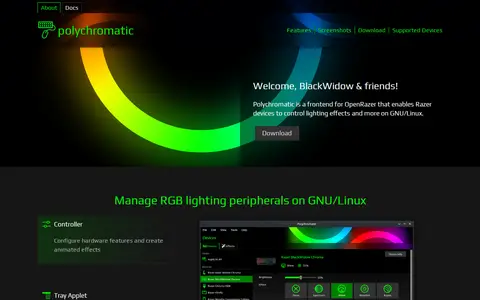
Polychromatic is an RGB lighting management front-end application for GNU/Linux. It is a frontend for OpenRazer that lets Razer devices control lighting effects and more, supporting over 210 devices including keyboards, mice, mouse mats and headsets. It runs locally without clouds or login, is licensed under the GPLv3, and includes firmware configuration, custom effects and a tray applet on compatible desktop environments.

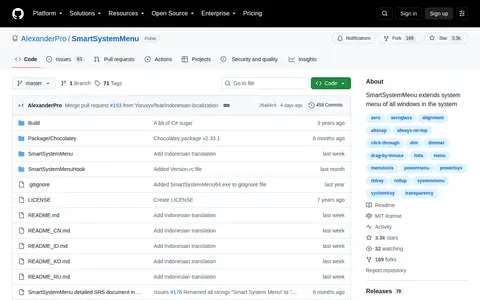
SmartSystemMenu extends the system menu of all windows in the system, appending custom items. It adds options including window information, hide, roll up, always on top, send to bottom, save screenshot, transparency, priority and alignment, and can minimize or suspend a window to the system tray. A command line interface is also provided.

C# application for Windows 10 or newer that switches default playback and recording devices using configurable hotkeys. Users select devices once, then cycle through them with default combinations such as Ctrl + Alt + F11 and Ctrl + Alt + F7. It also supports muting the default microphone, audio profiles, a command line interface and system tray actions.

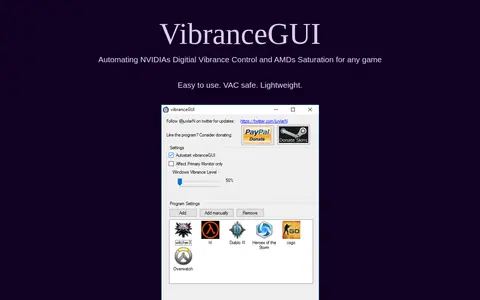
VibranceGUI is an application that automates NVIDIA Digital Vibrance Control through the NVIDIA Driver API, with added AMD support for automating Saturation. It changes the vibrance level to the in-game level while a game runs and returns to the default level when tabbing out or when the game is closed. It can minimize to tray and autostart.