
github.com
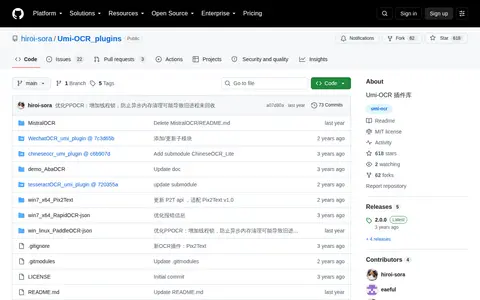
The Umi-OCR plugin repository contains OCR engines and related components for Umi-OCR, with installation instructions and links to plugin releases.
Directory
Published directory entries matching your search.
The Umi-OCR plugin repository contains OCR engines and related components for Umi-OCR, with installation instructions and links to plugin releases.
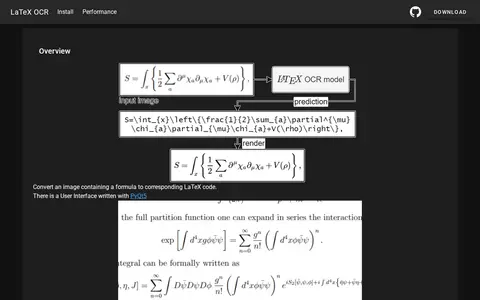
LaTeX-OCR converts an image containing a formula to corresponding LaTeX code. It includes a user interface written with PyQt5 and is installed through a Python environment with PyTorch. A standalone version is planned, and an AppImage for Linux is in development.

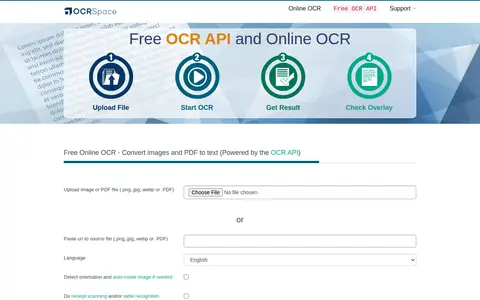
OCR.space is a hosted online OCR service that converts images and PDF documents into editable text and can create searchable PDF files. It is free to use without registration, accepts JPG, PNG, GIF and PDF files, and supports multi-page documents and multi-column text. The free tier limits files to 5MB per document, and uploaded files and extracted text are deleted immediately after processing.

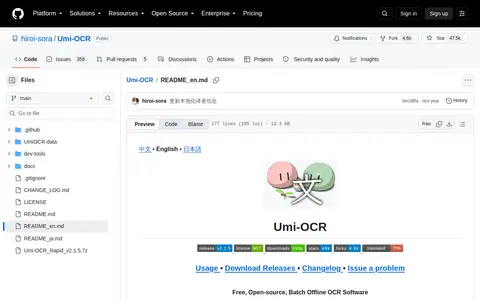
Umi-OCR is free, open-source offline OCR software for Windows 7 x64 and above. It supports screenshot capture and batch image import, PDF document recognition, and scanning or generating QR codes. It runs offline without a network connection and offers command-line and HTTP API calling methods.

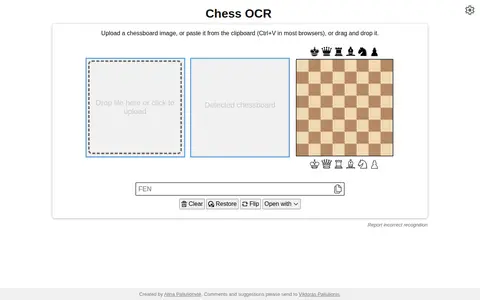
Chess OCR is an educational resource for documentaries, courses, books, reference material, or self-learning.

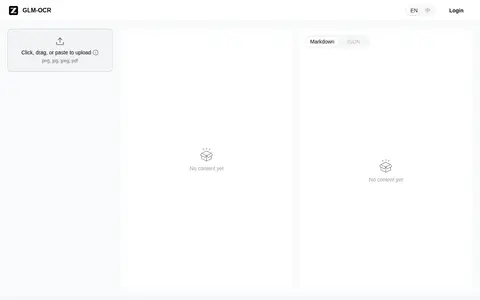
GLM-OCR helps edit, convert, generate, search, or organize images and visual assets.

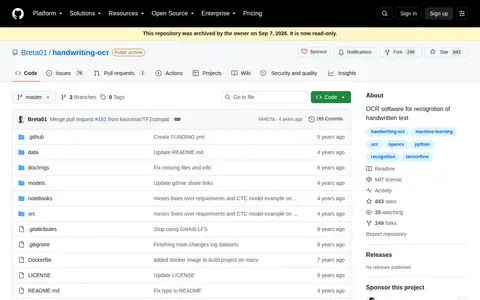
Handwriting-OCR is a project that tries to create software for recognizing handwritten text from photos, including Czech language, using computer vision and machine learning. Recognition is divided into four steps, from page detection through word separation and normalization to character recognition. It is written in Python 3.6 with Jupyter Notebook, and the repository was archived by its owner.

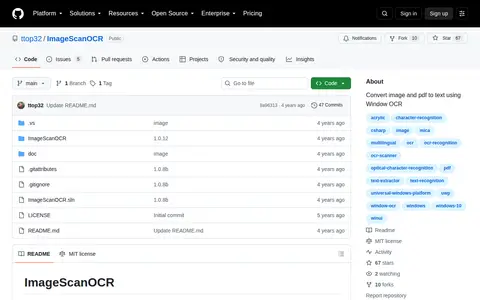
ImageScanOCR is an application that recognizes text from images and PDF files using the Windows OCR API, converting images to editable plain text. Users can edit, copy and save results as plain text files, use batch processing, and rotate images. It supports multiple OCR languages when the Windows language pack is installed and can process OCR offline.
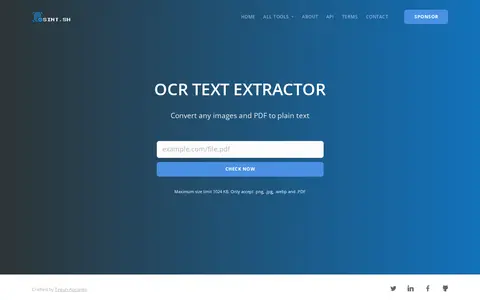
OCR tool for extracting readable text from images, screenshots, and scanned files.

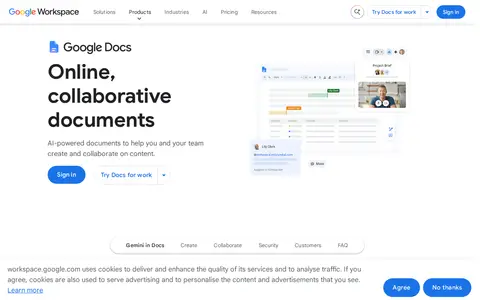
Google Docs helps scan, OCR, organize, compare, sign, or manage documents and PDFs.

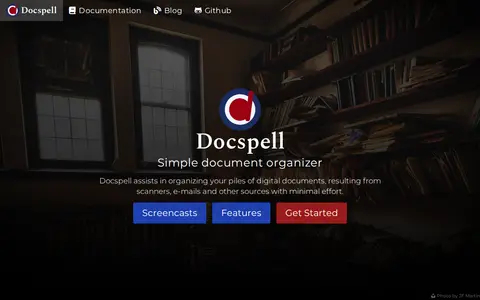
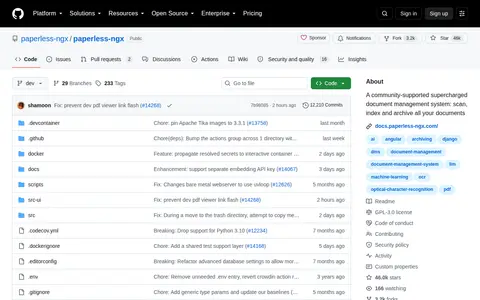
Self-hosted document organizer for OCR, tagging, searching, and managing personal paperwork.

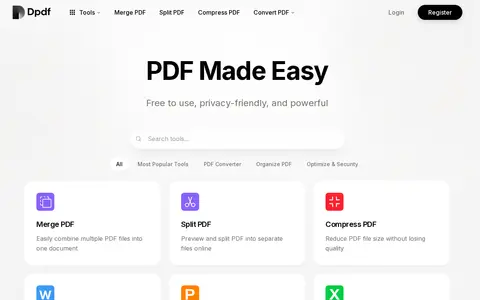
Dpdf is a free online PDF tool site offering merging, splitting, converting and compressing PDFs, plus related tools such as watermarking, encryption, OCR and page organisation. The site states that use is unlimited and no registration is required, and that regular file processing does not use credits; credits apply only to OCR and AI Deep Watermark Removal.
KiloDoc helps scan, OCR, organize, compare, sign, or manage documents and PDFs.
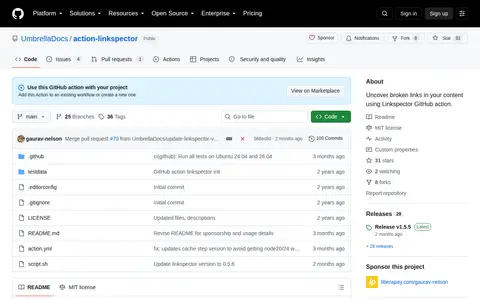
Linkspector helps scan, OCR, organize, compare, sign, or manage documents and PDFs.

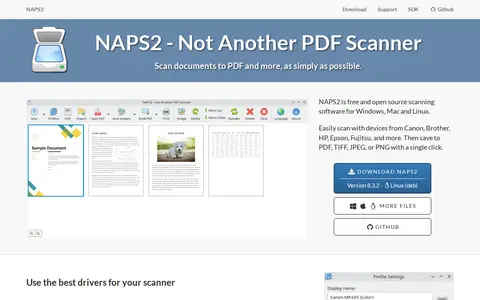
NAPS2 is free and open source scanner software for Windows, Mac and Linux. It scans documents to PDF, TIFF, JPEG, or PNG and includes OCR in over 100 languages. The software supports WIA and TWAIN drivers, flatbed and automatic document feeder scanning, and image rotation, cropping and reordering.
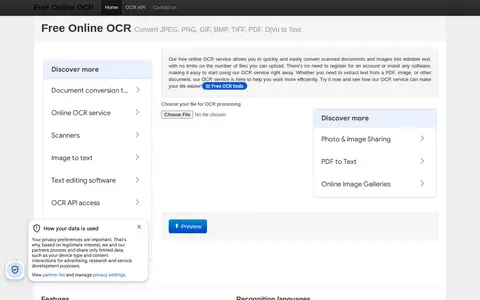
A free online OCR service that converts scanned documents and images into editable text. It requires no registration or software installation; users upload files and receive text. It is based on the Tesseract OCR engine and supports 122 recognition languages and fonts. After processing, text can be downloaded, edited in Google Docs or copied.

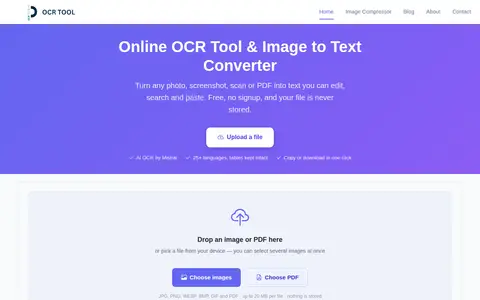
OCRTool.net is a free online OCR tool that extracts text from images, PDFs and screenshots using Mistral AI's OCR model. It supports JPG, PNG, WEBP, BMP, GIF and PDF files up to 20 MB per file, with multi-language recognition and layout-aware conversion. No signup is required, no watermarks are added, and files and extracted text are not stored.

OnlineOCR is an online optical character recognition service that converts images and PDF files to text. It supports formats such as JPG, PNG, GIF, JFIF, HEIC and PDF, and offers simple OCR as free raw text recognition alongside a premium OCR mode for tables, lists and headings. The site lists more than 100 languages for recognition.

Paperless Ngx helps scan, OCR, organize, compare, sign, or manage documents and PDFs.
Self-hosted document management system for scanning, OCR, tagging, and searching documents.

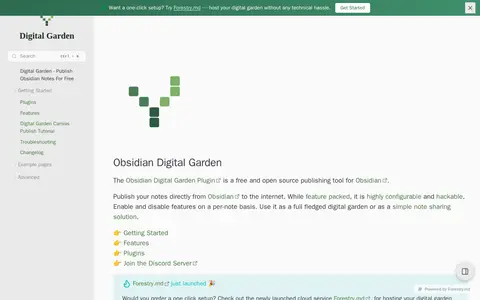
Publish Notes helps scan, OCR, organize, compare, sign, or manage documents and PDFs.

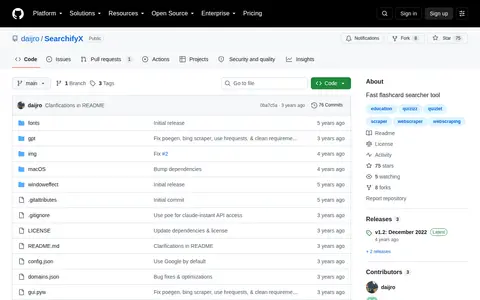
SearchifyX is a fast flashcard searcher tool and the predecessor to Searchify. It acts as a webscraper for Quizlet, Quizizz, and Brainly, letting users query questions from these sites and sort results by similarity to the input query. The tool includes a screen OCR scanner, customizable global hotkeys, and stealth features to prevent websites from detecting window focus changes, and is available as both a GUI application and CLI tool for Linux, Mac OS, and Windows. It was created strictly for educational purposes to demonstrate asynchronous webscraping in Python, requiring Python 3.8 dependencies and Tesseract for OCR functionality.

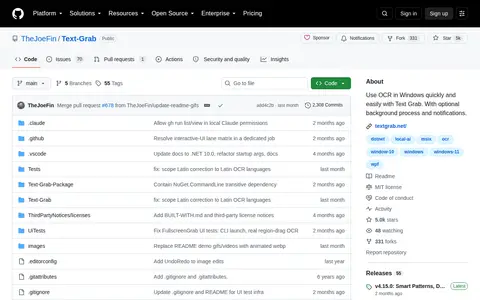
Text Grab is a Windows tool that captures text with OCR, cleans it up and sends the result to the clipboard or an editor. All OCR runs on the device, with no internet connection, cloud service or per-use cost. It offers multiple capture modes, post-grab cleanup and spreadsheet-style editing, and can run as a background process with global hotkeys.
Typing Guide helps scan, OCR, organize, compare, sign, or manage documents and PDFs.