
github.com
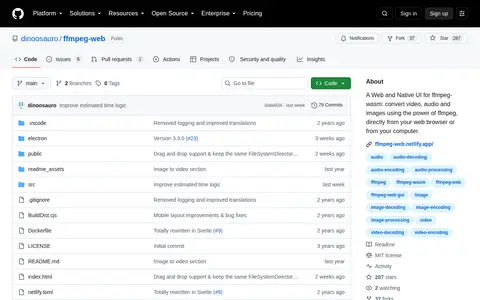
Ffmpeg Web is a video tool for encoding, conversion, repair, playback, editing, or processing workflows.
Directory
Published directory entries matching your search.
Ffmpeg Web is a video tool for encoding, conversion, repair, playback, editing, or processing workflows.

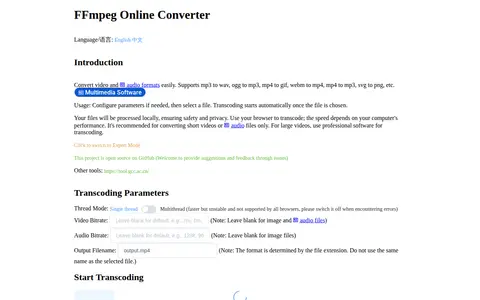
FFmpeg Online Converter is a browser-based tool that converts image, audio and video formats using FFmpeg compiled to WebAssembly. Files are processed locally and are not uploaded to a server. It supports conversions such as mp3 to wav, mp4 to gif and webm to mp4. Conversion speed depends on the computer, and the tool is recommended for short videos or audio files.

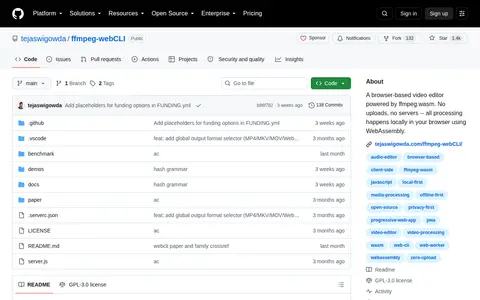
Ffmpeg Web Cli is a video tool for encoding, conversion, repair, playback, editing, or processing workflows.
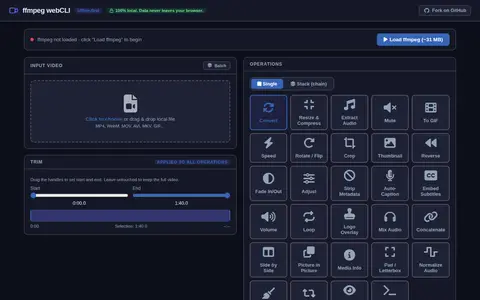
ffmpeg webCLI is a video tool for encoding, conversion, repair, playback, editing, or processing workflows.

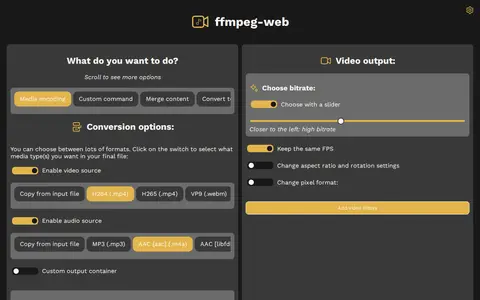
ffmpeg-web is a video tool for encoding, conversion, repair, playback, editing, or processing workflows.

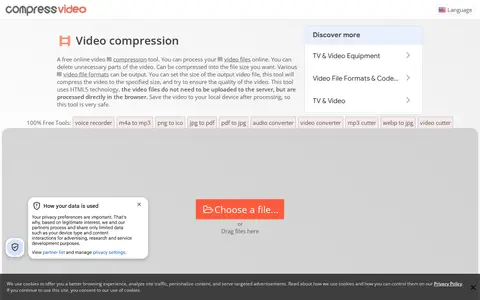
Compress Video Online is a free browser-based tool that cuts and compresses video files to a chosen output size while attempting to preserve quality. Files are processed locally in the browser using HTML5 and FFMPEG JS, so no upload or software installation is required, and output includes no watermark. It supports formats such as MP4, WEBM, MOV, FLV, and MKV.

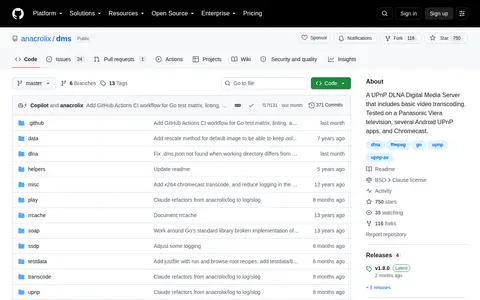
DMS is a UPnP DLNA Digital Media Server that runs from the terminal and serves content from the filesystem from the working directory or a given path. It advertises and serves raw files and alternate transcoded streams such as mpeg2 PAL-DVD and WebM, and provides thumbnails where possible. External tools ffprobe, ffmpeg and ffmpegthumbnailer are used when available.

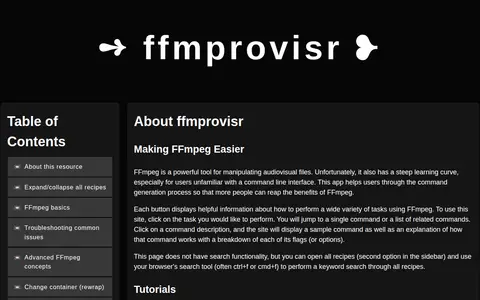
ffmprovisr is a web app that helps users generate FFmpeg commands. Each button describes a task and displays a sample command with an explanation breaking down its flags. The site has no search functionality, but all recipes can be opened for browser keyword search. It is licensed under Creative Commons Attribution 4.0 International.
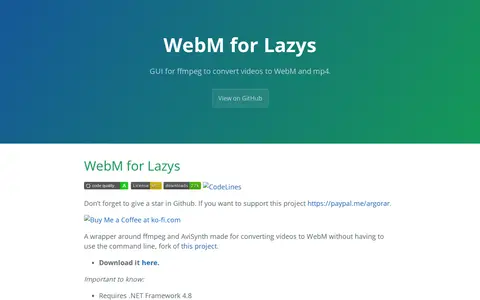
WebMConverter is a Windows GUI wrapper around ffmpeg and AviSynth for converting videos to WebM without the command line. It is a fork of another project and also handles downloading, trimming and cropping. It requires .NET Framework 4.8 and 32-bit AviSynth 2.6.0.