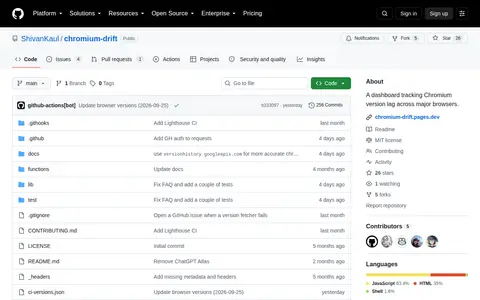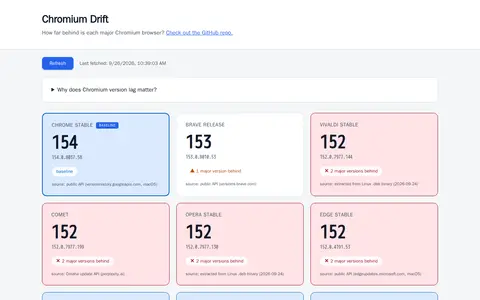
Chromium Drift is a dashboard that tracks which Chromium version each major desktop Chromium-based browser is currently shipping. Some browser versions are fetched live from public APIs on each page load, while others are detected daily via CI by extracting version info from their binaries. It also notes that older Chromium versions may lack patches and newer web APIs.
Directory
Search results
Published directory entries matching your search.
Chromium Flags is related to Chrome or Chromium settings, themes, shortcuts, and browser behavior.
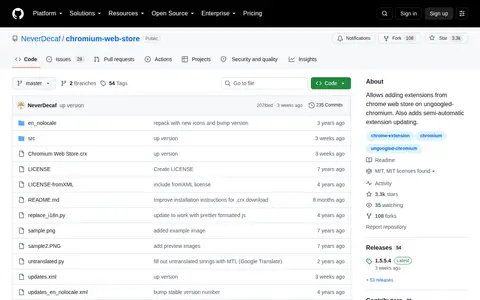
chromium-web-store is a GitHub-hosted browser tool project by NeverDecaf designed for use with ungoogled-chromium. It enables users to add extensions sourced from the official Chrome Web Store to the ungoogled-chromium browser, and also provides semi-automatic functionality for updating installed extensions.
Chromium Drift is a dashboard that tracks Chromium version lag across major browsers. Tracked browsers include Chrome Stable as the baseline, Brave, Edge, Vivaldi, Opera, Perplexity Comet, Arc, Dia and Helium.

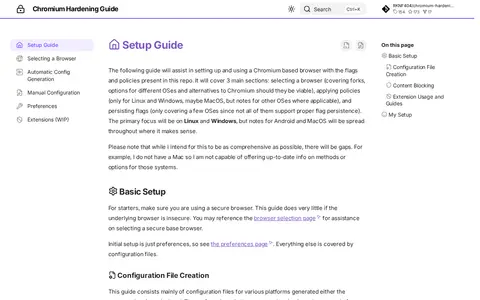
Chromium Hardening Guide is a setup guide for using a Chromium-based browser with flags and policies. It covers selecting a browser, applying policies and persisting flags, with primary focus on Linux and Windows and notes for Android and MacOS where applicable. Configuration files can be generated by an automated script or edited by hand.
CS Chromium is a developer resource for coding, documentation, communities, security research, or software tools.
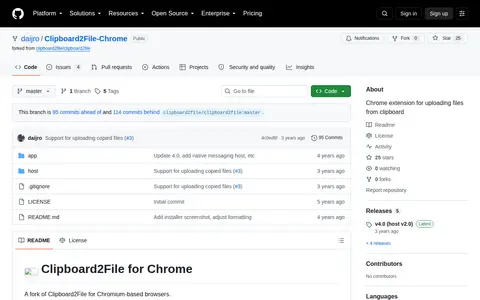
Clipboard2File for Chrome is a fork of Clipboard2File for Chromium-based browsers. It is a small extension that allows an image on the clipboard to be used as a file. Installation requires the Chromium extension plus a Companion, which uses Chrome's Native Messaging API to gather clipboard images outside the browser and runs only when called by Chrome.
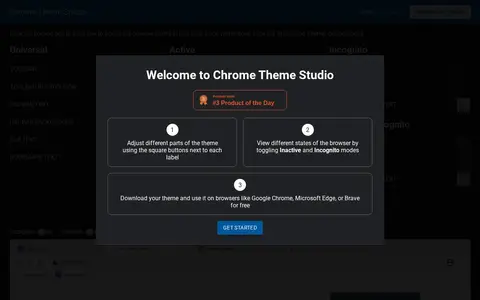
Chrome Theme Studio is a free tool for creating custom browser themes for Chromium-based browsers, including Google Chrome, Microsoft Edge and Brave. Users adjust colors for the toolbar, tab and frame areas in real time, including inactive and incognito states, then download the theme.
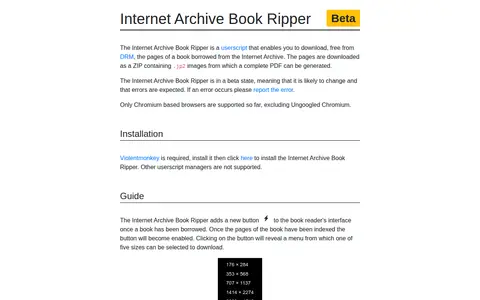
Internet Archive Book Ripper is a beta userscript that downloads the pages of a borrowed Internet Archive book as a ZIP of .jp2 images from which a complete PDF can be generated. It requires Violentmonkey and supports only Chromium-based browsers so far, excluding Ungoogled Chromium. A button appears in the book reader once a book has been borrowed and pages indexed.
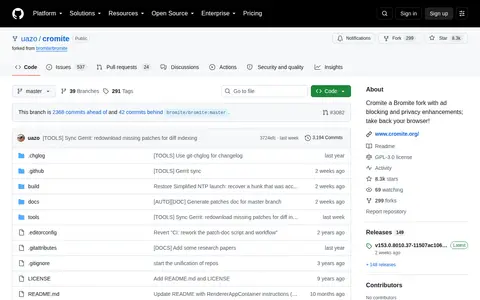
Open source Chromium-based browser project focused on privacy, ad blocking, and mobile browsing.
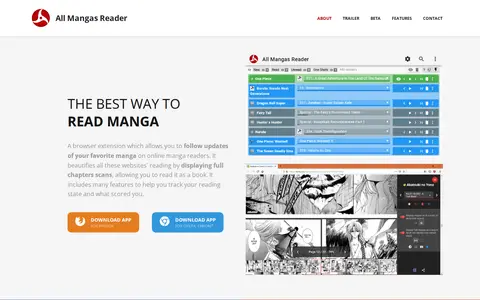
A browser extension for following updates of manga on online manga readers. It displays full chapter scans, helps track reading state and scores, and bookmarks scans. Versions are offered for Firefox and for Opera and Chromium-based browsers, and the beta channel provides features as they are developed.
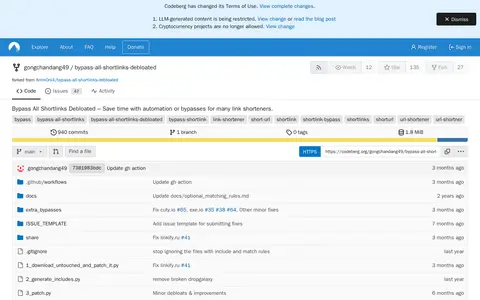
Bypass All Shortlinks Debloated is a userscript fork of Bypass All Shortlinks (originally by bloggerpemula) that provides automation or bypasses for many link shorteners, with some additional bypasses and fixes. Installation is from Codeberg. The documented requirements are Firefox or Brave with Violentmonkey and uBlock Origin; the README notes userscripts and uBO may not work at all or stop working on Chromium browsers.
)
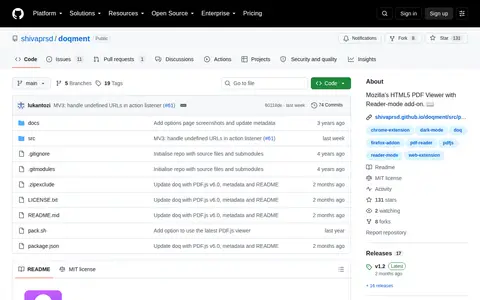
A custom deployment of Mozilla's PDF.js generic viewer packaged as a Web Extension, adding a reader mode that changes PDF colors plus features such as Auto-track Document Outline, Smart Zoom text and a Show/Hide toolbar. In Firefox it replaces the built-in PDF.js viewer; in Chromium browsers it coexists with the native viewer and opens PDFs via a context menu or toolbar button.
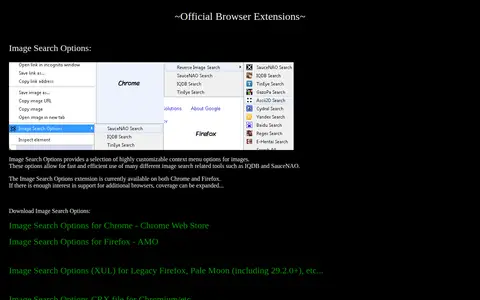
SauceNAO Tools offers an official browser extension called Image Search Options. It adds customizable context menu options for images, enabling quick use of various image search tools including IQDB and SauceNAO. The extension is available for Chrome and Firefox, with potential support for additional browsers if there is sufficient interest. It also provides download links for Chrome Web Store, Firefox AMO, a XUL version for legacy Firefox and Pale Moon, and a CRX file for Chromium.
FetchV is a browser extension for downloading online videos, compatible with Chrome, Edge and other Chromium-based browsers. It supports static formats such as MP4, WEBM, FLV and MP3, streaming videos such as m3u8, which it merges into a single MP4 file, and a recording mode that converts buffered data into MP4. It uses multithreaded downloading and captures multiple available resolutions.
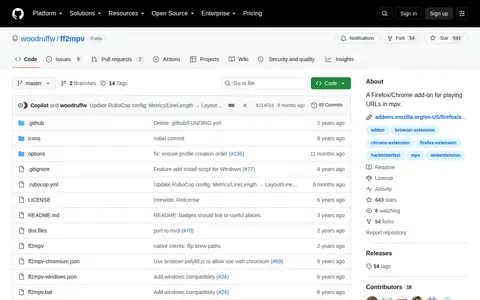
ff2mpv is a browser extension for playing URLs in mpv. It works on Firefox, Chrome and other Firefox or Chromium-based browsers. Clicking the toolbar icon makes mpv attempt to play the current URL, and a context button plays a specific URL. Installation involves the addon plus a native host.
A browser-based screen recorder from Google Admin Toolbox that uses JavaScript to capture audio and screen. It does not send captured media to Google infrastructure or other remote services. It supports only desktop and laptop devices, and screen and tab audio recording works only on Google Chrome and Chromium-based browsers.
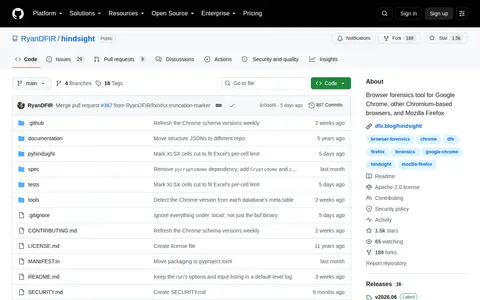
Browser forensics tool for Google Chrome, other Chromium-based browsers, and Mozilla Firefox
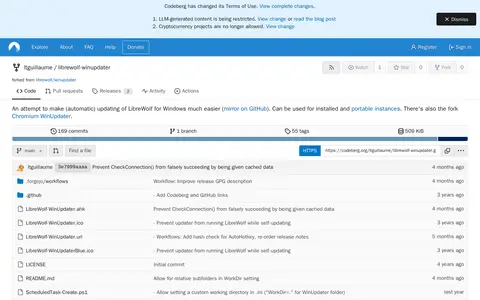
LibreWolf WinUpdater is a tool intended to make updating LibreWolf for Windows easier. According to the repository, it can be used for installed and portable instances, and a fork exists for Chromium. Its code is mainly AutoHotkey and PowerShell, and documentation and issues have moved to librewolf.dev.
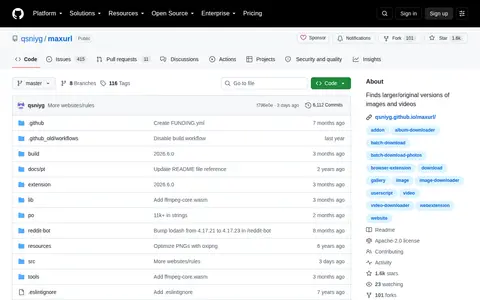
Maxurl is an open source tool that finds larger or original versions of images and videos, typically by replacing URL patterns. It supports over 10,000 hardcoded websites and generic content management systems including WordPress and MediaWiki. The tool is distributed as a userscript for most browsers, a browser extension for Firefox and Chromium-based browsers (via sideloading), a Node.js module, and a web implementation.
A userscript for modern browsers that shows images and videos behind links and thumbnails. It is a fork of MPIV and requires Chrome or Chromium-based 55+ or Firefox 52+ for main features.
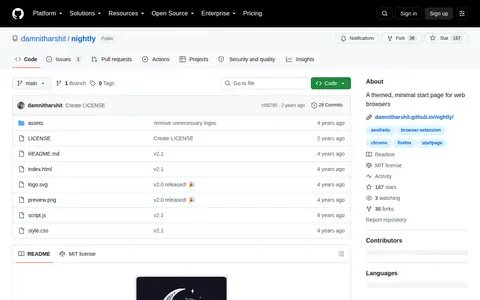
A themed, minimal start page for web browsers. Users set the hosted page as a new tab redirect in Chromium-based or Firefox-based browsers. Settings can be changed, such as the background image, through the site's settings icon.
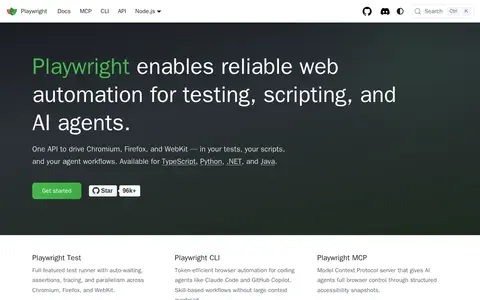
A web automation and testing framework for apps, scripts, and AI agents. It offers a test runner with auto-waiting and assertions, browser automation across Chromium, Firefox, and WebKit, and a Model Context Protocol server for AI agents.