
adguard-dns.io
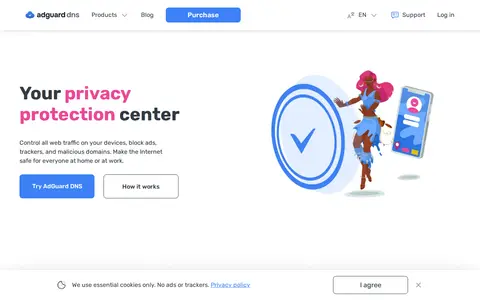
AdGuard DNS helps block ads, trackers, sponsored segments, popups, or unwanted web content.
Directory
Published directory entries matching your search.
AdGuard DNS helps block ads, trackers, sponsored segments, popups, or unwanted web content.

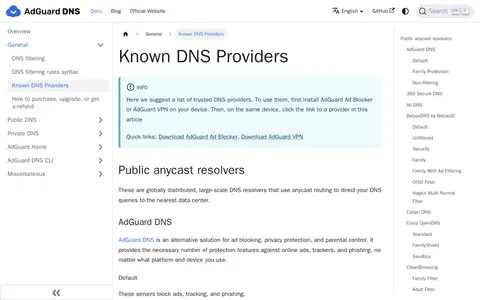
A knowledge base page that suggests a list of trusted DNS providers, including public anycast resolvers such as AdGuard DNS, 360 Secure DNS and Ali DNS. It states that AdGuard Ad Blocker or AdGuard VPN must first be installed on a device before a provider link is used. AdGuard DNS servers are listed for blocking ads, tracking and phishing, for family protection, and for unfiltered connections.

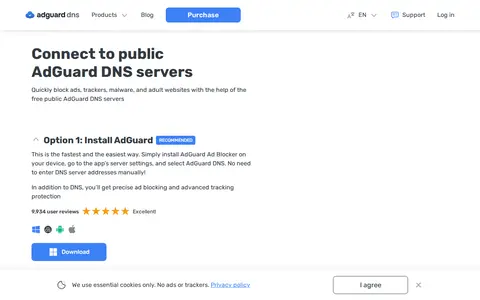
AdGuard DNS is a free public DNS service that blocks ads, trackers, malware and adult websites at the DNS level. It is configured either by installing AdGuard Ad Blocker and selecting AdGuard DNS in the app settings, or by manually entering the provided DNS server addresses. Documentation covers setup on Android, iOS, Windows, macOS, Linux, routers and game consoles.

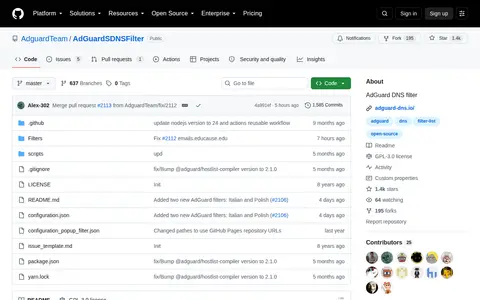
A DNS filter composed of several other filters, including the AdGuard Base filter, Tracking Protection filter, Mobile Ads filter, EasyList and EasyPrivacy, simplified to be better compatible with DNS-level ad blocking. It is the default filter for AdGuard Home and the public AdGuard DNS servers.
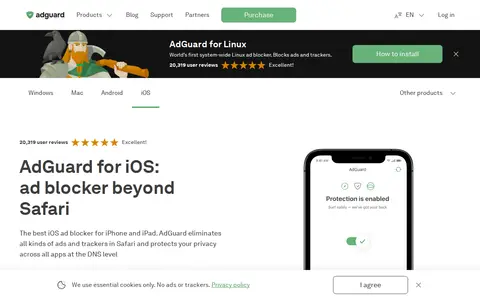
Ad-blocking and privacy app for filtering ads, trackers, DNS requests, and web annoyances.
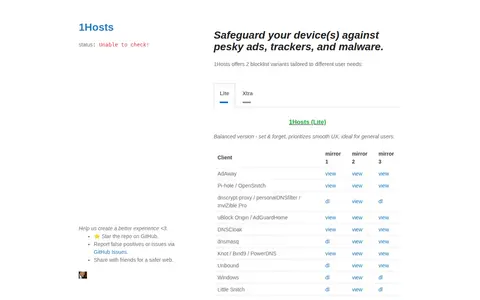
1Hosts provides DNS filter and blocklists, offered in two variants. The Lite version is described as a balanced version prioritizing smooth UX, while the Xtra version is described as aggressive with maximum blocking. Compatible software listed includes AdAway, Pi-hole, uBlock Origin, AdGuardHome and dnsmasq. The project states it has been actively maintained since December 2, 2017.