ThemeBeta offers downloads of free Google Chrome themes, Edge browser themes and Windows theme skins. It also provides online Chrome Theme Creator and Windows Theme Creator tools for creating and editing theme skins. Featured themes are listed for Chrome and Windows in various resolutions.
Directory
Search results
Published directory entries matching your search.
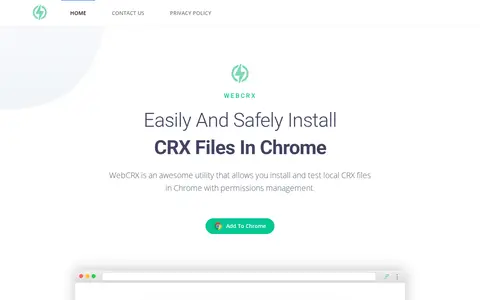
WebCRX is a Chrome extension utility designed to let users easily and safely install local CRX files in Chrome, with built-in permissions management. It is an independent tool with no affiliation to Google or the official Chrome Web Store, and offers support and contact options for users.
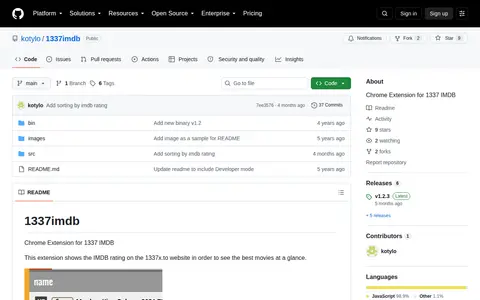
Chrome extension that shows the IMDB rating on the 1337x.to website, intended to help users see the best movies at a glance. The README states the opacity is calculated when a movie receives fewer than 1000 votes. Installation requires opening chrome://extensions, enabling Developer mode, and loading the src folder as an unpacked extension.
Chrome extension for editing a web page before printing. It can hide or remove page elements, adjust formatting, and edit text in the print layout.
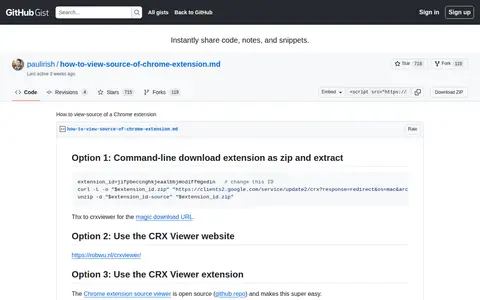
A GitHub Gist by paulirish titled How to view-source of a Chrome extension. It lists several options for viewing extension source, including a command-line method to download the extension as a zip and extract it, using the CRX Viewer website, and using the CRX Viewer extension. It also describes viewing the source of a locally installed extension.
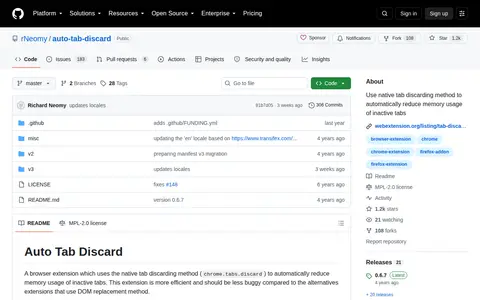
Auto Tab Discard is a browser extension that uses the native tab discarding method (chrome.tabs.discard) to automatically reduce memory usage of inactive tabs. It is described as more efficient and less buggy than alternatives that use DOM replacement. It is offered for Chrome, Edge, Firefox and Opera.
Browser extension for Bookmark Dupes, adding useful tools or workflow improvements inside the browser.
Browser extension for Bookmarks Cleanup, adding useful tools or workflow improvements inside the browser.
Browser extension for Check My Links, adding useful tools or workflow improvements inside the browser.
Chromium Flags is related to Chrome or Chromium settings, themes, shortcuts, and browser behavior.
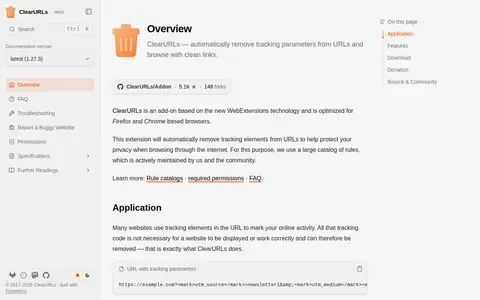
ClearURLs is a browser add-on built on WebExtensions technology and optimized for Firefox and Chrome based browsers. It automatically removes tracking elements from URLs in the background to help protect privacy while browsing, using a rules catalog maintained by the project and community. It also blocks some common ad domains optionally, blocks hyperlink auditing and prevents ETag and history API tracking. Chrome-based browsers may disable the add-on during the Manifest V2 phase-out.
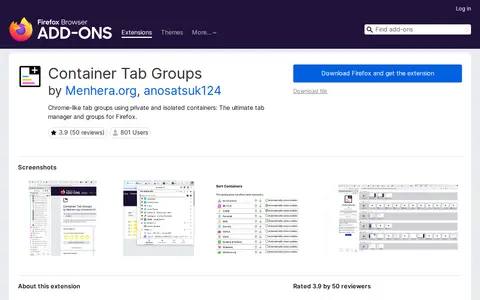
Container Tab Groups is a Firefox browser extension that creates Chrome-style tab groups using Firefox's native private container tabs. It requires no additional configuration or other add-ons, and supports per-container overrides for preferred languages, user agent strings, and proxy settings. Users can create isolated container tab groups for separate tasks, and delete groups when finished to clear associated cookies and clutter.
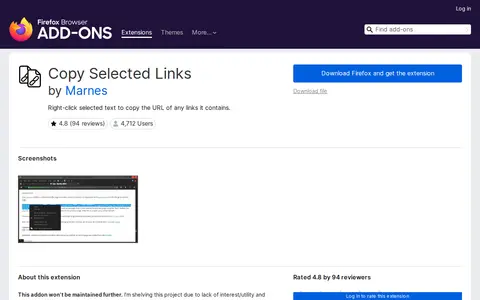
Copy Selected Links is a browser extension developed by Marnes. It enables users to right-click selected text containing links to copy the URLs of all included links, copy their associated text, or open the links in new tabs. The extension is available for Firefox and Chrome, with its source code hosted on GitLab. Updated versions of related tools from the developer are available on their Greasyfork account.
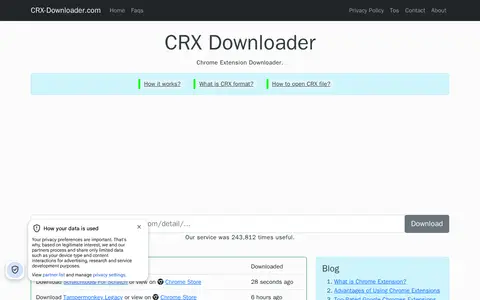
CRX Downloader is a Chrome extension downloader that downloads Chrome extensions as zip or crx files. The site says these files can be used with testing tools like selenium or to view the extensions' content.
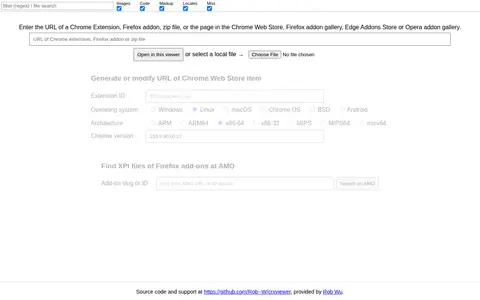
CRX Viewer is a tool that generates or modifies URLs for Chrome Web Store items and locates XPI files for Firefox add-ons on AMO. Users can input a browser extension, add-on, zip file, or store page URL, or select a local file to retrieve download links and metadata including extension ID, supported operating systems, architectures, and Chrome version compatibility. It also provides links to official store listings. The tool's source code is hosted on GitHub by Rob Wu.
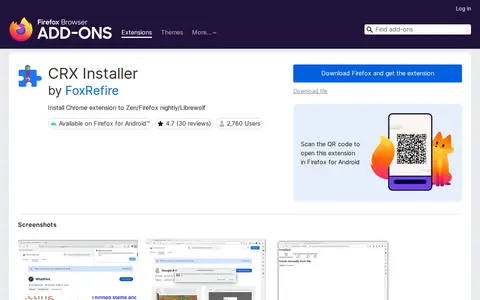
CRXInstaller is a Firefox browser extension developed by FoxRefire. It enables users to install Chrome browser extensions on Zen, Firefox Nightly, Firefox Developer Edition, Librewolf, and Firefox for Android. Use with standard Firefox requires additional configuration steps. The developer warns that installing untrusted extensions poses serious security risks and disclaims liability for any resulting damage, with the extension's source code available on GitHub.
Browser extension for Disable All Extensions, adding useful tools or workflow improvements inside the browser.
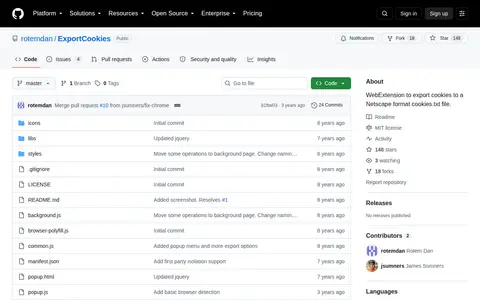
ExportCookies is a WebExtension that adds a browser action for saving cookies to a Netscape format cookies.txt file. Cookies can be exported for the current host, the current domain, or all domains, with an option to apply an HttpOnly encoding prefix. It is available for Firefox through Mozilla Add-ons and for Chrome through the Chrome Web Store. The project is MIT licensed.
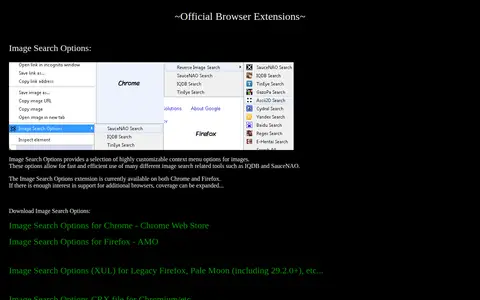
SauceNAO Tools offers an official browser extension called Image Search Options. It adds customizable context menu options for images, enabling quick use of various image search tools including IQDB and SauceNAO. The extension is available for Chrome and Firefox, with potential support for additional browsers if there is sufficient interest. It also provides download links for Chrome Web Store, Firefox AMO, a XUL version for legacy Firefox and Pale Moon, and a CRX file for Chromium.
Browser extension for Extension Manager, adding useful tools or workflow improvements inside the browser.
Browser extension for Extensity, adding useful tools or workflow improvements inside the browser.
Extensity is a GitHub-hosted browser extension project created by sergiokas for Google Chrome. Its core function is to allow users to quickly enable or disable installed Chrome extensions. The project is categorized under browser tools and extensions.
Facebook Entity Id Parser is a Chrome extension, version 1.0, published September 8, 2019. The page states that the developer obfuscates source code in the Chrome extensions they develop, and that some antivirus software or Windows Defender may alert them as a possible trojan. It is listed alongside other extensions including OSINT and SOCMINT tooling.
Infinity New Tab is a new tab page extension based on Chrome's new tab page. It offers management of frequently accessed websites with redrawn icons, one-click addition of sites, swift switching among search engines, and customizable wallpapers. It also includes sidebar gadgets. Installation is available on Chrome with an offline Crx file option.