


UserStyles.world is a free and open-source, community-driven platform for sharing and browsing UserCSS userstyles, described as a replacement for UserStyles.org. It offers tracker-free browsing, Stylus integration for publishing updates, and mirroring of userstyles from other places including the USo-archive. It is licensed under AGPLv3.
ThemeBeta
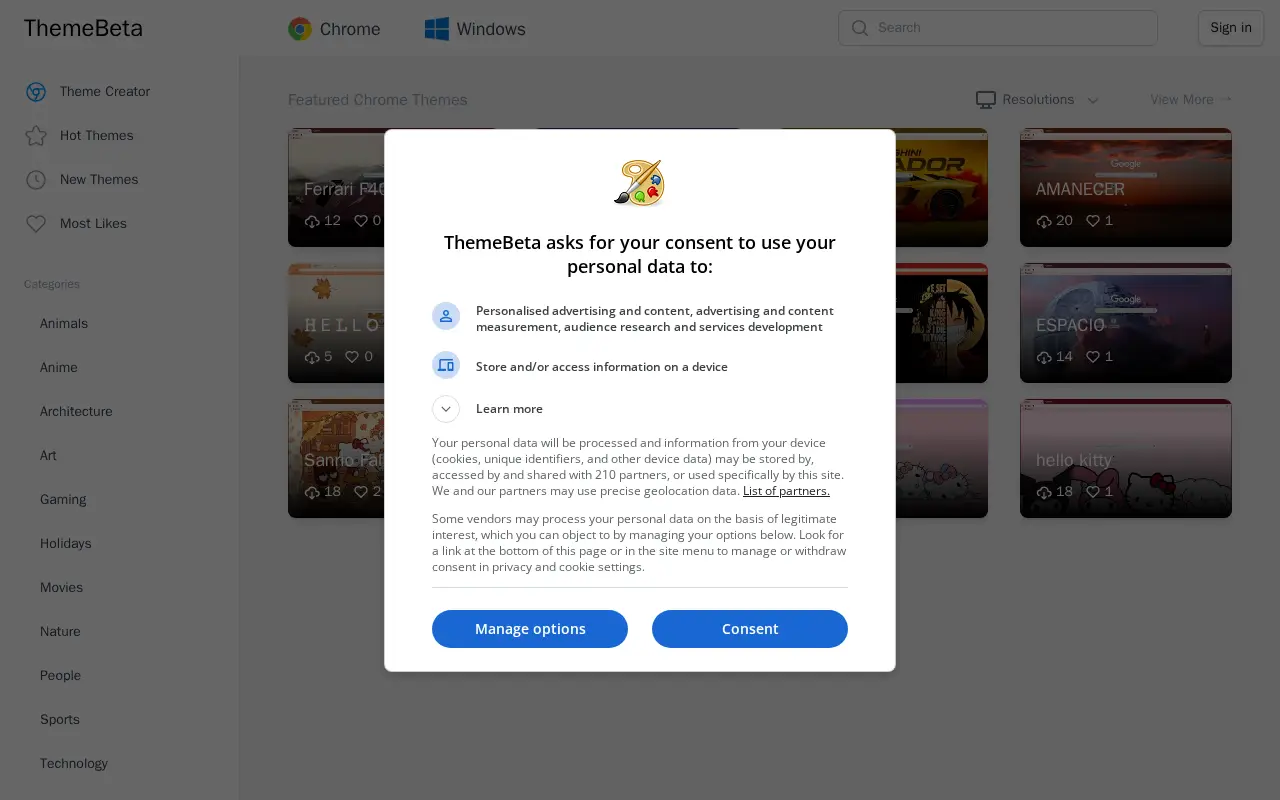
ThemeBeta offers downloads of free Google Chrome themes, Edge browser themes and Windows theme skins. It also provides online Chrome Theme Creator and Windows Theme Creator tools for creating and editing theme skins. Featured themes are listed for Chrome and Windows in various resolutions.
Features
- Create and Edit Your Theme Skin online with Chrome Theme Creator and Windows Theme Creator Source: themebeta.com
Uses
- Download 1,500,000 free Google Chrome Themes, Edge Browser Themes and Windows Theme Skin Source: themebeta.com
Links
Tags
-
0UserStyles.world is a free and open-source, community-driven platform for sharing and browsing UserCSS userstyles, described as a replacement for UserStyles.org. It offers tracker-free browsing, Stylus integration for publishing updates, and mirroring of userstyles from other places including the USo-archive. It is licensed under AGPLv3.
-
0
Read Aloud is a text-to-speech voice reader available as a Chrome extension that reads aloud the current web-page article with one click and supports 40+ languages. The site also lists browser extensions for Firefox and Edge and a TTS widget service.
-
0FireMonkey is a Firefox browser extension that functions as a lightweight combined user script and user style manager. It provides similar functionality to user script managers such as GreaseMonkey, Tampermonkey and Violentmonkey, and user CSS managers such as Stylish, Stylus and xStyle. It supports GM3 and GM4 script functions, allows users to toggle scripts and CSS on or off via a toolbar button, contains no tracking or advertising, and is released under the Mozilla Open Source licence. It has experimental support for Firefox for Android.
-
0
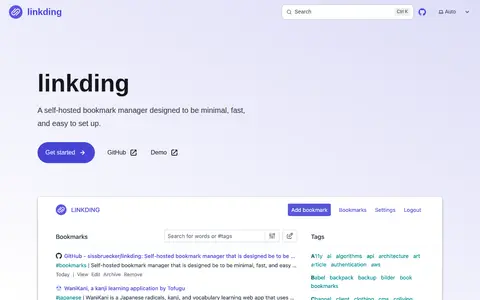
linkding is a self-hosted bookmarking service described as minimal, fast and easy to set up. It can fetch website metadata, create archived snapshots and apply bulk editing, and it supports multiple users. It runs as a single Docker container using SQLite, with browser extensions for Firefox and Chrome and a REST API.
-
0External Application Button is a browser extension that adds a toolbar button and customizable context menu items for sending page parameters such as links, selected text, and image, video, or audio source URLs to an external application. Users define execution jobs in the options page and can open pages in a different browser or send images to an external editor.
-
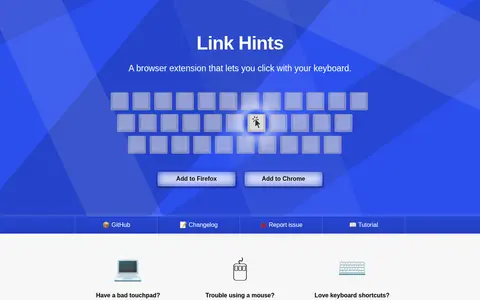
0Link Hints is a browser extension that adds keyboard shortcuts for clicking links and other clickable elements. Pressing AltJ shows lettered hints next to links; typing the letters clicks them. Shortcuts open links in new tabs or select elements, and shortcuts and hints are customizable. The extension runs on all websites and does not send data anywhere.
Community notes
Reviews and discussion
No reviews yet
Be the first to share how this project worked for you.
Join the discussion
Sign in with a verified account to leave a review or join the discussion.
Sign in to review