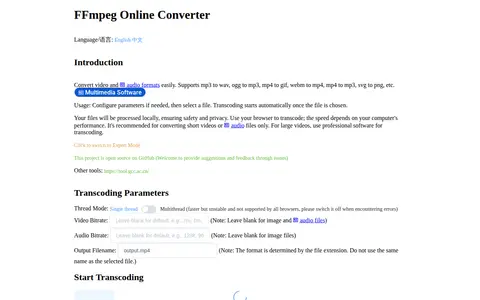
FFmpeg Online Converter is a browser-based tool that converts image, audio and video formats using FFmpeg compiled to WebAssembly. Files are processed locally and are not uploaded to a server. It supports conversions such as mp3 to wav, mp4 to gif and webm to mp4. Conversion speed depends on the computer, and the tool is recommended for short videos or audio files.
Directory
Search results
Published directory entries matching your search.
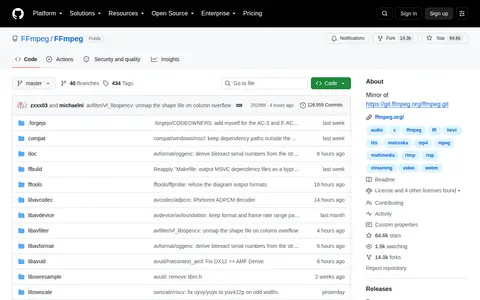
FFmpeg is a video tool for encoding, conversion, repair, playback, editing, or processing workflows.
Ffmpeg is a video tool for encoding, conversion, repair, playback, editing, or processing workflows.
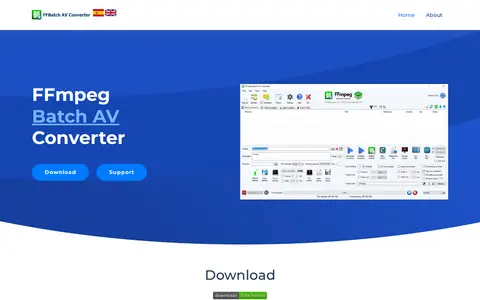
FFmpeg Batch AV Converter is a free Windows audio and video encoder providing a graphical interface for ffmpeg. It supports drag and drop, progress information and multi-file batch encoding that launches simultaneous processes up to the CPU thread count. It can trim, concatenate, multiplex streams, batch subtitle videos, record screen and capture M3u8 or YouTube URLs.
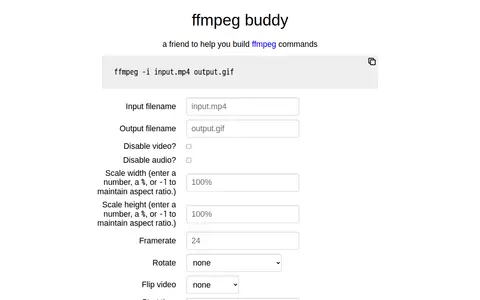
FFmpeg Buddy is a video tool for encoding, conversion, repair, playback, editing, or processing workflows.
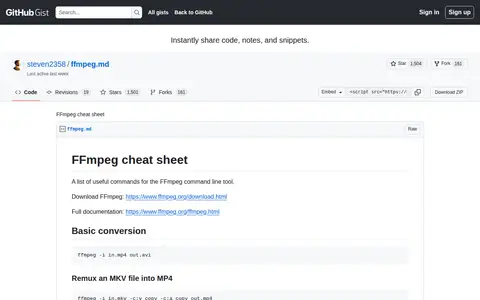
A GitHub Gist collecting useful commands for the FFmpeg command line tool. It covers basic conversion, remuxing an MKV file into MP4, high-quality encoding with the crf and preset parameters, trimming with and without re-encoding, muxing video and audio from another video, the concat demuxer, delaying audio or video, and burning subtitles.
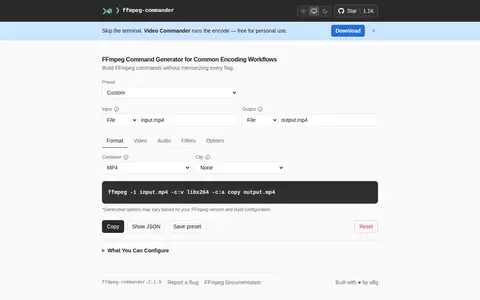
FFmpeg Commander is a video tool for encoding, conversion, repair, playback, editing, or processing workflows.
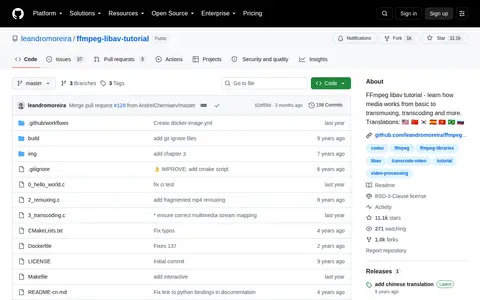
FFmpeg Libav is a video tool for encoding, conversion, repair, playback, editing, or processing workflows.
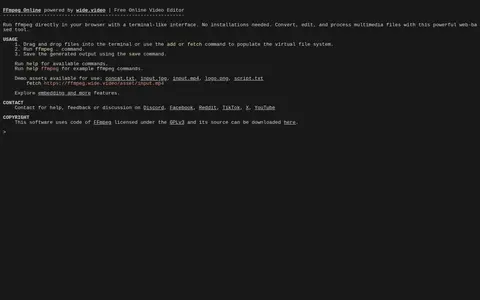
FFmpeg Online is a video tool for encoding, conversion, repair, playback, editing, or processing workflows.
Ffmpeg Web is a video tool for encoding, conversion, repair, playback, editing, or processing workflows.
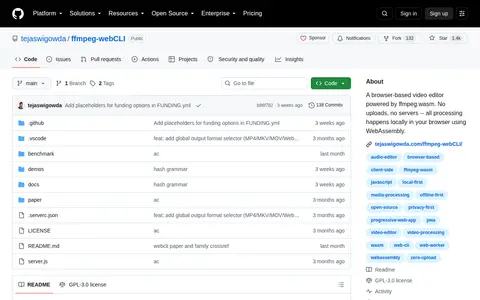
Ffmpeg Web Cli is a video tool for encoding, conversion, repair, playback, editing, or processing workflows.
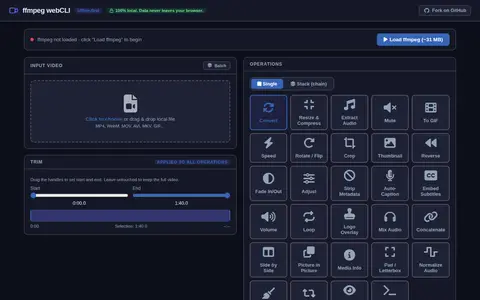
ffmpeg webCLI is a video tool for encoding, conversion, repair, playback, editing, or processing workflows.
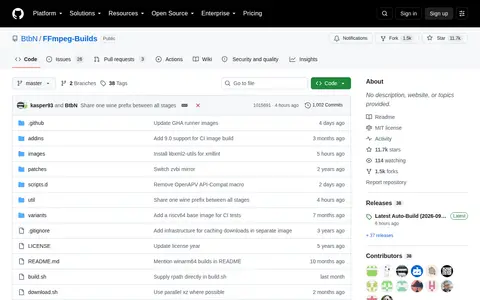
FFmpeg-Builds is a video tool for encoding, conversion, repair, playback, editing, or processing workflows.
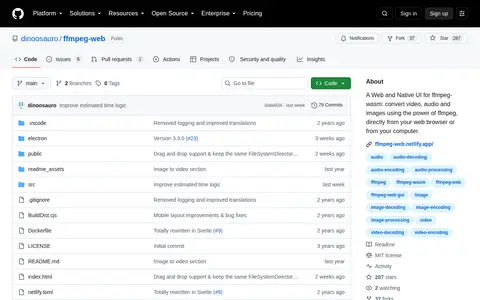
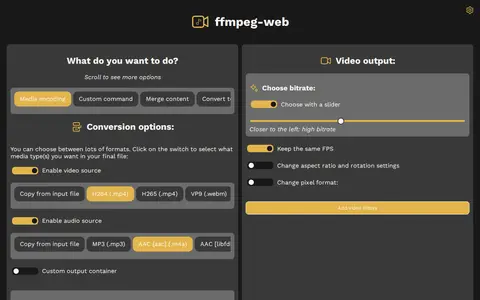
ffmpeg-web is a video tool for encoding, conversion, repair, playback, editing, or processing workflows.
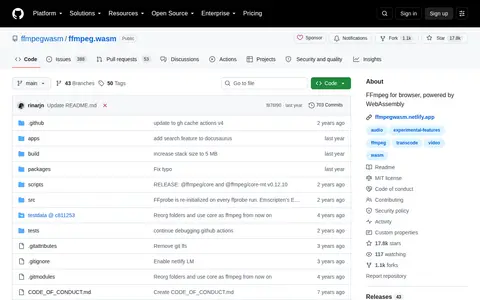
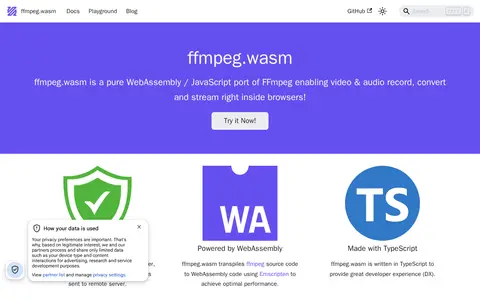
Ffmpeg.wasm is a video tool for encoding, conversion, repair, playback, editing, or processing workflows.
ffmpegwasm is a video tool for encoding, conversion, repair, playback, editing, or processing workflows.
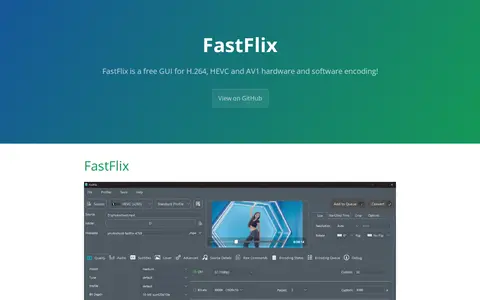
FastFlix is a free GUI for encoding videos, working with FFmpeg and a variety of software and hardware encoders. Software encoder support includes x265, x264, rav1e, AOM AV1, SVT AV1, VP9 and VVC. Hardware encoders require appropriate hardware, and most Nvidia, Intel and AMD encoders use rigaya's encoders that must be downloaded separately and linked in the settings panel. FFmpeg version 4.3 or greater is required.
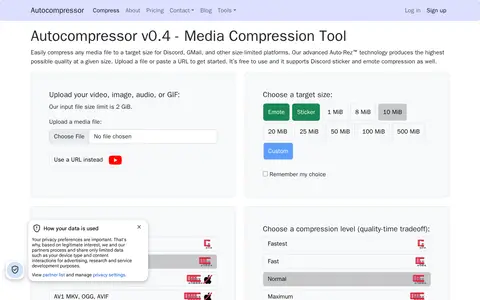
Autocompressor is a free online tool that compresses videos, images, audio files, and GIFs to a target file size, aimed at size-limited platforms such as Discord and Gmail. It also supports Discord sticker and emote compression. The service uses AUTO-REZ technology, built on tools including FFmpeg, ImageMagick, Gifsicle, MozJPEG, and ECT. Premium tiers with higher upload limits and compression options are planned but not yet available.
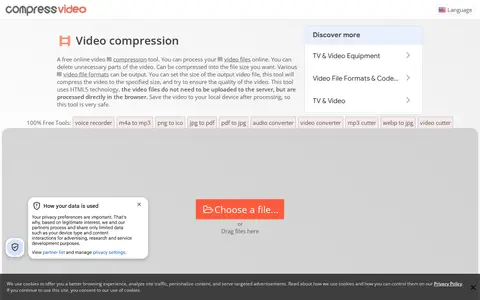
Compress Video Online is a free browser-based tool that cuts and compresses video files to a chosen output size while attempting to preserve quality. Files are processed locally in the browser using HTML5 and FFMPEG JS, so no upload or software installation is required, and output includes no watermark. It supports formats such as MP4, WEBM, MOV, FLV, and MKV.
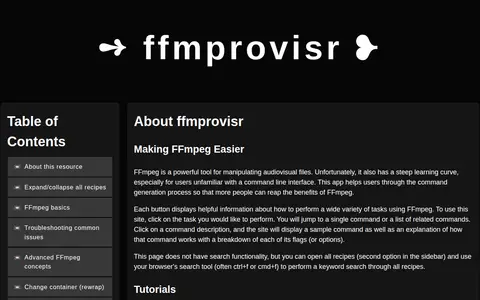
ffmprovisr is a web app that helps users generate FFmpeg commands. Each button describes a task and displays a sample command with an explanation breaking down its flags. The site has no search functionality, but all recipes can be opened for browser keyword search. It is licensed under Creative Commons Attribution 4.0 International.
OpenShot is a free, open-source video editor for Linux, Mac, and Windows. It provides color grading and scopes, video effects, keyframe animation, timeline editing, transitions and wipes, interactive video masks, audio visualizations, and 2D and 3D titles. The project is written with Python and PyQt5, uses a C++ backend built on FFmpeg, and is distributed under the GNU General Public License.
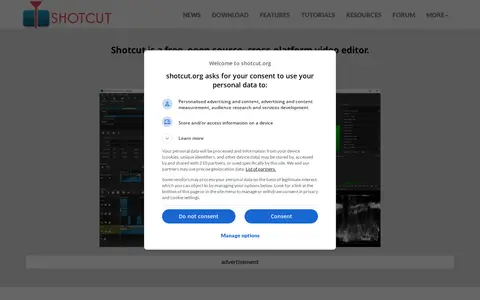
Shotcut is a free, open source, cross-platform video editor for Windows, Mac and Linux. It supports many audio and video formats through FFmpeg, allows native timeline editing without import, and handles resolutions up to 8K.
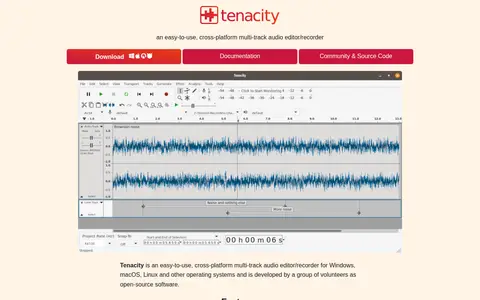
Tenacity is an easy-to-use, cross-platform multi-track audio editor and recorder for Windows, macOS, Linux and other operating systems, developed by volunteers as open-source software. It supports recording from real or virtual audio devices, import and export of many audio formats extendible with FFmpeg, up to 32-bit float audio, and VST, LV2 and AU plug-ins.

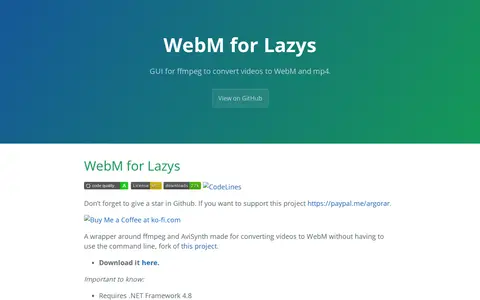
WebMConverter is a Windows GUI wrapper around ffmpeg and AviSynth for converting videos to WebM without the command line. It is a fork of another project and also handles downloading, trimming and cropping. It requires .NET Framework 4.8 and 32-bit AviSynth 2.6.0.