




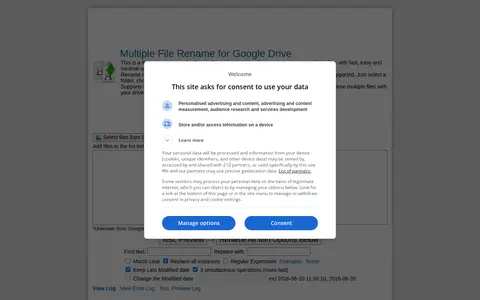
DriveRename is a free renaming application for Google Drive that renames multiple files with what the site describes as fast, easy and minimal operations. It renames files in selected Drive files or folders according to chosen settings, with flexible criteria and regular expression support. It supports IE10+, Chrome and Firefox and connects directly with Google Drive.
TheUserCloud
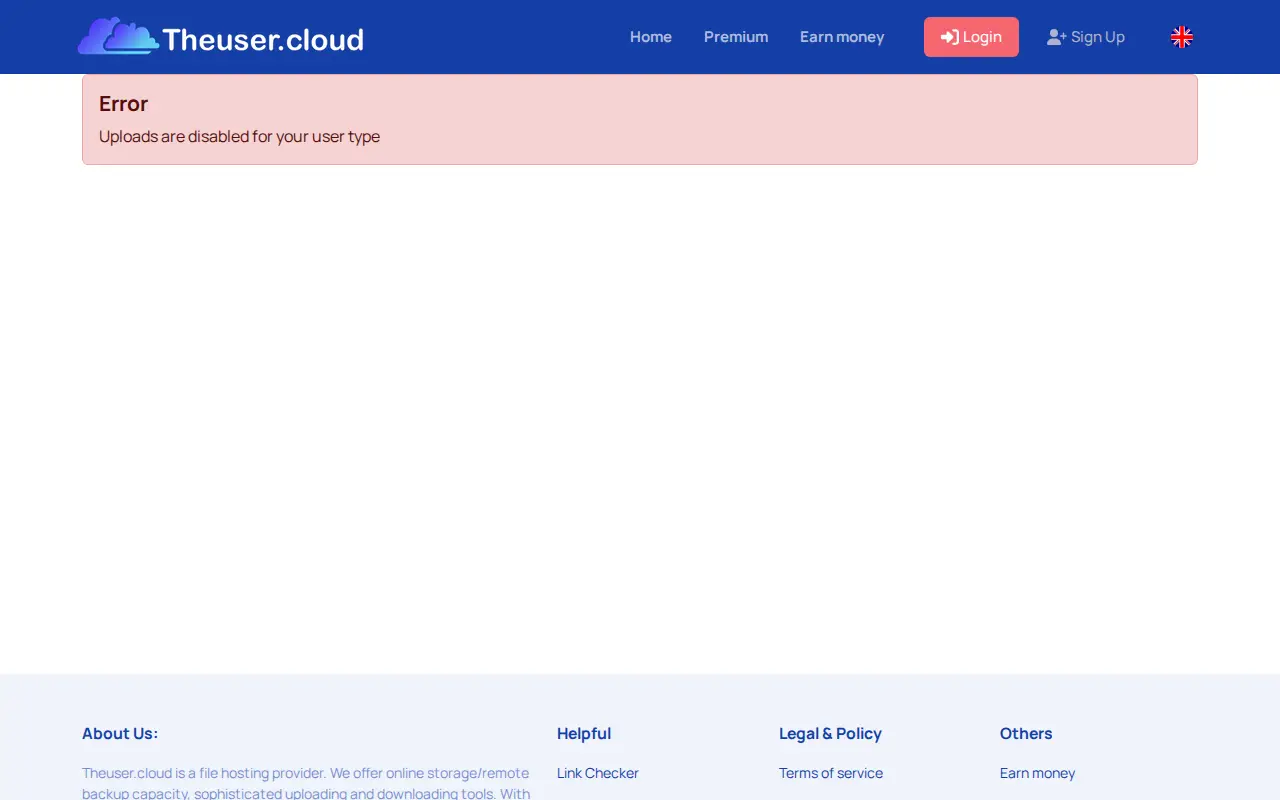
TheUserCloud is a free file upload service for sharing files in seconds. Uploading is limited to registered members, with files up to 10 GB each. The service advertises fast uploads, privacy and earnings paid per download.
Features
- Up to 10 GB per file Source: theuser.cloud
Links
Tags
-
0DriveRename is a free renaming application for Google Drive that renames multiple files with what the site describes as fast, easy and minimal operations. It renames files in selected Drive files or folders according to chosen settings, with flexible criteria and regular expression support. It supports IE10+, Chrome and Firefox and connects directly with Google Drive.
-
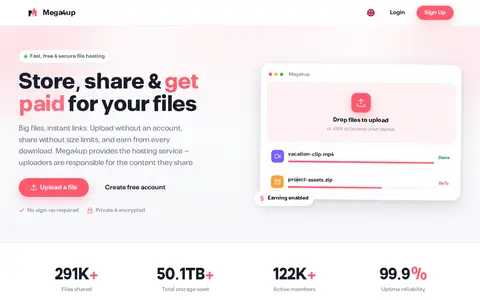
0Mega4up is a file hosting and sharing service. The site states that users can upload without an account and share files without size limits, and that files can be imported from a remote URL. A rewards program pays uploaders for downloads, and Mega4up says uploaders are responsible for the content they share. A dashboard tracks files, downloads and earnings.
-
0Fix helps download, sync, transfer, or manage files across local and cloud storage.
-
0Telegram link is a Telegram channel, group, or bot link for updates, files, community posts, or support.
-
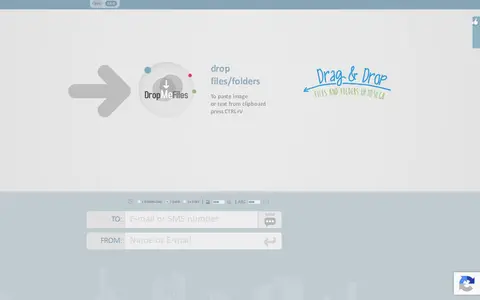
0DropMeFiles is a free one-click file sharing service for sending pictures, large videos, music and big files without registration. It supports uploads up to 50 gigabytes at unlimited speed, offers link and password protection, and deletion after one download. Maximum file storage time is 14 days.
-
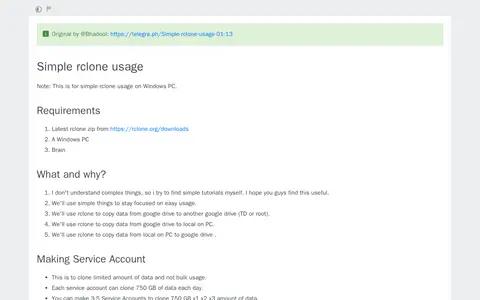
0A tutorial for simple rclone usage on Windows PCs, credited to @Bhadool. It covers making service accounts, setting up rclone and its configuration, cloning one Team Drive to another, downloading data from a Team Drive to a PC, and uploading data from a PC to a Team Drive. It lists the rclone zip and a Windows PC as requirements.
Community notes
Reviews and discussion
No reviews yet
Be the first to share how this project worked for you.
Join the discussion
Sign in with a verified account to leave a review or join the discussion.
Sign in to review