



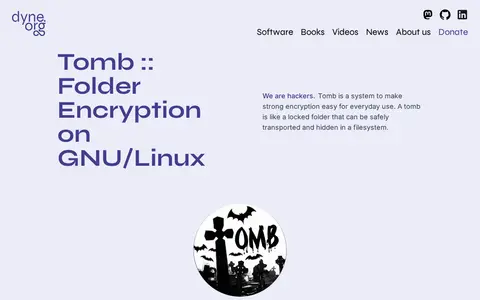
Tomb is a free and open source tool for folder encryption on GNU/Linux, creating encrypted storage folders opened and closed with associated key files protected by a user-chosen password. It uses dm-crypt and LUKS via cryptsetup and is a shell script. Tomb works only on GNU/Linux systems and WSL2 starting with Windows11.
SSD Memory Cell Clearing
SSD Memory Cell Clearing provides Linux, macOS, BSD, or Unix documentation, tutorials, manuals, and learning guides.
Links
Tags
-
0Tomb is a free and open source tool for folder encryption on GNU/Linux, creating encrypted storage folders opened and closed with associated key files protected by a user-chosen password. It uses dm-crypt and LUKS via cryptsetup and is a shell script. Tomb works only on GNU/Linux systems and WSL2 starting with Windows11.
-
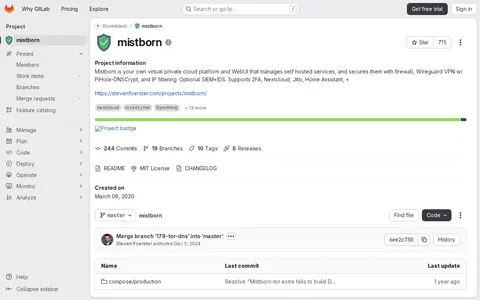
0Mistborn is a self-hosted virtual private cloud platform with a WebUI that manages self-hosted services and secures them with a firewall, WireGuard VPN with Pi-hole and DNSCrypt, and IP filtering. Optional SIEM and IDS are mentioned, and it supports 2FA alongside services such as Nextcloud, Jitsi, Home Assistant and others.
-
0
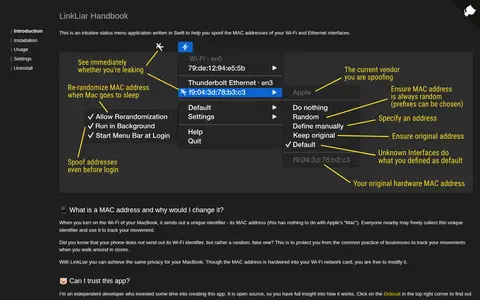
LinkLiar is an open-source status menu application written in Swift that helps users spoof the MAC addresses of Wi-Fi and Ethernet interfaces. A MAC address is sent out by a MacBook's Wi-Fi and can be collected by others nearby to track movement. The developer notes the address can be modified despite being hardwired into the network card, and that building from scratch with Xcode is an option for those concerned about administrator privileges.
-
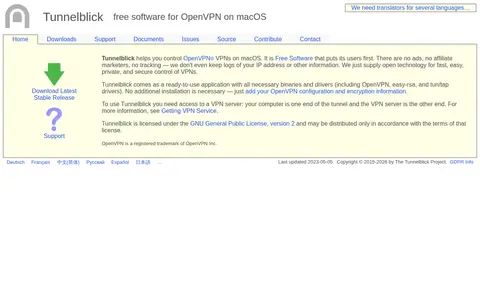
0Tunnelblick is free, open-source software for controlling OpenVPN VPNs on macOS. It is distributed as a ready-to-use application bundling the necessary binaries and drivers, including OpenVPN, easy-rsa, and tun/tap drivers; users add their own OpenVPN configuration and need access to a VPN server. It is licensed under the GNU General Public License, version 2.
-
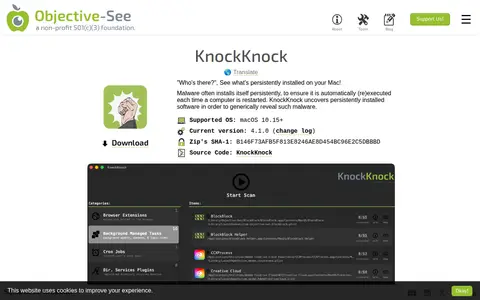
0KnockKnock is a macOS application that lists persistently installed software to reveal malware that installs itself persistently. It enumerates known locations where persistent software may be installed. Signed Apple binaries are filtered out by default, and legitimate third-party software is also displayed. It requires macOS 10.15 or later and can optionally use a VirusTotal API key.
-
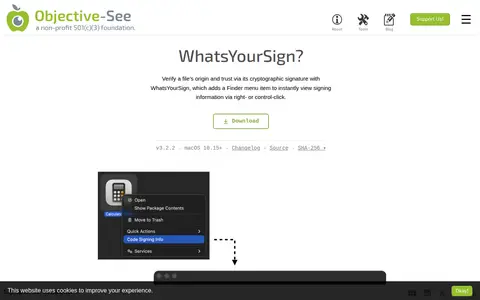
0What's Your Sign is a macOS utility that adds a Finder menu item for viewing any file's cryptographic signing information via right- or control-click. It shows details about the file's cryptographic signature, or lack thereof, including files signed by Apple. It runs on macOS 10.15 and later.
Community notes
Reviews and discussion
No reviews yet
Be the first to share how this project worked for you.
Join the discussion
Sign in with a verified account to leave a review or join the discussion.
Sign in to review