
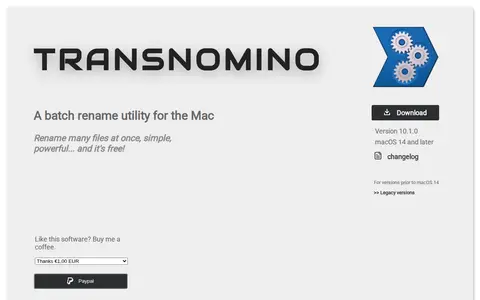

Transnomino is a free batch rename utility for the Mac that renames many files at once. It offers renaming actions including find and replace, regular expressions, text insertion, numbering, case changes and diacritic removal, and supports automation. Renaming actions can be applied to filenames, paths, extensions or full paths.

Scroll Reverser
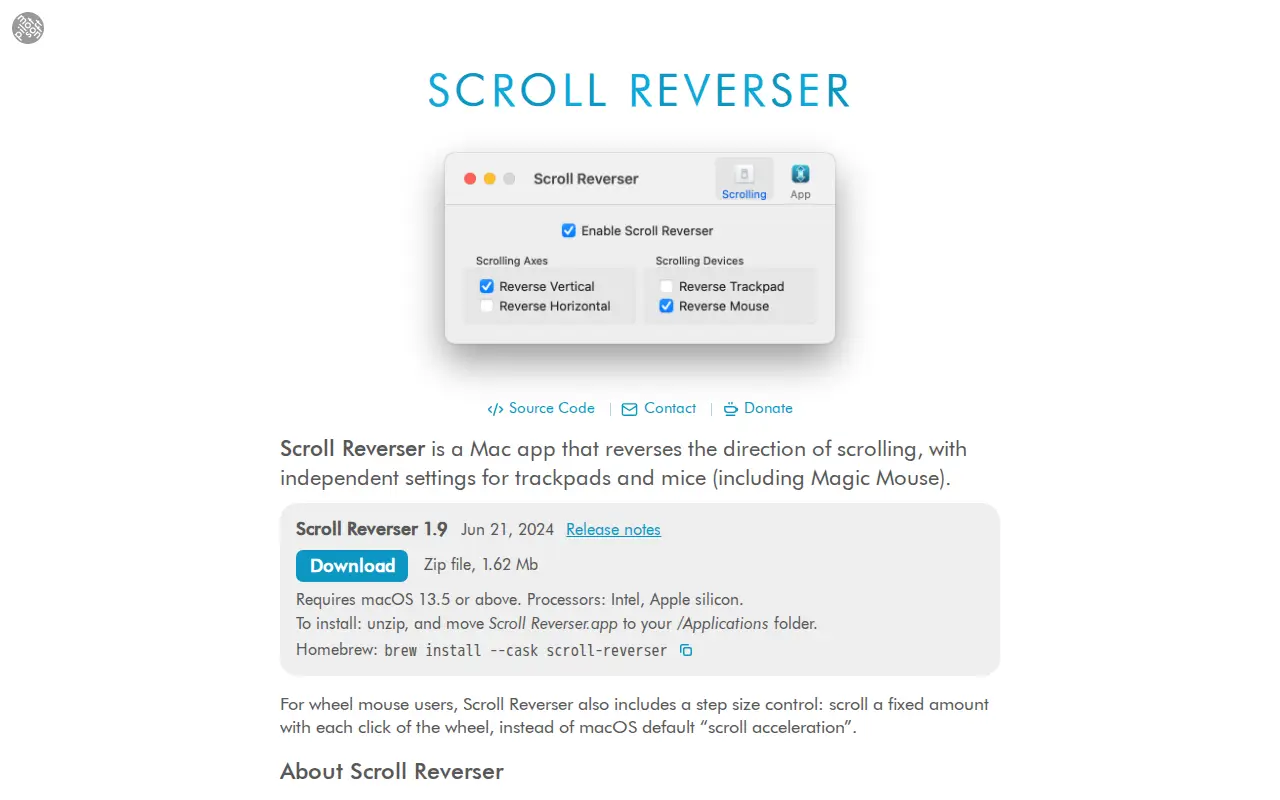
Scroll Reverser is a free, open source Mac app that reverses the direction of scrolling, with independent settings for trackpads and mice. It includes a step size control for wheel mice. Version 1.9 requires macOS 13.5 or above and supports Intel and Apple silicon processors. It is maintained by Nick Moore.
Links
Tags
-
0Transnomino is a free batch rename utility for the Mac that renames many files at once. It offers renaming actions including find and replace, regular expressions, text insertion, numbering, case changes and diacritic removal, and supports automation. Renaming actions can be applied to filenames, paths, extensions or full paths.
-
0GPU Screen Recorder is a Linux, macOS, BSD, or Unix resource for tools, documentation, communities, or system workflows.
-
0MacScripter is a Linux, macOS, BSD, or Unix resource for tools, documentation, communities, or system workflows.
-
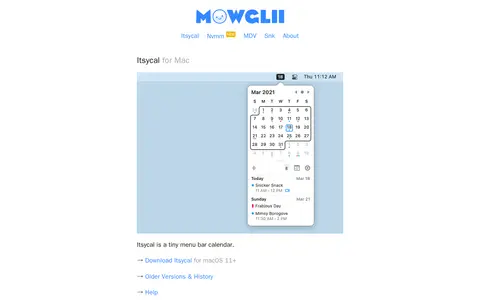
0Itsycal is a small, free menu bar calendar for Mac. It shows Calendar events, ISO week numbers, and a customizable date and time in the menu bar. It offers features including event creation, joining virtual meetings, keyboard shortcuts, a URL scheme, Dark Mode, and displaying up to two months at a time.
-
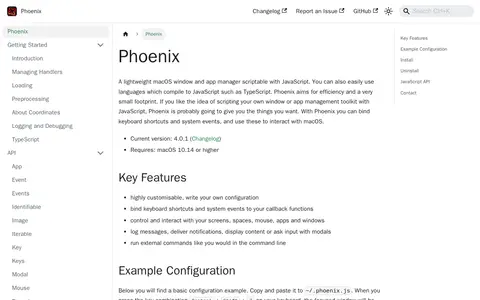
0Phoenix is a lightweight macOS window and app manager scriptable with JavaScript, and with languages that compile to JavaScript such as TypeScript. It aims for efficiency and a small footprint. Users can write their own configuration, bind keyboard shortcuts and system events to callback functions, and control screens, spaces, the mouse, apps and windows. It requires macOS 10.14 or higher.
-
0Gifski is a free macOS app that converts videos to GIFs using the gifski encoder. It uses thousands of colors per frame so gradients stay smooth. Users drag and drop a video file into the app, adjust start and end points, and produce a GIF. The app supports multiple video formats and is described as having a clean, simple interface.
Community notes
Reviews and discussion
No reviews yet
Be the first to share how this project worked for you.
Join the discussion
Sign in with a verified account to leave a review or join the discussion.
Sign in to review