

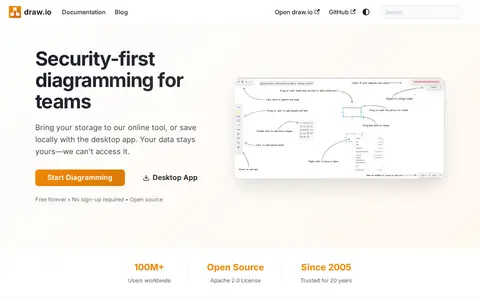
draw.io is a free diagramming application for drawing technical diagrams and web-based sketching. Diagrams can be stored in online storage platforms, a browser, a local device, or offline with a standalone desktop app. It integrates with platforms including Atlassian Confluence and Jira, Google applications, GitHub, GitLab, Microsoft applications and Notion.
Quiver
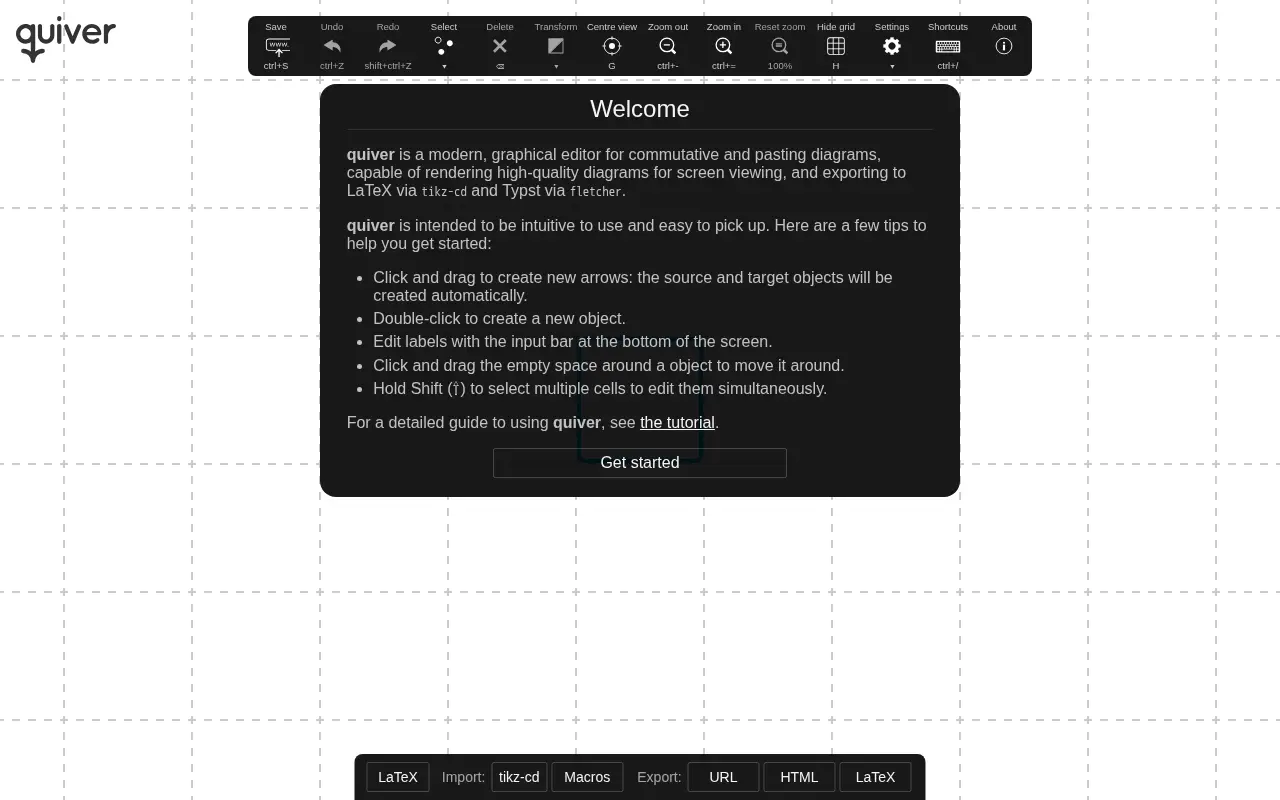
Quiver is a frontend design resource for CSS frameworks, UI components, and web interfaces.
Links
Tags
-
0draw.io is a free diagramming application for drawing technical diagrams and web-based sketching. Diagrams can be stored in online storage platforms, a browser, a local device, or offline with a standalone desktop app. It integrates with platforms including Atlassian Confluence and Jira, Google applications, GitHub, GitLab, Microsoft applications and Notion.
-
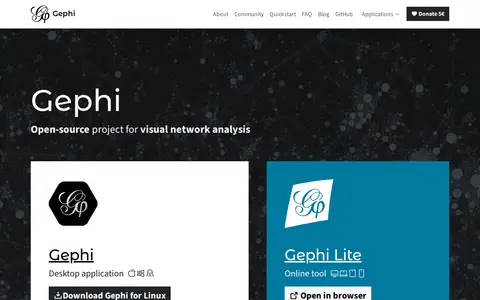
0Gephi is free, open-source software for network visualization and analysis. It is available as a desktop application and as Gephi Lite in the browser. It includes algorithms for community detection, centrality measures and clustering, multiple layout algorithms, appearance customization and image exports. The source code is released under the GPL license.
-
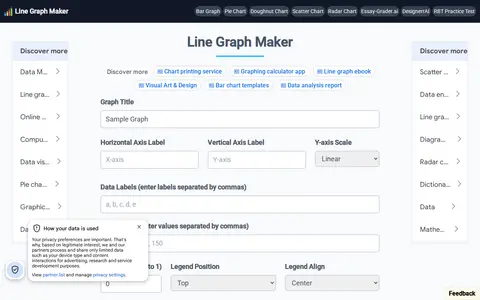
0LineGraphMaker is an online tool for creating line graphs. Users add a title and axis labels, enter data labels and values separated by commas, adjust line tension, set axis scale and grid lines, and download the graph as a JPG or PNG file.
-
0
PlantText is a storage, design, or frontend resource for mockups, assets, UI tools, or web search.
-
0
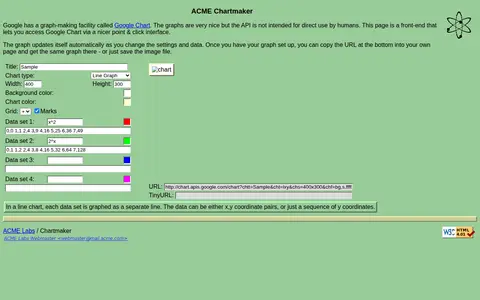
A front-end that provides a point-and-click interface for accessing Google Chart, intended because the Chart API is not meant for direct human use. The graph updates automatically as settings and data change, and users can copy the URL into their own page or save the image file.
-
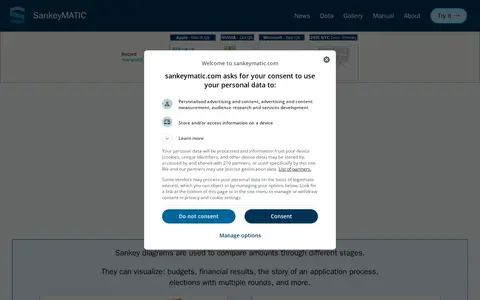
0SankeyMATIC is an online Sankey diagram builder created in 2014 by Steve Bogart. Users enter flows in a Source [Amount] Target format and adjust diagrams with interactive controls. Diagrams can be exported as PNG or SVG images, and work can be saved as a plain text file. Data processing happens locally in the browser.
Community notes
Reviews and discussion
No reviews yet
Be the first to share how this project worked for you.
Join the discussion
Sign in with a verified account to leave a review or join the discussion.
Sign in to review