



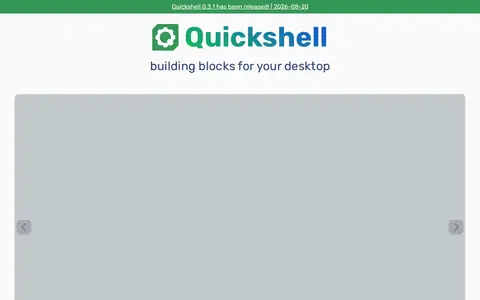
Quickshell is a toolkit for building status bars, widgets, lockscreens and other desktop components using QtQuick, usable alongside a Wayland compositor or window manager. It is configured in QML, loads changes as they are saved, and ships integrations including networking, notifications, system tray and Pipewire modules.
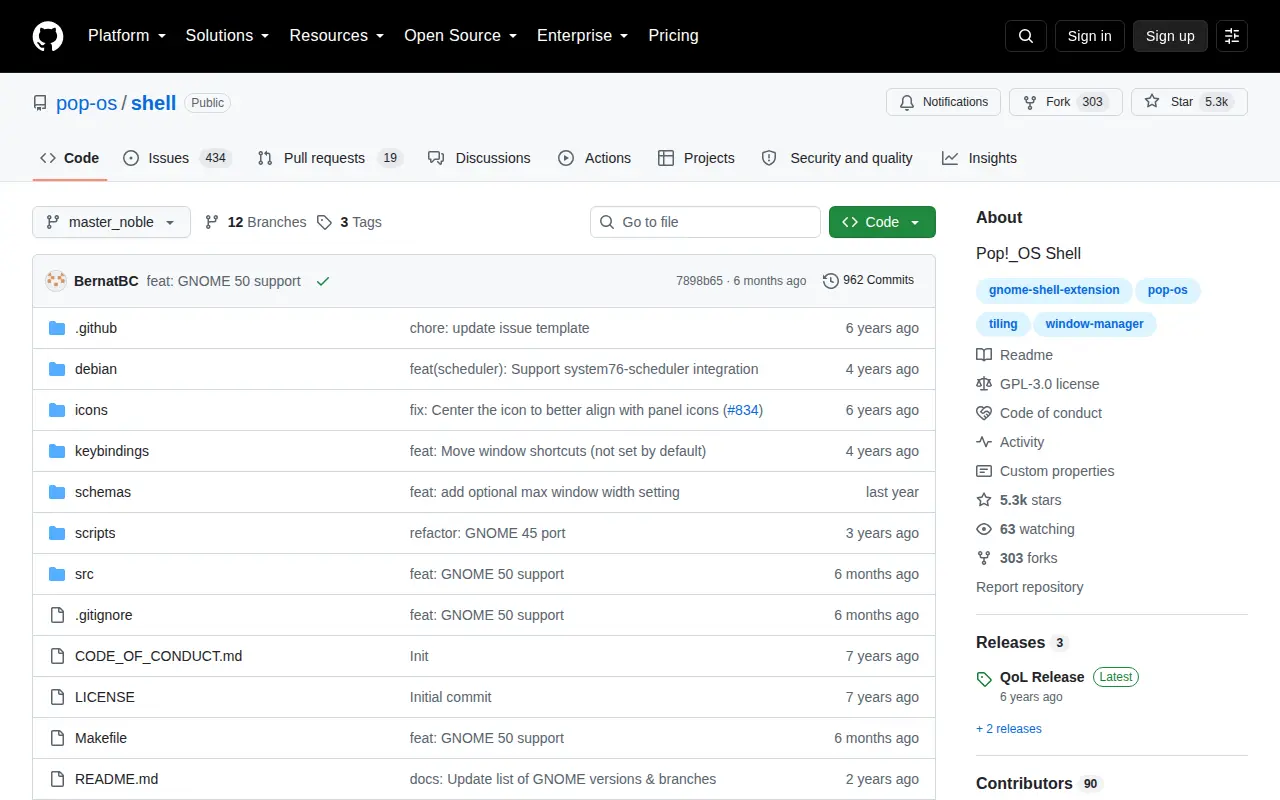
Pop!OS Shell
Pop!OS Shell is an open source command-line or Unix tool for terminal workflows and system use.
Links
Tags
-
0
Quickshell is a toolkit for building status bars, widgets, lockscreens and other desktop components using QtQuick, usable alongside a Wayland compositor or window manager. It is configured in QML, loads changes as they are saved, and ships integrations including networking, notifications, system tray and Pipewire modules.
-
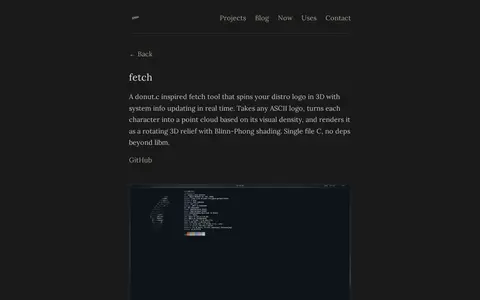
0A single-file C fetch tool inspired by donut.c that renders a distro logo as a rotating 3D relief with Blinn-Phong shading while system info updates in real time. It auto-detects the distro logo from fastfetch or accepts a specified or custom logo. System info is gathered natively without fastfetch or neofetch.
-
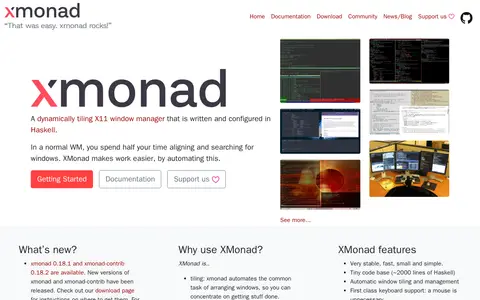
0xmonad is a dynamically tiling X11 window manager written and configured in Haskell. It automates arranging windows and provides keyboard-focused window management. The project offers an extension library, documentation, and support channels for configuration.
-
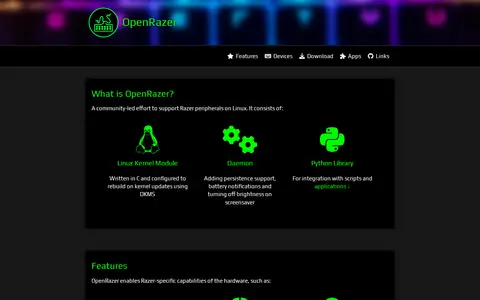
0OpenRazer is a community-led effort to support Razer peripherals on Linux, consisting of a Linux kernel module, a daemon and a Python library. It exposes hardware effects, device functions such as brightness and DPI, and addressable RGB lighting, and the driver is compatible with 232 Razer peripherals.
-
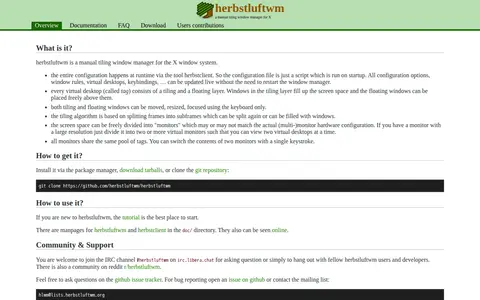
0herbstluftwm is a manual tiling window manager for the X window system. Configuration happens at runtime via the herbstclient tool, and settings, window rules, virtual desktops and keybindings can be updated live without restarting the window manager. Each virtual desktop, called a tag, consists of a tiling and a floating layer.
-
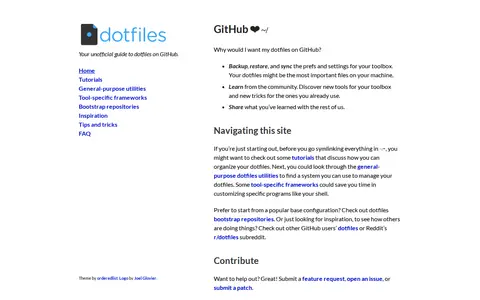
0dotfiles.github.io is an unofficial guide to dotfiles on GitHub. It points to tutorials about organizing dotfiles, general-purpose utilities for managing them, tool-specific frameworks, bootstrap repositories, and other users' dotfiles for inspiration.
Community notes
Reviews and discussion
No reviews yet
Be the first to share how this project worked for you.
Join the discussion
Sign in with a verified account to leave a review or join the discussion.
Sign in to review