



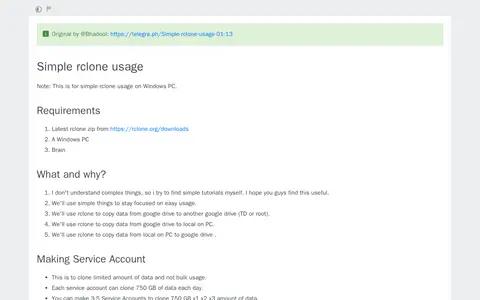

A tutorial for simple rclone usage on Windows PCs, credited to @Bhadool. It covers making service accounts, setting up rclone and its configuration, cloning one Team Drive to another, downloading data from a Team Drive to a PC, and uploading data from a PC to a Team Drive. It lists the rclone zip and a Windows PC as requirements.
pone
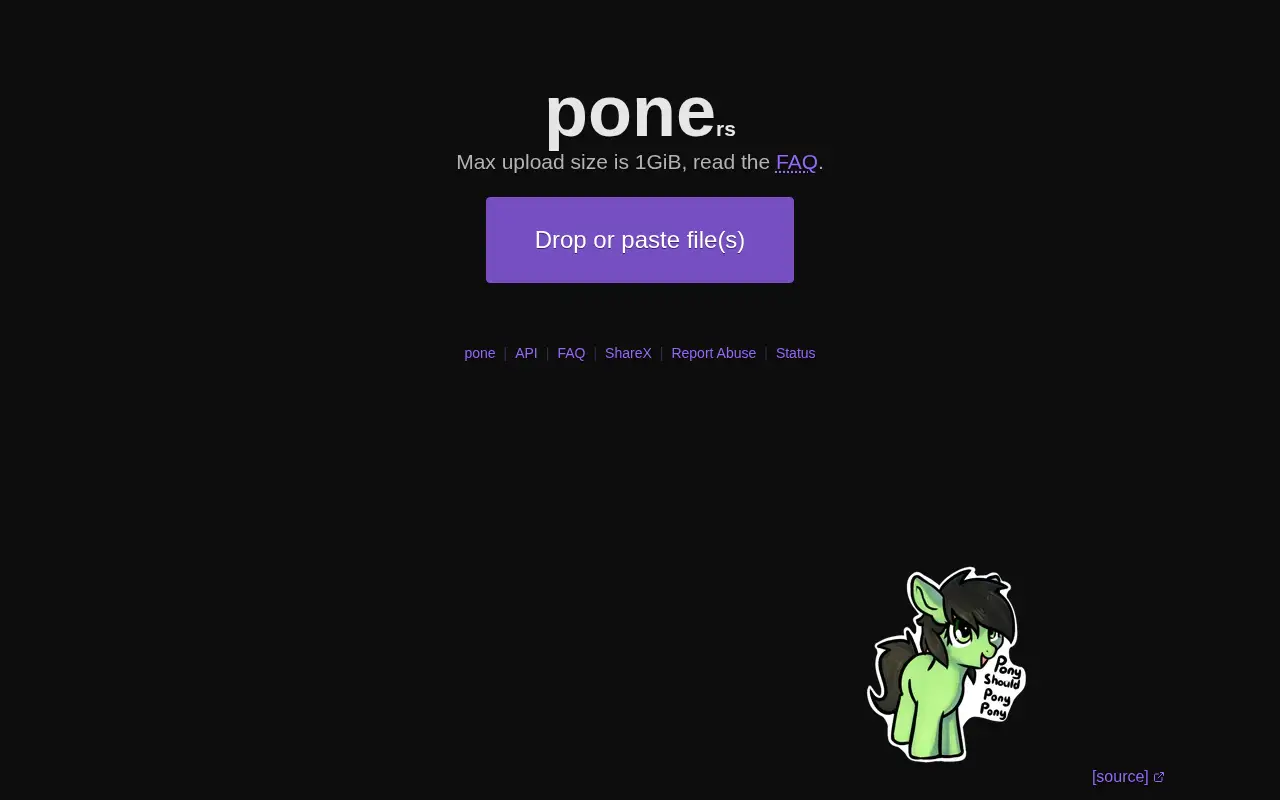
pone is a file utility for storage, cleanup, downloads, syncing, previews, or file management.
Links
Tags
-
0A tutorial for simple rclone usage on Windows PCs, credited to @Bhadool. It covers making service accounts, setting up rclone and its configuration, cloning one Team Drive to another, downloading data from a Team Drive to a PC, and uploading data from a PC to a Team Drive. It lists the rclone zip and a Windows PC as requirements.
-
0DropMeFiles is a free one-click file sharing service for sending pictures, large videos, music and big files without registration. It supports uploads up to 50 gigabytes at unlimited speed, offers link and password protection, and deletion after one download. Maximum file storage time is 14 days.
-
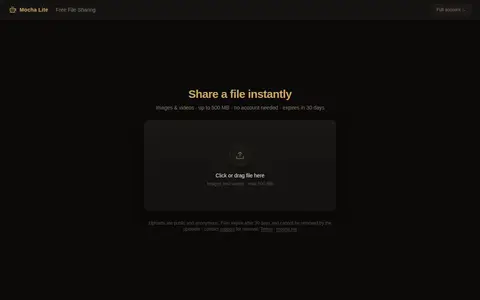
0Mocha Lite is a file sharing service for uploading images and videos. Uploads can be up to 500 MB and do not require an account. Uploads are public and anonymous, and files expire after 30 days; uploaders cannot remove files themselves.
-
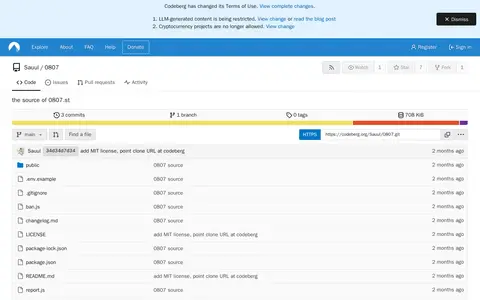
00807 is an open-source, MIT-licensed file hosting project whose source is published on Codeberg. It creates short links for uploads, supports resumable chunked uploads up to 10 GB, and lets uploads auto-delete after a chosen delay or self-destruct after a set number of downloads. It also offers optional password protection, Markdown notes, multi-file albums and a JSON API.
-
0Juicebox is a temporary file hosting site that accepts uploads and supports pasting text or URLs for text snippets or media. Per its documentation, it runs as two separate services, juiceback (API gateway) and juicehost (file storage), both of which are needed to handle uploads and file serving. QUIC/HTTP/3 is optional and requires compiling with the quic feature.
-
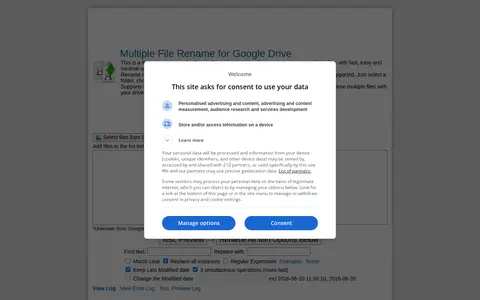
0DriveRename is a free renaming application for Google Drive that renames multiple files with what the site describes as fast, easy and minimal operations. It renames files in selected Drive files or folders according to chosen settings, with flexible criteria and regular expression support. It supports IE10+, Chrome and Firefox and connects directly with Google Drive.
Community notes
Reviews and discussion
No reviews yet
Be the first to share how this project worked for you.
Join the discussion
Sign in with a verified account to leave a review or join the discussion.
Sign in to review