

PrintFriendly is a set of online tools for editing, signing, compressing, converting, merging and splitting PDFs, and for removing ads and clutter from web pages before printing or saving them as PDFs. It also offers a browser extension, a WordPress plugin and a REST API that converts a URL or HTML into a clean PDF.
MD2PDF
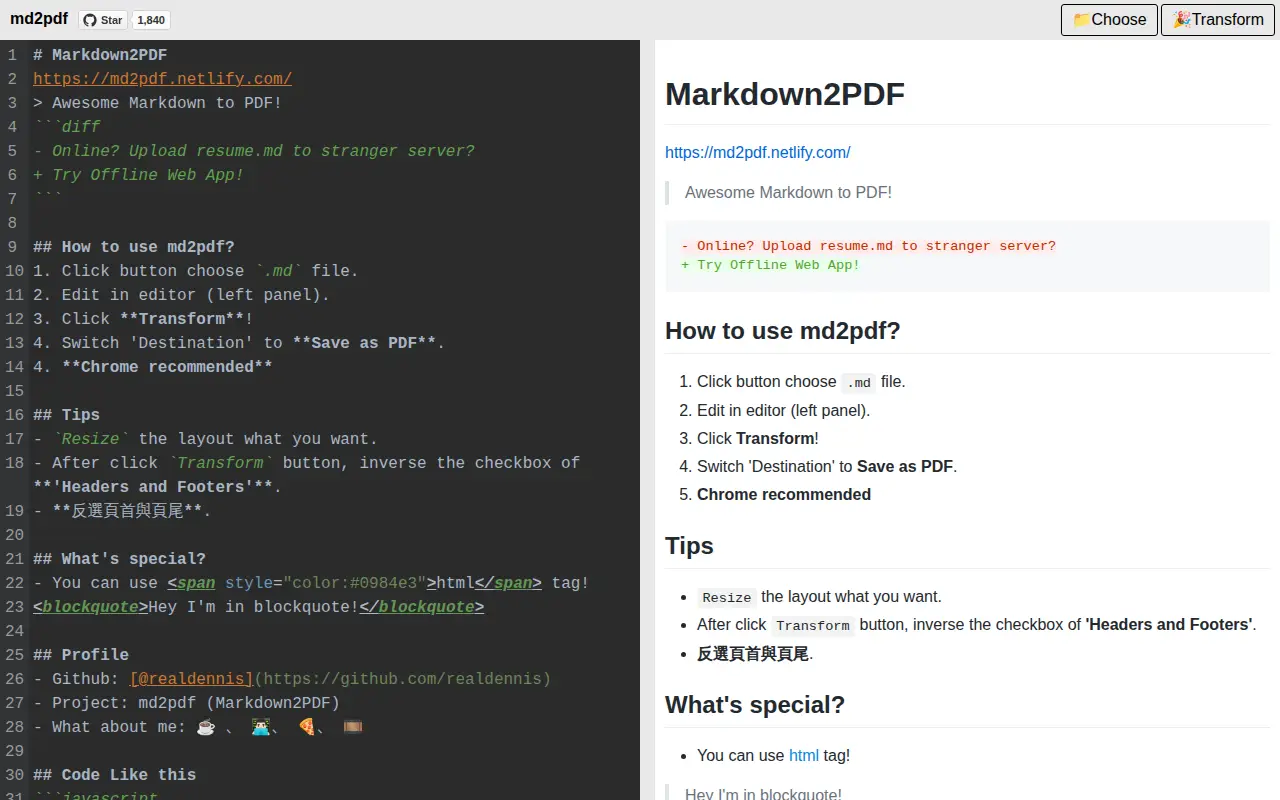
MD2PDF is an offline web application that converts Markdown files to PDF format without requiring network requests. Users can select, edit, and transform Markdown content locally in their browser, with no data uploaded to external servers.
Links
Tags
-
0PrintFriendly is a set of online tools for editing, signing, compressing, converting, merging and splitting PDFs, and for removing ads and clutter from web pages before printing or saving them as PDFs. It also offers a browser extension, a WordPress plugin and a REST API that converts a URL or HTML into a clean PDF.
-
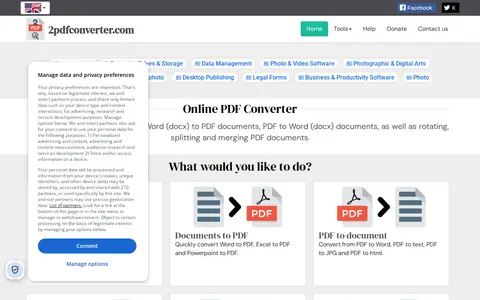
02pdfconverter.com is an online PDF conversion and editing toolkit. It converts Word, Excel and PowerPoint documents to PDF, and converts PDF to Word, text, JPG and HTML. It also offers signing, rotating, merging, splitting and shrinking PDFs. The service is free, files are removed from the server after conversion, and converted files remain downloadable for 1 hour.
-
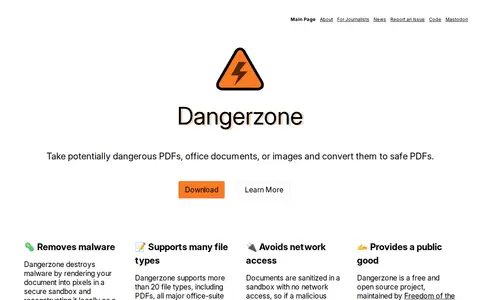
0Dangerzone is a free and open source project maintained by Freedom of the Press Foundation. It converts potentially dangerous PDFs, office documents, or images to a safe PDF. Documents are sanitized in a sandbox with no network access, and the document is converted into pixels and rebuilt as a PDF.
-
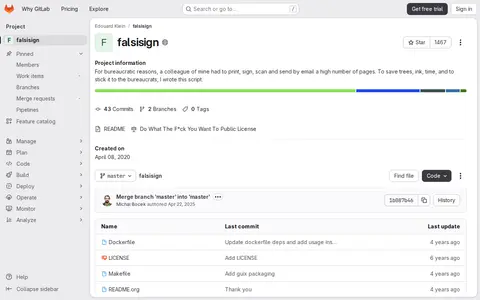
0FalsiSign is a script created in response to a colleague who had to print, sign, scan and send a large number of pages by email. It is published under the Do What The F*ck You Want To Public License and was created on April 08, 2020.
-
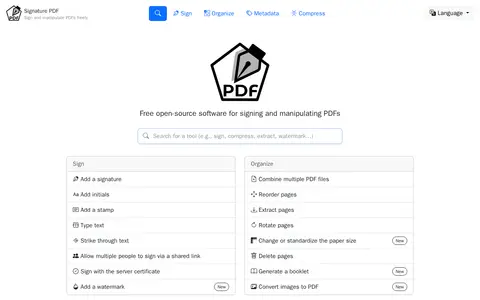
0Signature PDF is a file utility for storage, cleanup, downloads, syncing, previews, or file management.
-
0PDFResizer is a free suite of online PDF tools that runs in the browser. It offers resizing, merging, splitting, cropping, rotating, compressing, and converting PDFs, along with reordering and deleting pages, adding page numbers, N-up printing, password protection and removal, image extraction, repair, form filling, and grayscale conversion. The site states that no software installation or registration is required.
Community notes
Reviews and discussion
No reviews yet
Be the first to share how this project worked for you.
Join the discussion
Sign in with a verified account to leave a review or join the discussion.
Sign in to review