
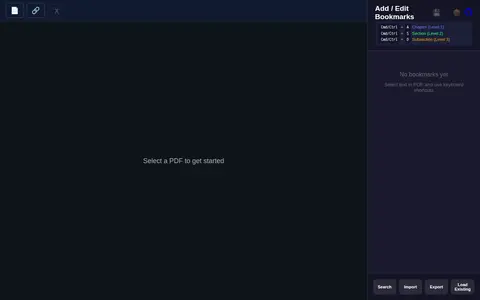

A web tool for editing PDF bookmarks. Users select a PDF, add or edit chapter, section and subsection bookmarks, and import bookmarks via keyboard shortcuts. It also includes a merge feature where files are dragged to reorder them before merging.
FalsiScan
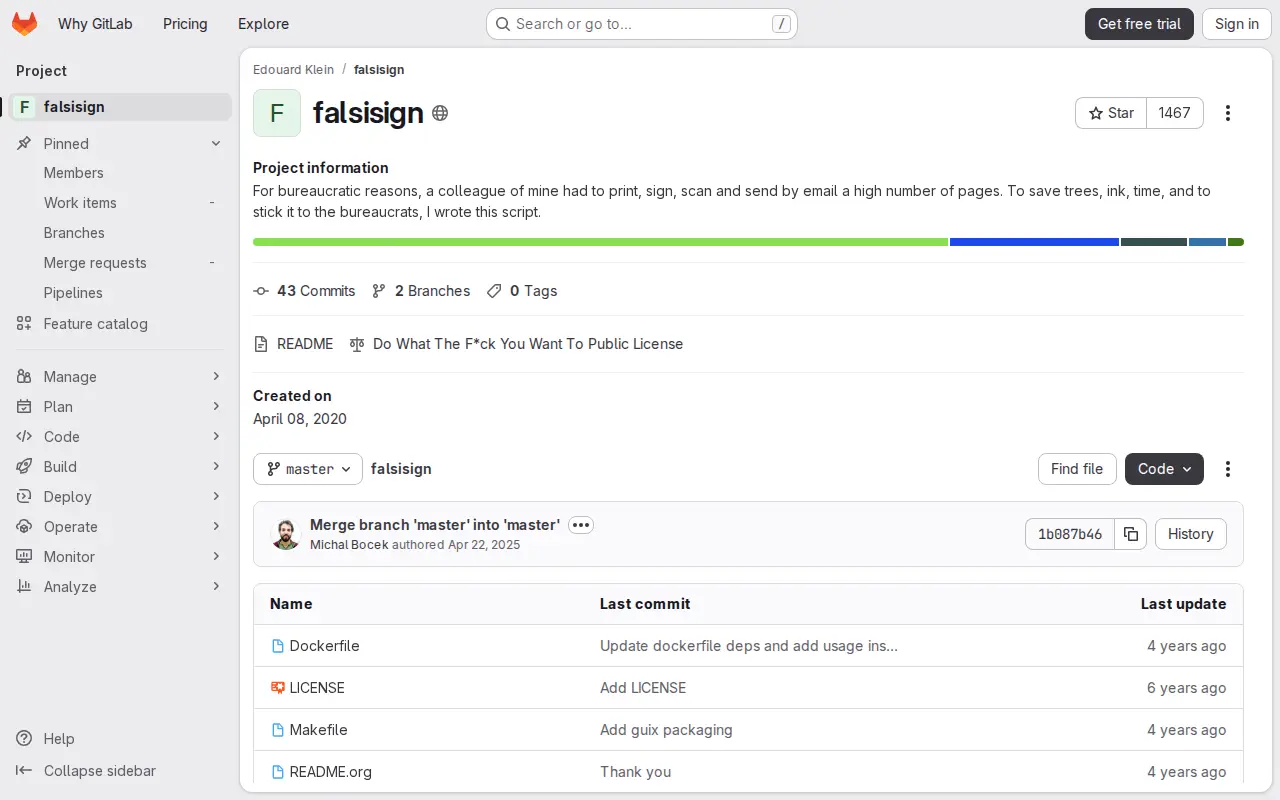
FalsiSign is a script created in response to a colleague who had to print, sign, scan and send a large number of pages by email. It is published under the Do What The F*ck You Want To Public License and was created on April 08, 2020.
Links
Tags
-
0A web tool for editing PDF bookmarks. Users select a PDF, add or edit chapter, section and subsection bookmarks, and import bookmarks via keyboard shortcuts. It also includes a merge feature where files are dragged to reorder them before merging.
-
0
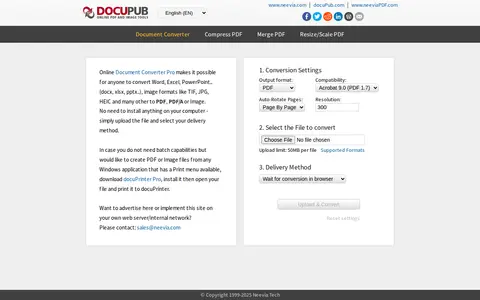
Free online document converter that converts Word, Excel, PowerPoint and image files such as TIF, JPG and HEIC to PDF, PDF/A or image formats. Files are uploaded through the browser with no installation required. A separate desktop tool, docuPrinter Pro, is offered for creating PDF or image files from Windows applications with a print menu.
-
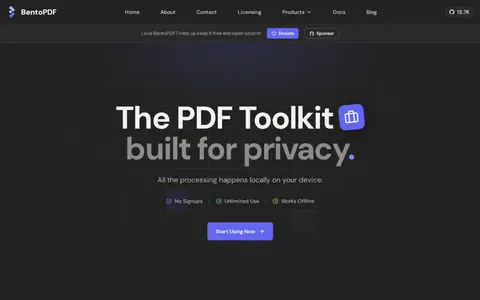
0BentoPDF is a free, open-source online PDF toolkit that processes files locally in the browser using WebAssembly, so files are not uploaded. It offers over 100 tools for merging, splitting, compressing, converting, editing, annotating, signing and filling PDFs, and is described as self-hostable with offline OCR.
-
0
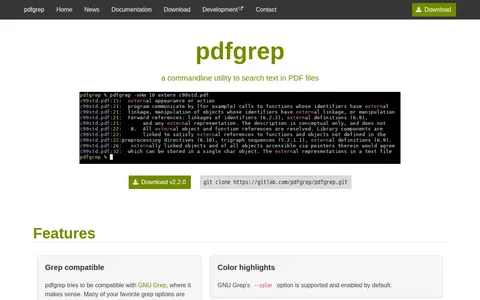
pdfgrep is a free command-line tool that searches for patterns in PDF files and prints matching lines. It aims to be mostly compatible with GNU grep, supporting options such as -r, -i, -n, and -c, with extended regular expressions by default and page rather than line numbering for -n.
-
0
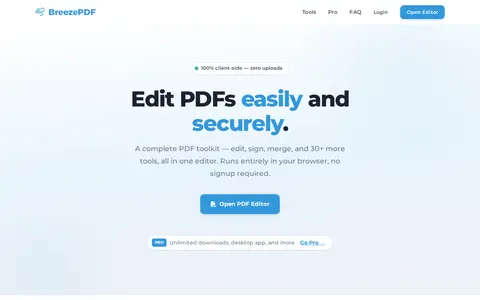
BreezePDF is a PDF editor that runs in the browser or locally on a desktop. It provides functions for adding text, signatures, form fields and images, and for merging, splitting, reordering and password-protecting PDFs. It also supports export to DOCX and CSV. Files are processed locally and are not uploaded to servers.
-
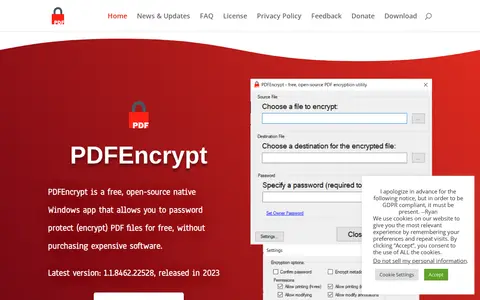
0PDFEncrypt is a free, open-source native Windows app that encrypts PDF files using standard PDF encryption algorithms. Users specify a password required to open the document along with options and permissions for the PDF. Encryption runs locally on the Windows PC rather than uploading files to a third-party server. The app uses the iTextPDF library and is released under the AGPL license.
Community notes
Reviews and discussion
No reviews yet
Be the first to share how this project worked for you.
Join the discussion
Sign in with a verified account to leave a review or join the discussion.
Sign in to review