



SpeechTexter is a free online voice typing and speech-to-text web app that dictates in real-time and supports over 70 languages with no installation required. It is aimed at assisting with transcription of notes, documents, books, reports or blog posts by voice.
MakeText
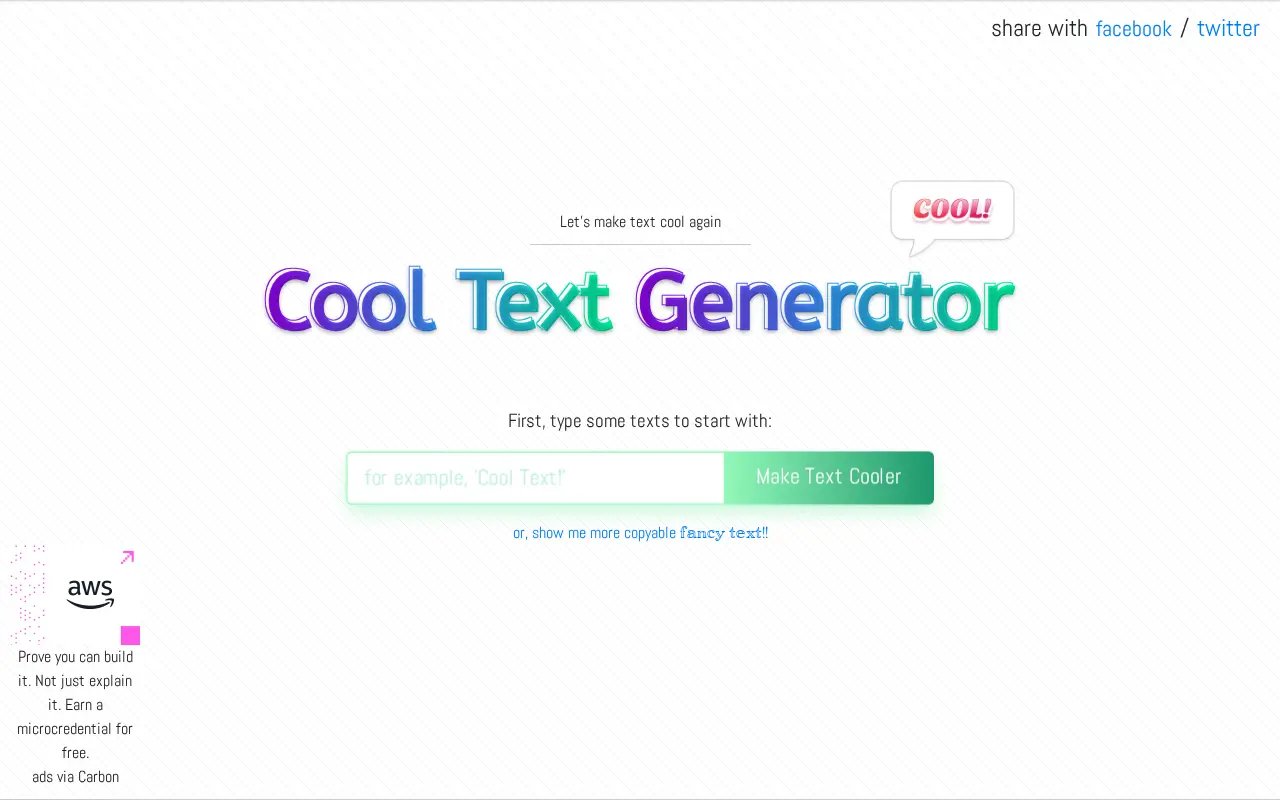
MakeText is a web-based cool text generator that applies fonts and customizable effects to words and logos. It states support for 800+ open-font-licensed web fonts and 30+ effects, with downloads offered in SVG and PNG. It notes SVG rendering can be more CPU-intensive than raster images and that older browsers may render SVG filters differently.
Features
- style your words and logos with tons of fonts and customizable effects Source: maketext.io
- Rendering SVG can be more CPU-intensive than rendering raster images Source: maketext.io
Links
Tags
-
0SpeechTexter is a free online voice typing and speech-to-text web app that dictates in real-time and supports over 70 languages with no installation required. It is aimed at assisting with transcription of notes, documents, books, reports or blog posts by voice.
-
0Befonts is a site offering free fonts shared by their creators and curated for designers, with categories such as serif, script and display fonts. It also lists premium fonts with commercial licensing and offers text tools including a case converter, character counter and webfont converter.
-
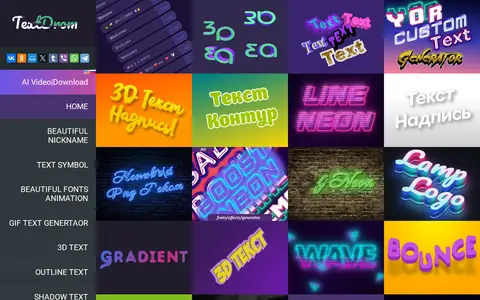
0TextDrom is an online text editor for creating text effects, including 3D text, neon font effects, animations and inscriptions on photos. It also offers gradient, outline, shadow and retro text styles, plus text animation options such as bounce, falling letters and shatter. Labels can be designed with visual effects in the online designer.
-
0FFonts offers a catalog of more than 170,000 free fonts for Windows and Mac. Fonts are free for personal use, and some also allow commercial use with each font's licence to be checked individually. The site lists popular fonts with download counts and provides web font downloads.
-
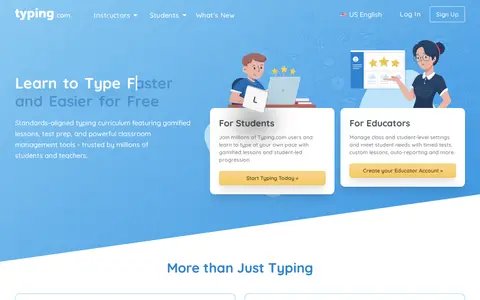
0Typing.com is a free typing program offering a K–12 typing curriculum that features touch typing, digital citizenship, coding lessons, and games. It also provides gamified lessons, timed tests, custom lessons and auto-reporting for educators, plus lessons in word processing, spreadsheets and presentations inside simulated apps.
-
0TypingClub is a web-based platform for learning touch typing through free online courses, games, typing tests and videos. It offers lesson plans, including Dvorak typing, typing for kids, and left- and right-hand lessons, and does not require an account, though an optional profile can save progress. TypingClub states it is free for individuals and schools, with an optional paid school edition.
Community notes
Reviews and discussion
No reviews yet
Be the first to share how this project worked for you.
Join the discussion
Sign in with a verified account to leave a review or join the discussion.
Sign in to review