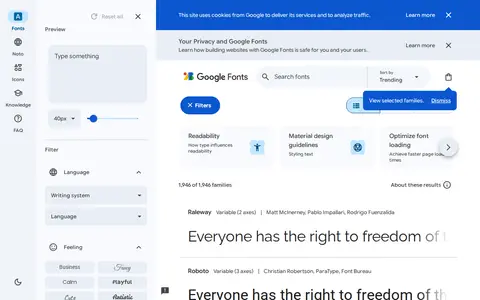
fonts.google.com
Google Fonts helps clean, compare, sort, transform, count, or format text in the browser.
Directory
Text and writing tools collects editors, formatters and helpers for working with words and code. The listings cover plain-text editors, markdown tools, word counters, case converters, font references and proofreading helpers. Some are full writing environments, and others handle one small job in the browser. Notice where the work happens: on your device or on a server, how files are saved and whether the tool keeps a copy. A few run in a browser tab, which suits a quick fix, but if you paste private writing into one, check how the site handles data.
Google Fonts helps clean, compare, sort, transform, count, or format text in the browser.

Prism helps clean, compare, sort, transform, count, or format text in the browser.

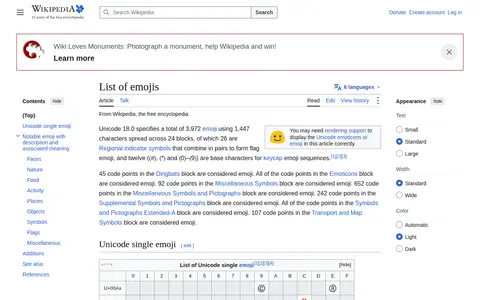
List of Emojis is a Wikipedia article that catalogs Unicode emojis. It includes notable emojis with their descriptions and associated meanings, organized into categories including faces, nature, food, activity, places, objects, symbols, flags and miscellaneous.

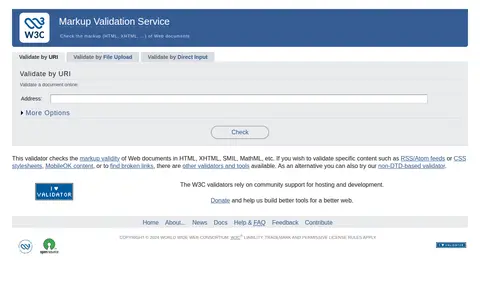
The W3C Markup Validation Service is a service based on SGML and XML parsers that checks the markup validity of Web documents, including HTML, XHTML, SMIL and MathML. Documents can be checked by URI, file upload or direct input. An experimental web service API is documented, along with a user's guide and explanations of error messages.

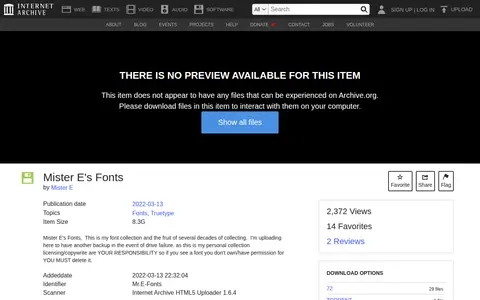
Mr.E-Fonts is a font collection compiled by Mister E over several decades, hosted on the Internet Archive for free download, borrowing, and streaming. It was uploaded as a personal backup of the curator's font holdings.

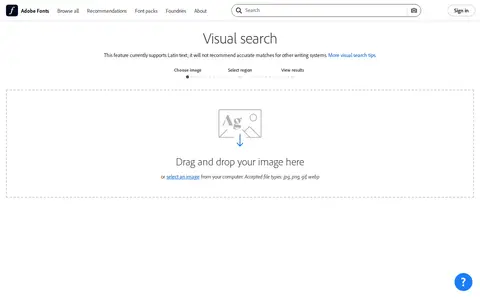
Adobe Fonts helps clean, compare, sort, transform, count, or format text in the browser.

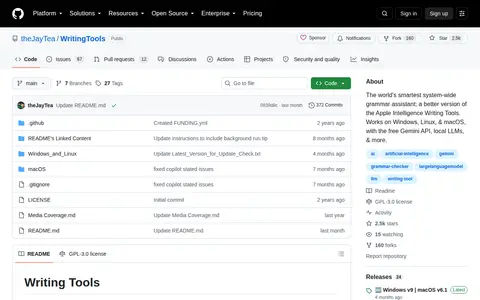
Writing Tools helps clean, compare, sort, transform, count, or format text in the browser.

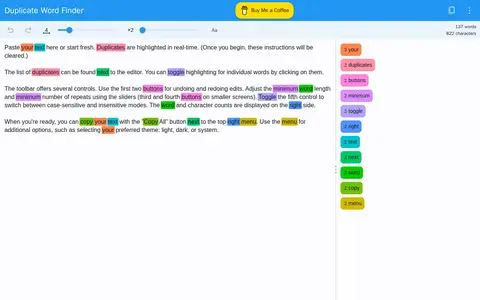
A free web app that finds duplicate words in text and highlights them in real time as the user pastes or types. A list of duplicates appears beside the editor, and individual word highlighting can be toggled by clicking. Settings include minimum word length, minimum repeat count and case sensitivity, with light, dark or system themes.

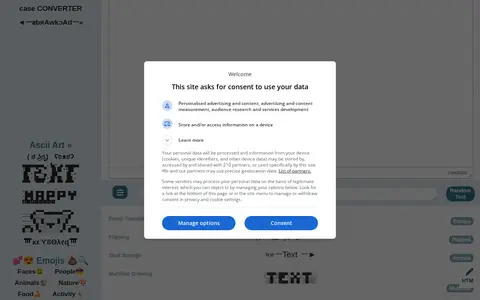
TextEditor is a free online tool that converts plain text into Unicode fonts, symbols, emoji, text faces and ASCII art. It also offers an emoji picker, password generator, case converter and an HTML editor, and the generated text can be copied into social media posts and profiles.

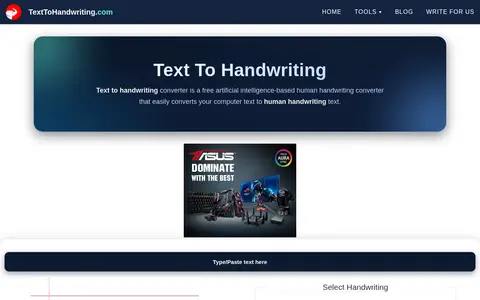
Text to Handwriting is a free online converter that turns typed text into human handwriting. Users enter heading and content text, choose from eight handwriting styles, set heading and content sizes, and pick blue, red or black pen ink; the handwritten result appears within seconds.
A browser-based tool that converts ordinary text into lookalike Unicode characters for copying and pasting into social media posts and profiles. It offers a variety of font styles, works without downloads or installation, and is described as free. The site notes that screen readers cannot read the special characters and that some networks filter certain symbols.

r/identifythisfont is a Reddit community or thread with discussion, guides, updates, or shared resources.

10fastfingers helps clean, compare, sort, transform, count, or format text in the browser.

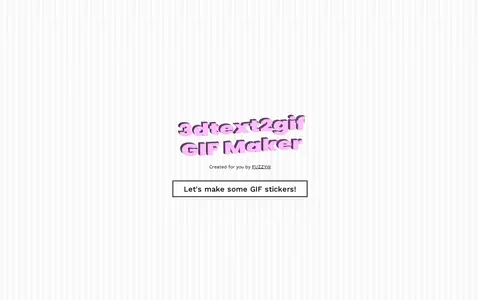
3DText2GIF is a tool for creating animated 3D text GIF stickers. It offers customization options for font, motion, color, size, lighting, and material, and includes a public gallery of created sticker examples.

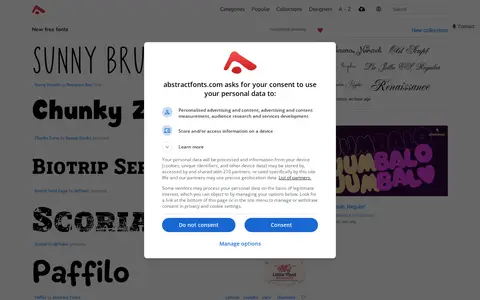
Abstract Fonts is a website offering downloads of more than 10,000 free fonts optimized for desktop and mobile. Listings include categories, popular fonts, designer pages, optional web font download and links to similar fonts. Font previews can be customized.
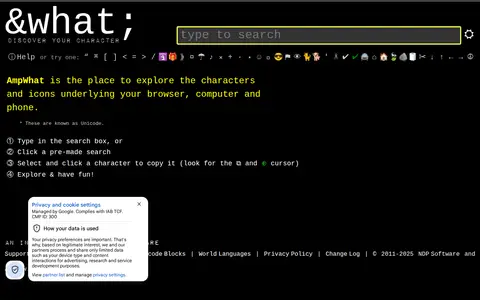
AmpWhat is a lookup and reference tool for Unicode and HTML symbols, entities and characters. It offers hex or decimal codes for punctuation marks, mathematical symbols, icons and more, and lets users search and copy characters.

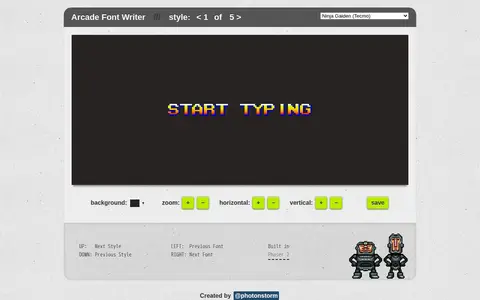
A browser-based tool for creating text in hundreds of fonts taken from classic arcade games. It offers style selection and controls for background, zoom, and horizontal and vertical positioning, with options to save the text.
ARRRType helps clean, compare, sort, transform, count, or format text in the browser.

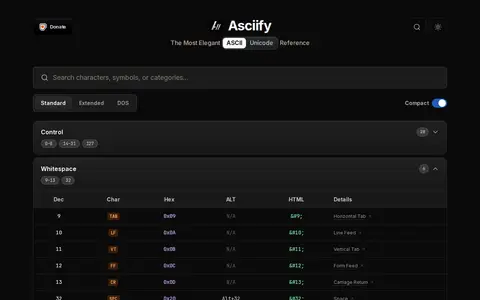
Asciify is a free ASCII and Unicode character reference for developers. It supports instant character search, toggling between standard and extended character sets, and copying hex codes or HTML entities. A related browser extension, Asciify Unicode Palette, opens a search panel by keyboard shortcut and copies a selected character to the clipboard.
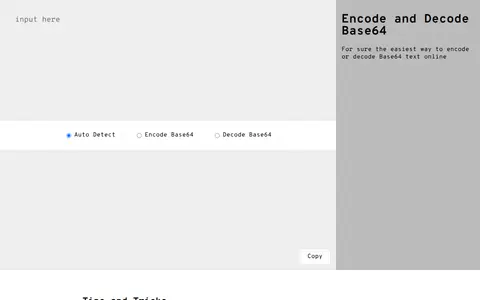
An online tool for encoding and decoding Base64 text. Users can paste text or drag and drop a file, and the site auto-detects whether input is already Base64-encoded. Shortcut links can encode or decode specific input. The site also explains Base64 and its use for embedding images, CSS, fonts and JavaScript via data URIs.

Batname helps clean, compare, sort, transform, count, or format text in the browser.

Befonts is a site offering free fonts shared by their creators and curated for designers, with categories such as serif, script and display fonts. It also lists premium fonts with commercial licensing and offers text tools including a case converter, character counter and webfont converter.

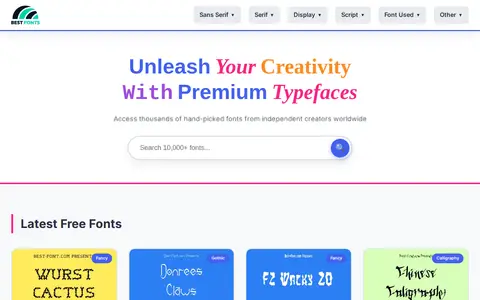
A font database website that offers free fonts for creative projects. It lists downloadable typefaces in categories including sans serif, serif, script, display, fancy, calligraphy, gothic, brush, dingbats and others, each with a details link. The page states it offers thousands of fonts from independent creators.

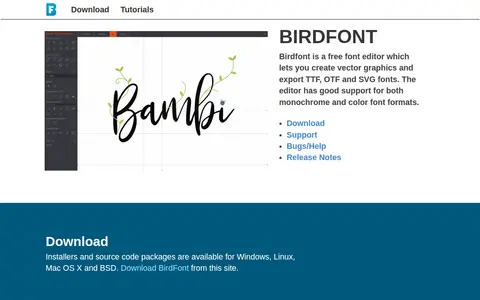
Birdfont is a free font editor that lets users create vector graphics and export TTF, OTF and SVG fonts. The editor supports monochrome and color font formats, and installers and source code packages are available for Windows, Linux, Mac OS X and BSD.
Details from each project's website. Open a listing for its full overview.