




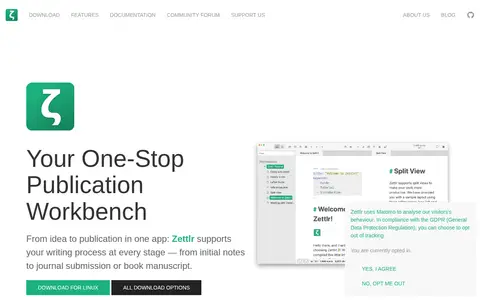
Zettlr is a Markdown editor described as a publication workbench for researchers, journalists and writers. It offers first-class citation support, project support and full Zettelkasten/PKMS support. Export formats are any Pandoc-supported formats (30+).
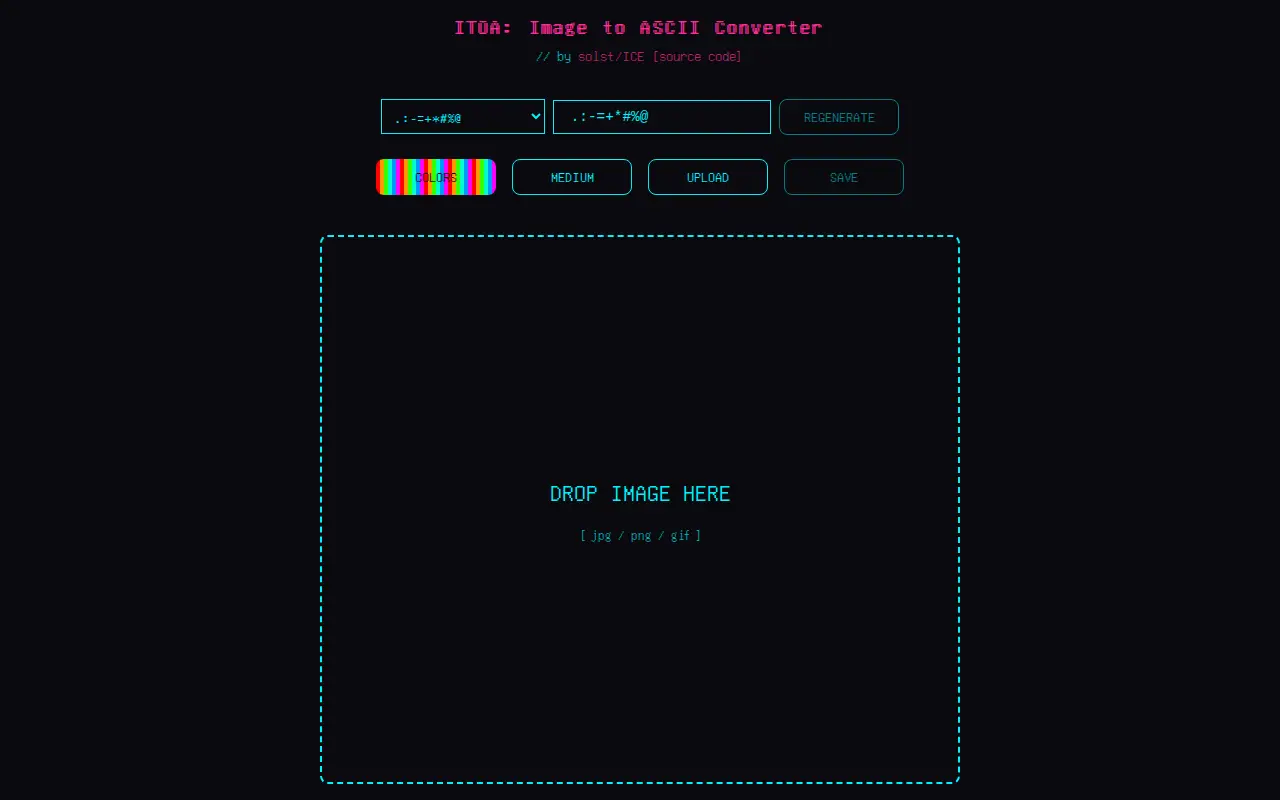
ITOA
ITOA helps clean, compare, sort, transform, count, or format text in the browser.
Links
Tags
-
0Zettlr is a Markdown editor described as a publication workbench for researchers, journalists and writers. It offers first-class citation support, project support and full Zettelkasten/PKMS support. Export formats are any Pandoc-supported formats (30+).
-
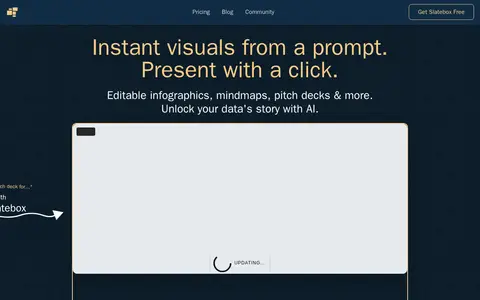
0Slatebox creates visuals from a prompt, including infographics, mind maps, timelines, pitch decks and dynamic presentations. Slates are fully editable and can be presented with one click on an infinite canvas with multi-cursor collaboration. A PDF can be transformed into a presentation, and templates are available. Pricing during the beta includes a Forever Free plan and paid Solo-Pro and Team-Pro plans billed annually.
-
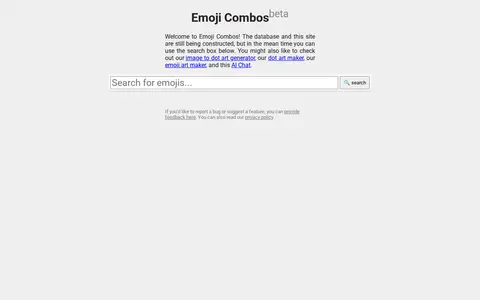
0Emoji Combos is a website offering a database of emoji combinations. The site states that the database and site are still being constructed, and it offers a search box plus related art generators.
-
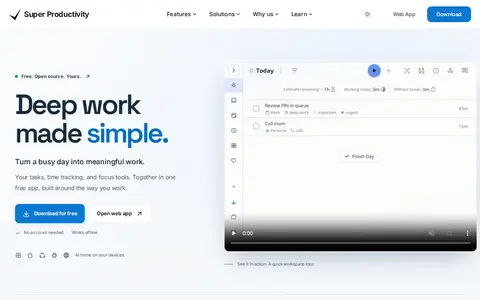
0Super Productivity is a free, open-source, privacy-first task manager with built-in time tracking, timeboxing, and focus mode. It works offline with no account required and is available for Windows, macOS, Linux, Android, iOS, and web. Tasks stay on the device by default, with optional sync via Super Sync, WebDAV, or Dropbox, and integrations for GitHub, GitLab, and Jira. All features and platforms are free forever.
-
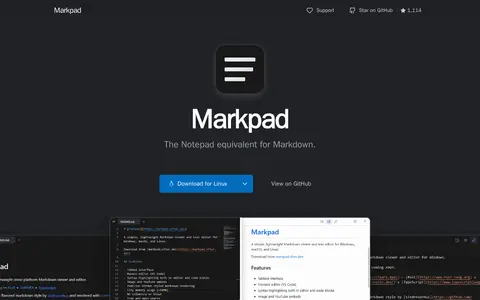
0Markpad is a markdown viewer and editor for Windows, macOS, and Linux, described as a tabbed Notepad alternative. It offers a GFM preview with syntax highlighting, KaTeX math, Mermaid diagrams, and an embedded Monaco editor with Vim keybindings. It is free and open source and is described as having zero telemetry.
-
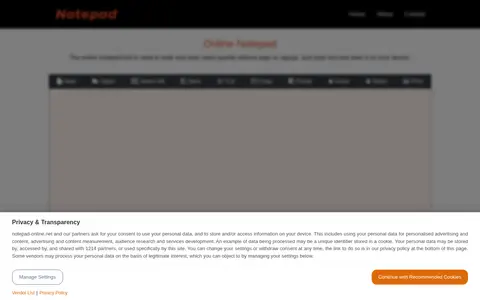
0Online Notepad is a web-based text editor for writing and saving notes without login or signup. It offers new, save, open, undo, redo, cut, copy, paste, print and a character counter. Notes are stored in the local browser and can be saved in MS Word and Text format.
Community notes
Reviews and discussion
No reviews yet
Be the first to share how this project worked for you.
Join the discussion
Sign in with a verified account to leave a review or join the discussion.
Sign in to review