

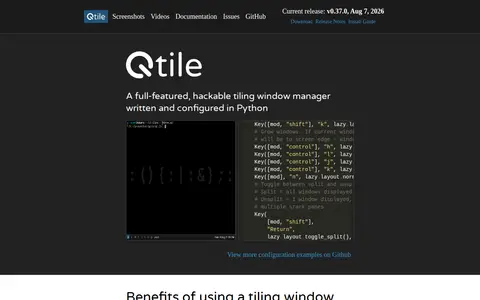
Qtile is a full-featured, hackable tiling window manager written and configured in Python. It defines key bindings, groups, layouts and widgets such as a bar and prompt in its configuration, and supports switching virtual terminals on Wayland.
i3wm
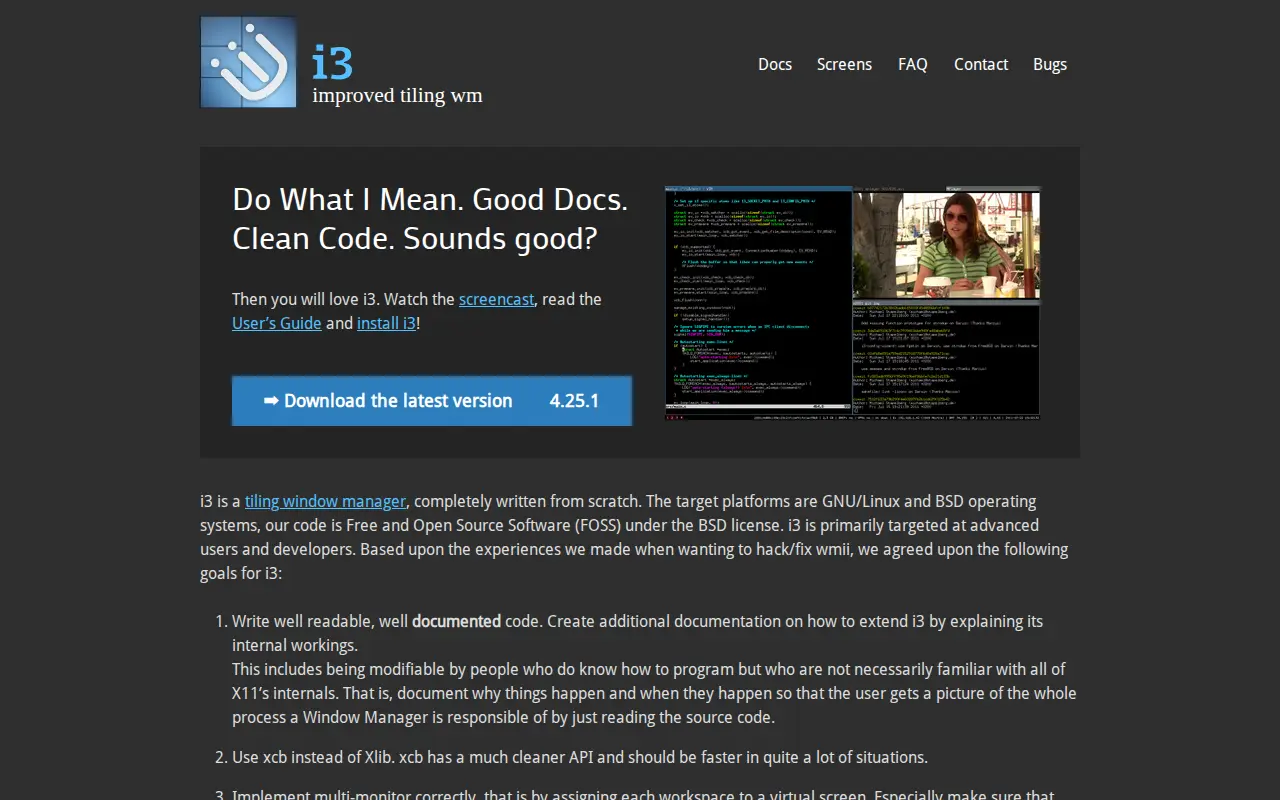
i3 is a tiling window manager written from scratch for GNU/Linux and BSD operating systems. Its source code is free and open source under the BSD license, and it is primarily targeted at advanced users and developers. The project uses libxcb instead of Xlib, supports Xinerama multi-monitor setups, and arranges windows with a tree structure. It also provides an IPC interface for other programs and documents its internal workings.
Features
- tiling window manager Source: i3wm.org
Platforms
- GNU/Linux and BSD Source: i3wm.org
Links
Tags
-
0
Qtile is a full-featured, hackable tiling window manager written and configured in Python. It defines key bindings, groups, layouts and widgets such as a bar and prompt in its configuration, and supports switching virtual terminals on Wayland.
-
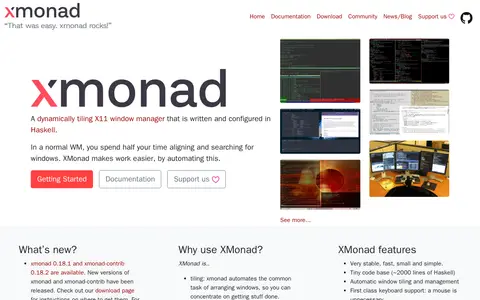
0xmonad is a dynamically tiling X11 window manager written and configured in Haskell. It automates arranging windows and provides keyboard-focused window management. The project offers an extension library, documentation, and support channels for configuration.
-
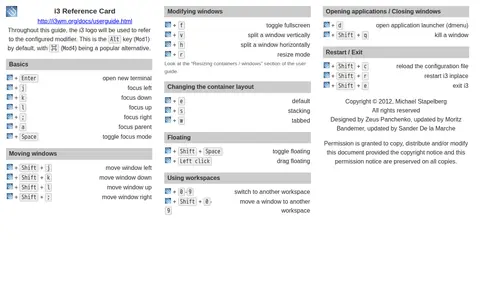
0The i3 Reference Card is a quick-reference document for i3, a tiling window manager with extended Xinerama support that uses libxcb instead of xlib. The card lists default keybindings for opening a terminal, focusing and moving windows, toggling fullscreen and floating, switching workspaces, opening the dmenu launcher, and reloading, restarting or exiting i3.
-
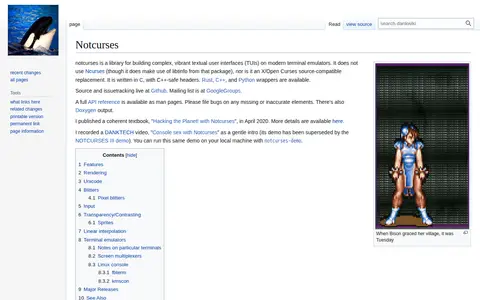
0Notcurses is a C library for building complex textual user interfaces on modern terminal emulators. It does not use Ncurses, though it uses libtinfo from that package, and is not a source-compatible X/Open Curses replacement. Rust, C++, and Python wrappers are available. Source and issue tracking are hosted on GitHub, with a man page API reference.
-
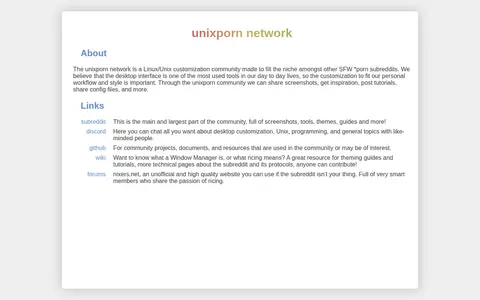
0unixporn is a Linux/Unix desktop customization community that describes itself as the home for *nix customization. Through it, members share screenshots, get inspiration, post tutorials and share config files. Related links include a subreddit, a Discord chat, a GitHub presence for community projects and a wiki with theming guides and tutorials.
-
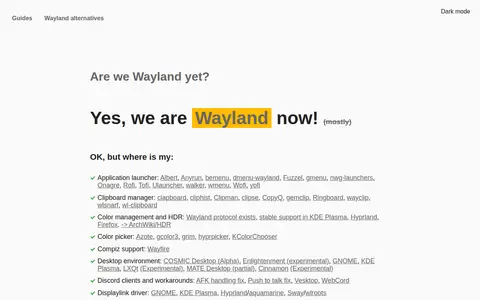
0A directory page listing Wayland-compatible software across many categories, including compositors, terminals, file managers, screenshot tools and screen recorders. It also notes partial or experimental desktop environment support and where Wayland protocols or portal features exist.
Community notes
Reviews and discussion
No reviews yet
Be the first to share how this project worked for you.
Join the discussion
Sign in with a verified account to leave a review or join the discussion.
Sign in to review