



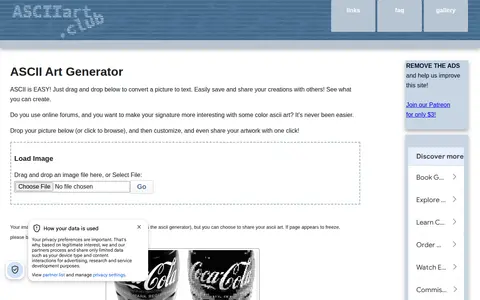
An online generator that converts images to color ASCII art in the browser. It offers settings for shading, sharpness, monochrome or colorized output, and various character sets, plus saving and sharing options including image, BBCode, Markdown, and HTML. Images are processed locally rather than uploaded to a server.
HTML Converter
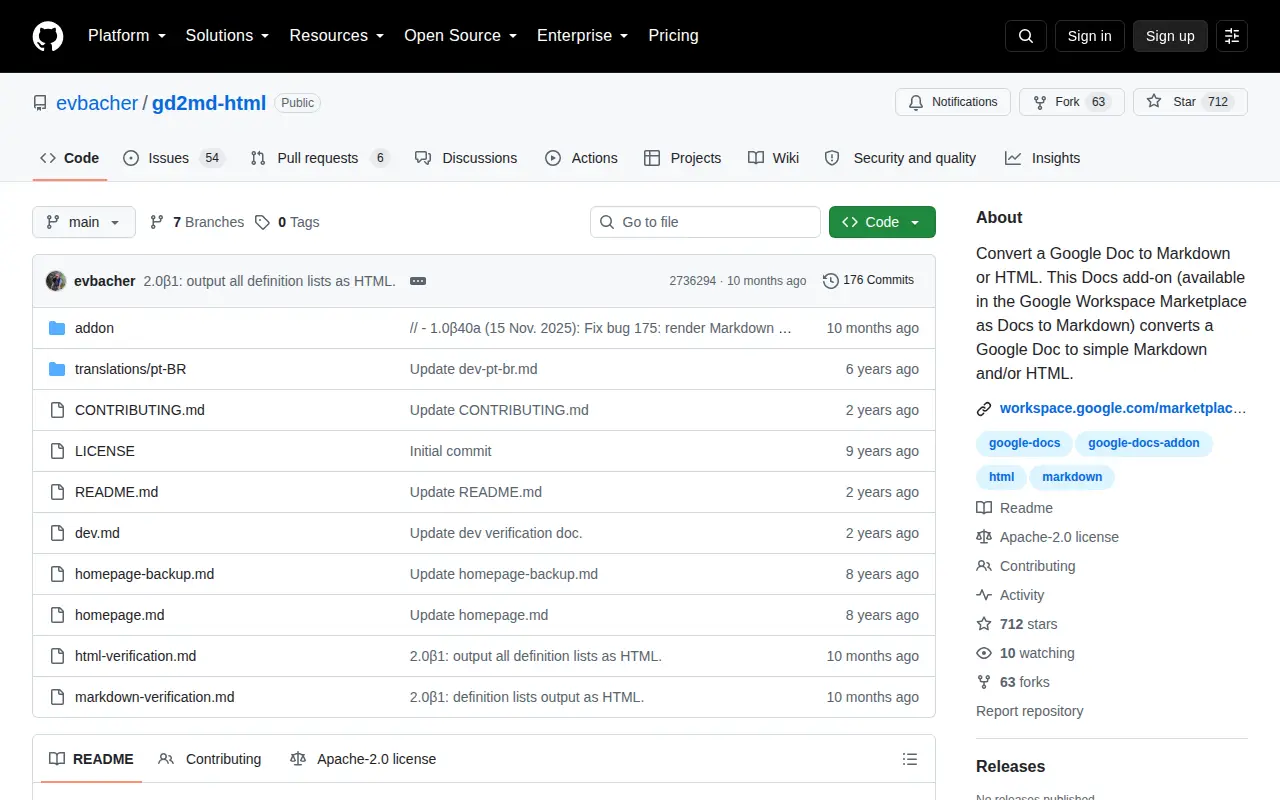
Docs to Markdown is a free Google Docs add-on that converts a Google Doc to simple, readable Markdown or HTML text. It lets users draft in Google Docs and convert part of a document, and requires minimal permissions. The source is published under the Apache 2.0 license.
Features
- converts a Google Doc to simple, readable Markdown or HTML text Source: github.com
- select and convert part of a Google Doc Source: github.com
Links
Tags
-
0An online generator that converts images to color ASCII art in the browser. It offers settings for shading, sharpness, monochrome or colorized output, and various character sets, plus saving and sharing options including image, BBCode, Markdown, and HTML. Images are processed locally rather than uploaded to a server.

-
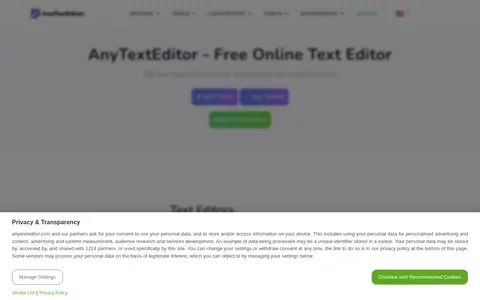
0AnyTextEditor is a free online text editor that provides extensive functionality for editing and manipulating text. Users can work with various fonts, encodings, and code formats. The tool includes utilities such as find and replace, case conversion, URL decoding and encoding, HTML and CSS editing, word and character counting, grammar checking, text comparison, and text-to-speech. It also offers generators for passwords, QR codes, barcodes, random data, and more, as well as converters for documents like PDF, Word, and Excel.
-
0HedgeDoc, formerly known as CodiMD, is an open-source, web-based, self-hosted collaborative markdown editor. Users share a note link to collaborate in real-time on notes, graphs and presentations. It is licensed under AGPL 3.0, and its source code is available on GitHub.
-
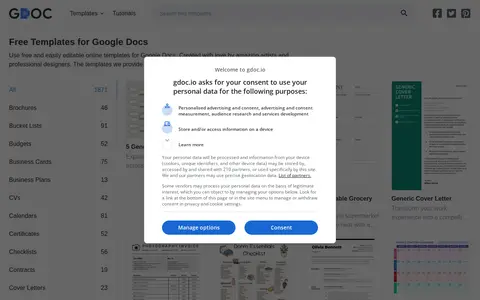
0A collection of free, editable templates for Google Docs, Slides and Sheets, covering documents such as calendars, resumes, letters and invitations. Templates can be opened and edited in Google Docs or Google Sheets, then printed or shared, and can also be downloaded for editing in Microsoft Word or macOS Pages.
-
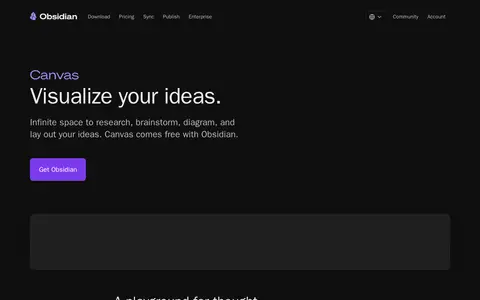
0Obsidian Canvas provides an infinite space for researching, brainstorming, diagramming and laying out ideas. Canvas files are stored locally in the open JSON Canvas file format, and the API supports plugins that add capabilities. Notes, images, PDFs, video, audio and web pages can be embedded, and canvases can be nested. Canvas comes free with Obsidian.
-
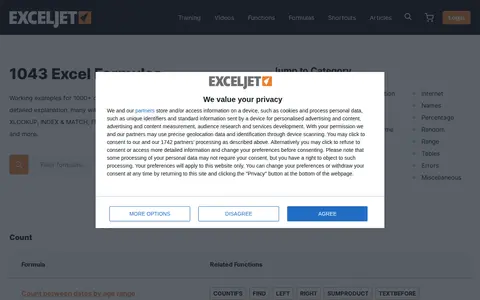
0ExcelJet provides Excel formula examples with step-by-step explanations, many including video. It covers functions such as VLOOKUP, XLOOKUP, FILTER, COUNTIFS, SUMIFS, SORT and TEXTSPLIT, and offers a downloadable set of important Excel functions.
Community notes
Reviews and discussion
No reviews yet
Be the first to share how this project worked for you.
Join the discussion
Sign in with a verified account to leave a review or join the discussion.
Sign in to review