


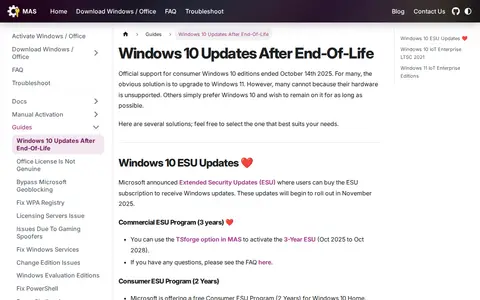
A page from the MAS project describing options for keeping Windows 10 updated after official consumer support ended on October 14, 2025. It covers Extended Security Updates, the commercial three-year ESU program, a free consumer ESU program, and Windows 10 IoT Enterprise LTSC 2021, which receives updates until January 13, 2032. It includes install and edition-change guidance.
Genuine Installation Media
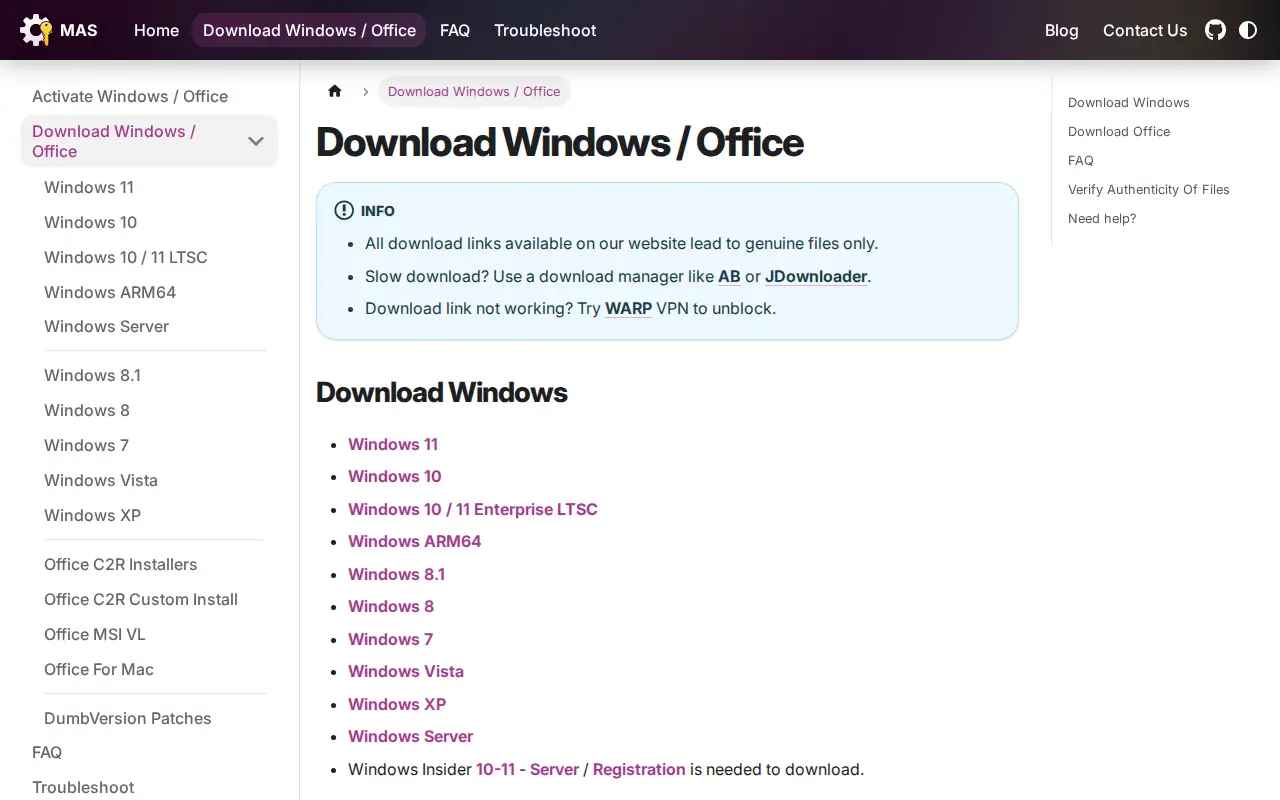
Page offering download links for Windows and Office installation files, including versions for Windows 11, Windows 10, and older editions. It states that all download links lead to genuine files and explains how checksums can be used to verify authenticity. It notes that business, enterprise, and older ISOs are behind paywalls, which is why files are hosted on its servers.
Features
- All download links available on our website lead to genuine files only Source: massgrave.dev
Links
Tags
-
0A page from the MAS project describing options for keeping Windows 10 updated after official consumer support ended on October 14, 2025. It covers Extended Security Updates, the commercial three-year ESU program, a free consumer ESU program, and Windows 10 IoT Enterprise LTSC 2021, which receives updates until January 13, 2032. It includes install and edition-change guidance.
-
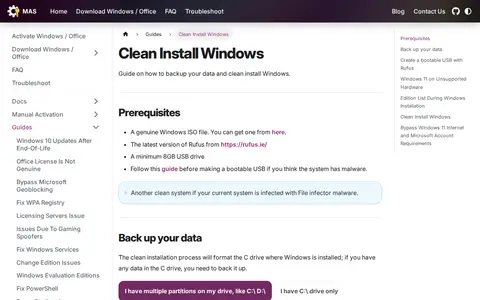
0A guide covering how to back up data and clean install Windows. It lists prerequisites such as a genuine Windows ISO file, the latest Rufus version and a minimum 8GB USB drive, and includes steps for creating a bootable USB with Rufus.
-
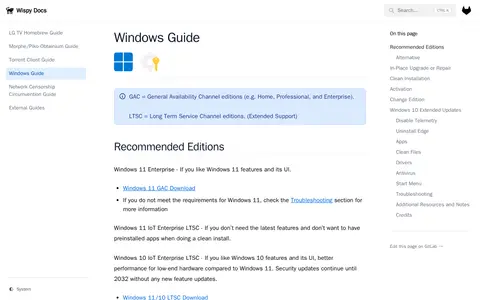
0Guide covering how to install, activate, optimize, and use Windows 10 and 11. It recommends editions such as Windows 11 Enterprise and Windows 11 IoT Enterprise LTSC, and covers clean installation, in-place upgrade or repair, activation, changing editions, disabling telemetry, and uninstalling Edge. It also mentions Linux Mint as an alternative.
-
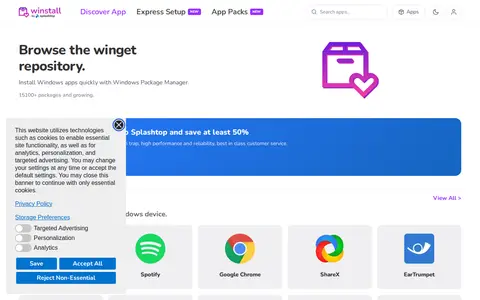
0winstall is a browser-based interface for Microsoft's Windows Package Manager (winget). It lets users browse the winget repository, select multiple apps, and generate an install script that can be pasted into a terminal. The site also lists curated packs of apps that can be installed as a set.
-
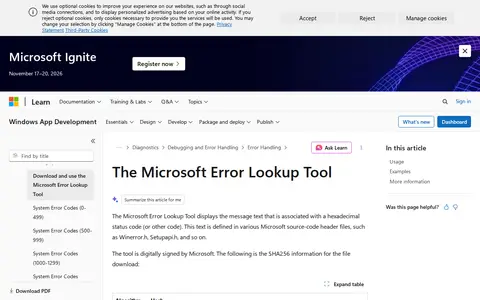
0The Microsoft Error Lookup Tool displays the message text associated with a hexadecimal status code or other code. The text is defined in Microsoft source-code header files such as Winerror.h and Setupapi.h. The tool is digitally signed by Microsoft and is described as a point-in-time tool that decodes most Microsoft error codes as of its compilation date.
-
0RaiMan's SikuliX is described as an automation tool for what is seen on a computer monitor. The page states that RaiMan stopped development and that the project is now Oculix, directing visitors elsewhere for more information.
Community notes
Reviews and discussion
No reviews yet
Be the first to share how this project worked for you.
Join the discussion
Sign in with a verified account to leave a review or join the discussion.
Sign in to review